Explore how Qtenboard 65 inch all-in-one smart boards enhance learning in large classrooms and lecture halls. Discover interactive smart boards for classroom, digital teaching boards, and all-in-one education boards that redefine modern teaching experiences.
Modern classrooms and lecture halls demand teaching tools that can engage students, simplify lesson delivery, and support collaborative learning. The 65 inch all-in-one smart board has emerged as a powerful solution for educational institutions, combining interactivity, digital functionality, and a large display suitable for big spaces. But are these boards truly effective in large classrooms and university lecture halls? The answer lies in choosing the right smart boards for classroom use—ones that blend advanced technology with practical teaching needs, like Qtenboard’s 65 inch all-in-one model.
Brands like Qtenboard are at the forefront, offering smart boards for classroom designed to meet the diverse needs of teachers and students in modern educational environments—delivering the most reliable smart boards for classroom use in large spaces. With unique AI capabilities, superior brightness, and 4K high-definition display, Qtenboard’s 65 inch smart board stands out as an ideal choice for large classrooms and university lecture halls.
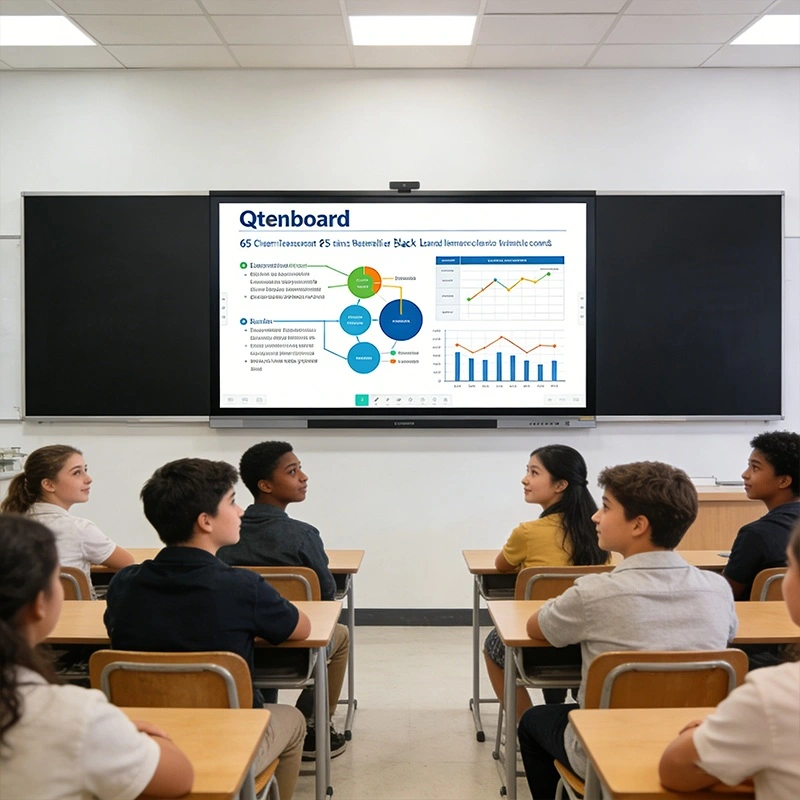
In large classrooms or university lecture halls, traditional whiteboards or projectors often fall short. Challenges include:
A 65 inch digital teaching board addresses these issues with a large, bright display and interactive capabilities. Qtenboard’s smart boards for classroom use, in particular, solve visibility problems with 4K high-definition resolution and high brightness (400cd/㎡), ensuring that all students—even those in the back rows—can clearly see content and participate actively.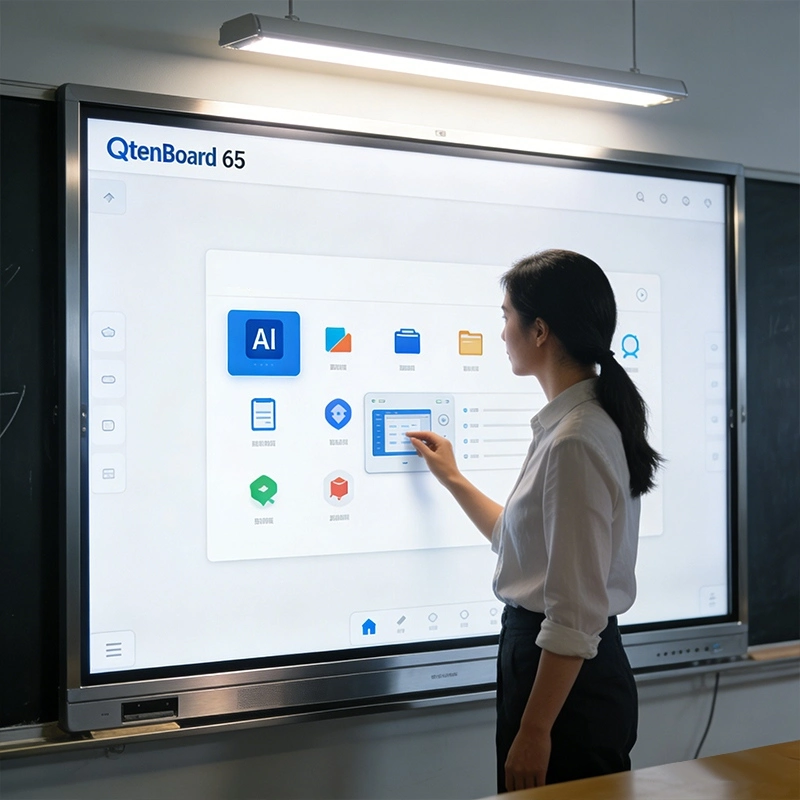
Qtenboard’s 65 inch smart board features 4K ultra-high-definition display (3840×2160 resolution) and a brightness of 400cd/㎡, paired with anti-glare tempered glass that filters 80% of harmful light and ensures a 178° wide viewing angle. This means every student, regardless of their seat in a large lecture hall, can easily read text, diagrams, and multimedia content without straining their eyes. Unlike traditional projectors that are affected by ambient light, Qtenboard’s high brightness ensures clear display even in well-lit classrooms, eliminating the need to dim lights during lessons.
What sets Qtenboard’s smart boards for classroom apart is its built-in AI functionality, specifically designed for university teaching scenarios. The AI system supports pre-class intelligent lesson preparation, automatically generating teaching plans and courseware based on lecture topics to save teachers’ time. During classes, AI can real-time transcribe lectures into text, translate content into multiple languages, and even analyze student interaction data to help teachers adjust their teaching pace. For complex STEM subjects, the AI-powered virtual experiment simulator allows teachers to demonstrate abstract concepts dynamically, making difficult knowledge more accessible— a key advantage in university lecture halls.
As a leading interactive smart board for classroom, Qtenboard supports 10-point multi-touch functionality, allowing teachers and students to engage directly with the material. Multi-touch capability enables group activities, collaborative problem-solving, and interactive quizzes, turning passive listening into active participation—even in lecture halls with dozens of students.
Qtenboard’s 65 inch digital teaching board supports multimedia integration, cloud-based content, and real-time annotation. Teachers can combine text, images, videos, and diagrams to create dynamic, engaging lessons. The board also integrates Windows and Android dual systems, ensuring compatibility with a wide range of teaching software and resources, while wireless screen projection allows seamless connection with teachers’ and students’ devices.
The all-in-one education board integrates hardware and software in a single unit, reducing setup time and complexity. Teachers can save annotated lessons to the cloud, access teaching apps, and connect devices seamlessly—eliminating the need for multiple external devices or complicated wiring.
To demonstrate the effectiveness of Qtenboard’s smart boards for classroom, we share a case study from a top university in China, where 20 lecture halls (each with 150-200 seats) adopted Qtenboard 65 inch smart boards. After 6 months of use, the university collected the following data to measure impact:
| Metrics | Before Using Qtenboard Smart Boards | After Using Qtenboard Smart Boards | Improvement Rate |
|---|---|---|---|
| Student Participation Rate | 45% | 82% | 79.8% |
| Student Satisfaction with Visibility | 58% | 94% | 62.1% |
| Teacher Lesson Preparation Efficiency | Average 2.5 hours per lesson | Average 1 hour per lesson | 60% |
| Time Spent on Lesson Delivery (Complex Topics) | Average 40 minutes | Average 25 minutes | 37.5% |
| Hybrid Learning Effectiveness | 60% | 90% | 50% |
Comments from the university’s teaching director: “Qtenboard’s smart boards for classroom have transformed our lecture halls. The 4K HD display ensures every student can see clearly, and the AI features have significantly reduced our teachers’ workload while improving student engagement. It’s a game-changer for large-class teaching.”
| Features | Qtenboard 65 Inch Smart Board | Traditional Whiteboard | Traditional Projector |
|---|---|---|---|
| Display Quality | 4K HD, 400cd/㎡ brightness, 178° viewing angle, anti-glare | Low contrast, limited size, hard to read from afar | Blurry in bright light, low resolution, easy to fade |
| Interactivity | 10-point multi-touch, AI-powered interaction, real-time annotation | No interactivity, only manual writing | No direct interactivity, requires external devices |
| Teaching Efficiency | AI lesson preparation, cloud storage, multimedia integration, time-saving | Time-consuming writing/erasing, no digital support | Complicated setup, limited by light and bulb life |
| Suitability for Large Spaces | Ideal for 150-200 seat lecture halls, clear visibility for all | Not suitable for large halls, hard to see from the back | Poor visibility in large, well-lit halls |
| Additional Features | AI transcription, translation, virtual experiments, wireless screen projection | No additional features | Basic display only, no smart functions |
The integration of all-in-one education boards is transforming teaching methods in large classrooms and university lecture halls. With Qtenboard’s 65 inch all-in-one smart board—equipped with AI capabilities, 4K HD display, and high brightness—educators can engage students, simplify lesson delivery, and enhance overall learning outcomes.
As digital learning becomes more central to education, institutions that adopt high-quality smart boards for classroom use gain a competitive advantage in both teaching efficiency and student engagement. Qtenboard is committed to innovating smart classroom technology, helping universities and schools create more interactive, efficient, and inclusive learning environments.
Click to read the product details and learn about its functional features and actual performance.
📖 Read Product
 EN
EN
 MAY
MAY  TH
TH  CHT
CHT  BUR
BUR  FIL
FIL  HKM
HKM  ID
ID  LAO
LAO  SIN
SIN  VIE
VIE 