As schools around the world embrace digital transformation, Interactive Whiteboards for School have become an essential classroom device, promising to completely revolutionize teaching methods. But a common question lingers among school administrators, teachers, and even parents: Are interactive whiteboards really suitable for all age groups of students in schools? Qtenboard, a professional provider of interactive solutions for schools, will answer this core question, explore the application value of Interactive Whiteboards for School across different academic stages, and provide you with practical references through real cases and frequently asked questions.
Interactive whiteboards are one of the most transformative innovations in modern education. Such devices, including smart interactive whiteboards and digital whiteboards, have been widely popularized in classrooms from primary schools to institutions of higher education. However, their suitability depends on how they are customized according to the needs of different age groups. Next, we will conduct an in-depth analysis to help you make informed decisions for your school.
An Interactive Whiteboard for School is a large touchscreen display specially designed for educational scenarios. Its core advantage is supporting real-time interaction between teachers and students, breaking the one-way output mode of traditional teaching, and becoming the core carrier connecting teachers, students and digital teaching resources. Compared with traditional blackboards or projectors, this type of device deeply integrates core functions such as high-precision writing, high-definition multimedia playback, and multi-device wireless connection. It can not only restore the smooth writing experience of traditional blackboards, but also seamlessly access various educational resources, creating a dynamic and attractive immersive learning environment. It is worth mentioning that all Qtenboard Interactive Whiteboards for School have passed the authoritative EDLA certification, meeting industry high standards in teaching adaptability, device safety and teaching practicality, ensuring stable use in teaching scenarios. At the same time, Qtenboard Interactive Whiteboards for School support smooth annotation, freehand drawing and multimedia presentations, making classroom content more intuitive, vivid and interactive—while being user-friendly for both teachers and students of all ages. In addition, the devices are equipped with exclusive teaching applications adapted to each academic stage to meet the teaching needs of different age groups.
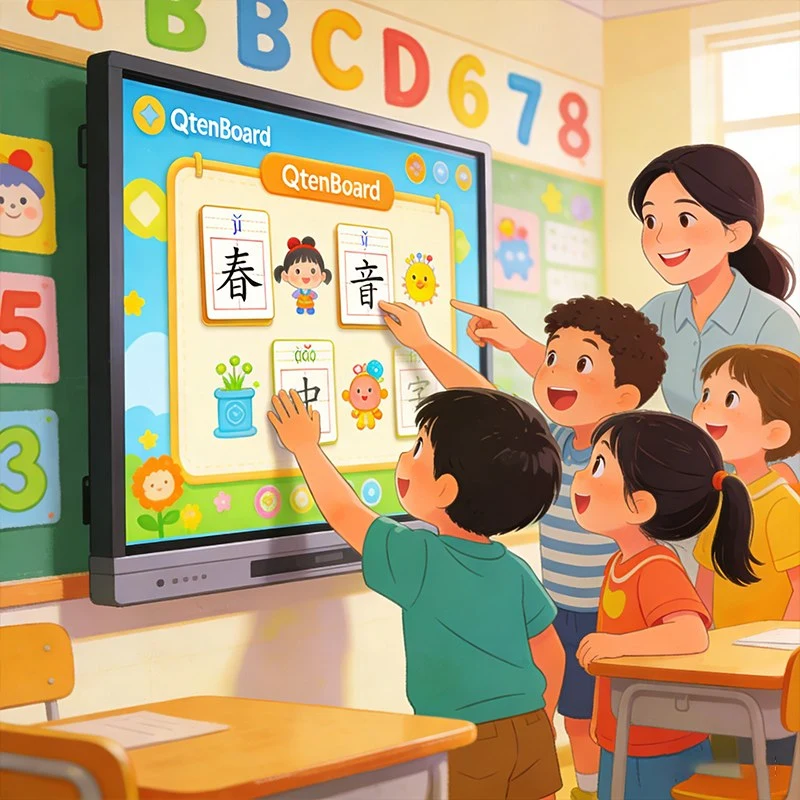
The key to judging the suitability of interactive whiteboards lies in their adaptability. Qtenboard Interactive Whiteboards for School are specially designed for the needs of different age groups to ensure that they promote learning rather than hinder it. The following is a detailed analysis of their specific applications for each age group:
Younger students learn best through games, touch and visual stimulation—and Interactive Whiteboards for School are perfectly suited to this learning style. Qtenboard interactive whiteboards have a simple and intuitive interface that even young children can easily operate. Children can draw on the touchscreen, solve colorful puzzles, participate in gamified quizzes, or interact with educational animations. This hands-on approach not only improves fine motor skills and attention, but also converts abstract concepts (such as numbers and letters) into specific and interesting activities, enhancing knowledge retention.
For example, a first-grade teacher can use Qtenboard Interactive Whiteboard for School to teach phonics: students can click on letters to hear their sounds, drag and drop letters to form words, and even play "word matching" games, making learning as fun as playing. This interactive method helps young students stay focused and achieves more significant learning effects than traditional rote memorization.
When students enter adolescence, their learning needs shift to collaboration, critical thinking, and in-depth understanding of complex concepts. Qtenboard Interactive Whiteboards for School excel in this regard, facilitating collaborative learning: students can work in groups to annotate presentations, edit documents in real time, or directly share their ideas on the whiteboard. The digital note-taking function allows students to save annotations, access online resources, and review course content after class—adapting to different learning styles, benefiting visual, auditory, and kinesthetic learners alike.
In addition, Interactive Whiteboards for School support teachers in integrating multimedia content (videos, simulations, and virtual labs), making complex subjects such as physics, chemistry, and history easier to understand. For example, a high school biology teacher can use Qtenboard Interactive Whiteboard to display a 3D simulation of cell division, allowing students to "explore" cells up close and understand physiological processes that cannot be demonstrated with traditional teaching tools.
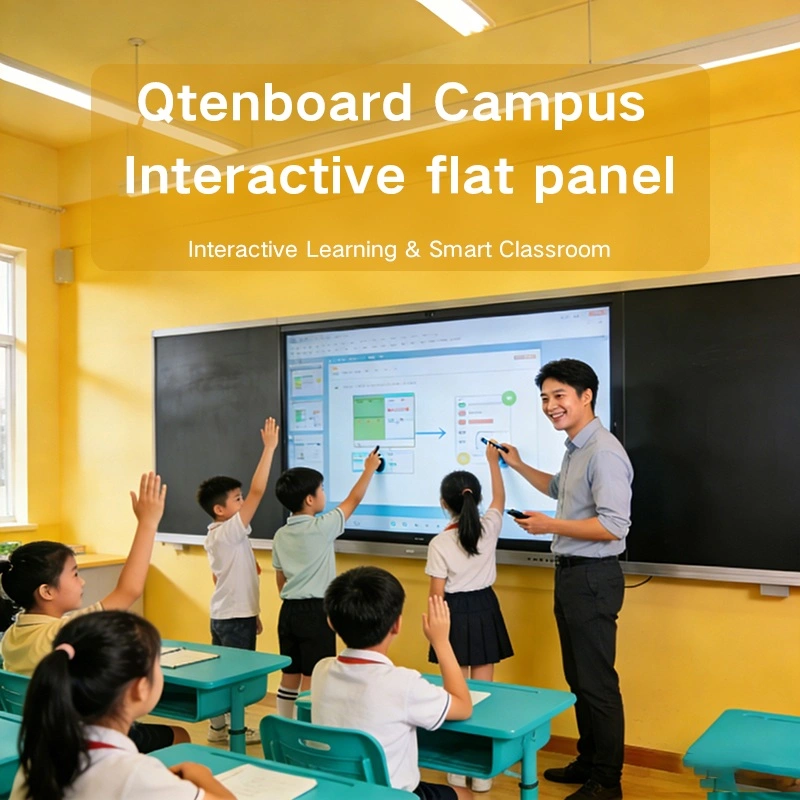
In colleges, universities, and professional training courses, Interactive Whiteboards for School are powerful tools for knowledge sharing and engagement enhancement. All Qtenboard digital whiteboards have passed EDLA certification and can be seamlessly integrated with cloud tools (such as Google Classroom, Moodle, Microsoft Teams) and learning management systems. Lecturers can display complex diagrams, annotate in real time during discussions, and record sessions for students to review after class. Interactive polling and feedback functions also allow lecturers to grasp students' understanding in real time, ensuring no one is left behind. At the same time, for higher education scenarios, Qtenboard is equipped with exclusive AI-assisted teaching functions, which are in line with modern learning needs. It can assist lecturers in generating teaching materials, analyzing complex knowledge points, and understanding students' learning situations, further improving teaching efficiency and professionalism.
For adult learners, the flexibility of Interactive Whiteboards for School is particularly important: lecturers can easily switch between presenting lecture notes, displaying research data, and organizing group discussions, making courses more dynamic and more in line with professional development needs.
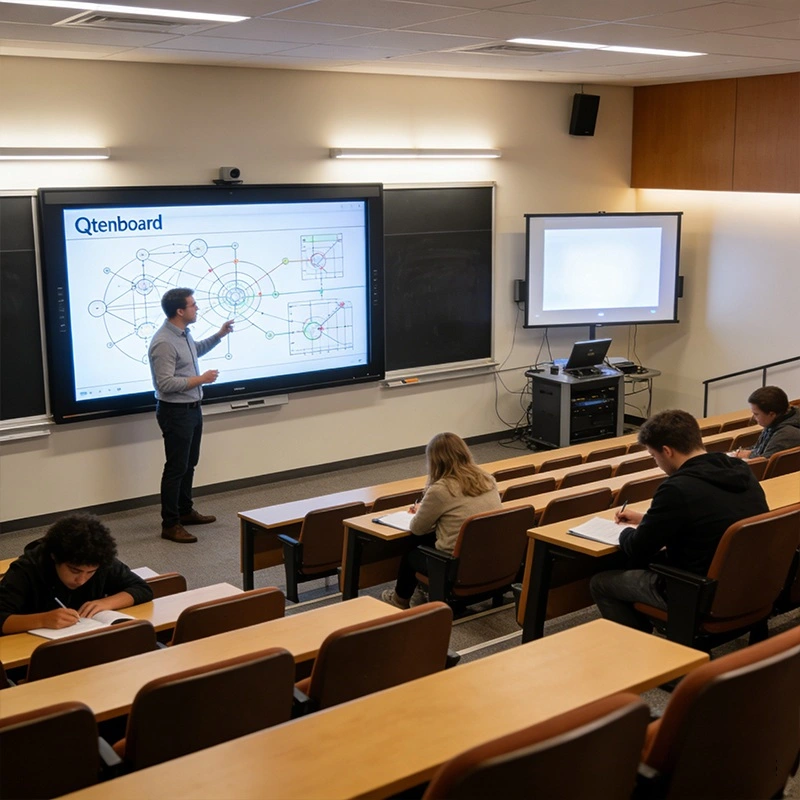
U.S. K-12 School District Success Story
To prove the reliability and effectiveness of Interactive Whiteboards for School across all age groups, let’s look at a real case of a U.S. K-12 school district that adopted Qtenboard solutions:
Client Background: A public school district with 8 elementary schools, 3 middle schools, and 2 high schools, serving more than 5,000 students. The district wanted to upgrade classroom technology to meet diverse learning needs and improve classroom engagement for students of all academic stages.
Challenge: The district needed a single Interactive Whiteboard for School solution that could adapt to the needs of both young children (ages 6-12) and older students (ages 13-18), while being easy for teachers to use without extensive training. At the same time, they needed a highly reliable device with low maintenance requirements to avoid disrupting normal teaching.
Solution: The district deployed Qtenboard Interactive Whiteboards for School in all classrooms. For elementary schools, Qtenboard provided devices with simplified interfaces, preloaded colorful educational apps, and height-adjustable stands to meet the needs of young children; for middle and high schools, the whiteboards were equipped with advanced collaboration tools, cloud integration functions, and virtual lab software.
Results: After 6 months of use, the district reported: Elementary school students' classroom participation increased by 32%. Teachers stated that gamified learning through Qtenboard Interactive Whiteboards for School effectively reduced student distractions and improved attention. Middle and high school students reported a 28% improvement in their understanding of complex concepts due to the ability to interact with simulations and collaborate in real time. Teachers praised its user-friendliness—90% of teachers said they could use the whiteboards effectively after 1 week of training, and maintenance requirements were reduced by 45% compared to their previous technology.
This case proves that when customized according to the specific needs of different age groups, Qtenboard Interactive Whiteboards for School are not only suitable for students of all ages, but also achieve remarkable results.
The reason why Qtenboard Interactive Whiteboards for School are suitable for all age groups lies in their excellent adaptability and continuous function upgrades. All series of products have passed EDLA certification, providing more guarantees in teaching professionalism and device reliability. The following are its core advantage features:
We understand that school administrators and decision-makers have many questions when investing in Interactive Whiteboards for School. The following are answers from Qtenboard education experts to the most common questions:
With reasonable deployment, Interactive Whiteboards for School are indeed suitable for students of all age groups. Qtenboard solutions are tailor-made for students in primary schools, middle schools, high schools, and higher education stages, capable of improving classroom engagement, adapting to diverse learning styles, and promoting collaborative learning. Real cases have proved their reliability, user-friendliness, and cost-effectiveness. Qtenboard Interactive Whiteboards for School are the ideal choice for schools to embrace digital transformation and create inclusive, dynamic classrooms.
Brand Focus: Qtenboard provides reliable, user-friendly, and highly adaptable Interactive Whiteboards for School, specially designed for students and teachers at all educational stages. We are committed to quality, cost-effectiveness, and customer support, ensuring that schools' technology investments exert maximum value—helping you create a better learning experience for all students.
Click to read the product details and learn about its functional features and actual performance.
📖 Read Product
 EN
EN
 MAY
MAY  TH
TH  CHT
CHT  BUR
BUR  FIL
FIL  HKM
HKM  ID
ID  LAO
LAO  SIN
SIN  VIE
VIE 