B2B Buyer's Guide · Interactive Whiteboards · 2026
An 11-point checklist for enterprises, system integrators, and distributors — covering touch technology, operating systems, video conferencing, compliance, warranty, total cost of ownership, and real deployment data from Thailand, Malaysia, and Kazakhstan.
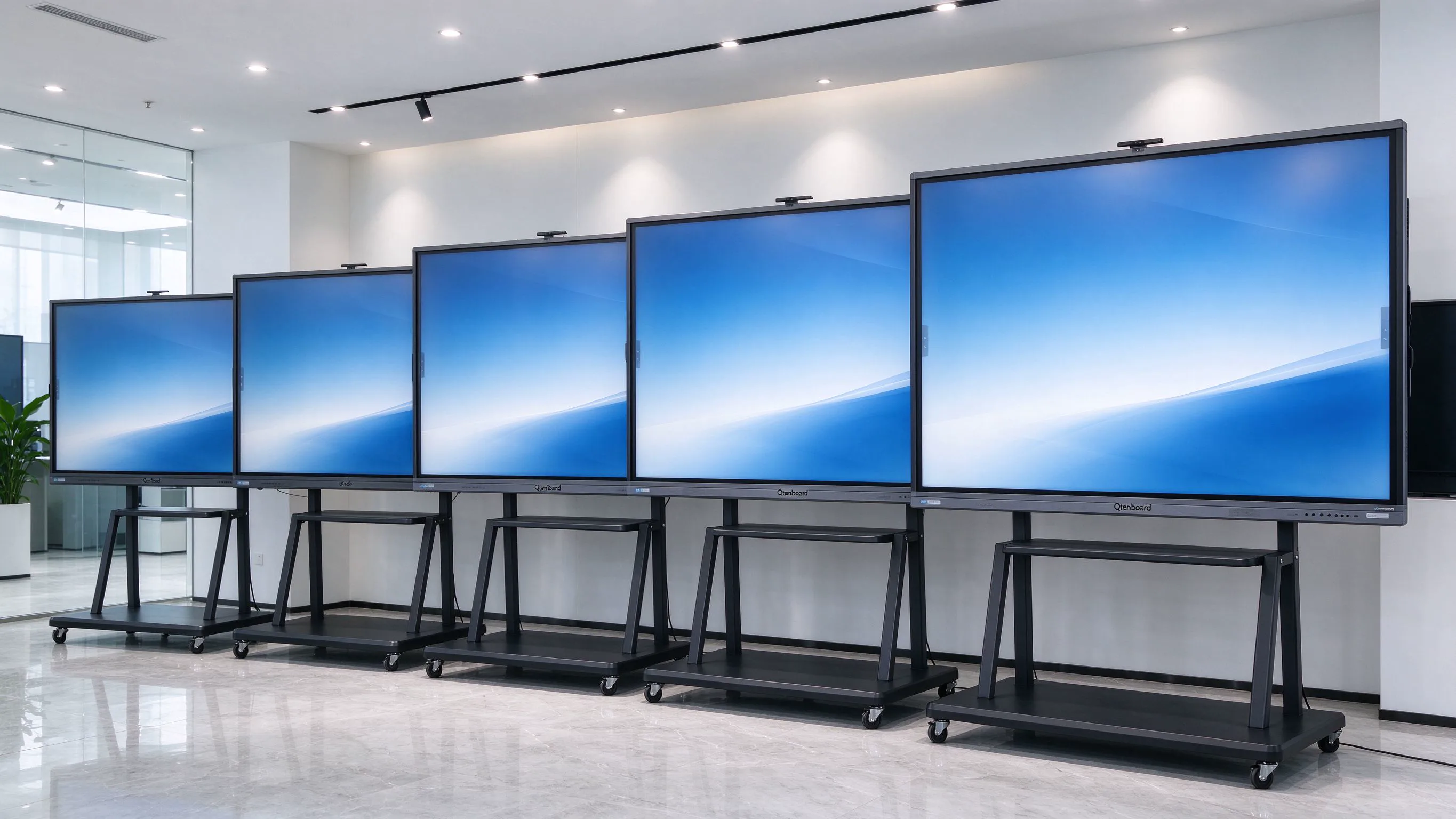
Most interactive whiteboard failures are not hardware failures — they are selection failures. The wrong size for the room, an operating system that cannot run the apps your users depend on, no certified way into a government tender, or a supplier that disappears after the invoice is paid.
This guide is written for the people who buy interactive whiteboards professionally: IT and facility managers upgrading meeting rooms, system integrators delivering multi-room projects, and distributors or OEM/ODM partners building their own brand. It turns eleven decision points into a checklist with two thresholds for each — the minimum you should accept, and the level we recommend — grounded in the specifications and field data of Qtenboard, a factory-direct manufacturer of interactive whiteboards and interactive flat panels.
The same display can be the right product for one buyer and the wrong product for another. Before any specification is compared, define which of the three B2B roles you represent, because each weighs the checklist differently.
| Buyer role | Primary concern | Where this guide matters most |
|---|---|---|
| End customer (enterprise IT, facility managers) | Usability, reliability, support after purchase | Checklist points 2–10; TCO in section 5 |
| System integrator / project developer | Integratability, certifications, margins, delivery | Checklist points 4, 5, 7, 10–11; compliance in section 4 |
| Distributor / OEM-ODM | Brand customization, MOQ, supply chain, warranty network | Section 6 sourcing models; cases in section 7 |
If you serve more than one role — many integrators also white-label — read this guide through the lens of the role that signs the final purchase order.
Each checkpoint lists a minimum acceptable threshold and a recommended threshold. The recommended level reflects what Qtenboard ships by default in its QM-HY series (55"–110") and its Android 14 field-proven line (QM-55HY).
| Checkpoint | Minimum you should accept | Recommended for 2026 |
|---|---|---|
| 1. Use case and room profile | Screen matches the room size and audience | Documented per room: size, seating, hybrid or in-person, single or fleet |
| 2. Screen size and resolution | 65"–75" for small meeting rooms; Full HD acceptable | 55"–110" family; 4K UHD standard; size selected by viewing distance |
| 3. Teknologi sentuh | Multi-touch with at least 20 touch points | Infrared touch, 20/40/50 points selectable; multi-user writing |
| 4. Operating system and apps | Android with an app store | Android 16 with Google EDLA, native Play Store, Windows dual system via OPS, pre-installed apps |
| 5. Persidangan Video | Runs Zoom or Teams via laptop BYOD | Native install of Zoom, Teams, Google Meet, Webex; built-in camera and mic |
| 6. Display and audio quality | Clear in typical office light | 4K anti-glare, 178° viewing angle, 350–450 cd/㎡ brightness, 2×10W or 2×20W speakers |
| 7. Durability and certifications | CE / FCC / RoHS | CE, FCC, RoHS plus Google EDLA; regional compliance support (e.g. TKDN) |
| 8. Keselamatan dan perlindungan data | Admin password and local storage | Local data handling, MDM control, secure remote management |
| 9. Fleet management and TCO | Manual update per device is tolerated | Cloud DMS, OTA firmware updates, fleet dashboard; see section 5 TCO |
| 10. Warranty and support | 1-year warranty, reachable support | 1-year warranty (extendable), 48-hour response / 72-hour resolution SLA |
| 11. Sourcing and logistics | Quotation and standard shipping | Factory-direct pricing, OEM/ODM customization, CBU or SKD/CKD import options |
Screen size is the decision most buyers regret. A simple rule: the farthest viewer should sit no more than about six times the screen height away, and the nearest no less than three times. For a 75" 4K display, that comfortably covers a 6–12 person meeting room; for training rooms of 20+ people, 86" or 98" is usually the right call; 110" serves auditoriums and executive boardrooms.
Qtenboard offers the full family — 55", 65", 75", 86", 98", and 110" — so projects scale without changing suppliers. Across the range, 4K UHD is standard, anti-glare glass is applied, and the 178° viewing angle keeps content readable from the side seats that projectors and glossy commercial TVs lose.

Two mainstream touch technologies dominate interactive flat panels: infrared (IR) and projected capacitive (PCAP). For multi-user business and education environments, Qtenboard builds with infrared touch, and the reasoning is practical:
| Faktor | Infrared touch (Qtenboard) | Projected capacitive (PCAP) |
|---|---|---|
| Touch points | 20 / 40 / 50 points selectable on all sizes | Typically 10–20 points |
| Input method | Finger, pen, any opaque object | Stylus jari atau konduktif |
| Palm and glove tolerance | Palm rejection configurable; gloves work | Gloves often fail |
| Dust, humidity, high temperature | Field-proven in hot, humid, dusty classrooms and halls | More sensitive to surface moisture and debris |
| Cost per square inch | Lower at large sizes | Higher at large sizes |
For distributors in Southeast Asia and the Middle East, IR's tolerance of high humidity, heat, and dust is a real reliability advantage — not a spec-sheet footnote. Multi-user writing at 20–50 points means several people can annotate simultaneously, which is what collaboration rooms actually do.

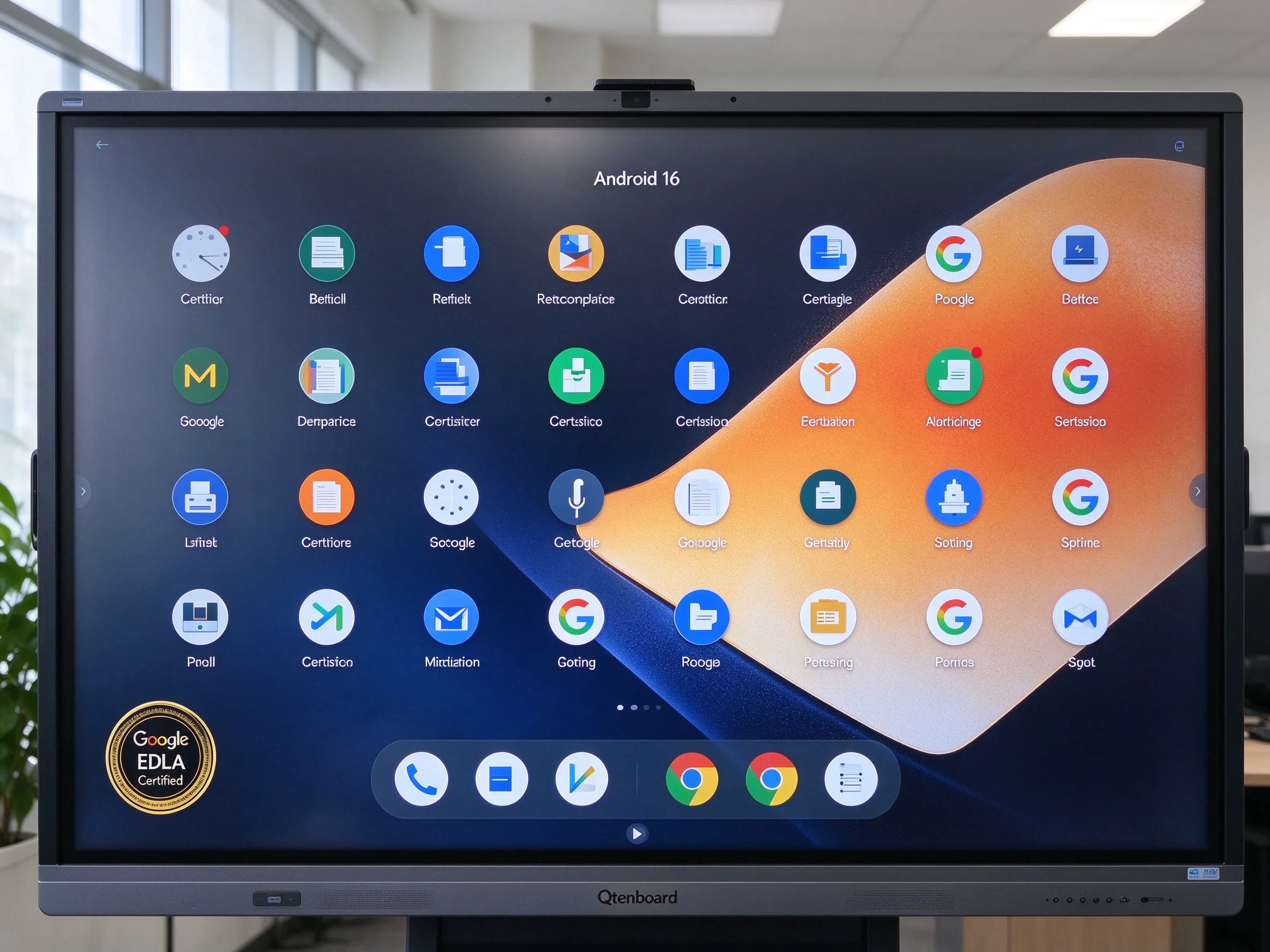
The operating system decides which apps your users can run without a laptop. In 2026 the baseline for a business-grade interactive whiteboard is Android with Google services — and the certification that matters is Google EDLA (Enterprise Device Licensing Agreement). An EDLA-certified display ships with Google Mobile Services, giving native access to Google Play, Google Meet, Chrome, and Drive, with the Play Store installable directly on the panel.
Qtenboard's QM-HY series runs Android 16 with Google EDLA certification. Two capabilities matter for B2B buyers specifically:
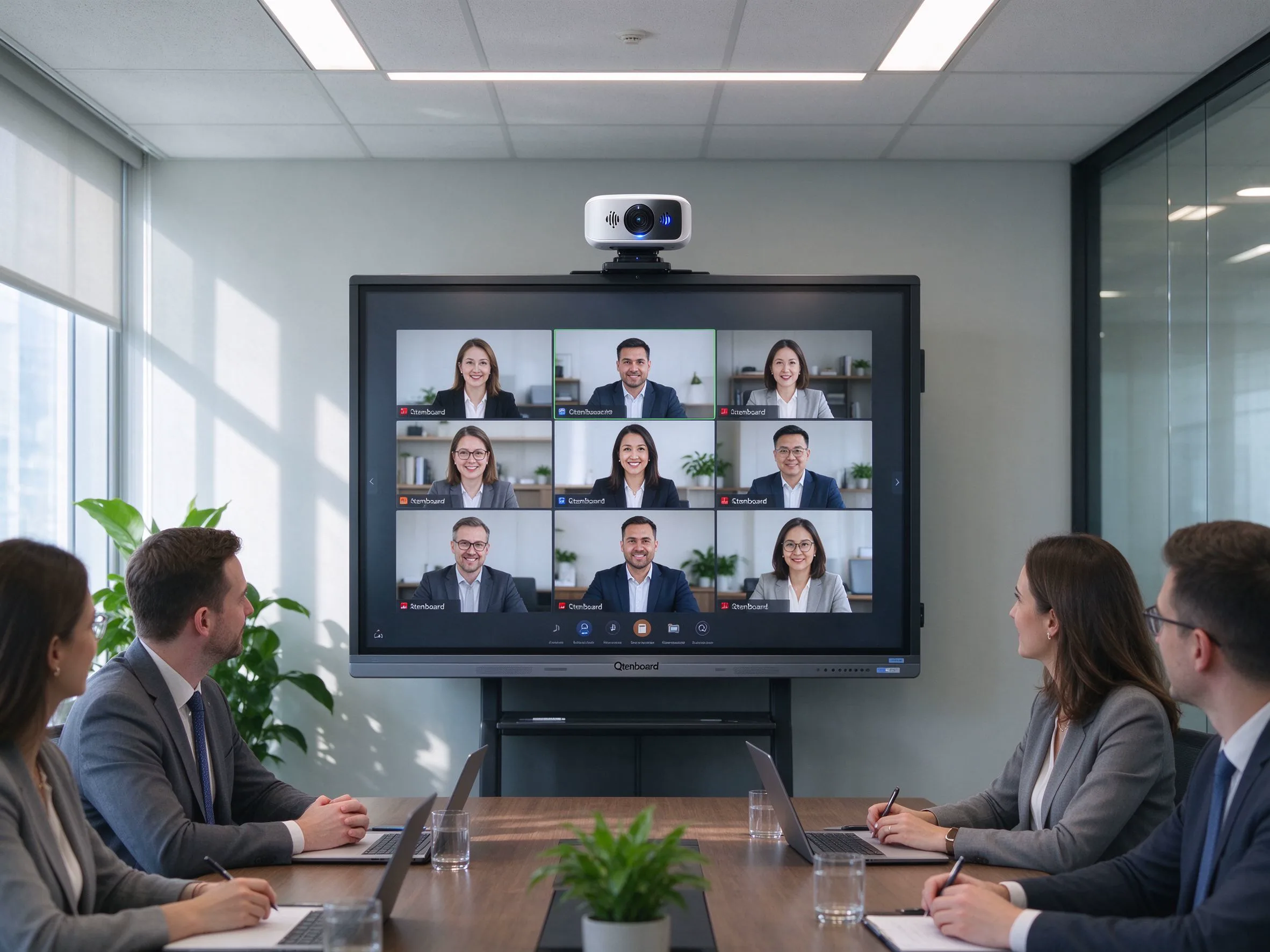
Hybrid meetings are the default in most organizations, so the whiteboard must be a meeting endpoint, not a display that needs a laptop strapped to it. On an EDLA-certified Qtenboard, Zoom, Microsoft Teams, Google Meet, and Webex install natively from the Play Store and run with the built-in camera and microphone — no extra meeting box required.
For wireless presentation, the panel supports the major casting protocols out of the box: Miracast, AirPlay, Google Cast, Eshare, DLNA, and Huawei Cast+ — meaning Windows, macOS, Android, and iOS devices can share their screens directly, including in BYOD scenarios where guests should not install anything.
Camera options are worth a separate decision. Every Qtenboard model includes a built-in camera for standard meetings; for larger rooms and AI-assisted meetings, an optional AI camera (48MP 4K) adds framing, tracking, and on-device intelligence. Combined with the panel's AI features — automatic meeting minutes, real-time transcription, and live translation — this is where the panel pays for itself in multilingual markets such as Thailand, Malaysia, Vietnam, and Indonesia, where meetings routinely mix two or three languages.
Brightness is a buying decision, not a marketing number. Qtenboard offers three brightness tiers — 350, 400, and 450 cd/㎡. For meeting rooms with strong daylight or glass walls, choose 450 cd/㎡; for controlled lighting, 350 cd/㎡ is sufficient and more economical. Audio follows the room: 2×10W speakers cover small meeting rooms, while 2×20W models suit training rooms and larger spaces. Both tiers are built into the panel, so there is no separate soundbar to spec, buy, or cable.
For integrators bidding on government and education projects, missing certifications lose tenders before price is discussed. A Qtenboard interactive whiteboard ships with CE, FCC, and RoHS compliance, plus Google EDLA certification. For regional programs — such as Indonesia's TKDN requirements or Vietnam's education procurement rules — Qtenboard provides certification and documentation support, and the SKD/CKD assembly model can help meet local-content requirements (see section 6).
Enterprise buyers should ask four security questions of any supplier: Where is meeting content stored? Who has remote access? Can the fleet be locked down centrally? How are firmware updates delivered? Qtenboard addresses these with local-first data handling, admin-controlled settings, cloud DMS (Device Management System) for fleet policy, and OTA firmware updates that keep every panel on a consistent version — eliminating the firmware fragmentation that turns a 100-device fleet into a maintenance nightmare.
Qtenboard's standard warranty is 1 year and extendable. The after-sales commitment is defined in writing: 48-hour response and 72-hour problem resolution, backed by a Southeast Asia after-sales network, spare-parts availability, and dedicated engineering support for integrators during installation and setup. When you compare suppliers, ask for the response-and-resolution SLA in the contract — a one-year warranty without an SLA is a phone number, not support.
| Cost item buyers forget | How to control it |
|---|---|
| Import duties and local content | Compare CBU (fully assembled) vs SKD/CKD (knock-down) — Qtenboard reports landed-cost savings up to 30% on SKD/CKD routes |
| Installation and cabling | Wall mount, mobile stand, or electric lift decided per room; pre-cabled OPS and accessories reduce on-site work |
| Latihan kakitangan | Ask for onboarding sessions and quick-start guides; pre-installed apps reduce adoption time |
| Fleet maintenance labor | DMS and OTA cut per-device visits; Qtenboard's fleet whitepaper reports 60%+ lower operational labor and 90% less on-site upgrade work |
The following model is illustrative, based on a 30-meeting-room deployment over 5 years in a typical Southeast Asia enterprise, in USD per room. Assumptions: hardware, installation and cabling, scheduled maintenance and replacements, energy, software licensing, and IT support labor; excludes shipping, duties, content creation, and wall preparation. The projector row includes two lamp replacements and two recalibrations over five years; the TV+overlay row includes one overlay controller replacement. Adjust figures for your region and configuration.
| 5-year cost item (per room) | Projector + whiteboard | Commercial TV + touch overlay | Qtenboard IFP |
|---|---|---|---|
| Perkakasan | $1,200 | $2,300 | $2,800 |
| Installation & cabling | $350 | $300 | $250 |
| Maintenance & replacements | $1,900 | $900 | $150 |
| Energy (5 years) | $250 | $300 | $280 |
| Software licenses | $300 | $450 | $0 |
| IT support labor | $1,200 | $900 | $450 |
| Total 5-year, per room | $5,200 | $5,150 | $3,930 |
| Total for 30 rooms | $156,000 | $154,500 | $117,900 |
The pattern is consistent with Qtenboard's published IFP-vs-commercial-TV TCO analysis: the interactive flat panel costs more up front and costs less over five years, because it eliminates lamp replacements, overlay calibration, per-seat software licenses, and most on-site support visits.
Where you buy is a product decision. Qtenboard is a manufacturer, not a reseller — its three plants in Shenzhen (330,000㎡ total, 200 units of daily capacity) produce interactive whiteboards, LCD video walls, and digital signage under its own brand and under partner brands. For B2B buyers this changes three things:
| Option | What it means for you |
|---|---|
| Factory-direct purchase | One supplier for hardware, software, certification documents, and after-sales; no middleman margin on either price or support |
| OEM branding | Your logo, UI, boot screen, and pre-installed apps on Qtenboard hardware — a complete private-label product without building a factory |
| ODM development | Custom mainboard or feature changes for volume projects, with low-MOQ entry paths that scale with your brand |
| CBU vs SKD/CKD logistics | Ship fully assembled units (CBU) for speed, or knock-down kits (SKD/CKD) for tariff savings, local assembly, and local-content compliance |
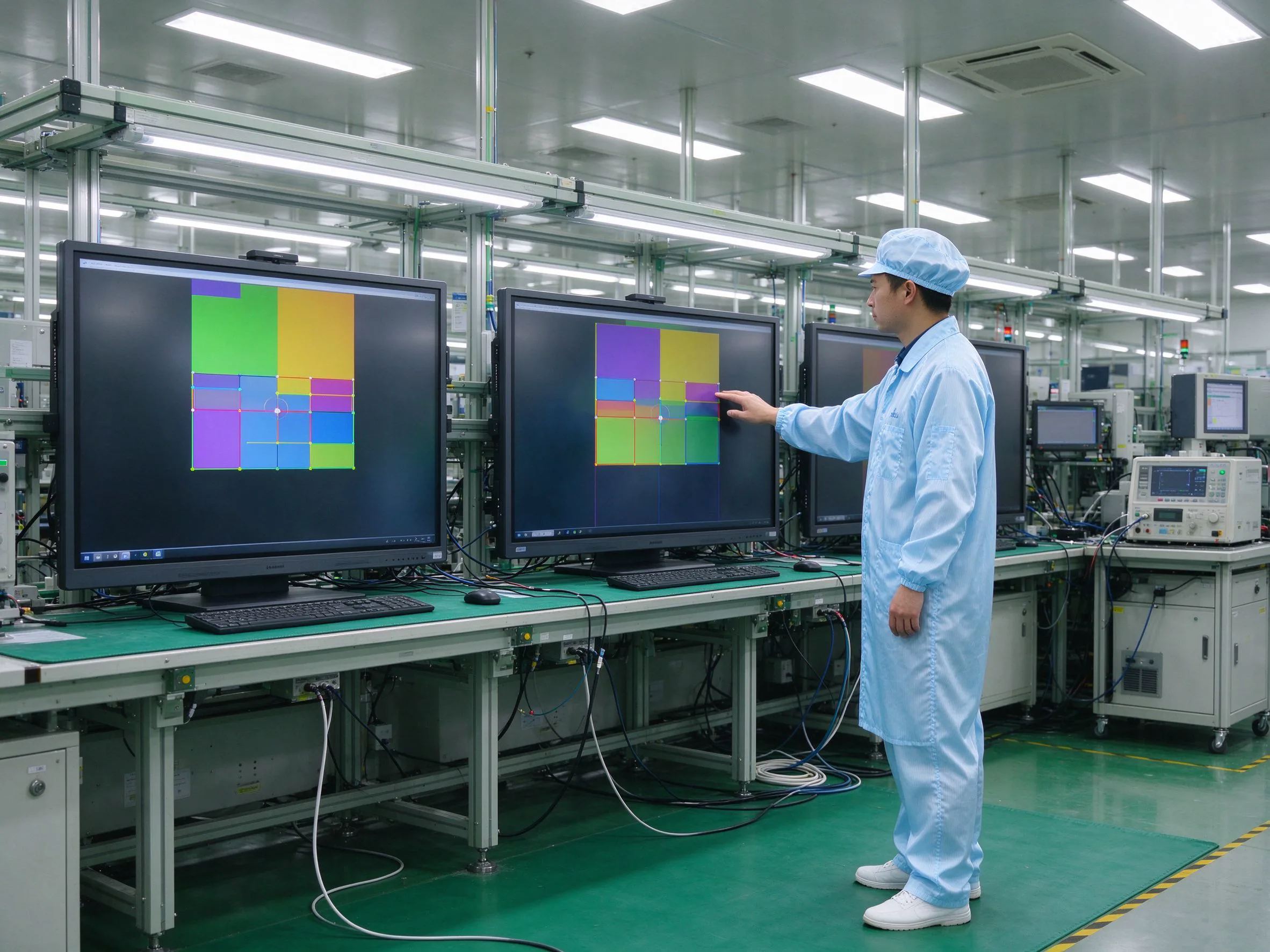
For distributors, the practical questions to bring to any factory conversation are: MOQ per model, lead time, sample policy, warranty terms in your market, certification documents per region, and whether the factory will support your tender with pre-assembled certification packages. These are standard Qtenboard commercial questions, answered in writing before purchase.
Specifications persuade engineers; deployments persuade buyers. Three recent Qtenboard projects show how the checklist behaves in the field. Figures are as recorded with the project partners; contact Qtenboard for reference visits.
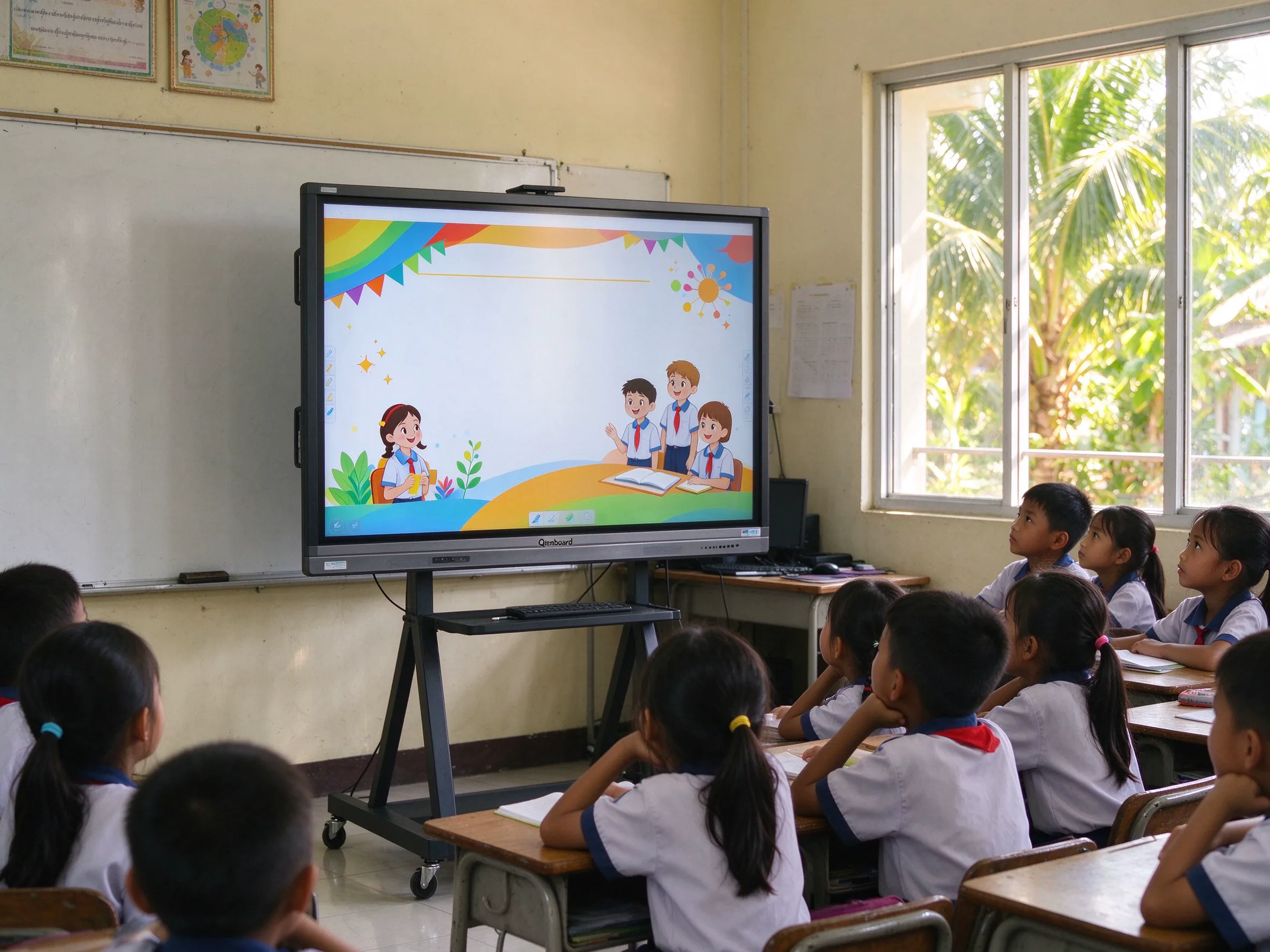
Thailand · Education · 2026
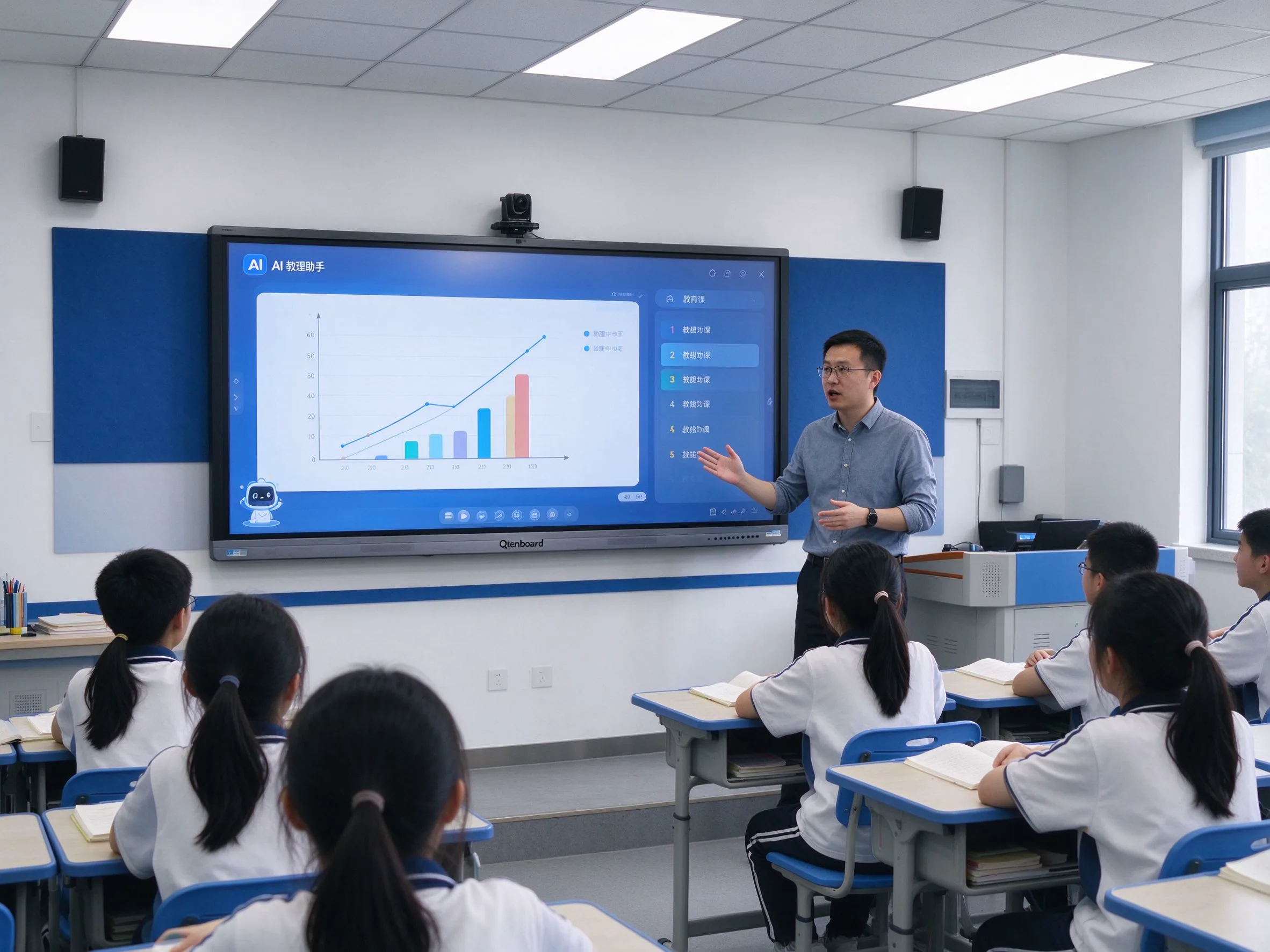
Kazakhstan · Education · 2026

Malaysia · Enterprise · 2026
These are the questions Qtenboard sales engineers hear most often at the point of decision — the ones that determine whether the purchase order gets signed.
A consumer TV is a display with a tuner. An interactive whiteboard is an all-in-one device: 4K panel with touch, an Android operating system with Google certification, built-in camera and microphone, wireless casting, and management tools. TVs also carry consumer panels not rated for 24/7 business use, plus advertising and license complexity. The 5-year TCO comparison in section 5 shows why the "cheaper TV" is usually the more expensive purchase.
Use the viewing-distance rule: farthest viewer about 6× screen height, nearest about 3×. As a guide: 55"–65" for huddle rooms, 65"–75" for 6–12 person meeting rooms, 86" for training rooms and 12–20 person spaces, 98"–110" for boardrooms, auditoriums, and large classrooms. Qtenboard covers 55" to 110" in one family.
Yes. An optional OPS module adds a full Windows environment to the same panel, switched from Android with one touch. Windows-only industry software runs natively, and Windows and Android coexist without a second device.
The QM-HY series is Google EDLA certified and runs Android 16 with Google Mobile Services. You install apps directly from the Google Play Store on the panel — Google Meet, Chrome, Drive, and thousands of business apps run natively.
Yes. Zoom, Microsoft Teams, Google Meet, and Webex install natively from the Play Store and run with the built-in camera and microphone. Guests can also join via BYOD, and wireless casting covers Miracast, AirPlay, Google Cast, Eshare, DLNA, and Huawei Cast+.
Infrared touch supports 20, 40, or 50 touch points, selectable on all sizes from 55" to 110". Several people can write and annotate simultaneously with pens, fingers, or any opaque object.
Standard scope includes the panel, touch pens, and cables. Mounting (wall mount, mobile stand, or electric height-adjustable lift), OPS module, and AI camera are configured per project so you do not pay for hardware you do not need.
Standard warranty is 1 year and extendable. Support is defined by SLA: 48-hour response and 72-hour problem resolution, with a Southeast Asia after-sales network, spare parts, and engineering support for integrators during installation.
Samples are available before any commitment, with a free-sample policy for qualified B2B buyers. MOQ and lead time depend on model and configuration — the commercial team confirms both in writing as part of the quotation.
Yes. OEM/ODM customization covers logo, UI, boot screen, and factory pre-installation of your application stack. Custom mainboards are available for volume ODM projects, with IP-protected agreements.
CBU ships fully assembled units for fastest deployment. SKD/CKD ships knock-down kits for local assembly, which can cut tariffs, freight, and landed costs by up to 30% and supports local-content requirements. Qtenboard quotes both options per order.
Qtenboard's cloud DMS manages fleet policy, remote control, and monitoring from one dashboard, with OTA firmware updates that keep every panel on the same version. Qtenboard's fleet whitepaper reports 60%+ lower operational labor and 90% less on-site upgrade work for multi-site deployments.
Request a quotation, a sample, or an OEM/ODM consultation. Qtenboard answers with factory-direct pricing, certification documents, and the commercial terms in writing.
Contact Qtenboard for a quote Browse the product rangeSources and further reading: Qtenboard official website — product range · interactive whiteboard news · successful cases · product insights · company profile. Specifications in this article reflect the Qtenboard QM-HY series (Android 16, Google EDLA) and QM-55HY line (Android 14) and are subject to configuration; confirm exact parameters with the sales team for your order.
Illustrative TCO model: assumptions are stated in section 5; figures are estimates for planning, not a quote. Deployment details are recorded with project partners; quantities and dates may be adjusted for confidentiality at the customer's request. This guide is published for information purposes by Qtenboard.

 MAY
 EN
 TH
 CHT
 SIN
 BUR
 VIE
 ID
 FIL
 LAO
 HKM
