The LCD video wall is a high-precision display system widely used in control rooms, corporate boardrooms, educational institutions, and command centers. Unlike conventional displays, these panels are fragile, heavy, and highly sensitive to environmental conditions, which makes installation and maintenance a specialized process. At Qtenboard, we combine years of large-screen deployment experience with industrial-grade manufacturing to ensure every LCD video wall operates at peak performance. Here are the six critical considerations to ensure your installation is both successful and long-lasting.
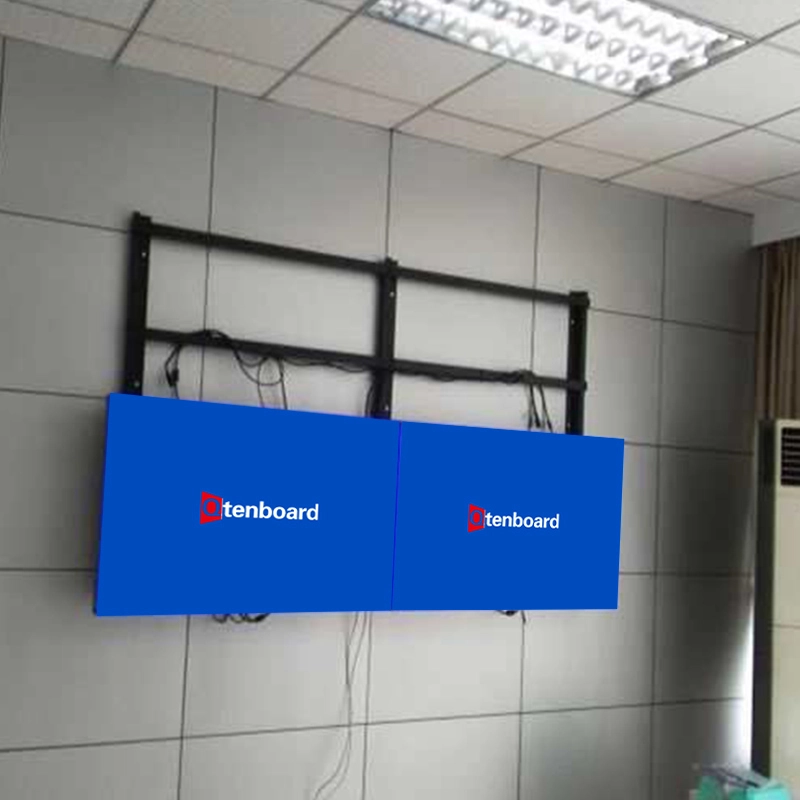
The foundation is the first factor to consider. LCD splicing screens require a stable, flat, and anti-static floor. Due to the size and weight of large-scale video walls—such as a 3×3 array of 55-inch panels weighing over 250 kg—the floor must be capable of supporting this load without warping or settling.
Key Requirements:
Qtenboard Case: Our recent installation of a 4×4 55-inch 1.8mm bezel LCD video wall for a Malaysia command center was preceded by a floor load test to ensure stability. The wall was installed without any structural reinforcement issues, completing the installation in 10 days from delivery to calibration.
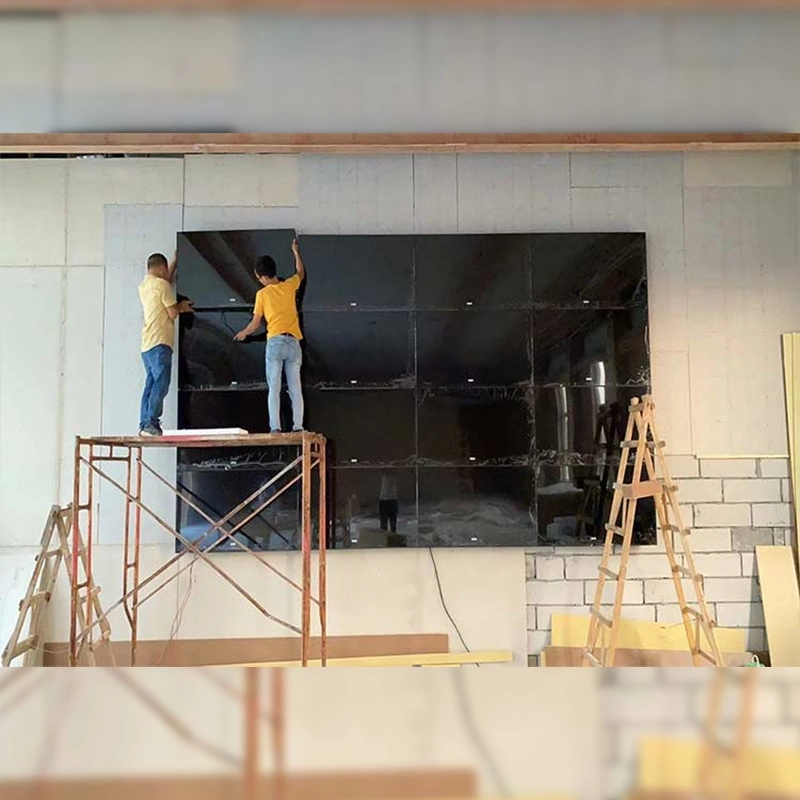
Large LCD video walls integrate multiple panels, each requiring precise power and signal routing. Improper wiring can lead to flickering, signal loss, or even component damage.
Best Practices:
Professional Tip: Multi-source setups, common in monitoring rooms or exhibition halls, require dedicated distribution matrices or video wall controllers to handle multiple input signals without losing resolution or color fidelity.
While LCD screens provide high brightness, excessive ambient light reduces visibility and can cause glare.
Guidelines:
Qtenboard Insight: During our installation in a Singapore corporate boardroom, ambient light analysis allowed us to adjust lighting to reduce reflection on a 3×3 55-inch 3.5mm LCD wall, resulting in a 30% improvement in perceived contrast during daytime operation.
Proper framing is essential to facilitate long-term service and maintenance:
Qtenboard Note: For large-scale installations like 4×5 video walls in control rooms, these maintenance allowances prevent downtime and simplify panel replacement or backlight servicing.
Heat accumulation is one of the biggest threats to panel lifespan. LCD splicing screens generate heat that must be properly dissipated.
Recommendations:
Qtenboard Experience: Our 3×4 55-inch video wall installed in a Malaysia control room includes precision airflow calculations, maintaining panel temperature under 28°C after continuous 24/7 operation for over six months.
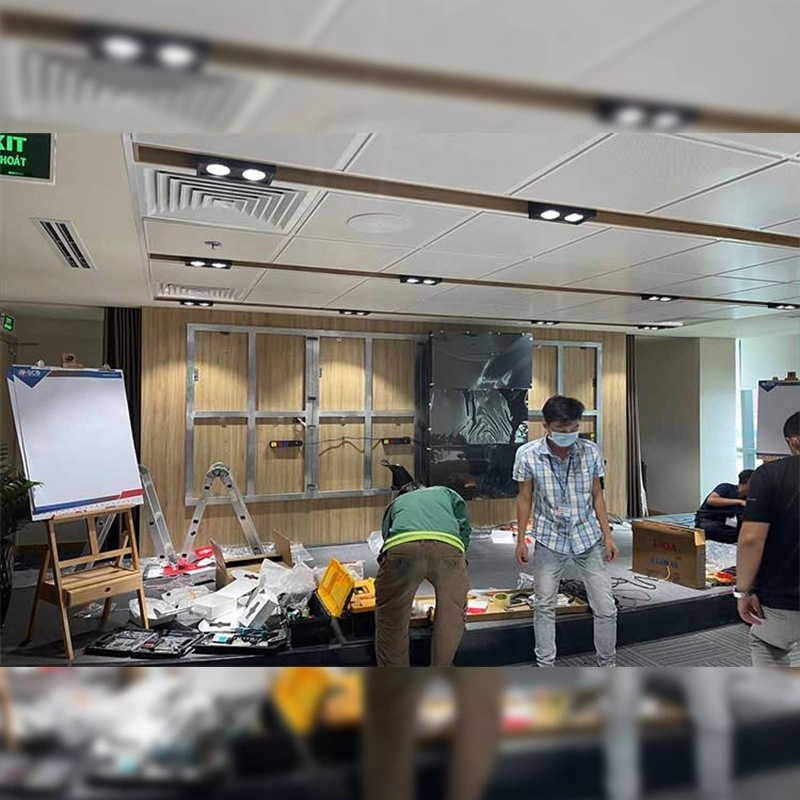
Even with careful planning, professional installation is crucial to prevent damage and ensure longevity:
Qtenboard Case: Our 3×4 55-inch 1.8mm bezel installation in a Singapore exhibition hall required simultaneous display of five different signal sources, which was fully implemented and tested by our engineers, ensuring high-definition, seamless performance from day one.
Installing an LCD video wall is not a simple plug-and-play task. Every aspect—from floor selection, wiring, and ambient light, to ventilation, frame design, and professional installation—affects the final performance and lifespan of the display. Choosing a trusted, experienced manufacturer like Qtenboard, which provides industrial-grade panels, expert installation services, and ongoing technical support, ensures your LCD video wall delivers high-quality images, long-term reliability, and maximum return on investment.
Click to read the product details and learn about its functional features and actual performance.
📖 Read Product
 EN
EN
 MAY
MAY  TH
TH  CHT
CHT  BUR
BUR  FIL
FIL  HKM
HKM  ID
ID  LAO
LAO  SIN
SIN  VIE
VIE 