Brightness is one of the least understood specifications on an interactive flat panel data sheet, yet it has more influence on day-to-day usability than almost any other number. Two panels with identical resolution and touch response can feel completely different in the same room simply because one is rated at 350 nits and the other at 500 — and a higher number isn't automatically the better choice. Brightness has to be evaluated alongside panel technology, anti-glare coating, contrast ratio, and the lighting profile of the room it will actually sit in.
This guide breaks down what brightness (nits) actually measures, how it interacts with other optical specifications, what levels are appropriate for classrooms versus meeting rooms, and how to translate that into a purchasing decision for an interactive flat panel — with reference to Qtenboard's classroom and meeting room product lines.
A nit is a unit of luminance equal to one candela per square meter (cd/m²). On an interactive flat panel, the rated nits value describes the maximum luminous intensity the backlight and panel assembly can produce across the display surface — typically measured at the center of a full-white test pattern under controlled lab conditions (a method broadly aligned with practices referenced in standards such as IEC 62341 and VESA display measurement guidelines).
It's worth noting that the manufacturer-rated nits figure is a peak value, not necessarily the brightness a viewer experiences at every point on the screen or in every lighting condition. Two other specifications shape how that peak brightness translates into real-world clarity:
An interactive flat panel is a fixed installation, typically used for several hours a day over a multi-year lifecycle — unlike a personal monitor, it can't be repositioned or dimmed to suit one user's preference. That makes matching brightness to the installation environment a planning decision, not an afterthought.
In classrooms, ambient illuminance typically ranges from 300 to 750 lux depending on window exposure, time of day, and whether blinds are used. An interactive flat panel with insufficient nits in a 500+ lux environment will suffer from reduced perceived contrast — text becomes harder to read from mid-to-back rows, and colors in diagrams or video content desaturate. Teachers often compensate by closing blinds or dimming room lights, which undermines the visual and behavioral benefits of natural lighting in learning spaces.
In meeting rooms, the challenge is usually mixed and directional lighting rather than uniform daylight — a window on one wall, downlights overhead, and glass partitions that introduce reflections. This makes anti-glare performance and viewing-angle consistency at least as important as the raw nits figure, especially in rooms where participants sit off-axis from the panel.
Conversely, over-specifying brightness has real costs: higher backlight output increases power draw, generates more heat (accelerating panel and component aging), and in small, low-light meeting rooms can cause glare and visual fatigue during long video calls or workshops.
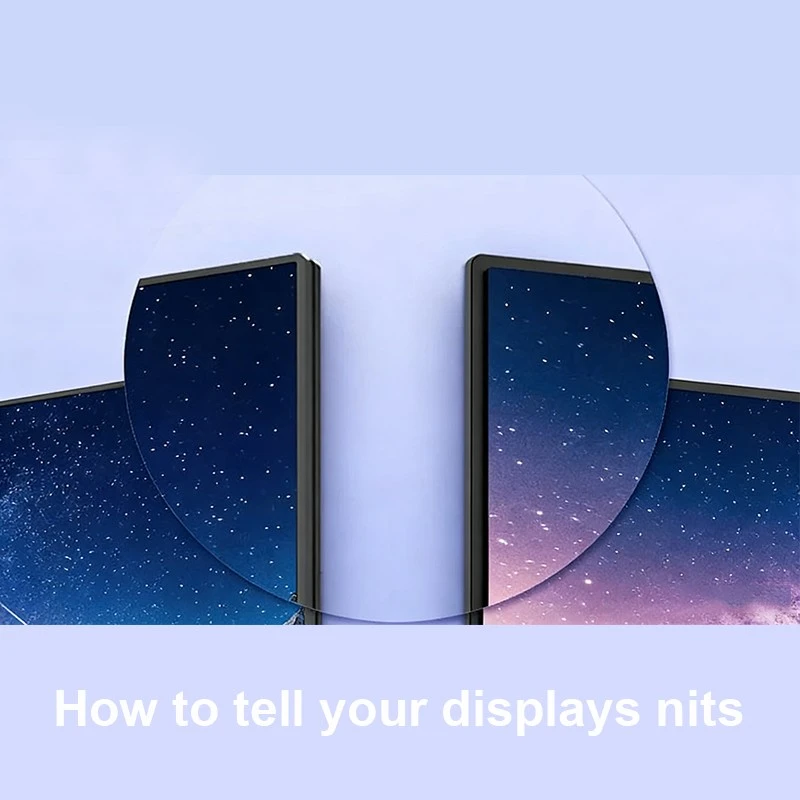
The following ranges reflect general industry practice for interior commercial displays under typical ambient lighting; actual requirements should be adjusted for window exposure, ceiling height, and panel size.
| ໂປຣເເກຣມ | Recommended Interactive Flat Panel Brightness | Key Consideration |
|---|---|---|
| Standard classroom (moderate daylight) | 350–450 nits | Uniformity across a wide viewing area |
| Classroom with large windows / strong daylight | 450–500 nits | Anti-glare coating quality |
| Meeting room / conference room | 350–500 nits | Off-axis viewing angle, glare from glass walls |
| Open-plan huddle space | 400–500 nits | Ambient noise from adjacent lighting zones |
| ເເລະ ສໍ່າງ | 500-700 nits or ກ່ຽວກັບງ | Foot-traffic viewing distance |
| Outdoor-facing or window-front displays | 1000 ດູດ | Direct sunlight exposure, weatherproofing |
Education deployments have specific demands that differ from general commercial use: extended daily runtime (often 6–8 hours), a wide range of viewing distances from front row to back wall, and frequent switching between high-contrast annotation, video content, and document sharing. Qtenboard's interactive flat panel for classrooms is configured with brightness and anti-glare treatment calibrated for these conditions — bright enough to stay legible near windows without introducing the eye fatigue that comes from unnecessarily high peak luminance over a full school day.
Paired with automatic ambient-light sensing (covered in Section 6), the panel adjusts output as daylight shifts through the morning and afternoon, rather than relying on a teacher to manually change settings between periods.
Meeting room requirements diverge from classrooms in three practical ways: session lengths are shorter but more frequent, viewing distances are closer (typically 2–5 meters versus 6–10+ meters in a classroom), and content skews toward fine detail — spreadsheets, dense slides, and shared documents where color accuracy and text sharpness matter more than raw brightness. Qtenboard's interactive flat panel for meeting rooms is tuned to balance brightness, color fidelity, and anti-glare performance for this shorter-distance, detail-heavy use case, rather than simply maximizing peak nits.
This is also where panel uniformity and viewing angle become disproportionately important: a rectangular conference table seats people well off the panel's central axis, so consistent brightness and color at wide viewing angles directly affects whether everyone in the room sees the same thing.
Static brightness settings assume a room's lighting stays constant — in practice, it rarely does. Qtenboard's interactive flat panels use an integrated ambient light sensor (ALS) that continuously samples surrounding illuminance and adjusts backlight output in real time, rather than requiring a fixed manual setting or periodic staff intervention.
As ambient light increases — a cloud clearing, blinds opening, lights switching on — the panel raises luminance to maintain legible contrast. As the room dims, output is reduced accordingly. This closed-loop approach delivers measurable operational benefits over fixed-brightness panels:
Brightness figures on marketing material can be inconsistent between manufacturers depending on measurement methodology, so it's worth verifying specifications through a few channels before committing to a purchase:
| ເວລາ ເວລາ ເກີດຂໍ້ຜິດພາດ | ກ່ຽວກັບງ | Typical Brightness | Design Priority |
|---|---|---|---|
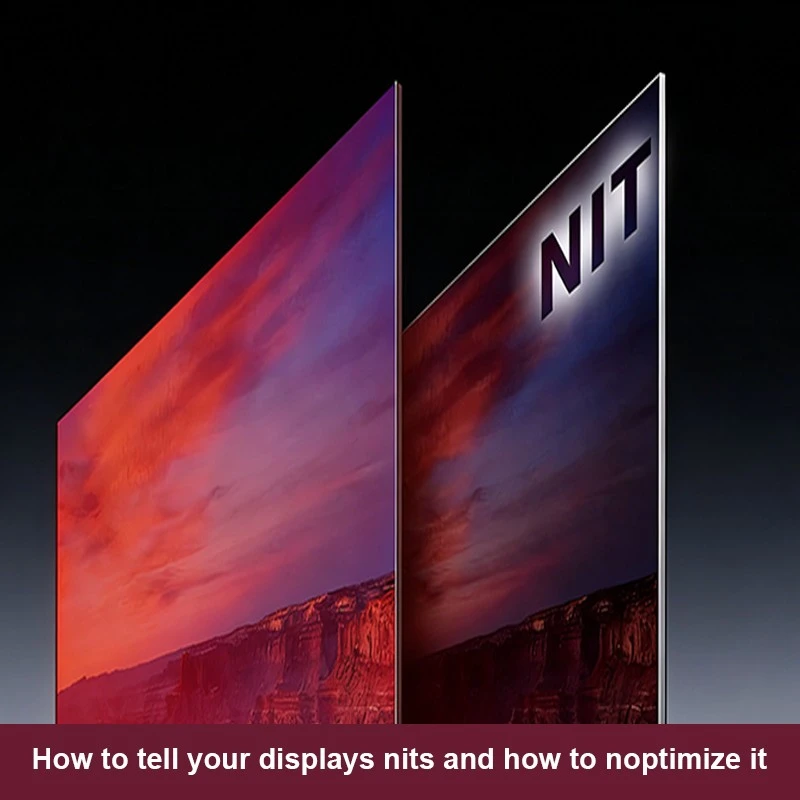
| Classroom Interactive Flat Panel | Schools, training rooms, lecture halls | 400–500 nits | Wide-angle uniformity, extended daily runtime |
| Meeting Room Interactive Flat Panel | Conference rooms, corporate offices, huddle spaces | 350–500 nits | Color accuracy, close-range detail, glare control |
Beyond these two lines, Qtenboard also produces digital signage and video wall solutions with higher-brightness configurations for retail and public-facing environments, sharing the same ambient light sensing architecture described above.
Rather than defaulting to the highest available nits figure, a more reliable specification process weighs four factors together:
Qtenboard's team can walk through this framework against your floor plan and lighting conditions to recommend a configuration rather than a one-size-fits-all spec.
Brightness is a necessary but incomplete specification for evaluating an interactive flat panel — it has to be read alongside contrast ratio, anti-glare coating, and uniformity, and matched to the lighting profile and usage pattern of the room it will serve. With ambient light sensing and smart brightness adjustment, Qtenboard's interactive flat panels are designed to hold that balance automatically across classroom and meeting room environments alike.
If you're planning a classroom or meeting room installation and want a brightness and panel specification matched to your actual room conditions, contact Qtenboard for a tailored recommendation.

 LAO
LAO
 EN
EN  MAY
MAY  TH
TH  CHT
CHT  BUR
BUR  FIL
FIL  HKM
HKM  ID
ID  SIN
SIN  VIE
VIE