A Complete Selection Guide for Education & Corporate Environments
Qtenboard EDLA-certified interactive displays stand out for their reliability and high performance, seamlessly integrating with the Google ecosystem. As a leading brand, Qtenboard offers EDLA-certified interactive flat panels that combine professional-grade performance, ease of use, and industry-leading support. This guide provides detailed insights into the key factors to consider when selecting an EDLA-certified display, helping you make an informed choice that best fits your needs.
EDLA stands for Enterprise Device Licensing Agreement, a Google program that provides advanced security features for Android devices in any environment.
A Google EDLA-certified display has undergone rigorous testing and meets Google’s strict quality standards. The certification ensures optimal performance, seamless integration with Google services, and a superior user experience.
EDLA-certified displays deliver:
The user-friendly interface and intuitive controls allow teachers, students, and business users to navigate the display efficiently. Precise and responsive touch technology supports smooth interactions, such as writing, drawing, and manipulating on-screen objects. Qtenboard EDLA-certified displays support up to 40-point multi-touch, ensuring seamless collaborative operation for multiple users.
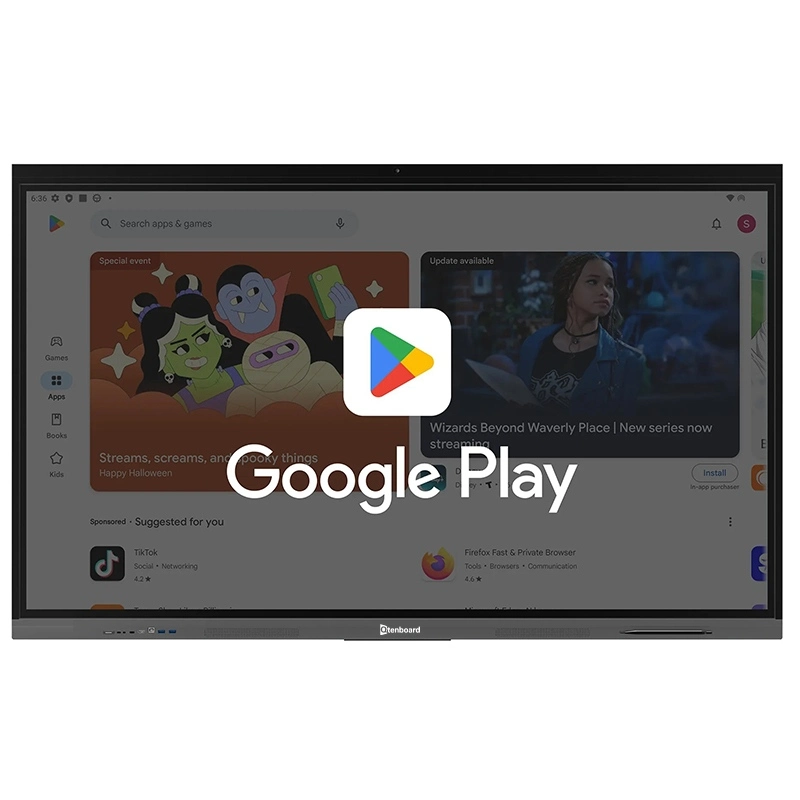
Easily integrate Google Meet, Google Classroom, Google Drive, and other essential tools for real-time collaboration, communication, and quick access to educational or office resources.
Access thousands of educational and productivity apps, including interactive learning games, software tools, and efficiency applications for a customized and personalized learning or work experience.
Selecting the right display size is critical. Consider the room size, viewing distance, and intended use. Larger displays are ideal for full-class instruction or large conference rooms, while smaller displays suit small group sessions or individual use. Higher resolution ensures sharp images and detailed visuals, enhancing the overall experience.
Touch technology is the cornerstone of an interactive display. Focus on the accuracy and responsiveness of the touch interface. EDLA-certified displays support multi-touch, palm rejection, and low latency, providing a smooth, intuitive user experience.
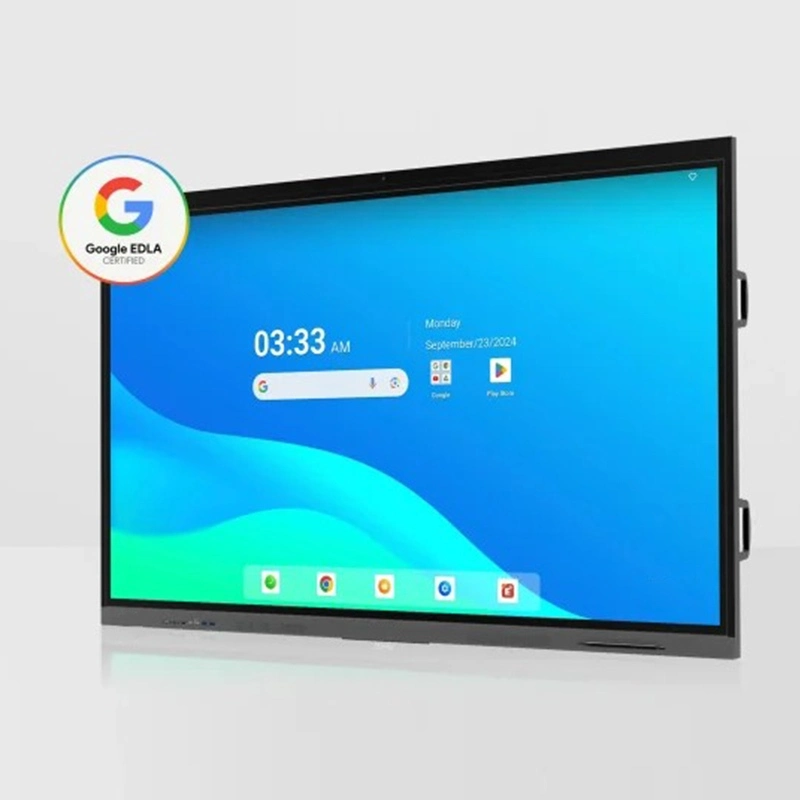
Running resource-intensive educational or office applications requires high-performance hardware.
Qtenboard EDLA displays feature powerful processors and ample memory to handle multitasking efficiently. Adequate storage allows teachers and professionals to save lesson plans, videos, and resources directly on the device.
Qtenboard provides a wide range of connectivity options, including HDMI, USB-C, Bluetooth, and Wi-Fi, ensuring seamless integration with laptops, tablets, and smartphones for smooth collaboration and content sharing.
Software and operating systems significantly impact the functionality, user experience, and efficiency of an interactive display.
Most EDLA-certified displays, including IQTouch models, run Android OS, providing a familiar interface and access to Google Play Store. Users can download thousands of apps to customize the display for education or professional use.
Android ensures a short learning curve, allowing teachers, students, and office teams to use the system effectively with minimal training.
Qtenboard displays often come with pre-installed annotation, lesson recording, and content-sharing tools. These built-in applications save time, streamline workflows, and allow educators to focus on delivering high-quality lessons.
EDLA-certified displays from Qtenboard offer robust adaptability. Users can customize brightness, resolution, touch sensitivity, and other parameters to suit different environments and user needs. From dim classrooms to high-traffic meeting rooms, Qtenboard displays perform reliably.
Qtenboard displays have a clear and well-organized interface, making operation intuitive. Even first-time users can quickly navigate the system, reducing the learning curve and improving efficiency.
EDLA-certified devices support automatic software and firmware updates to maintain security, optimal performance, and full functionality. Qtenboard offers remote update options, keeping your device current with the latest features.
Qtenboard provides comprehensive technical support, including detailed tutorials, online assistance, and rapid response services. Users can receive expert guidance promptly, ensuring smooth operation in educational or corporate environments.
Selecting a reliable supplier is as important as choosing the display itself.
Qtenboard is a leading EDLA-certified interactive display provider with extensive industry experience. All devices undergo rigorous quality control and meet Google’s performance and security standards. Qtenboard supports project implementation with custom solutions and professional guidance, ensuring optimal performance in classrooms, businesses, and government applications.
Qtenboard has a strong and satisfied customer base:
By choosing Qtenboard, users receive not only reliable EDLA-certified hardware but also professional support and complete solutions for long-term investment value.
Selecting the right Google EDLA-certified interactive flat panel is crucial for enhancing learning and work experiences. By carefully considering screen size, touch technology, hardware specifications, software features, and supplier reputation, you can choose a Qtenboard EDLA-certified display that meets the unique needs of your educational institution or organization. Contact us today to receive professional guidance and customized solutions.
Contact us today to receive customized solutions tailored to your needs
Click to read the product details and learn about its functional features and actual performance.
📖 Read Product
 EN
EN
 MAY
MAY  TH
TH  CHT
CHT  BUR
BUR  FIL
FIL  HKM
HKM  ID
ID  LAO
LAO  SIN
SIN  VIE
VIE 