Video demonstration of control‑room video wall deployment
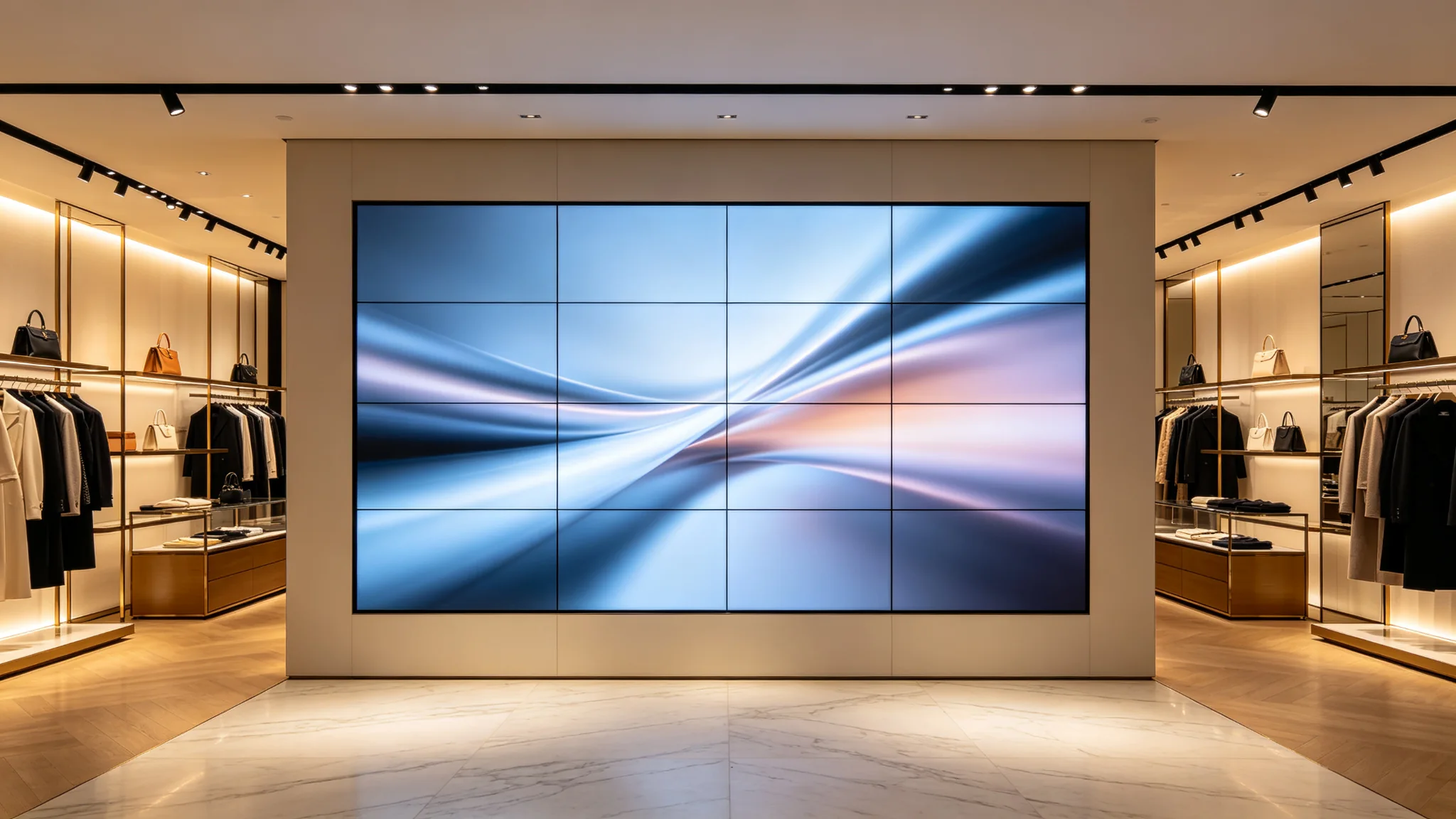
Specs, layout, content management, and installation — everything brands and system integrators need to plan a flagship store display that performs during business hours.
The flagship store is no longer just a place to sell — it is a media surface. More retail brands are installing LCD video walls in their hero locations to create the visual impact that posters and single screens cannot deliver. For procurement leads, project engineers, and the system integrators who serve them, a flagship store display is a different project from an office lobby or a control room: the light is stronger, operating hours are tighter, and every maintenance action competes with foot traffic.
This deployment guide covers the four decisions that determine whether a retail video wall project succeeds — brightness and anti-glare, panel and layout selection, content management, and installation that does not disrupt trading. It is written for B2B buyers and integrators as a working reference you can bring into an RFQ, not as marketing copy.
Why Retail Video Walls
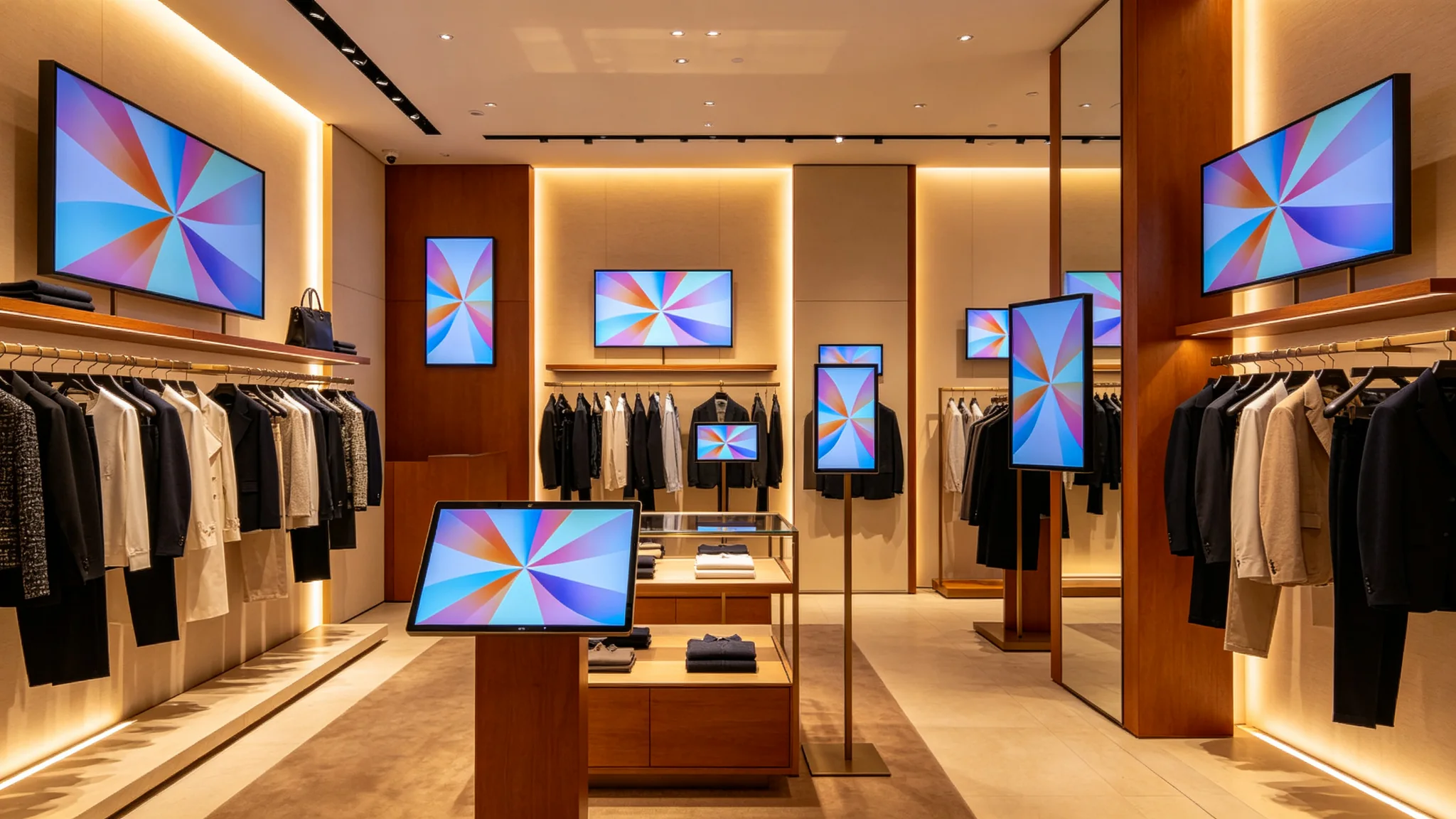
The business case usually starts with attention. A flagship store display turns an entire wall into a brand stage: seasonal campaigns, product launches, and real-time brand feeds can be changed in minutes instead of being reprinted. Because a video wall reads as one continuous image rather than a row of separate screens, it also gives store designers a clean, premium look that matches the interior architecture.
From the integrator's perspective, in-store digital signage specified as a video wall brings predictable costs. Panels are standard products, mounting structures are engineered, and content can be scheduled from one content management platform. That predictability is why many retail roll-outs — hero walls at entrances, window-facing storefront displays, product zones, and cash-wrap backdrops — are now planned as video wall projects from day one.
Decision 1
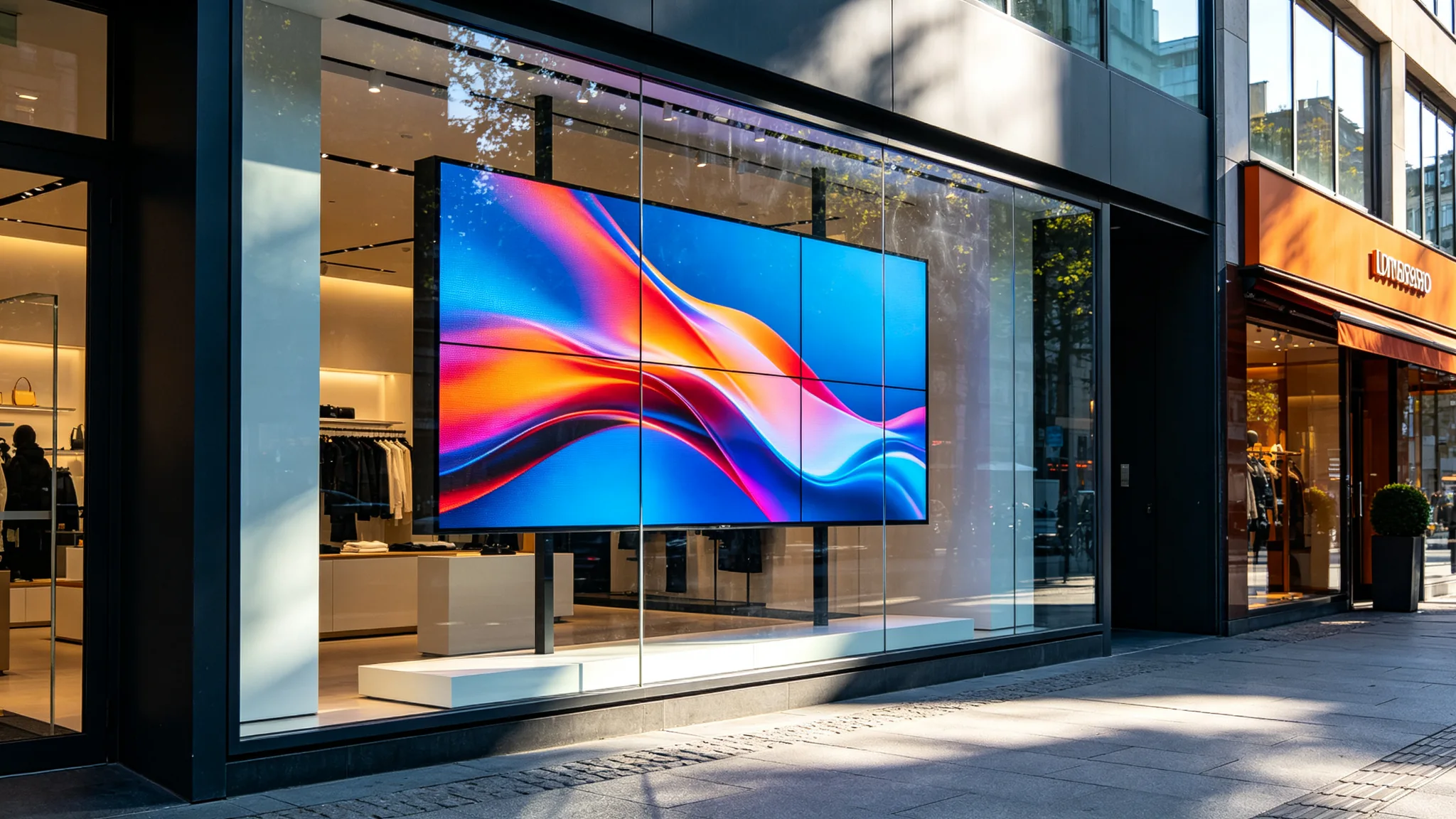
Start with the light. A window-facing screen competes with direct and reflected daylight, and a standard commercial panel will look washed out the moment the sun hits the glass. For window-facing flagship store display applications, Qtenboard recommends high-brightness panels — typically 700 nits or above — combined with an anti-glare matte treatment. The coating diffuses reflections from the glass and overhead lighting, so content stays readable for shoppers outside the store and for staff inside.
Inside the store, where light is controlled by spotlights and ceiling fixtures, standard 500-nit panels are usually sufficient, but verify the brightness against the actual lighting plan before ordering. Contrast and color uniformity also matter at retail because merchandise sits next to the screen; a wall with visible panel-to-panel differences will undermine the premium look the project is meant to create. Ask your supplier for the same calibration and batch-control evidence you would request for a control room wall.
Decision 2
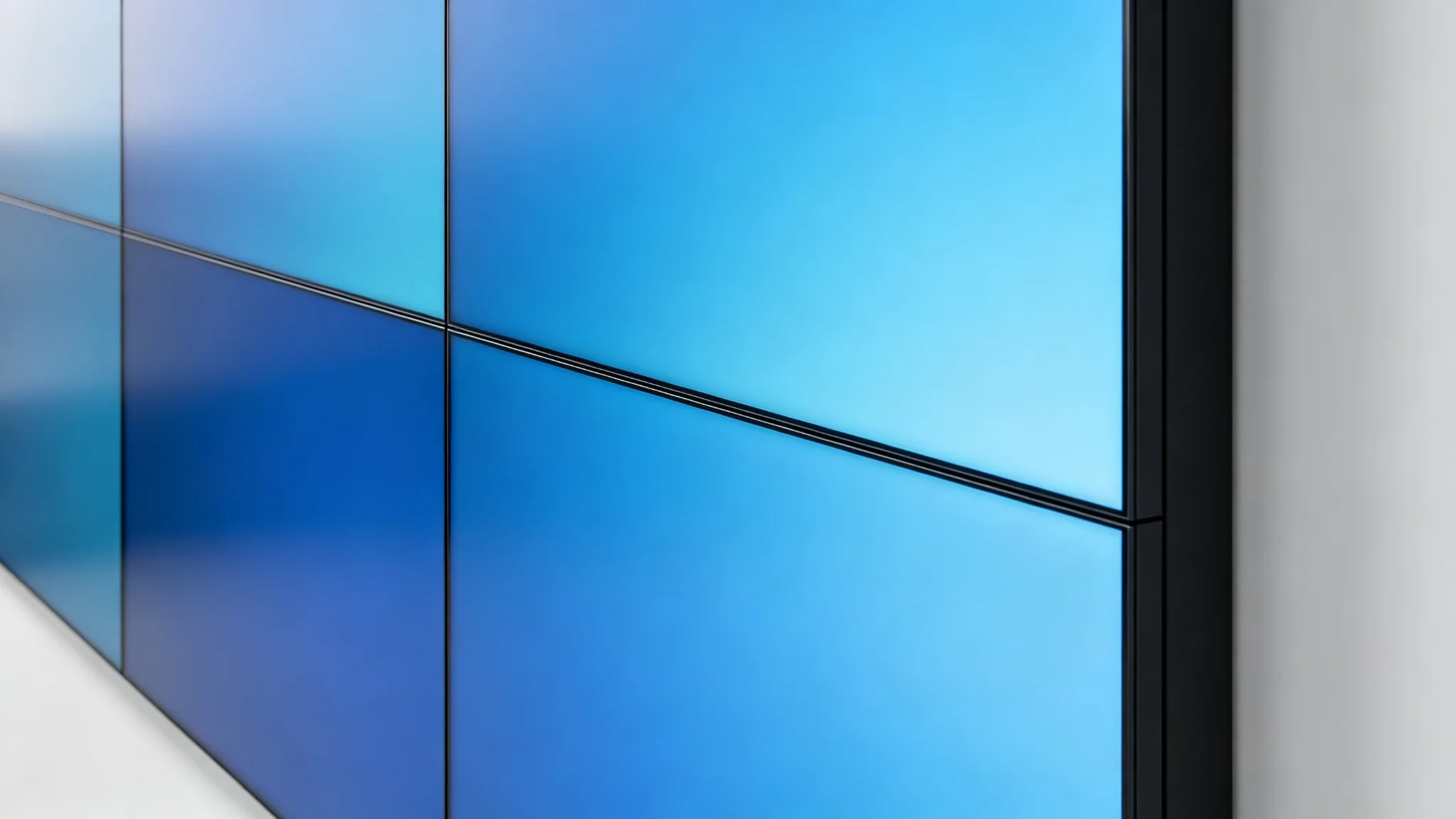
Once brightness is settled, the next question is how the wall is built. Most retail video walls use 46-inch, 49-inch, or 55-inch panels. The bezel — the visible seam between panels — determines how "seamless" the wall looks. Qtenboard's industrial LCD panels range from a 3.5 mm bezel for budget-sensitive projects down to 0.88 mm for walls that need a near-continuous image. For a hero wall viewed from 2 to 5 meters, 3.5 mm reads cleanly; for close-up product zones, 0.88–1.8 mm is the better call.
Plan the layout in blocks — 2×2, 3×3, or 3×4 — and confirm the resolution and viewing distance before finalizing the panel size. Also check physical constraints early: mounting depth behind the wall, heat dissipation in enclosed back boxes, cable routing, and local fire-safety requirements for the framing materials. These details are invisible in a render but decide whether the install fits the store's existing structure.
| Persyaratan | Window-facing (storefront) | In-store (interior) |
|---|---|---|
| Panel brightness | High-brightness, typically 700 nits or above | Standard commercial, typically 500 nits |
| Surface treatment | Anti-glare matte coating required | Standard matte; verify against lighting plan |
| Bezel width | Ultra-narrow, 0.88–3.5 mm | Ultra-narrow, 0.88–3.5 mm |
| Typical content | Hero campaign, brand films | Product visuals, wayfinding, promotions |
| Operating pattern | Extended hours, often before/after store opening | Business hours |
| Mounting & service | Quick-release frame, front-serviceable | Quick-release frame, front-serviceable |
Typical reference values for planning purposes — final specs should be confirmed with the supplier's engineering team for each project.
Decision 3
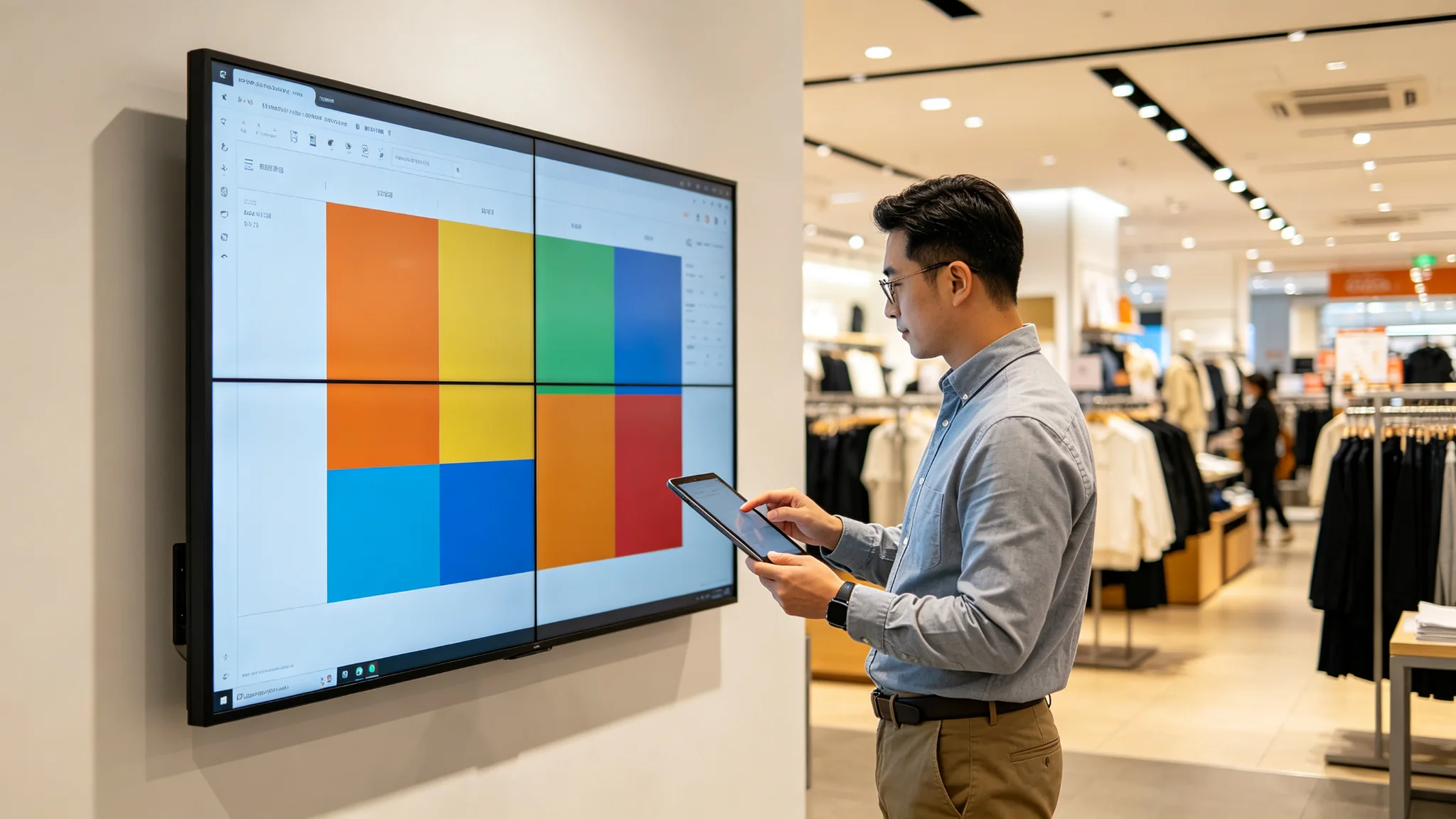
Content is where retail video walls succeed or fail — and where many projects trip on a scheduling problem. Marketing teams want fresh campaigns on the wall the moment the store opens, while store teams need the display to be dark, dimmed, or switched to operational messages outside trading hours. A content management system (CMS) with dayparting — scheduling playlists by time of day and by zone — resolves this conflict automatically. Once the schedule is set, the wall follows it: morning menu, midday campaign, evening hero film, overnight standby.
For multi-store brands, look for a cloud CMS that lets head office manage playlists across every store from one dashboard, with remote monitoring and alarm notifications when a screen goes offline. Ask the vendor whether the CMS can integrate with store systems such as POS or CRM data feeds — a common request once a brand wants the wall to react to real-time inputs such as inventory or local events. If the retail video wall is part of a larger digital signage estate, check that one platform can manage the video wall and the standalone screens together.
Decision 4
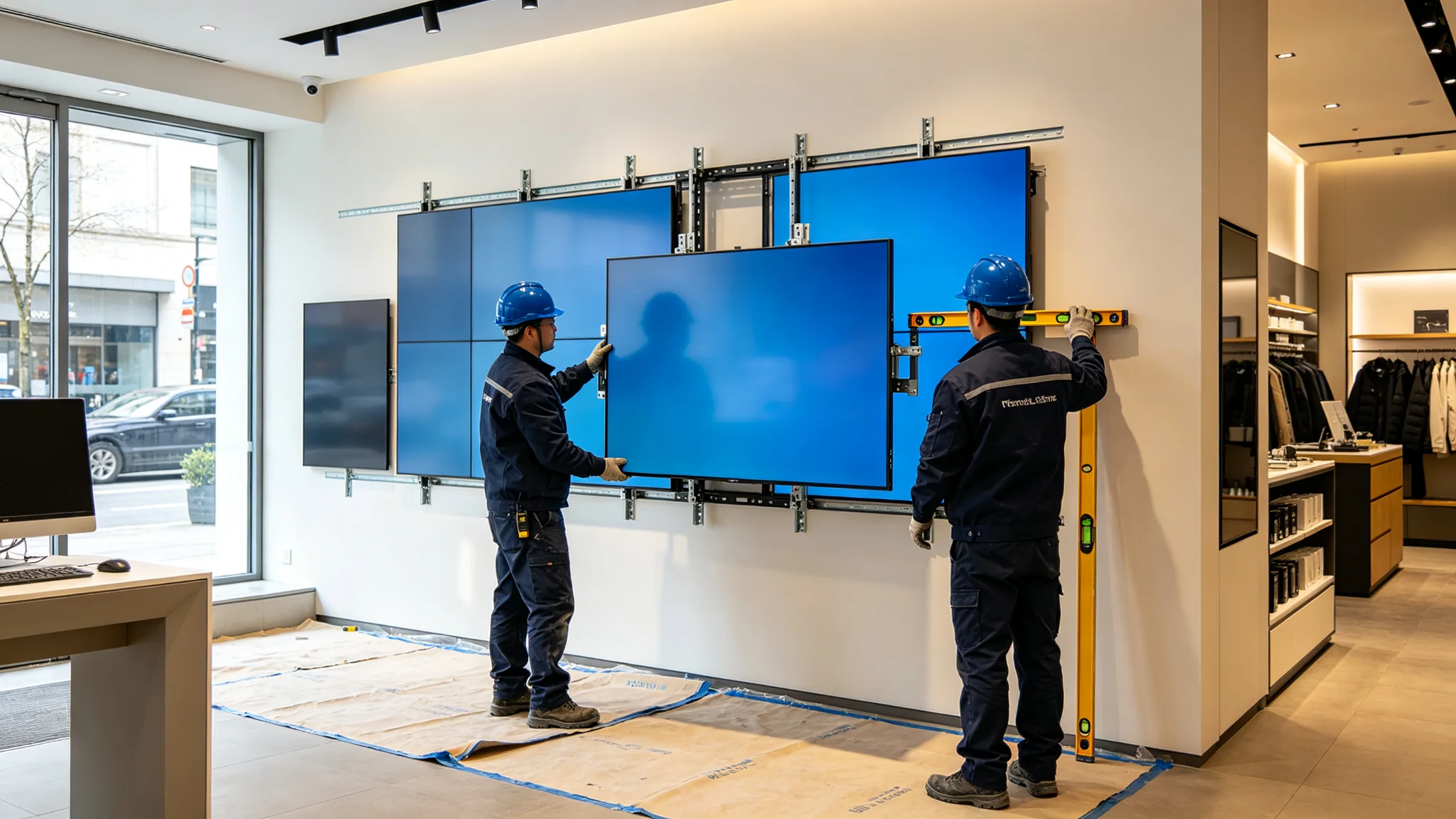
Retail stores cannot close for a week of wall construction. The installation and maintenance plan matters as much as the hardware. Qtenboard designs its retail video wall frames around a quick-release mounting structure: panels hang on a wall-mounted frame, and a technician can release and replace a single panel without dismantling the whole wall. Combined with staged installation outside trading hours, this keeps disruption to a minimum.
Plan the maintenance window the same way you plan the content schedule. Front-serviceable panels mean a faulty unit can be swapped during low-traffic hours, in many cases with remote diagnostics identifying the fault before a technician arrives. Add spare panels to the project budget — one spare per wall is a common starting point — and agree the response time and spares coverage in the service contract, exactly as you would for a mission-critical control room deployment.
Before You Sign
Mengapa Qtenboard
Qtenboard is an LCD video wall manufacturer with factory-level control over the details that determine whether a retail deployment holds up: panel sourcing, precision bezel assembly, factory calibration, and batch color matching. That is why our engineering team can supply the technical documentation integrators need for tenders and for skeptical store designers — panel specifications, mounting drawings, CMS capabilities, and compliance documents.
For flagship store display projects, the practical difference is support that understands retail constraints. Our team works with your integrator on brightness selection, layout engineering, and service planning, and backs the hardware with structured after-sales support including spare parts and remote diagnostics. The scenarios in this guide reflect typical retail deployments rather than named customers; if you are planning a specific project, ask our engineering team for project-level specifications and references.
FAQ
For storefront windows that face daylight, high-brightness panels of roughly 700 nits or above, combined with anti-glare coating, are the typical starting point. Confirm the exact value against your store's light conditions with the supplier's engineering team.
Many cloud CMS platforms can receive data feeds from POS, CRM, or other store systems, allowing content to react to inventory, events, or local conditions. Integration options depend on the CMS and the store system, so include this requirement explicitly in the RFQ.
Yes, when the wall uses quick-release, front-serviceable mounting. Panels can be released and replaced during low-traffic hours, and remote diagnostics can often identify the fault before a technician arrives on site.
Contact the Qtenboard engineering team with your floor plan, light conditions, and wall dimensions. They will confirm panel size, brightness, bezel class, CMS options, and service terms for your specific project.
Send your floor plan and light conditions to the Qtenboard engineering team and get a project-level specification — panel size, brightness, bezel, CMS, and service plan — before you issue the RFQ.
LCD video wall manufacturer and engineering partner for retail, control rooms, broadcast, and enterprise display projects across Asia and beyond.

 ID
ID
 EN
EN  MAY
MAY  TH
TH  CHT
CHT  BUR
BUR  FIL
FIL  HKM
HKM  LAO
LAO  SIN
SIN  VIE
VIE