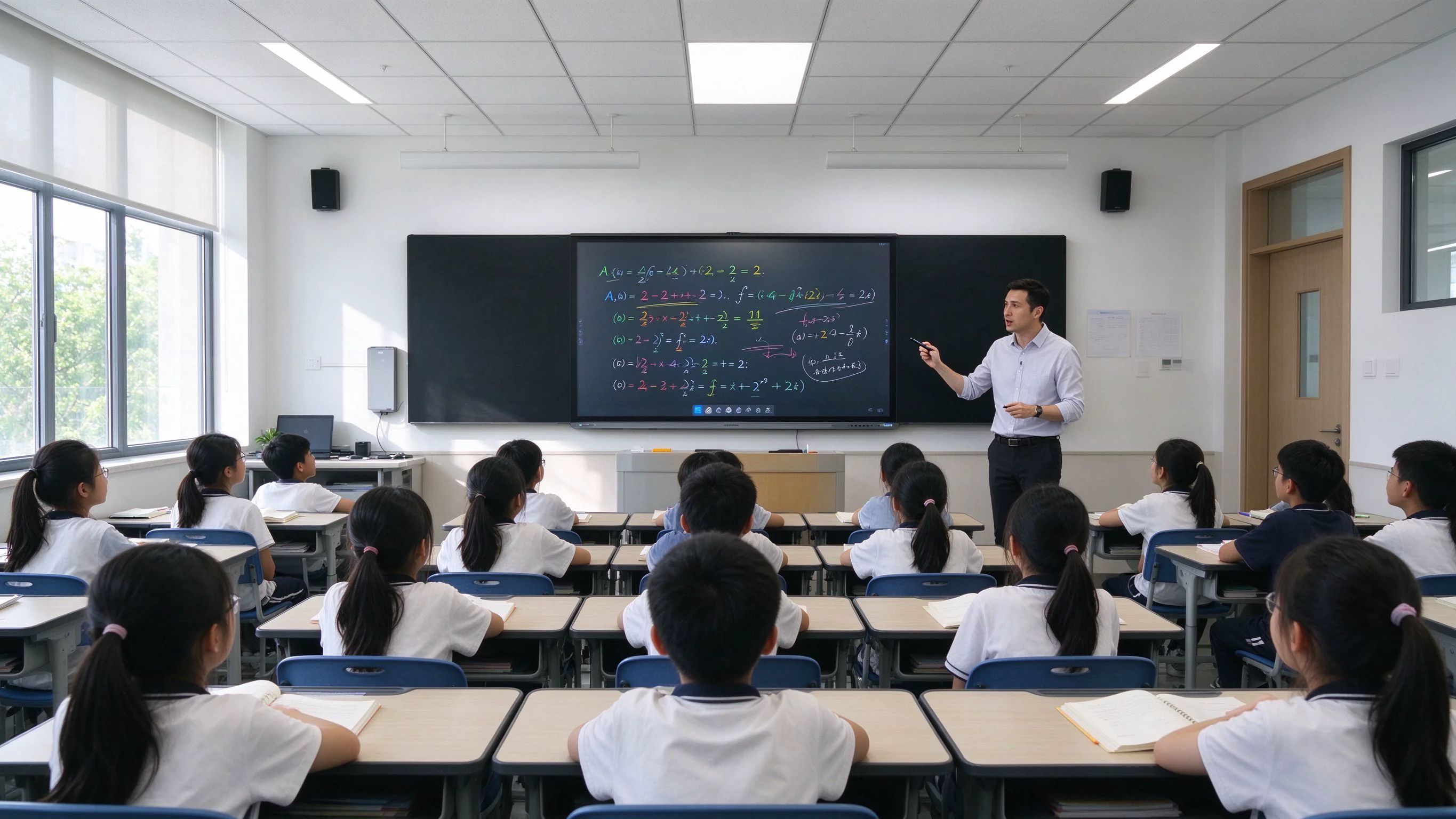
Brightness, touch points and panel life are table stakes. The operating system is what determines whether the device works out of the box, whether a school or enterprise can manage a fleet of fifty units, and whether your project passes compliance. It is also the decision that is hardest to reverse after deployment.
Most buyers compare hardware specs first and discover the platform problem later: the app a customer needs is not available, the device cannot be enrolled into the school's management system, or the unit cannot be sold at all in a market where Google services are not available. This guide compares the three platform options you will actually be offered on interactive flat panels today — EDLA, AOSP និង សិទ្ធិ Windows Dual-OS via OPS — across the dimensions that matter when a customer is one signature away from an order: applications, fleet management, security, licensing cost, hardware flexibility and regional compliance.
It is written for distributors, system integrators and procurement teams that buy interactive displays in volume for education and enterprise projects. Where we make claims about Google programs, we link to the official documentation so you can verify them yourself.
EDLA តំណ Enterprise Devices Licensing Agreement, Google's certification program that brings the full Google Mobile Services (GMS) experience to non-phone enterprise Android devices — including large-format interactive displays. Before EDLA, GMS certification was limited to smartphones, tablets, TVs and wearables; interactive whiteboards had no official route to Google services.
An EDLA-certified interactive display ships with Google Play Store, Chrome, YouTube, Gmail, Google Drive, Google Meet and the full Google application ecosystem pre-licensed. Users sign in with their existing Google Workspace or personal Google accounts, install apps from the Play Store without sideloading, and receive Google security updates and Android Enterprise management capabilities — including Zero-Touch provisioning when the device is purchased through an authorized reseller enrolled in the program. For education buyers, this is the platform that makes Google Classroom, Google Meet and Chromebook-style workflows run natively on the big screen.
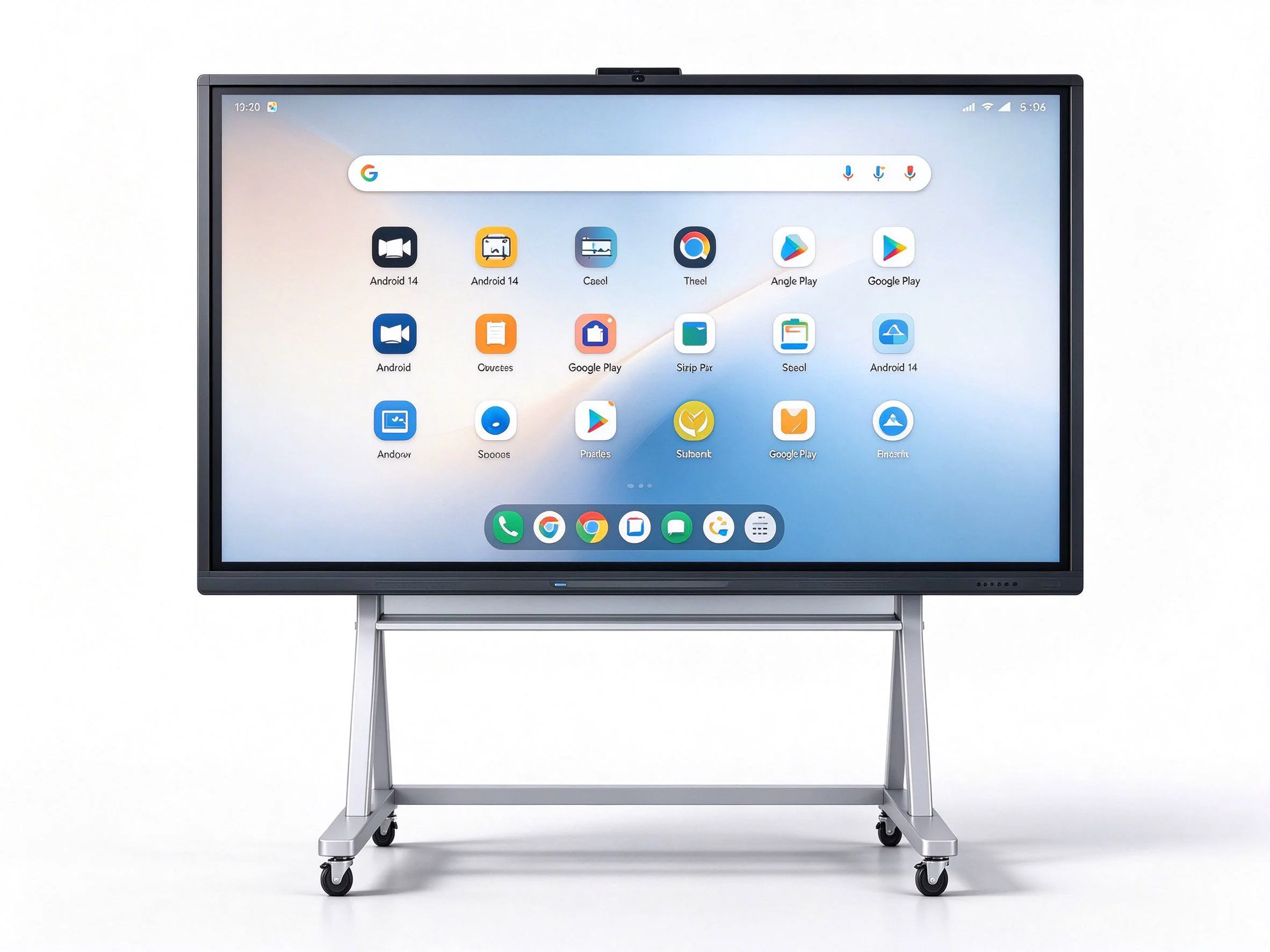
AOSP (Android Open Source Project) is the open-source base of Android, and it does not include Google Mobile Services. There is no Play Store, no Gmail, no Google services layer. That is not a bug — it is a licensing choice. Because AOSP is free to use, manufacturers can customize the system deeply: their own launcher, pre-installed apps, private app stores, and no Google dependency at all.
AOSP makes sense in two situations. First, markets where Google services are not available or not required, such as mainland China, Russia and several other regions. Second, single-purpose deployments — digital signage, kiosks, branded meeting-room panels — where the customer wants a clean, locked-down Android experience without Google accounts. The trade-offs are real: apps must be distributed by APK or a private store, and system updates and security patches are maintained by the device manufacturer rather than by Google. Management is done through third-party EMM/MDM platforms or a custom Device Policy Controller, not through Google's Zero-Touch portal.
A dual-OS interactive display keeps Android as the native, always-on main system and adds a full Windows environment through an OPS (Open Pluggable Specification) module — an industry-standard mini-PC (typically 80-pin JAE connector) that plugs into the rear of the panel and is replaceable and upgradeable in the field. Users switch between Android and Windows with one action: Android for the whiteboard, touch-first apps and instant-on experience; Windows for Office, browsers, meeting platforms, or legacy and specialized software that only runs on x86.
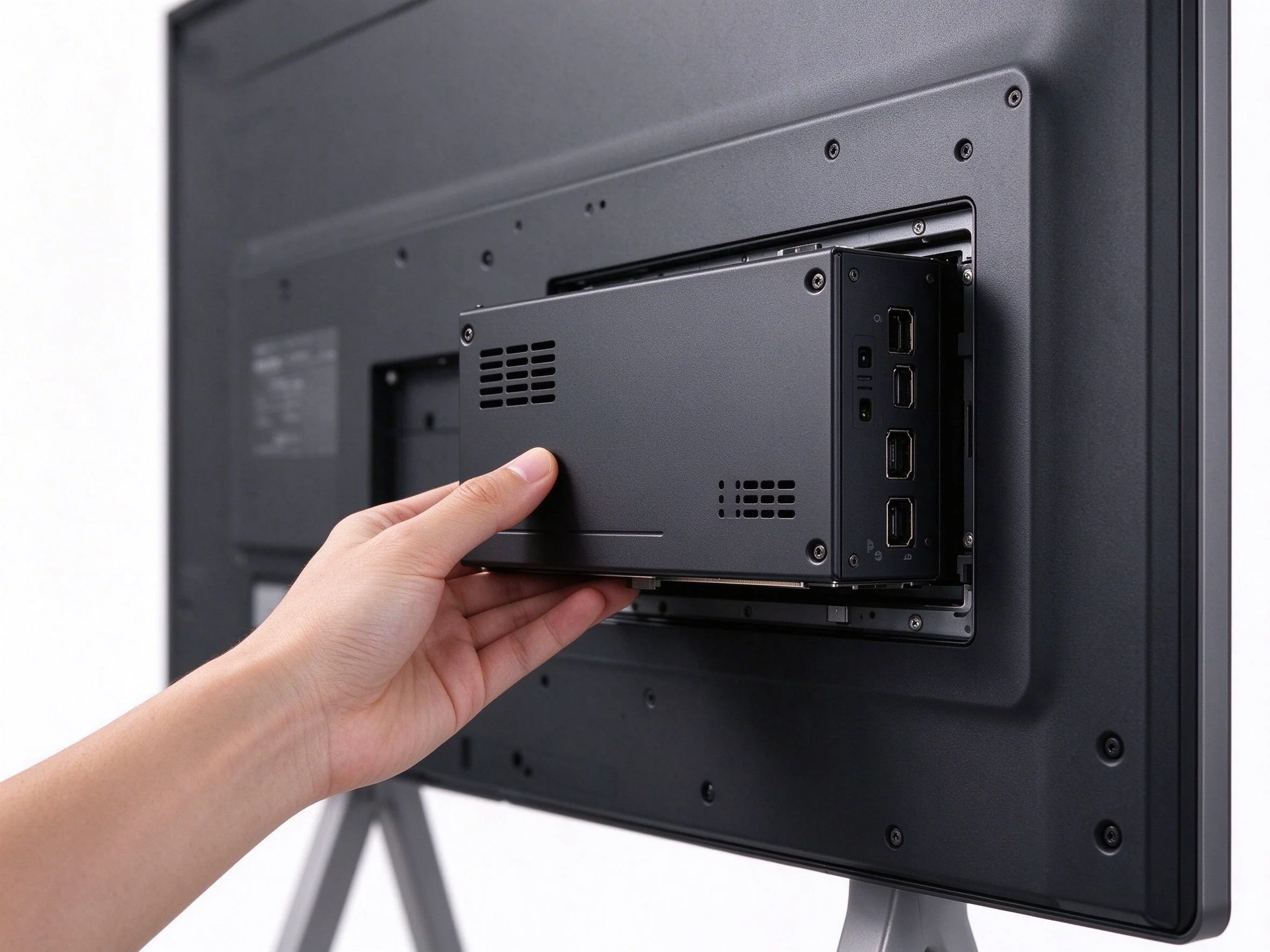
The practical benefit for resellers is inventory flexibility: one panel SKU can serve an Android-first customer and a Windows-first customer by fitting the OPS module only where it is needed — and the module can be swapped years later when the customer upgrades their PC hardware, instead of replacing the whole display.
| វេទិកា | Google services & apps | Fleet management | Security updates | Best fit |
|---|---|---|---|---|
| EDLA | Full GMS: Play Store, Meet, Classroom, Drive, Chrome; official Google certification | Android Enterprise + Zero-Touch, works with leading EMM platforms | Google security patches plus manufacturer support | Education, government tenders, markets with Google services |
| AOSP | None; apps via APK / private store; fully customizable | Third-party MDM or custom DPC; no Zero-Touch portal | Manufacturer-managed; depends on vendor commitment | China, Russia and no-GMS markets; signage and kiosk projects |
| Windows Dual-OS | Android GMS (if EDLA) + full Windows x86 ecosystem via OPS | Android Enterprise (if EDLA) + Intune / AD / domain on Windows | Google patches (Android) + Windows Update (OPS) | Enterprise meeting rooms, hybrid work, Windows-dependent software |
The most common objection a reseller hears is "can we install our apps?" On EDLA the answer is yes, natively: Google Play is pre-licensed, and apps such as Google Meet, Google Classroom, Zoom, Microsoft Teams and thousands of Android business apps install like on any certified Android device. On AOSP the answer is "yes, but": apps are distributed by APK or a private store, with no Google services layer — acceptable for locked-down projects, painful when the customer expects Play Store behavior. Windows Dual-OS adds the x86 universe — full Office, desktop browsers, and proprietary Windows software that has no Android equivalent.
For anyone deploying ten units or more, management is the real product. EDLA-certified displays support Android Enterprise, including Zero-Touch provisioning: devices are preconfigured in the reseller portal and enroll themselves on first boot, which turns a multi-day deployment into an afternoon. From there the fleet is managed through the customer's EMM console. AOSP devices are managed through third-party MDM/EMM platforms or a custom DPC — workable, but integration work sits with the vendor. Windows via OPS supports standard Windows management (domain join, Group Policy, Microsoft Intune) on top of the Android side.
Education and enterprise tenders increasingly ask who maintains the device after the sale. EDLA devices receive Google security patch levels and certified updates as part of the program. AOSP devices depend entirely on the manufacturer's update commitment — a question worth asking your supplier in writing before you commit to a large order. On dual-OS units, Android security comes from the EDLA/Android layer and Windows security comes from Windows Update on the OPS module, which the customer or their IT team controls directly.
AOSP is often described as "free," and the open-source license is indeed free. But the cost picture is wider: no GMS means your supplier must build and maintain the custom Android image, and your customer may need additional EMM/licensing to manage it. EDLA involves Google certification, which manufacturers amortize into the hardware price — usually modest, and it buys you the app ecosystem and enterprise management that keep a project alive. Windows adds a Microsoft license plus the OPS hardware itself. The honest calculation is platform cost + management cost + support cost over the life of the deployment, not the sticker price of the OS.
Platform decisions are capped by hardware. Look for a panel that gives you headroom: 20–50-point infrared multi-touch with zero-gap bonding, a 4K UHD panel with 178° viewing angle, and a standard OPS slot so the compute can be upgraded without replacing the screen. An OPS-based dual-OS design also protects the reseller: if the customer's Windows requirement appears mid-project, you fit the module — you do not re-quote the hardware.

Compliance is where platform choices become market-access decisions. EDLA availability follows Google's program regions, so confirm the certification status for the destination country before quoting. For markets without Google services, AOSP (or Windows) is the practical path. Independently of the OS, hardware should carry the certifications your customers' tenders require — for Qtenboard units that includes CE, FCC, RoHS and ISO, verified on the product documentation you request with each quotation.
There is no universally "best" platform — there is a best fit per buyer profile:
| Buyer profile | Recommended platform | Why |
|---|---|---|
| Schools, districts, government tenders | EDLA | Google Classroom and Meet run natively; Android Enterprise management; certified app ecosystem; strongest compliance story for public procurement. |
| Enterprise meeting rooms, hybrid work | Windows Dual-OS or EDLA | Windows for Office, legacy software and corporate IT tools; Android for instant-on touch experience. Choose Windows where x86 apps are mandatory. |
| Retail, digital signage, no-GMS markets (China, Russia, etc.) | AOSP | No Google dependency, full customization, lower platform cost; apps delivered via private store or APK. |
| Distributors and integrators | One panel, three options | A single certified platform with EDLA, AOSP and OPS variants reduces SKU risk and lets you serve multiple customer types from one quote. |
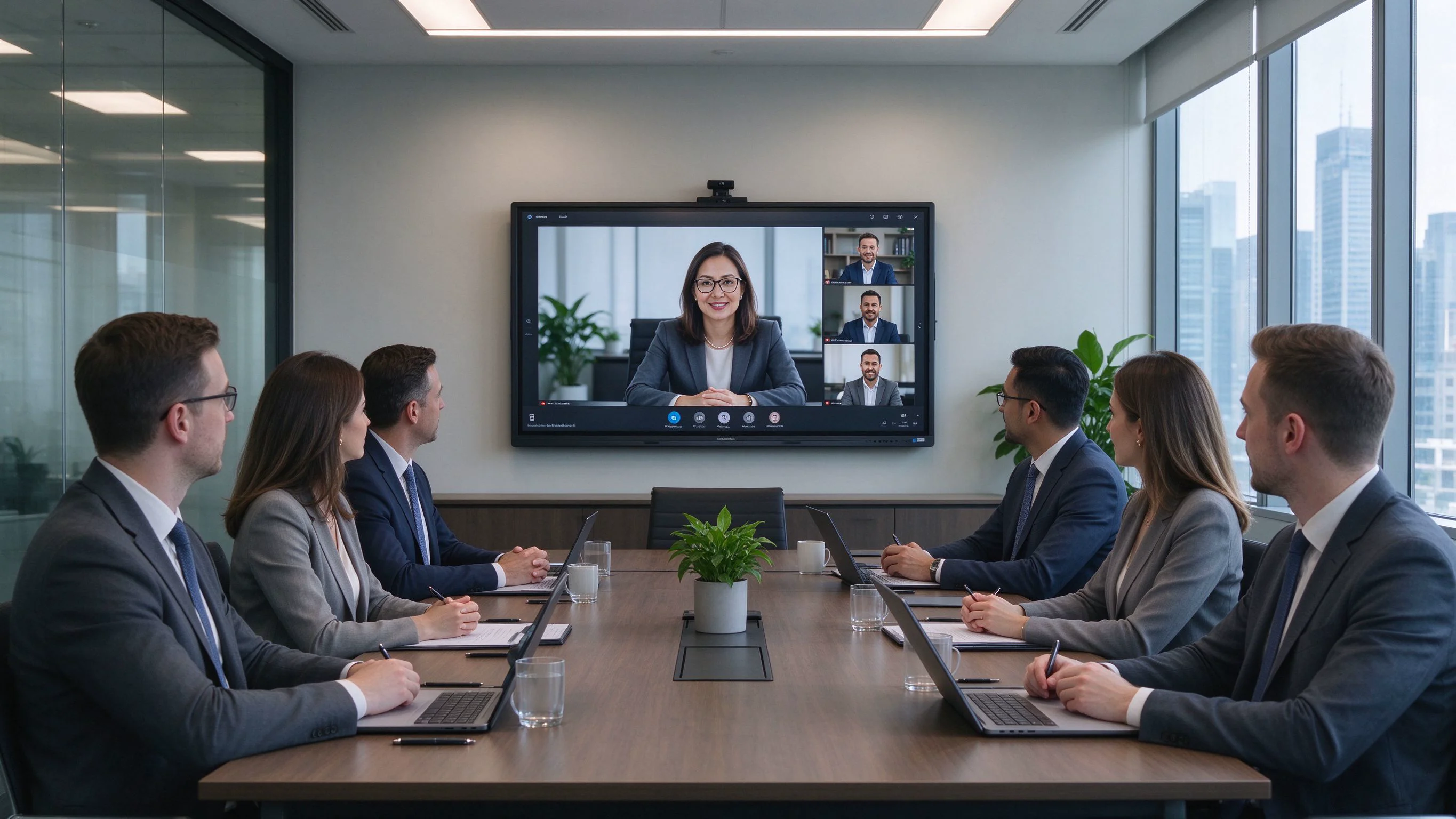
Qtenboard delivers all three options on a single certified hardware platform, the Genio 520 IFPD: an EDLA-certified Android 14 build with full GMS, an AOSP build for no-GMS markets, and Windows Dual-OS through an optional OPS i5/i7 module. The panel itself is identical, so you can quote one hardware platform and configure the software story per customer.
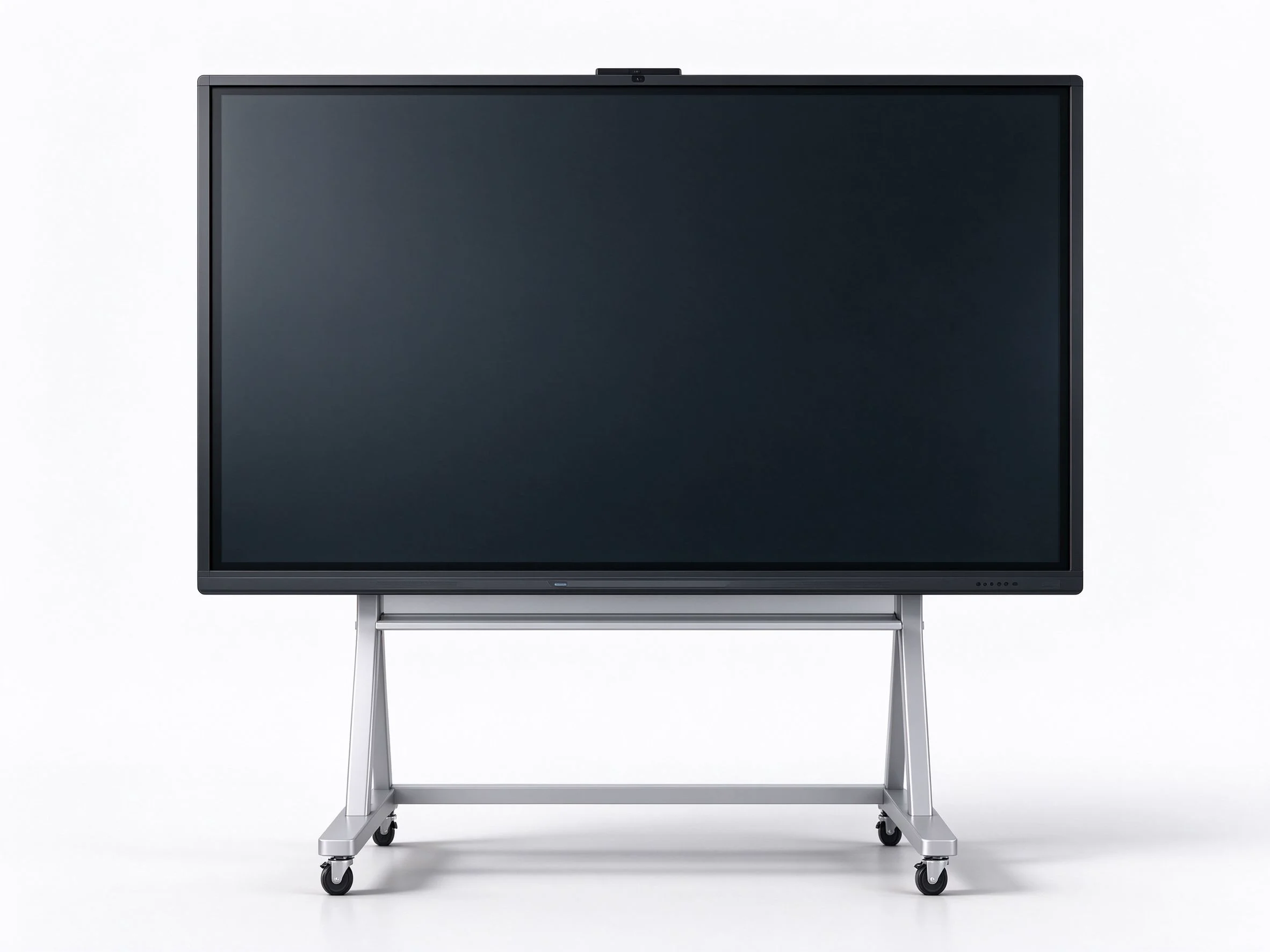
| Display sizes available | 55″ / 65″ / 75″ / 86″ / 98″ / 105″ / 110″ |
| គុណភាព បង្ហាញ | 3840 × 2160 (4K UHD) |
| ពន្លឺ | 350 / 400 / 450 cd/m² |
| សមាមាត្រ កម្រិត ពណ៌ | 4000: 1 ( ប្រភេទ) |
| Viewing angle | 178° H / 178° V |
| Panel lifespan | 60,000 នាក់ |
| ចំណុច | 20–50 point multi-touch, infrared + zero-gap bonding |
| CPU options | 9679 / 3576 / 311D2 / V100 / 3588 |
| Operating system | Android 14.0 (EDLA certified / AOSP build available) |
| RAM + storage | 4+32G / 8+128G / 16+256G (optional) |
| Windows module | Optional OPS i5 / i7 for dual-OS mode |
| ម៉ាស៊ីន ថត | Built-in 48MP + optional 8MP / 4K |
| Microphone | Optional 6 / 8 / 12-mic array |
| អ្នក និយាយComment | 20W × 2 |
| Wireless | Wi-Fi 2.4G & 5G / Bluetooth 5.2 |
| ច្រក | HDMI In/Out, USB, Type-C, DP, VGA, RJ45, RS232, TF Card |
| ថាមវន្ត | Standby power ≤ 0.5W; AC 100–240V, 50–60Hz |
| វិញ្ញាបនបត្រ | CE · FCC · RoHS · ISO · Google EDLA |
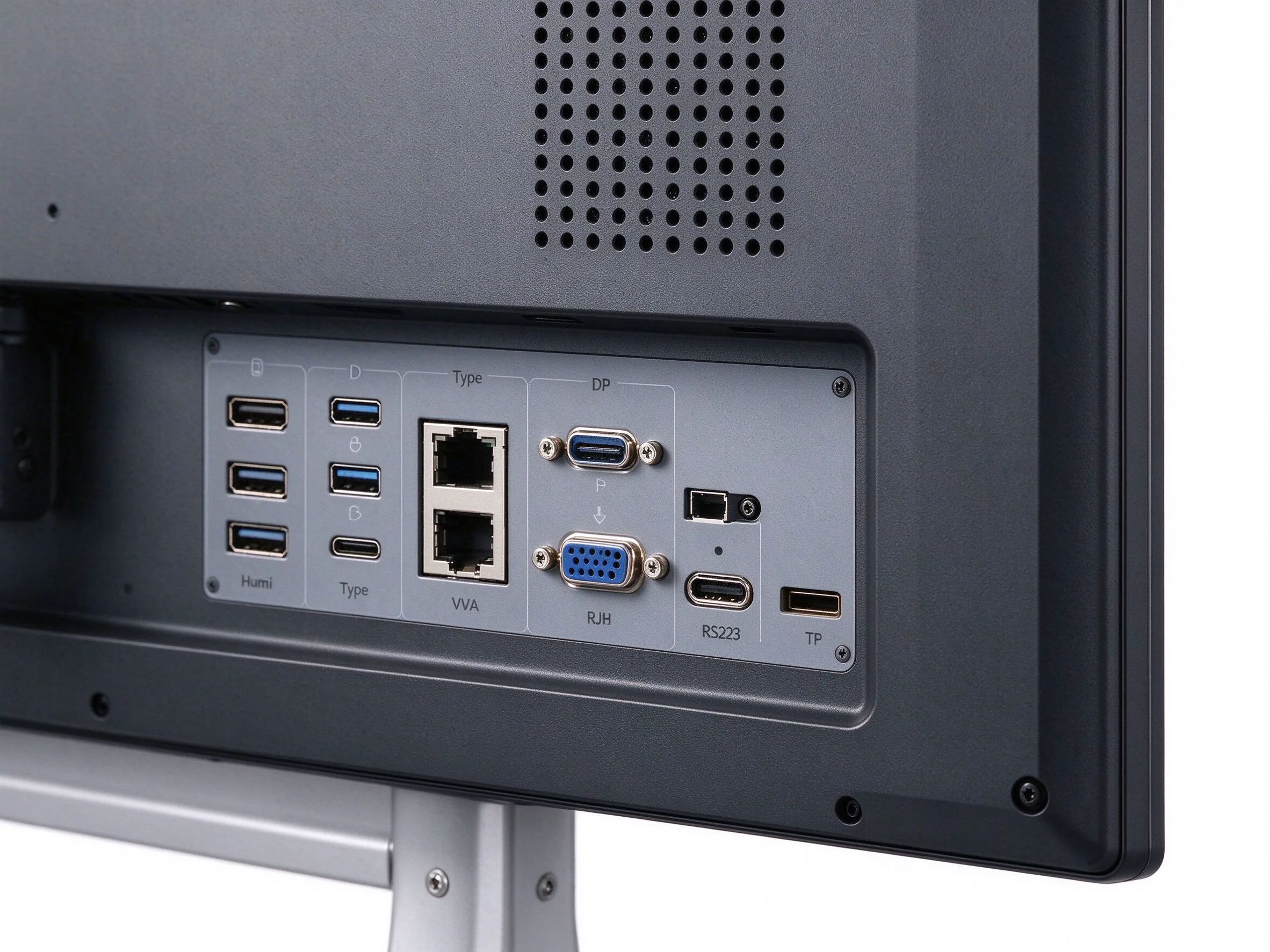
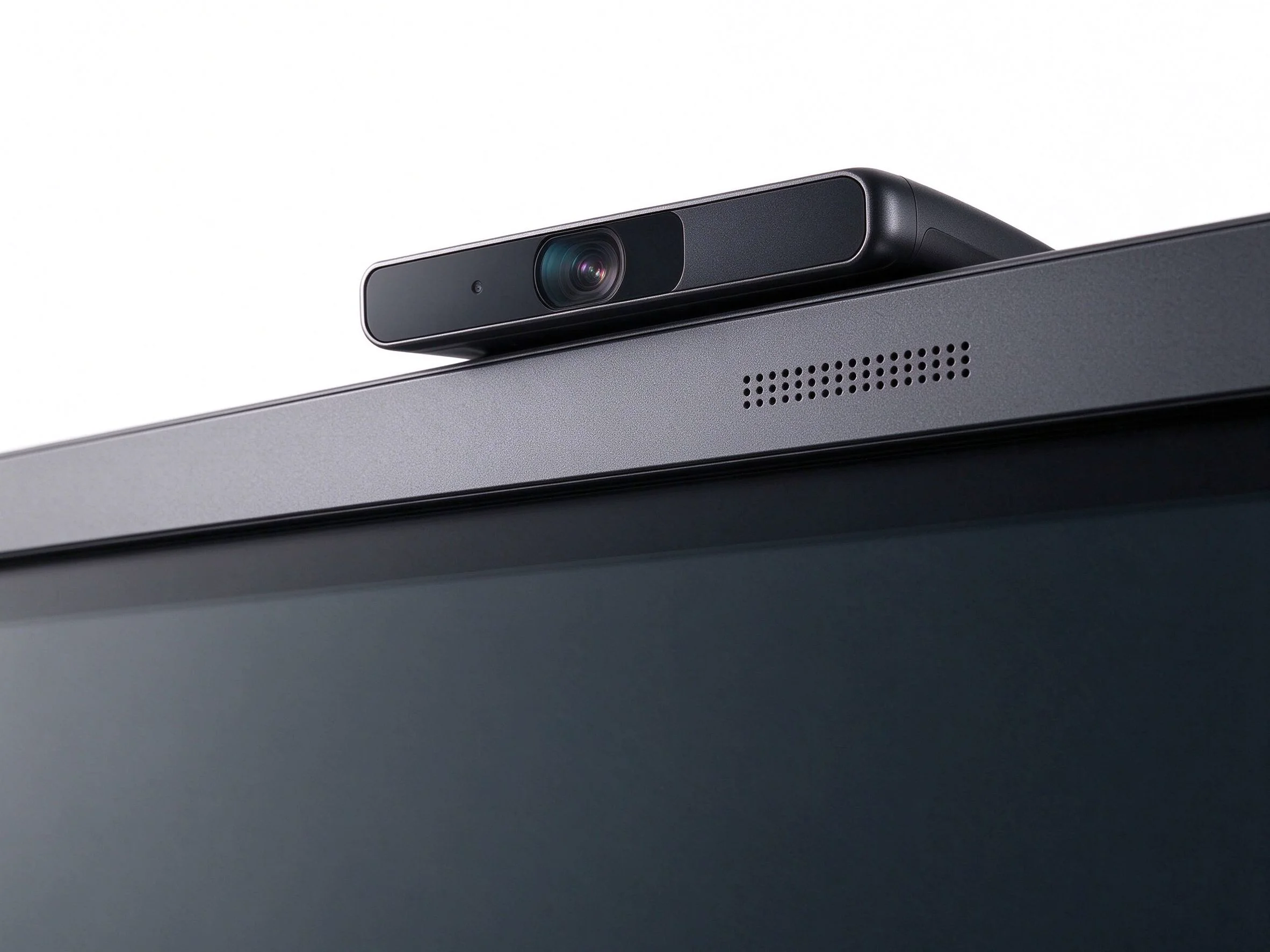
As an OEM/ODM partner, Qtenboard also supports pre-installation of customer apps, custom launchers, branding, MDM onboarding and CKD/SKD export. If your project needs a specific app preloaded or a specific EMM pre-integrated, that is a configuration step, not a re-engineering.
Project details shared with the client's permission; the school group's name is withheld for privacy.
In August 2026, a private K-12 school group in Ho Chi Minh City, Vietnam, completed a 42-unit deployment of Qtenboard Genio 520 IFPD displays across its three campuses — classrooms, science and language labs, and two large multi-purpose halls. The project was purchased through Qtenboard's local Vietnam distribution partner and financed as part of the group's digital-classroom program.
The school's previous boards came from two different vendors, both running non-certified Android builds. The IT team described three recurring pains: no Google Play Store, so apps had to be sideloaded one APK at a time and frequently ran outdated versions; no central management, so software, accounts and settings had to be handled board by board; and inconsistent hardware quality between the two vendors, which made support and spare-part handling slow. When the school evaluated new displays for the 2026–27 school year, platform certification and fleet manageability were the two hard requirements — not screen brightness.
Three factors closed the decision. First, the Genio 520's EDLA certification meant Google Classroom and Google Meet would run natively, matching the Google Workspace accounts the school already used. Second, Zero-Touch enrollment and Android Enterprise management meant the distributor could pre-provision all 42 units before delivery — the school's IT lead said this was the feature that removed the last objection. Third, the single-vendor consistency across three campuses simplified support: one model, one spare-parts list, one warranty channel.
34 units of 65″ for standard classrooms and 8 units of 75″ for labs and halls, all Android 14 EDLA with 8+128GB storage and 40-point infrared touch. Six units in the administrative training rooms were fitted with optional OPS i5 modules for Windows-based training software. Qtenboard pre-installed Google Classroom, the school's LMS app and the distributor's remote-management agent before shipment.
The cycle ran from first inquiry in May 2026 to full deployment at the end of August 2026. The distributor held two demo rounds — one in their demo room with the school's IT team and teaching staff, and one remote session with Qtenboard engineers covering Zero-Touch enrollment and the pre-installation workflow. The school ran a two-week sample test in June, placed the order in July, and the units were produced and shipped within three weeks. Staged deployment across the three campuses was completed in the last two weeks of August, in time for the new school year.
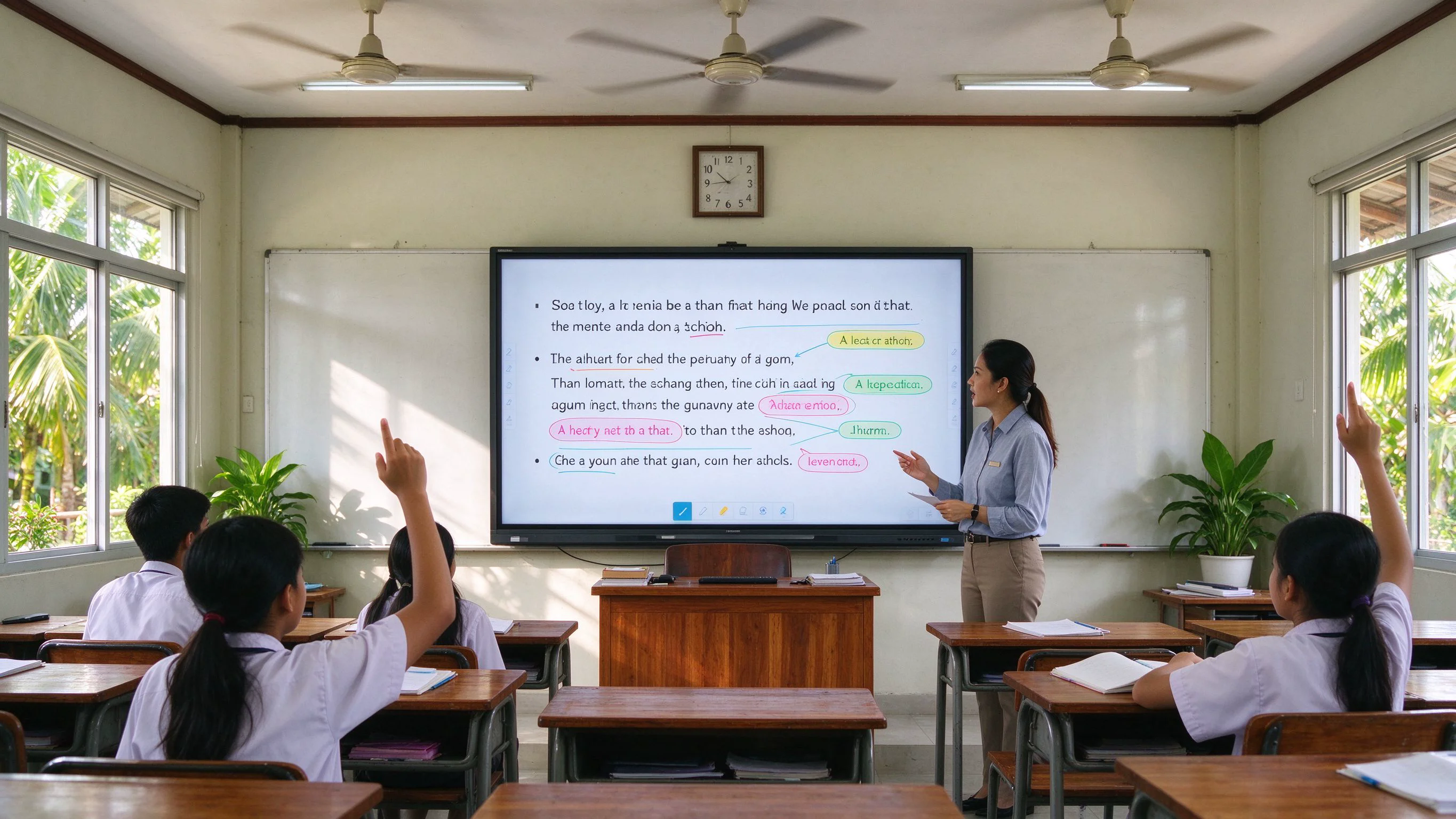
"We used to spend weekends flashing firmware and installing APKs one by one. The Genio 520s came out of the box already enrolled and patched. We stopped fighting the devices and started teaching with them."
— IT lead, K-12 school group, Ho Chi Minh City (anonymized)Teachers adopted Google Classroom within the first week of term. The school's IT team reported that per-campus deployment, which previously took about two days of manual work per board batch, was completed in an afternoon using Zero-Touch enrollment. Helpdesk tickets related to the displays dropped noticeably compared with the previous boards, and the group has already reserved budget for a second phase of 25 units in 2027 — with the same EDLA configuration.
EDLA is Google's official certification that brings GMS — Play Store, Meet, Classroom, Drive, Chrome — to an interactive display, plus Android Enterprise management and Google security updates. AOSP is open-source Android without Google services. In practice: EDLA works like a certified Android device out of the box; AOSP gives you freedom and no Google dependency, but you manage apps and updates yourself.
Yes. EDLA-certified units ship with Google Play pre-licensed, and Google Meet, Google Classroom, Chrome and Drive install and sign in with standard Google accounts. Users can also install other Play Store apps — Zoom, Teams, whiteboarding and productivity apps — exactly as on a certified Android phone or tablet.
Yes — with an optional OPS module (Intel i5/i7) the Genio 520 runs Windows in dual-OS mode alongside Android. Users switch between the two environments with one action. Android remains the native main system; Windows covers Office, browsers and x86-only software. The OPS module is field-swappable, so Windows can be added to any unit later without replacing the panel.
OPS is the industry-standard pluggable PC specification (80-pin JAE connector). Genio 520 panels use standard OPS slots; in most cases a customer's own compliant OPS module can be fitted, and Qtenboard also supplies OPS i5/i7 modules configured for the panel. Confirm compatibility for your specific OPS model with our team before ordering, and we will verify it during the sample stage.
EDLA-certified units support Android Enterprise, so they work with EMM platforms certified for Android Enterprise, including Zero-Touch provisioning where the reseller is enrolled in the program. AOSP builds can be integrated with third-party MDM platforms or a custom DPC. For your specific EMM, we recommend confirming compatibility during the sample stage — Qtenboard pre-installs and pre-integrates the management agent before shipment.
On EDLA units, Android security patch levels and system updates are delivered through the Google-certified update process, maintained by Qtenboard. On AOSP builds, updates are maintained by Qtenboard as the vendor — ask for the update commitment in writing for large projects. On Windows (OPS), updates run through standard Windows Update controlled by your customer's IT team.
Yes. For markets where Google services are not available or not required, Qtenboard offers the AOSP build of the Genio 520: no Google dependency, fully customizable launcher, pre-installed apps and third-party MDM support. Windows Dual-OS is also available as an alternative for x86-dependent workflows.
The open-source license is free, but total cost includes who maintains the Android image, manages security updates and integrates MDM — work your vendor must bill somewhere. EDLA adds a modest certified-hardware cost and buys the app ecosystem, management and update pipeline that keep large deployments healthy. Windows adds a Microsoft license plus OPS hardware. Compare platform + management + support over the deployment lifetime, not the OS sticker price.
MOQ and lead time depend on configuration — screen size, EDLA vs AOSP build, RAM/storage, OPS requirement and destination market. Every quotation from Qtenboard states MOQ and lead time in writing; for the Vietnam-type classroom project above, production and shipping were completed within three weeks of order. Contact our sales team with your configuration and volume for a confirmed schedule.
Genio 520 panels ship with the standard Qtenboard manufacturer warranty, with terms stated in the quotation and contract. Spare parts, RMA handling and on-site support are coordinated through the local distributor or partner network, and OPS modules are covered separately as field-replaceable units. Request the written warranty terms with your quote, and we will also confirm spare-part availability for your region.
Choose the platform by market and management needs, not by habit. Education and government projects in GMS markets should be quoted on EDLA — it is the certification that makes the app ecosystem, fleet management and compliance story work. Enterprise customers running Windows software should be quoted on Windows Dual-OS. Markets without Google services, and locked-down single-purpose projects, are the domain of AOSP. And because one hardware platform can carry all three, the smart move is to buy a certified panel you can configure per customer — not three different products.
Talk to the Qtenboard team about your project
Get the Genio 520 IFPD specification sheet, confirm EDLA certification status for your destination market, or book a technical demo covering EDLA, AOSP and Windows Dual-OS configurations.

 HKM
 EN
 MAY
 TH
 CHT
 SIN
 BUR
 VIE
 ID
 FIL
 LAO
