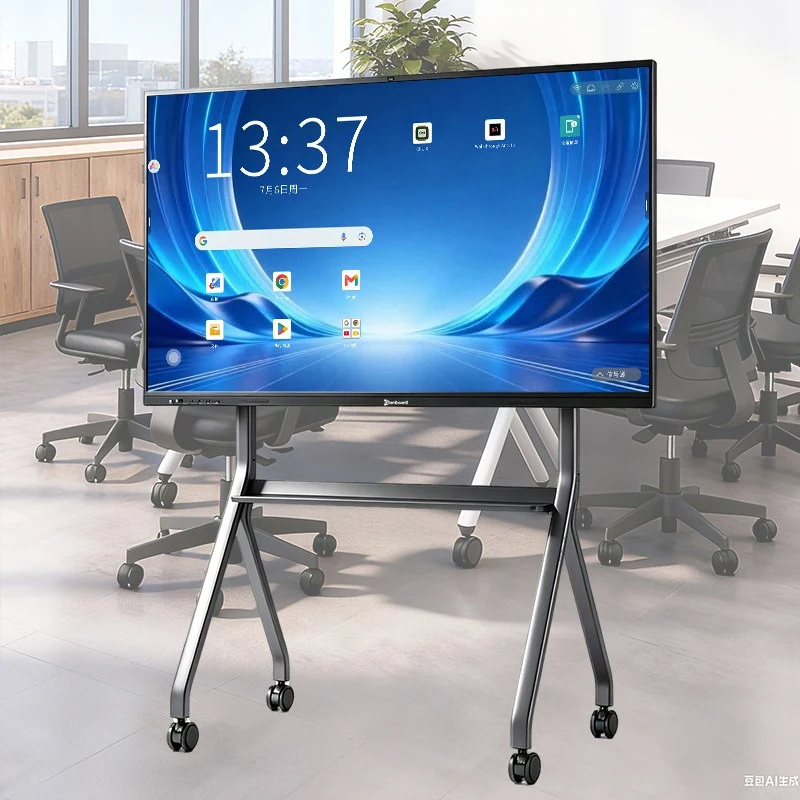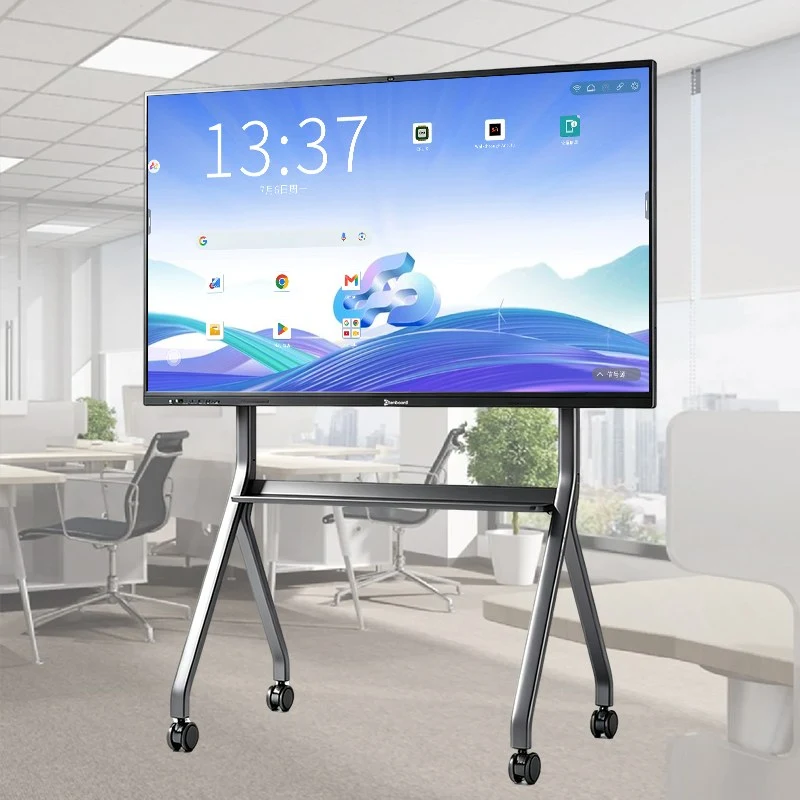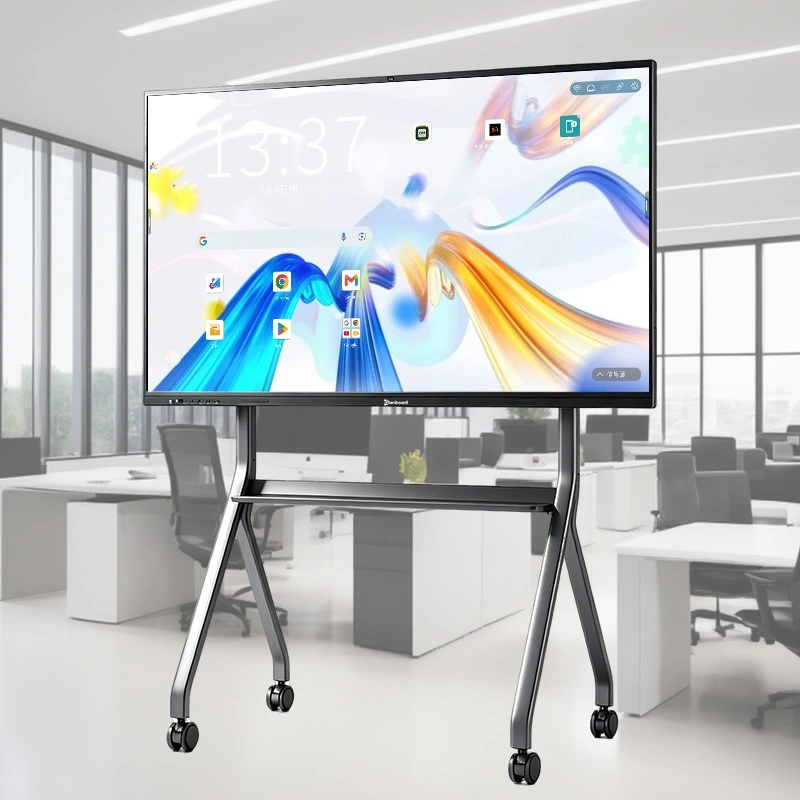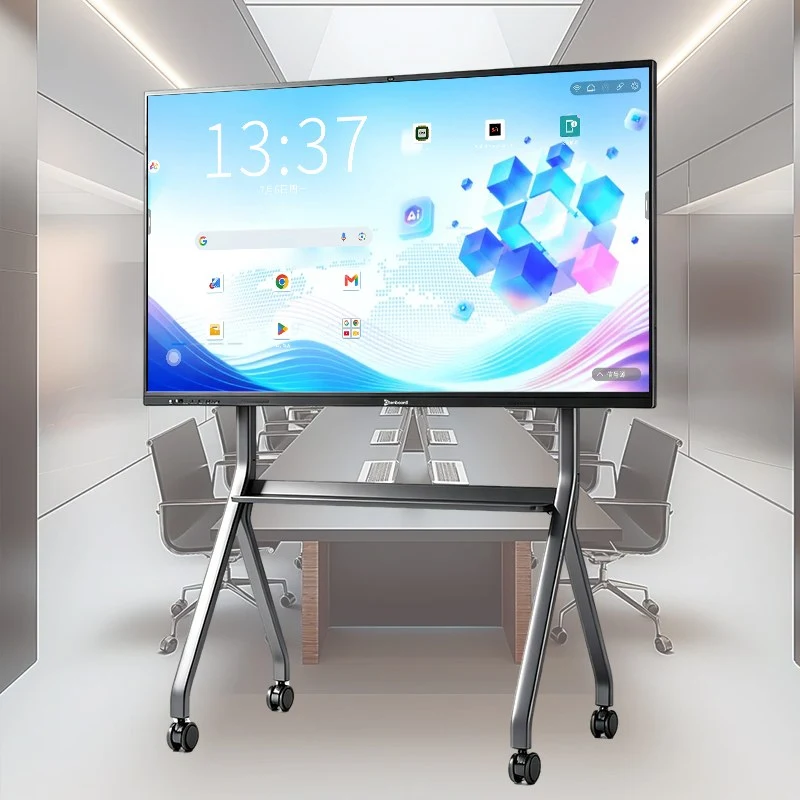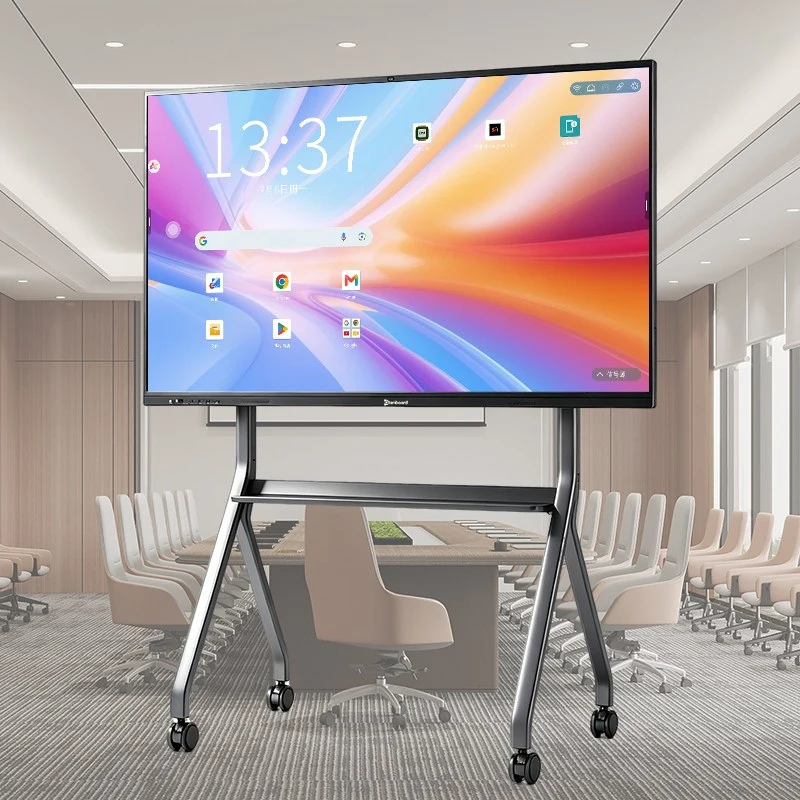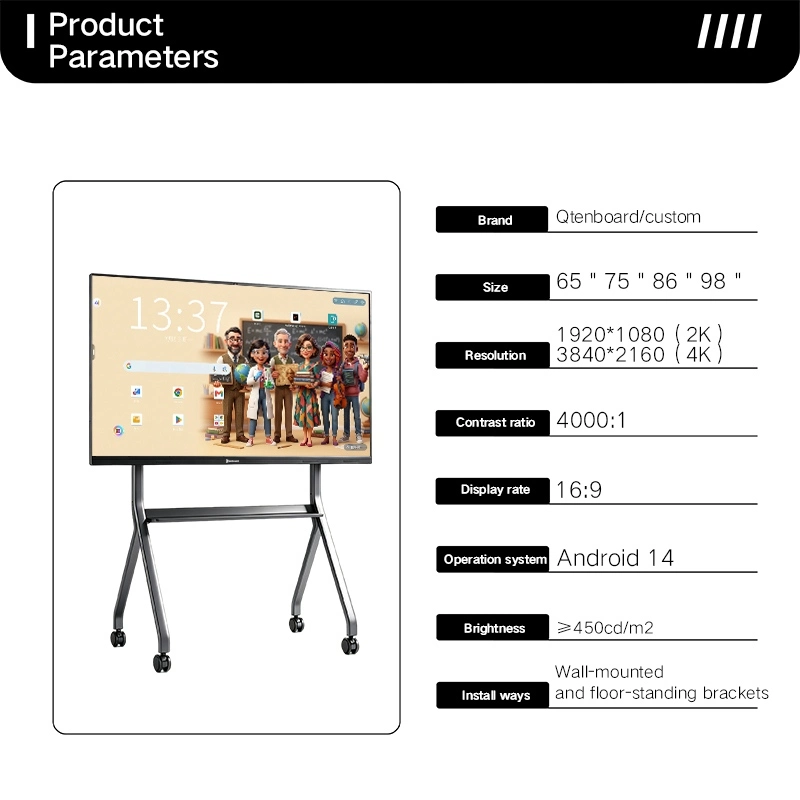
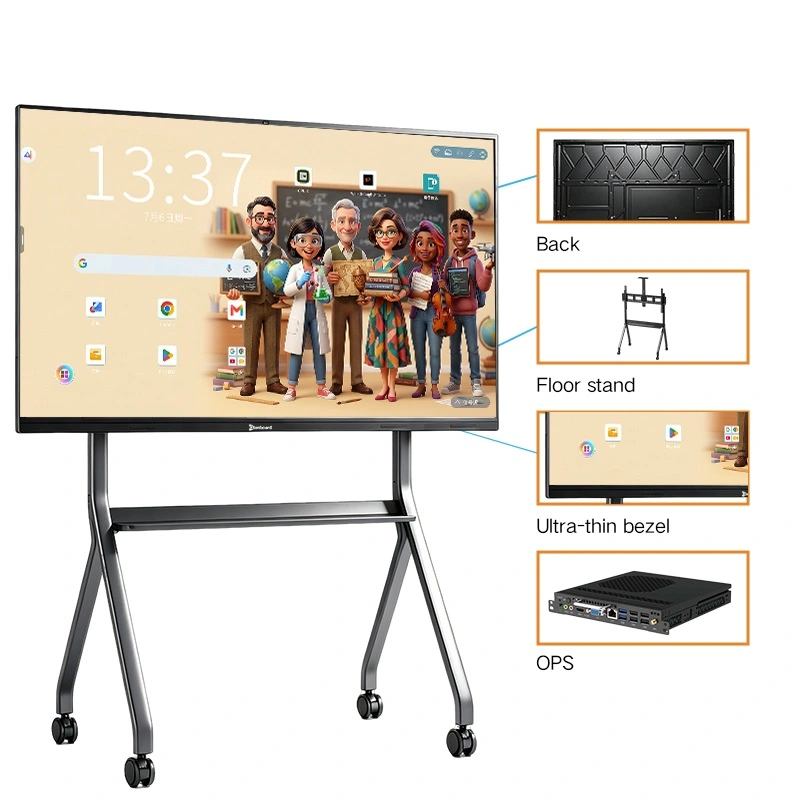
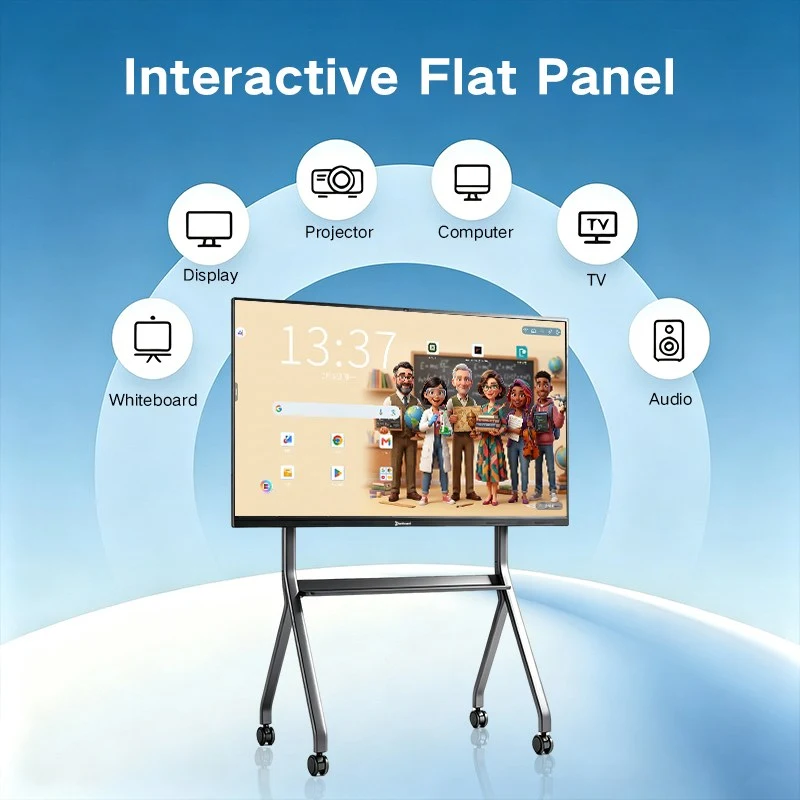
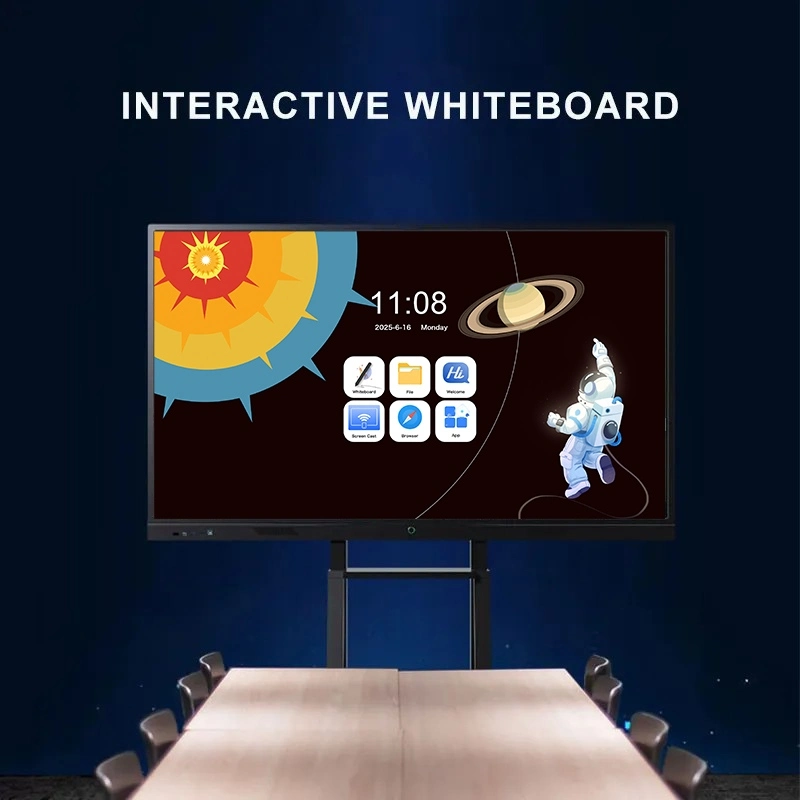
Qtenboard's BYOM (Bring Your Own Meeting) interactive whiteboard is purpose-built around one job: making every video call feel like everyone is in the same room, whether the meeting runs on Zoom, Microsoft Teams, or Google Meet.
Instead of bolting a webcam onto a generic touch panel, Qtenboard designs the camera, microphone array, speaker, and display as one integrated conferencing system — so remote colleagues are heard clearly, seen clearly, and never left waiting on a laggy connection.
From a two-person call between head office and a satellite branch, to a full cross-continental quarterly review with dozens of dial-ins, this panel is engineered to remove the friction that normally comes with "getting the call started" — no dongles, no compatibility guesswork, no IT ticket.
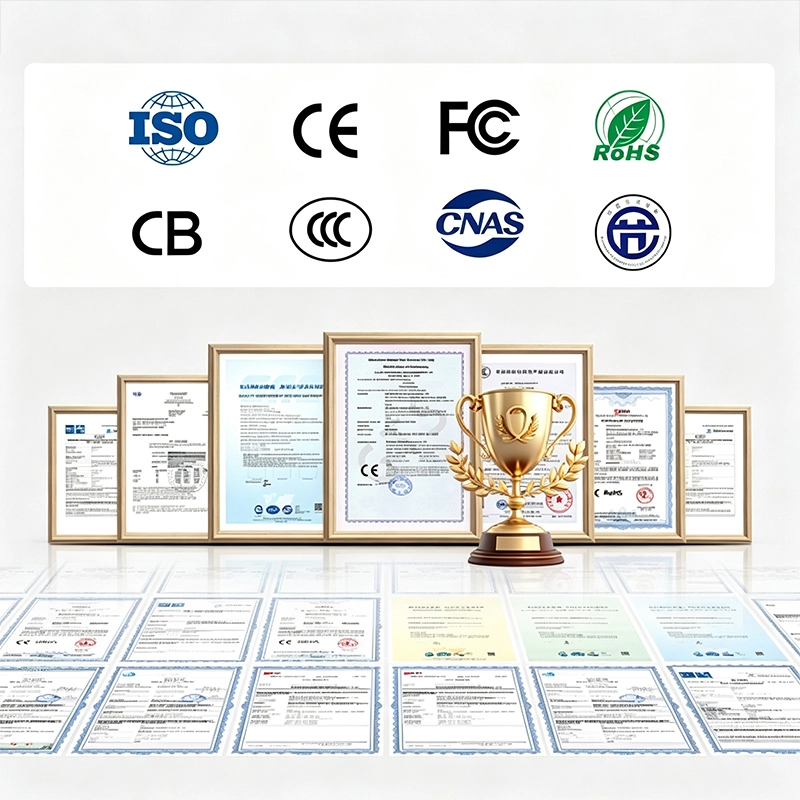
Every unit is validated against international quality and safety benchmarks — including CE, FCC, RoHS, and ISO — giving OEM/ODM partners a conferencing-ready product they can brand and deploy with confidence anywhere in the world.
Qtenboard runs its own manufacturing base across two facilities in ស៊ីនហ្សានvietnam. kgm និង សិទ្ធិ ហ្គាងហ្គងហ្គោworld. kgm, covering the entire production chain in-house — including camera module assembly, microphone array tuning, and acoustic testing, not just mainboard and structural design. The ៣៣០០០ គីឡូបៃ manufacturing campus houses 16 production buildings, automated assembly lines, a burn-in/aging test center, and a dedicated audio-visual reliability lab, so every conferencing panel is verified for call clarity before it leaves the factory.
With daily output capacity of up to 200 units, Qtenboard can support large-scale BYOM rollouts across enterprise branch networks, government video-linkage projects, and smaller pilot batches for regional brand partners in parallel. Support doesn't stop at shipment — pre-sales platform compatibility consultation, deployment assistance, and after-sales response are built into every OEM partnership.

The problem it solves: a bolted-on USB webcam and a desk speakerphone usually mean someone at the far end sounds muffled, gets cut off mid-sentence, or simply drops out of frame the moment they lean back in their chair.
Qtenboard's BYOM panel integrates an 8MP / 48MP / 4K camera module with a 6- or 8-array (up to 12-array) microphone directly into the bezel, tuned specifically for AI-driven noise suppression, echo cancellation, and automatic gain control — so voices stay clear even in rooms with hard walls or background chatter.
The result is full plug-and-play compatibility across Microsoft Teams, Zoom, and Google Meet — join a call the same way you'd start any other app, with no separate conferencing box, extra cabling, or driver installation required.
The problem it solves: the first five minutes of most video calls disappear into "can everyone see my screen?" and searching for the right adapter, while remote attendees sit waiting in silence.
Built-in wireless casting pushes content instantly from Windows, macOS, Android, or iOS onto the panel — no dongles, no cable swap — so a laptop screen becomes shared meeting content in seconds. A 4-way split-screen layout lets in-room and remote sources sit side by side for direct comparison.
Calendar-synced one-touch join (via Teams Rooms / Zoom Rooms style scheduling integration) lets a scheduled call start with a single tap on the panel, removing the need to manually open an app, enter a meeting ID, or hunt for a link in an email.
The problem it solves: on a mixed in-room/remote call, someone always ends up half-listening while typing notes — and by the next day, who owns which follow-up is already unclear.
Every speaker on the call — in-room or remote — is transcribed into editable text in real time, so no one has to choose between listening and writing.
Decisions and action items from both ends of the video call are pulled automatically into one structured record, exportable as PDF or Word right after the call ends.
Handles quick factual lookups mid-call — figures, definitions, background context — so the conversation doesn't stall waiting on someone to search their phone.
Speech or on-screen text is translated in real time, keeping cross-border participants aligned even when the call spans several languages.
The problem it solves: a panel locked to one platform forces a team to either abandon the conferencing software they already standardized on, or add a separate laptop just to make the call happen.
Every BYOM panel includes a built-in Android environment with native app support for Teams, Zoom, and Google Meet — call-ready straight out of the box, no extra hardware needed.
For organizations standardized on a specific desktop conferencing client, an optional OPS Windows compute module (i5 / i7 / i9) turns the panel into a certified-feeling Teams Rooms / Zoom Rooms style endpoint that plugs directly into the existing IT environment:
This dual-OS design lets one panel flex between an unplanned two-minute video huddle and a formally scheduled cross-border board call, using the exact software each side already knows.
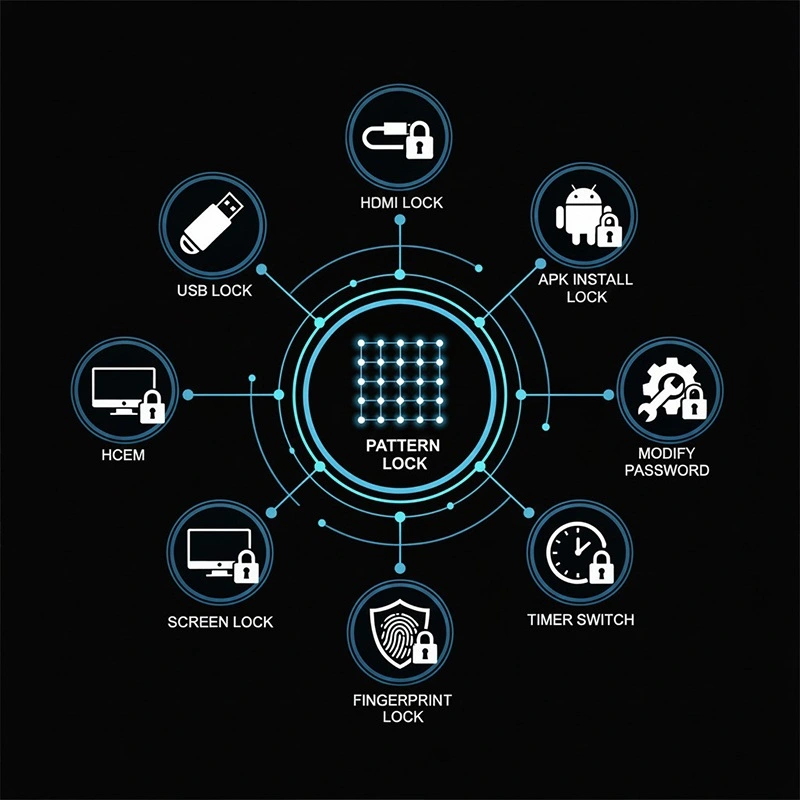
Confidential calls and shared content are protected with layered controls: USB and HDMI port locking, screen lock, pattern lock, APK installation restriction, password protection, scheduled power timer, and fingerprint access — a baseline that fits the security expectations of finance, government, and cross-border enterprise video conferencing.
From a quick two-site check-in to a formal multi-region board call, Qtenboard's BYOM panel adapts to however your organization actually connects.
Connect headquarters with regional offices or overseas partners over 4K video with clear multi-array audio, share live dashboards, and annotate directly on shared plans in real time.
Native camera and mic quality keeps external-facing calls professional, while one-touch join means a client call starts on time without a fumbled dial-in.
The dual-system setup gives secure access to sensitive files during the call, so leadership can present, annotate live, and distribute takeaways to remote stakeholders immediately after.
Qtenboard's device management system gives IT and facilities teams centralized control over every BYOM panel in the fleet — across floors of a single building or across a network of branch locations — with support for multiple user accounts.
| សំឡេង | |
|---|---|
| QtenboardComment | |
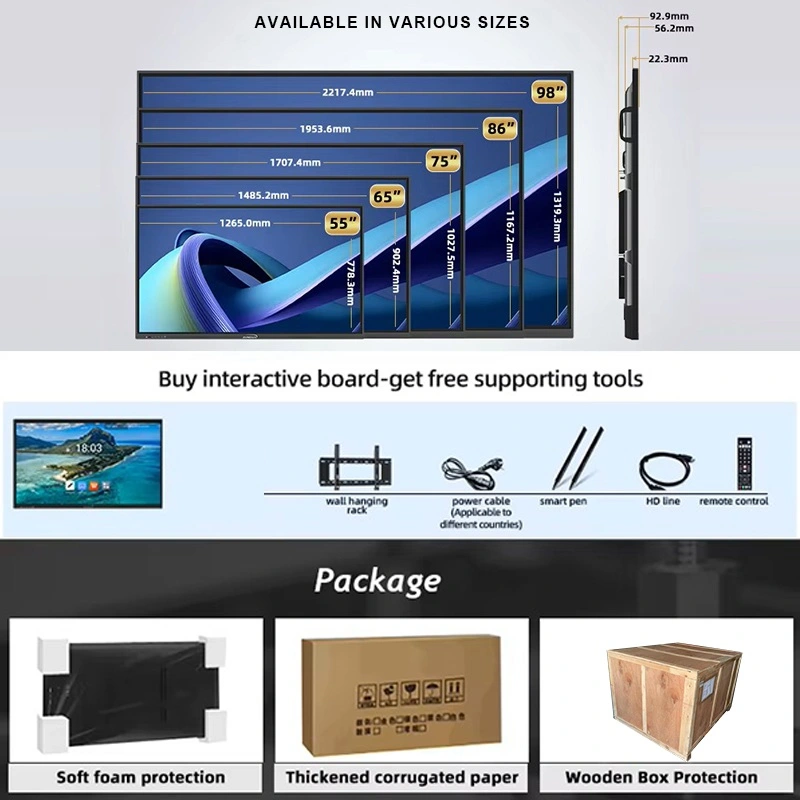
| Size (recommended space) | |
| 55'' / 65'' (small meeting rooms) · 75'' / 86'' (standard conferencing rooms) · 98'' / 105'' / 110'' (boardrooms & multi-site conference halls) | |
| ម៉ូល | |
| QM-55BY / QM-65BY / QM-75BY / QM-86BY / QM-98BY / QM-105BY / QM-110BY | |
| Camera & Audio (Conferencing Core) | |
| Camera resolution | 8MP / 48MP / 4K, adjustable field of view |
| Microphone array | 6-mic / 8-mic / 12-mic, AI noise suppression & echo cancellation |
| អ្នក និយាយComment | 20W × 2, full-range with automatic gain control |
| Platform compatibility | Microsoft Teams, Zoom, Google Meet, Webex |
| Display Specifications | |
| គុណភាព បង្ហាញ | 3840×2160, 4K UHD |
| ពន្លឺ | 350 cm/ m² / 400 cm/ m² / 450 cm / m² |
| សមាមាត្រ កម្រិត ពណ៌ | 4000: 1 ( ប្រភេទ) |
| ជម្រៅ ពណ៌ | 16.7M (8bit) |
| មុំ មើល@ info: whatsthis | 178 °( H) / 178 °( V) |
| Panel Lifespan | 60,000 នាក់ |
| System Specifications | |
| ប្រព័ន្ធ ដំណើរការ | 9679 / 3576 / 311D2 / V100 / 3588 |
| Android OS | Android 14.0 |
| រ៉ាម | 4+32G / 8+128G / 16+256G (configurable) |
| Optional Windows module | OPS i5 / i7 / i9 |
| WiFi | ២. ៤G & ៥G |
| ប្ល៊ូធូស | 5.2 |
| ទិដ្ឋភាព ឥត ខ្សែ | Supported |
| បណ្ដាញ | |
| ប្រភេទ ចំណុច | ការ តភ្ជាប់ អ៊ីនហ្វ្រា រ៉េប សូល |
| Touch points | 20–50 point |
| កម្ពស់ ចំណុច | ១ មែល |
| ថាមវន្ត | |
| អនុញ្ញាត | ≤ 0.5W |
| ការ ផ្ដល់ ថាមពល | AC100V–240V, 50–60Hz (compatible with mains voltage in most global markets) |
| បរិស្ថាន ប្រតិបត្តិការ | |
| សីតុណ្ហភាព ការងារ | 0℃ ~ 40℃ (suited to standard air-conditioned office conditions) |
| ភាព ស្រអាប់ ការងារ | 20% ~ 85% (no condensation) |
| សីតុណ្ហភាព ផ្ទុកComment | -10℃ ~ 60℃ |
| ភាព ត្រឹមត្រូវ ផ្ទុក@ info: whatsthis | 10% ~ 60% (no condensation) |
| Input/Output Interfaces | |
| ប្រភេទ B 2.0, type- C, HDMI in, HDMI out, USB, USB- B, DP, VGA, TF កាត TF MIC, RJ45 in, RJ45 ចេញ, RS232 ក្នុង (ជម្រើស) | |
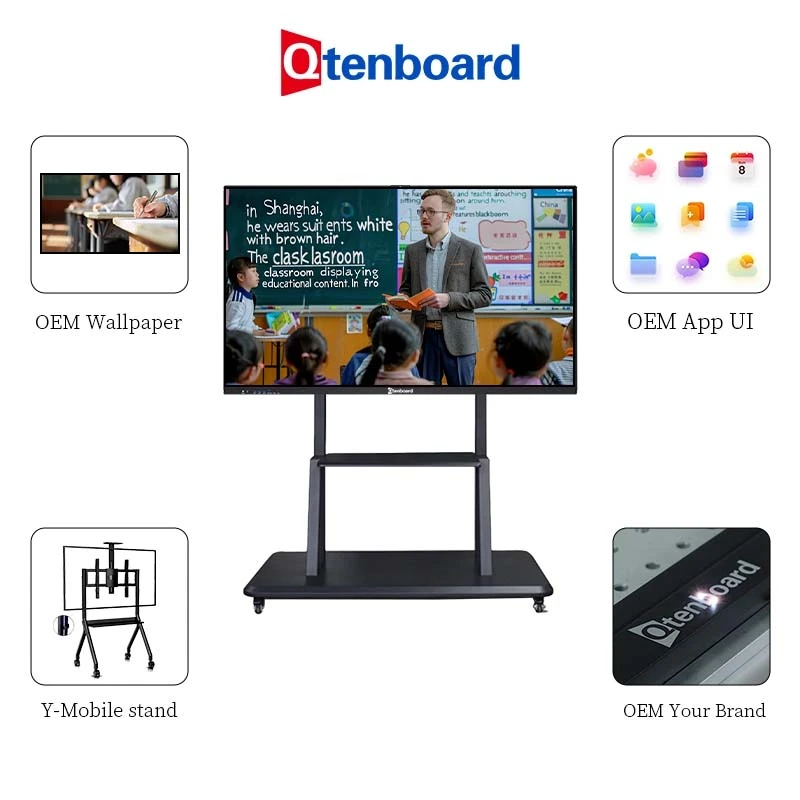
Qtenboard is built around flexibility for brand partners, resellers, and system integrators running their own video conferencing hardware line:
Centralized multi-site conferencing control · Cross-location call linkage · Enterprise-scale rollouts
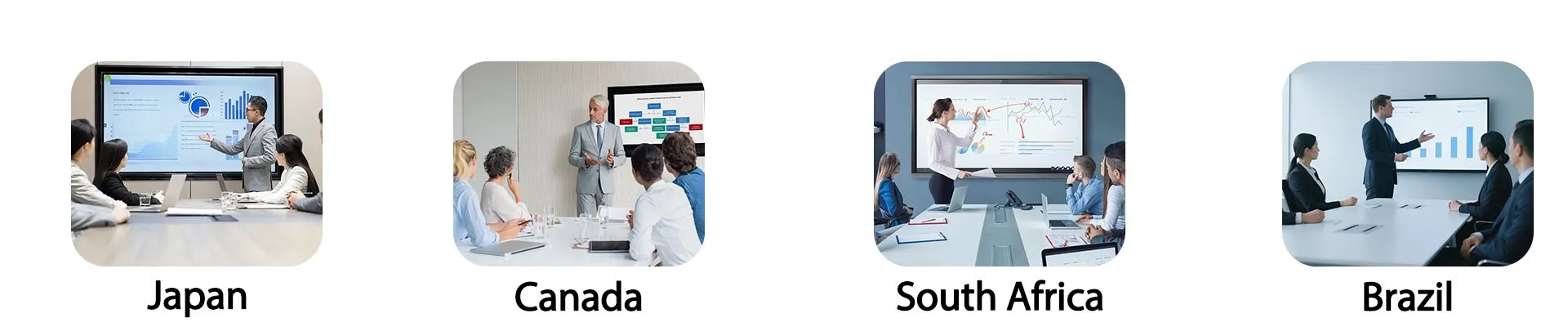
Qtenboard's BYOM conferencing panels have shipped into corporate and institutional projects across Europe, North America, South America, South Africa, and Southeast Asia, working alongside local system integrators and brand partners to deliver end-to-end conferencing solution design, product supply, installation, and rollout support.
Repeat partners cite call quality consistency, responsive after-sales handling, and fast customization turnaround as the reasons they return for follow-on orders.
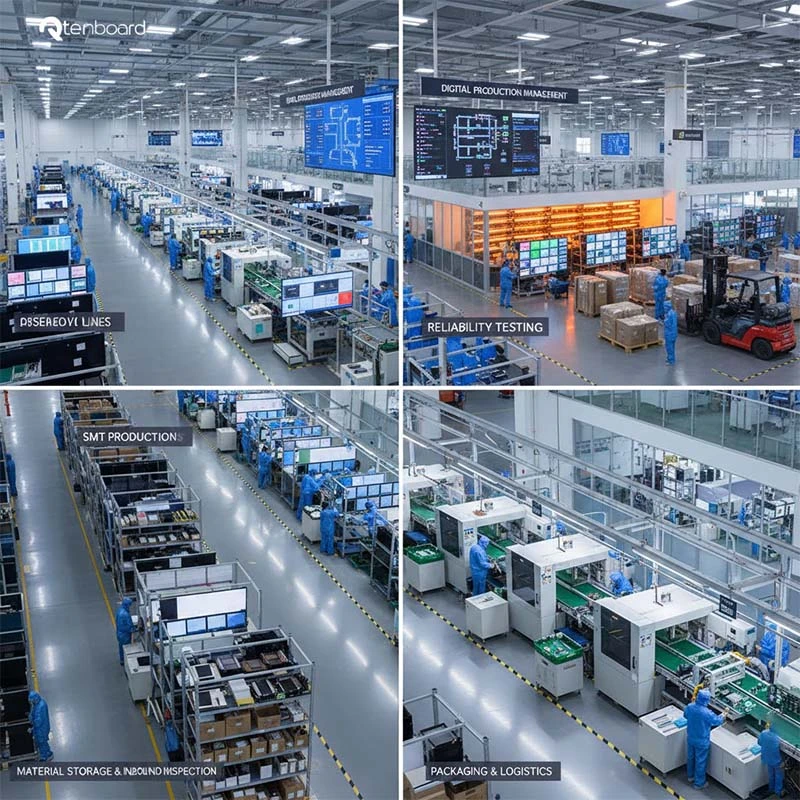
Qtenboard's manufacturing campus spans 330,000 m² across 16 dedicated production buildings.
Every unit is tested for camera clarity, microphone pickup range, echo performance, and long-term reliability through extended aging cycles — holding quality consistent even at high production volume, with dependable, on-time shipment for global OEM orders.
Owning the full production chain — including in-house camera and audio module assembly — gives Qtenboard direct control over lead times, quality assurance, and unit cost, a meaningful advantage for partners running large BYOM programs.
Qtenboard backs every BYOM conferencing partnership with a full support structure:
The engineering team provides platform-compatibility consultation before deployment, active monitoring and support during rollout, and continued maintenance, part replacement, and firmware update services after go-live.
Combined with the DMS platform, this support structure helps OEM and business partners diagnose call-quality issues quickly, control after-sales costs, and keep every conferencing endpoint running efficiently.
Q1: Is this panel certified for Zoom Rooms or Microsoft Teams Rooms?
The panel is built to Zoom Rooms / Teams Rooms style hardware standards and runs the native Teams, Zoom, and Google Meet apps directly on the built-in Android system or the optional Windows OPS module — final platform certification can be pursued jointly with OEM/ODM partners as part of their branded program.
Q2: Do I need a separate webcam or speakerphone?
No — the camera, microphone array, and speaker are built into the panel itself, so there's no additional hardware to buy, cable, or troubleshoot.
Q3: How many people can the microphone array pick up clearly?
Depending on configuration (6/8/12-mic array), the panel is tuned for meeting rooms seating anywhere from a small huddle group up to a full boardroom table, with AI noise suppression keeping voices clear at range.
Q4: Can multiple video and content sources be shown together during a call?
Yes, the panel supports up to a four-way split screen for side-by-side comparisons of in-room and remote content during the same call.
Q5: Is call content or meeting data protected?
Yes, including password locking, permission management, system lockdown, and remote administrative control — suited to boardrooms and other settings handling sensitive call content.
Q6: Can multiple conferencing endpoints across different offices be managed centrally?
Yes — the DMS platform lets IT teams centrally monitor, manage, and push content to BYOM panels across multiple sites or office locations from a single dashboard.
Q7: Does switching between Android and Windows affect call quality?
No — the camera, microphone, and speaker hardware are shared across both operating modes, so call quality stays consistent whether you're running the native Android conferencing apps or the optional Windows OPS module.
Q8: Can Qtenboard support my own brand or distribution network for conferencing panels?
Yes — Qtenboard works directly with brand owners, distributors, and system integrators to support OEM/ODM customization, localized UI options, and after-sales support coordinated through regional partners.
 HKM
HKM
 EN
EN  MAY
MAY  TH
TH  CHT
CHT  BUR
BUR  FIL
FIL  ID
ID  LAO
LAO  SIN
SIN  VIE
VIE