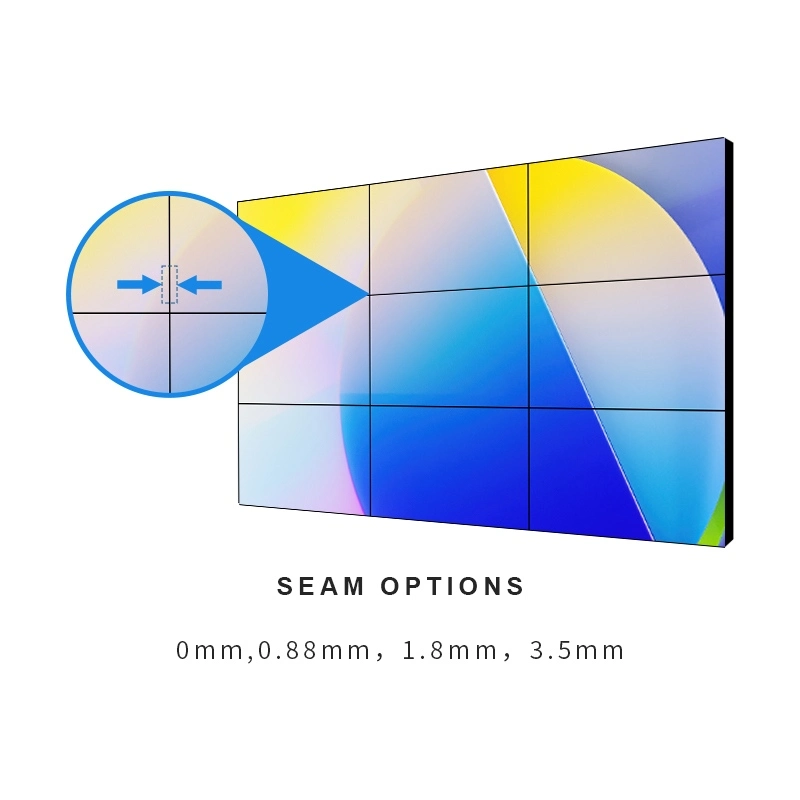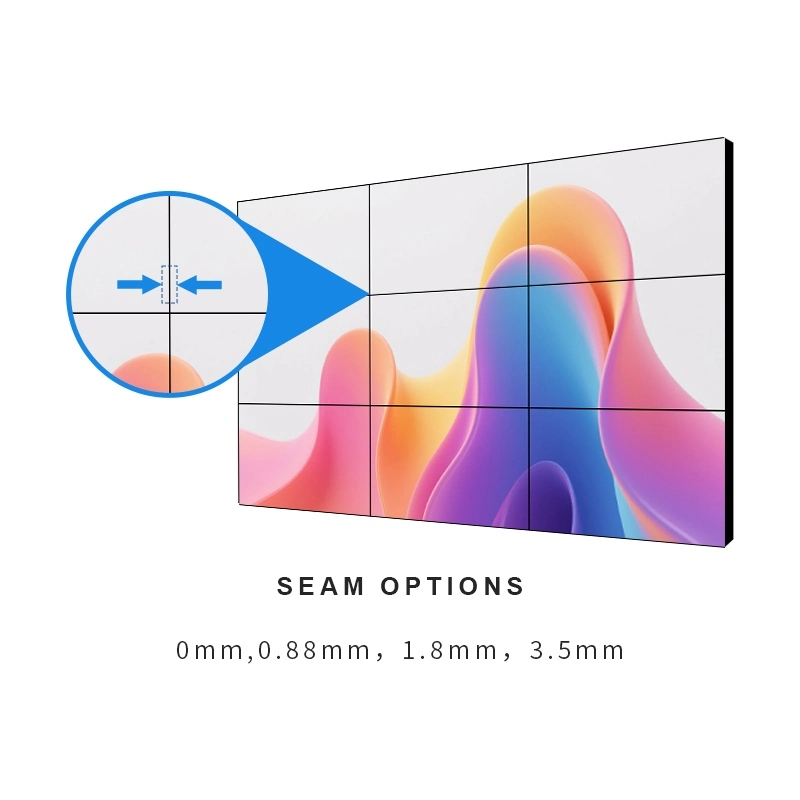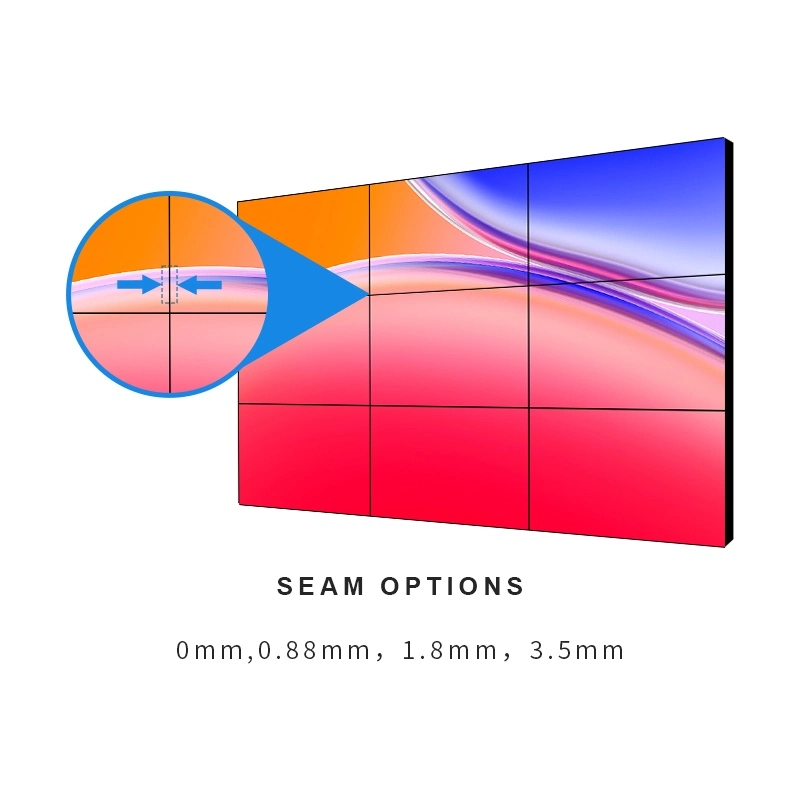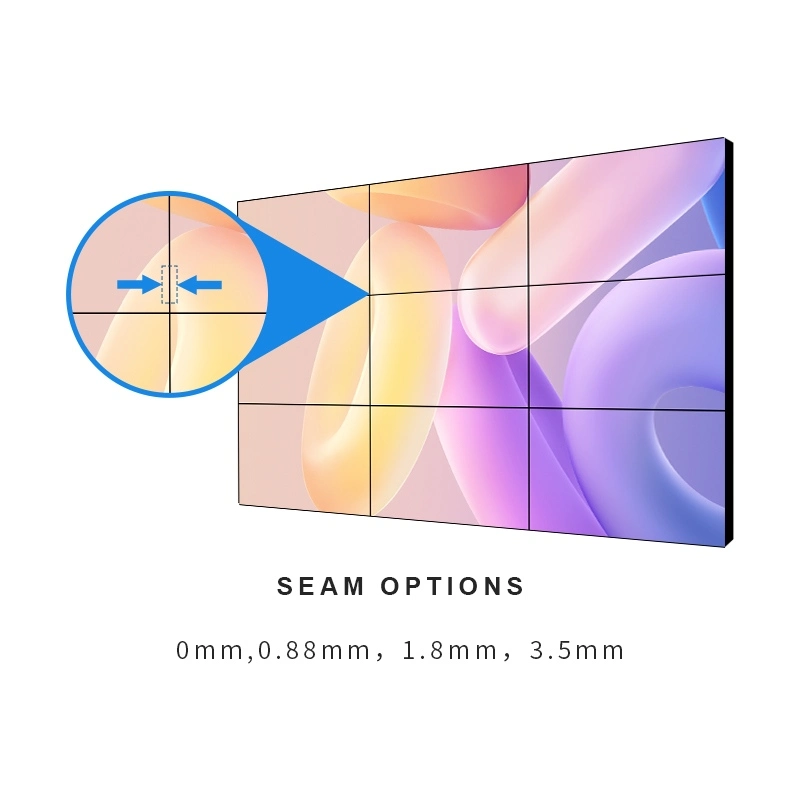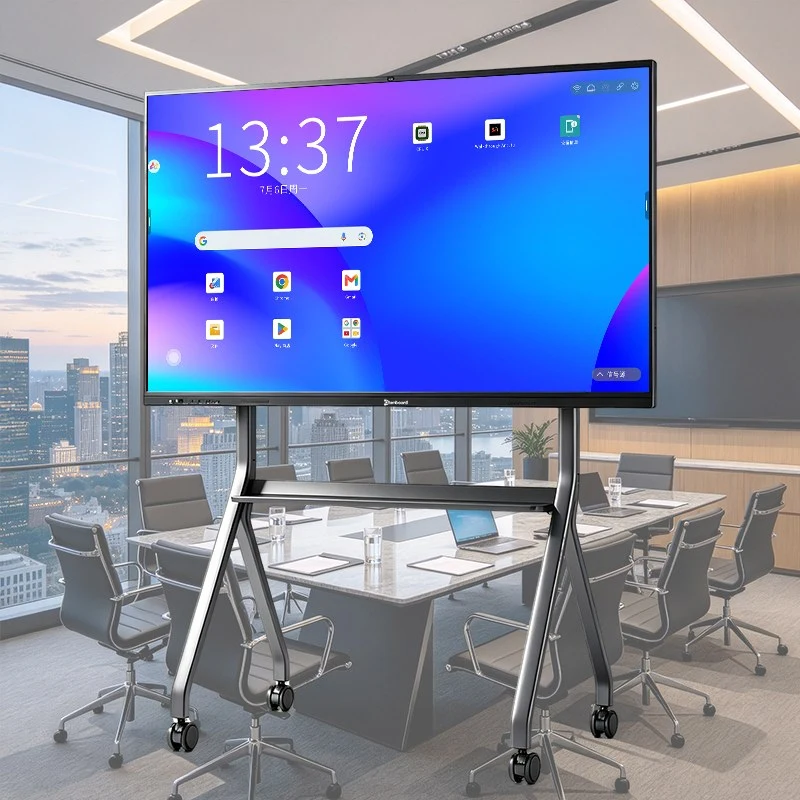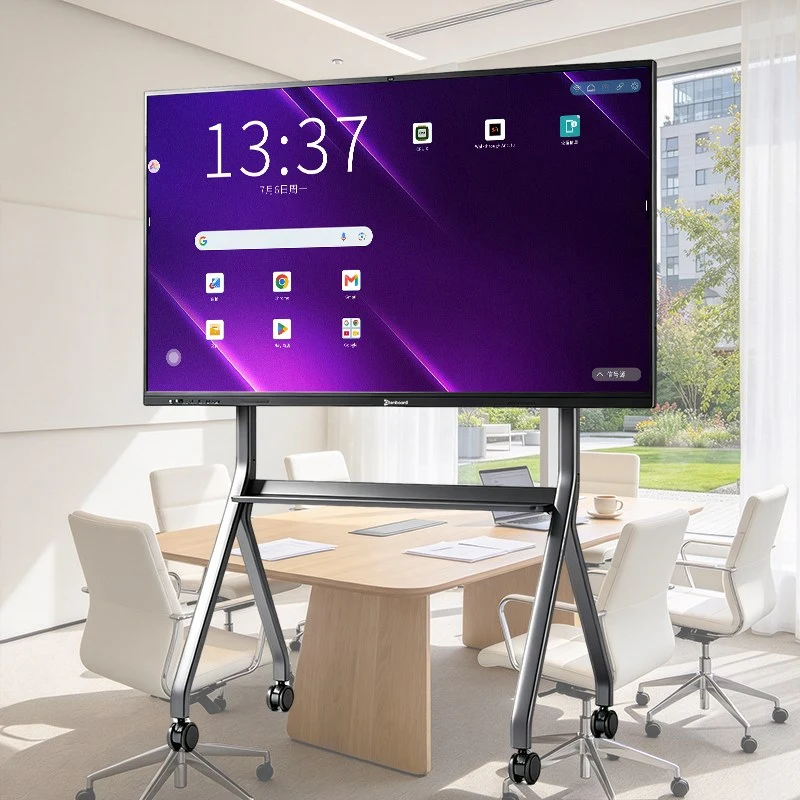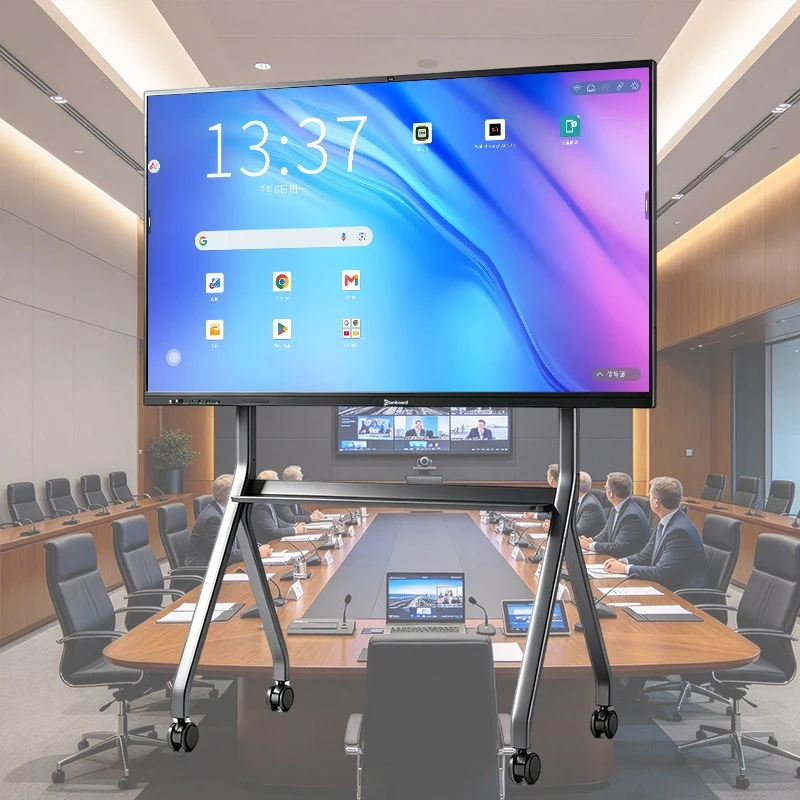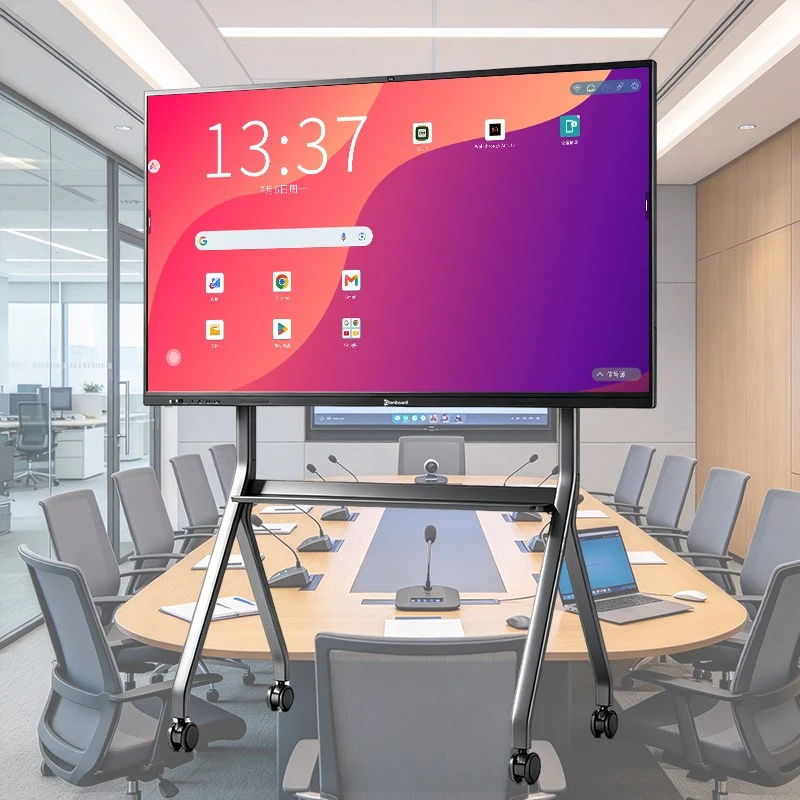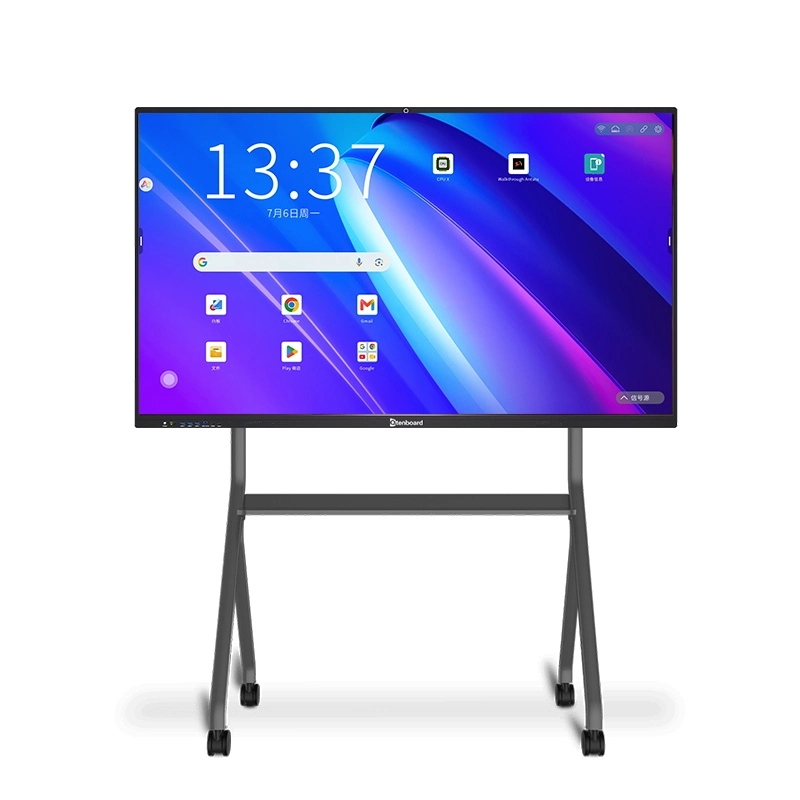
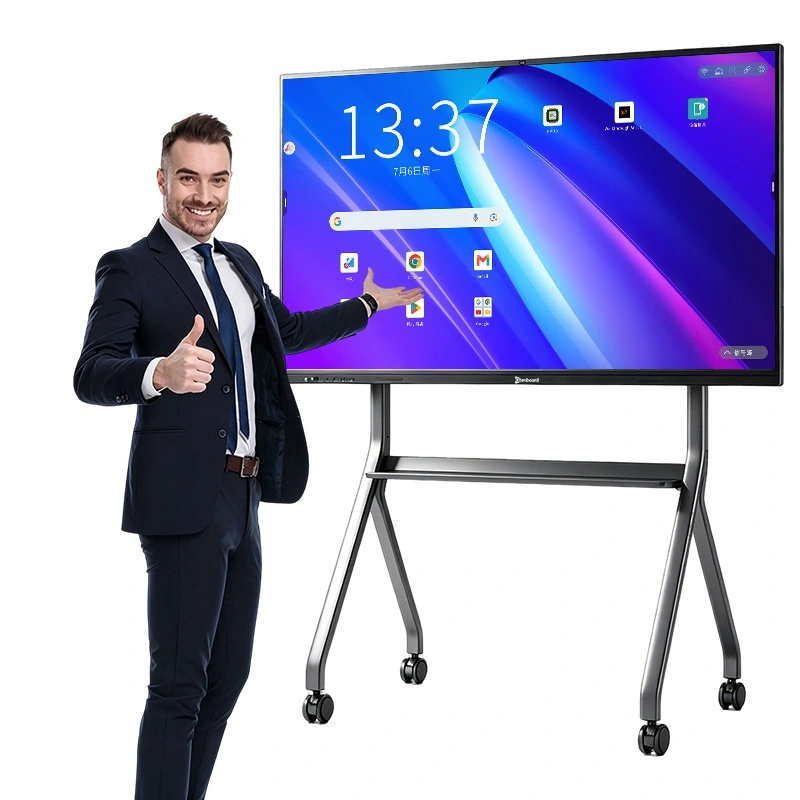
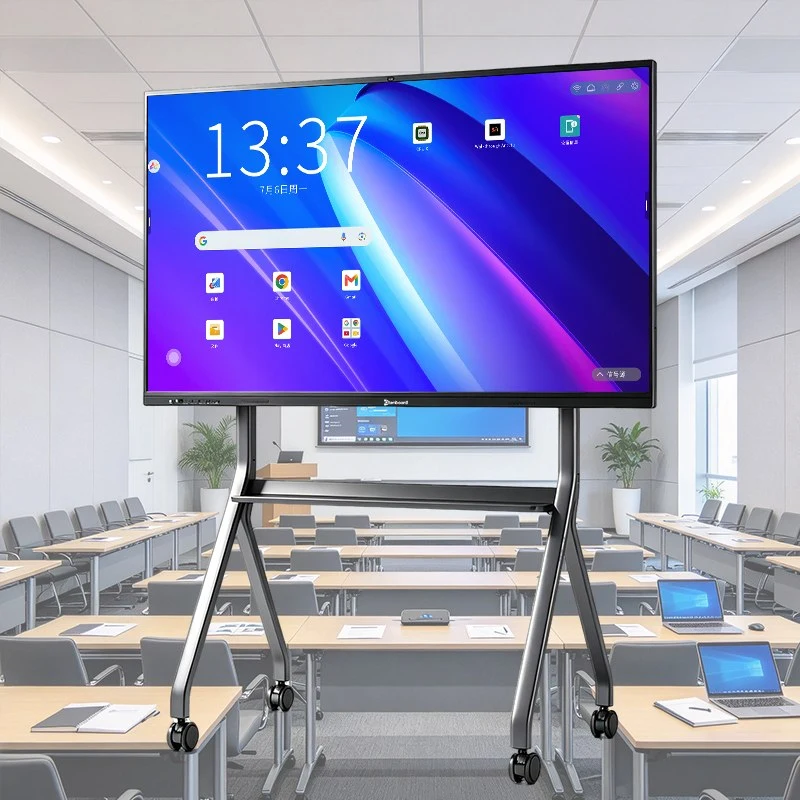
Qtenboard's teaching whiteboard is more than a big touchscreen. Its built-in interactive whiteboard software lets teachers prepare lessons, annotate over any content, run quizzes, record the lesson and share it with students — all on one 4K touch interactive flat panel in sizes from 55″ to 110″. Google EDLA certified, Android 16, with OEM/ODM customization for distributors and system integrators.
 TEACHING WHITEBOARD // LESSON SOFTWARE
ANNOTATE · RECORD · QUIZ · SHARE
Schools often buy an interactive board for the screen and then find teachers only use it as a projector. The difference is software. Qtenboard's smart whiteboard for teaching ships with lesson software designed around how teachers actually work: preparing material before class, teaching with touch and pen, checking understanding, and sending the lesson home afterward. For a hardware-level overview, see our guide on what a smart board is.
Tools follow the teaching flow — prepare, present, interact, review — so teachers spend time teaching, not hunting through menus.
The local whiteboard software runs offline, so lessons never stall when the school network is unstable.
UI, language pack, boot logo and pre-installed apps can be tailored for distributors and education projects.
The interactive whiteboard software supports the whole teaching cycle on one device.
Build lesson pages, add images, shapes and teaching resources, and save them for reuse.
Write, draw and annotate directly on the board or over other content, with multi-touch for student participation.
Check understanding with quick questions and interactive activities, and keep every student involved.
Record the lesson and share it with students by QR code, so revision and absent learners are covered.
Prepare lessons ahead of time and reuse them term after term. Combine handwriting, images, shapes and resources on a single canvas.
Mark up slides, documents, web pages and apps in real time. Natural handwriting is recognized across 200+ languages and converted to clean digital text, with automatic recognition of letters and standard shapes.
40-point touch lets up to four users write, erase and move objects at the same time with zero lag — ideal for group work at the board.
Run quick questions and interactive exercises to check understanding on the spot and keep students engaged throughout the lesson.
Capture the teaching screen with audio as a lesson recording for revision, flipped learning and students who missed class.
Students scan a secure QR code to save the full lesson to their own device — paperless, instant and easy for the teacher.
On-board AI reduces teacher workload and supports every learner. Learn more in our article on AI and the interactive whiteboard.

Subtitles appear instantly as the teacher speaks, supporting 200+ languages and helping second-language and hearing-impaired students.

AI turns classroom discussion into structured summaries of key concepts and homework recaps, exportable for review.

Real-time explanations and definitions at the screen, so deep-dive knowledge is available without leaving the lesson.

Open apps, switch inputs or adjust brightness with simple voice commands, without interrupting the lesson.
The whiteboard runs Android 16 with Google EDLA certification, so teachers are not locked into one tool. Use the built-in lesson software alongside the apps your school already relies on. Read more about Sertipikasyon ng EDLA.
Install certified educational and productivity apps, including Google Workspace and Microsoft 365.
Core whiteboard tools and teaching resources work with or without a connection.
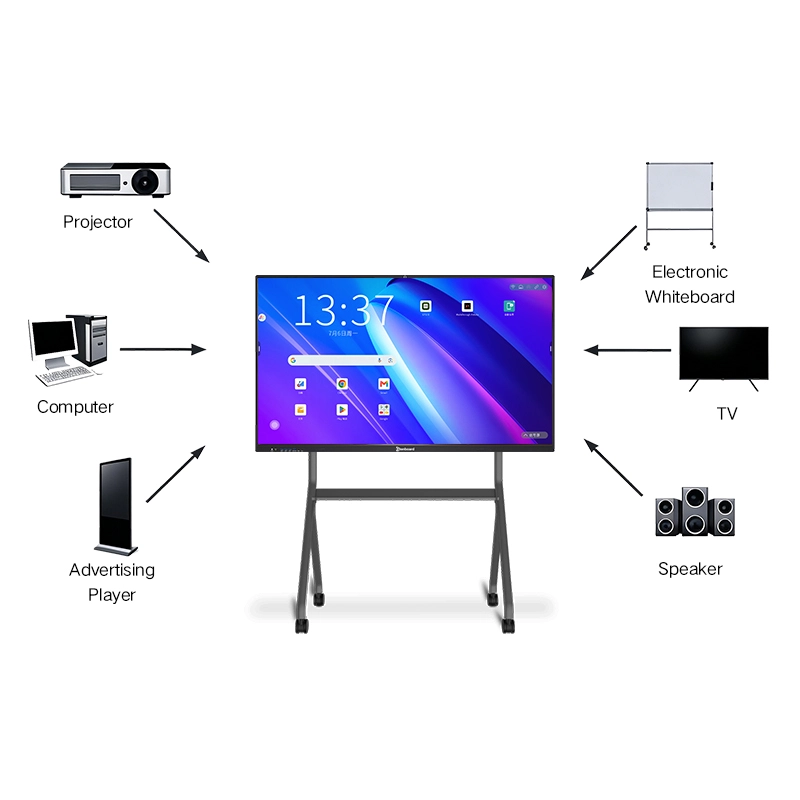
Teachers and students can share content to the board from their own devices.
Add an embedded OPS computer to run Windows teaching software and legacy courseware.
Reference model QM-75HY. Sizes from 55″ to 110″ are available — use our interactive whiteboard size guide to choose for your classroom. Many schools also pair the board with a mobile stand or other classroom accessories.
| Parametere | Pagtukoy |
|---|---|
| Display | 4K UHD (3840 × 2160), anti-glare, 178° viewing angle |
| Tupan | Infrared, 40-point, zero-gap bonding, 1mm touch height |
| Operating System | Android 16.0 · Google EDLA Certified |
| RAM + ROM | 4+32G / 8+128G / 16+256G (optional) |
| Audio | 20W × 2 (2.1 configuration) |
| Camera & Mic | Optional 4K AI camera + 8-array mic |
| Glass | 4mm toughened glass, 7-Mohs hardness |
| Pamamahala | DMS remote fleet management |
Qtenboard's own R&D team can adapt the system for your market and your education projects.
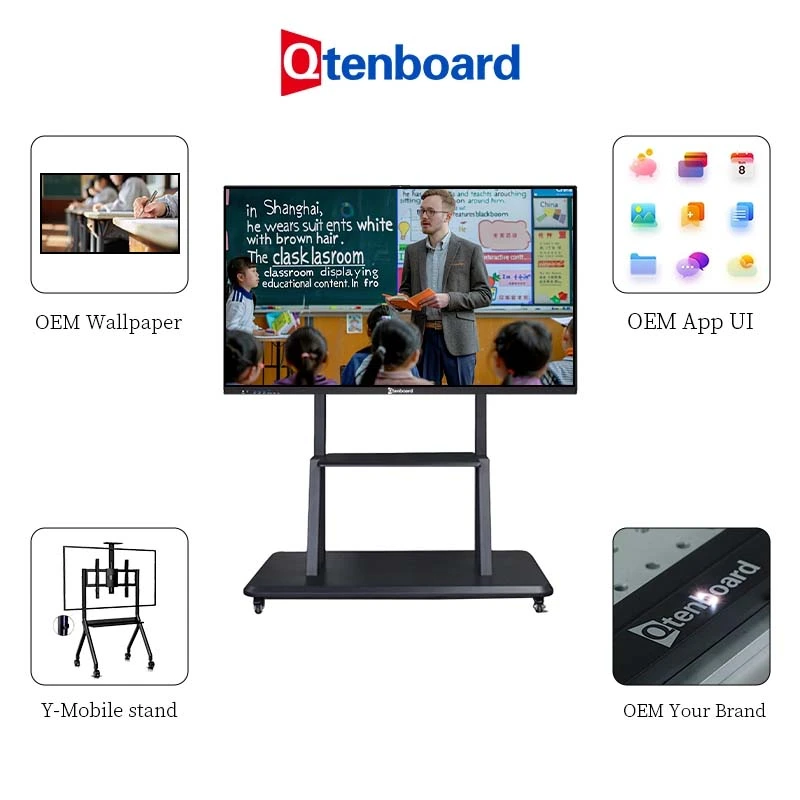
Custom UI, boot logo, wallpaper, startup animation, language pack and pre-installed apps.

Choose white-label, full OEM or structural ODM to launch your own teaching whiteboard line.

Local education software, permission management and integrations for school and government projects.
Teacher training on the lesson software, on-site or remote.
Remote system and software upgrades through DMS, across all classrooms.
Technical documentation and installation guidance for integrators.
Engineer team for maintenance, replacement and firmware upgrades.
24/7 online availability for fast after-sales response.
Samples typically dispatched within 3 working days. See successful cases.
It is an interactive touch display with built-in computer and software that lets teachers write, annotate, run activities, record and share lessons. Qtenboard's version is a 4K smart board interactive whiteboard with Android 16 and AI teaching tools.
Teachers can prepare lesson pages, annotate over content, use handwriting recognition, run quick quizzes and activities, record lessons and share them by QR code. AI tools add speech-to-text subtitles, discussion summaries, instant Q&A and voice control.
Yes. The local whiteboard software runs offline, keeping core tools and teaching resources available even when the school network is unstable.
Yes. With Google EDLA certification, teachers can install apps from the Google Play Store, including Google Workspace and Microsoft 365. For Windows-based teaching software, add an embedded OPS computer.
Students scan a secure QR code displayed on the board and save the full lesson to their own device — no printing needed.
Handwriting recognition covers 200+ languages, converting cursive writing and sketches into clean digital text. Contact us for support of a specific language in your project.
Yes. UI, boot logo, wallpaper, language pack and pre-installed apps can be customized, and our R&D team supports secondary development for local education software. Our education solutions page shows typical project setups.
75″ and 86″ suit most standard classrooms; 55″–65″ fit small rooms and 98″–110″ fit large halls. See the size guide or ask us to recommend by room dimensions.
Yes. The DMS system supports remote upgrades and fleet management. More answers are in our interactive whiteboard FAQ.
Price depends on panel size, chipset and memory, accessories, quantity and level of OEM/software customization. Contact our sales team for a factory-direct quote.
Tell us your school or project size, the display size you need and any software customization. We will reply with a tailored factory-direct quote and lead time. Explore our school interactive whiteboards to compare models.

 FIL
 EN
 MAY
 TH
 CHT
 SIN
 BUR
 VIE
 ID
 LAO
 HKM