An LCD video wall that looks flawless in a meeting room can fail on air within seconds: rolling dark bands sweep across the screen, fine patterns shimmer into colour fringes, and a premium display becomes unusable footage. That is the difference between a commercial LCD video wall and one specified for live production.
This guide is for system integrators and broadcast engineers specifying a video wall for studio or live-production use. It draws the technical line between commercial-grade and broadcast-grade LCD walls — refresh-rate behaviour, flicker control, colour accuracy, signal latency and environmental resilience — so the specification you hand to a supplier matches what the cameras actually see. Qtenboard manufactures industrial-grade LCD video walls for B2B deployment, and this article follows the same selection logic we apply with integrators on broadcast projects.
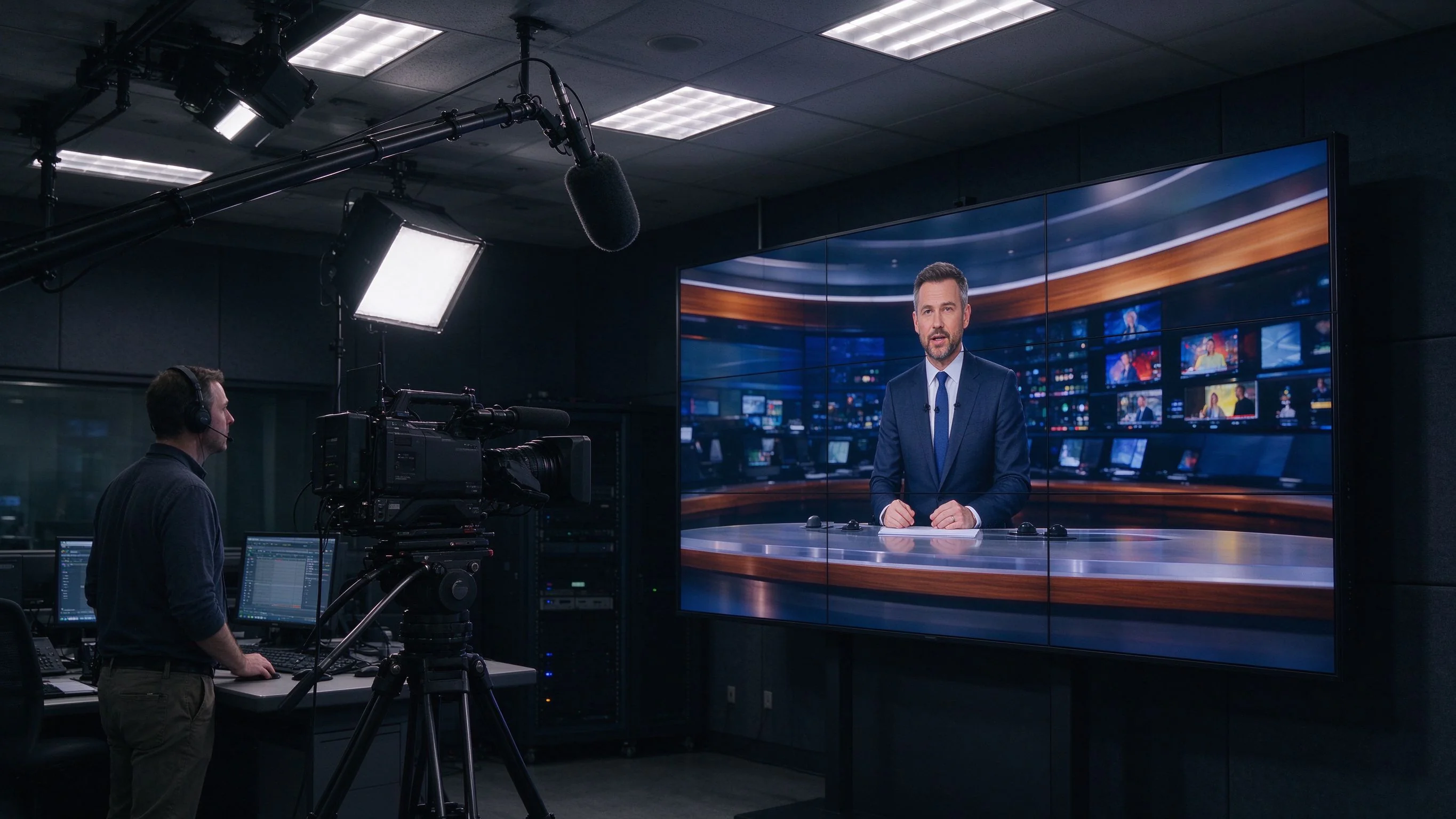
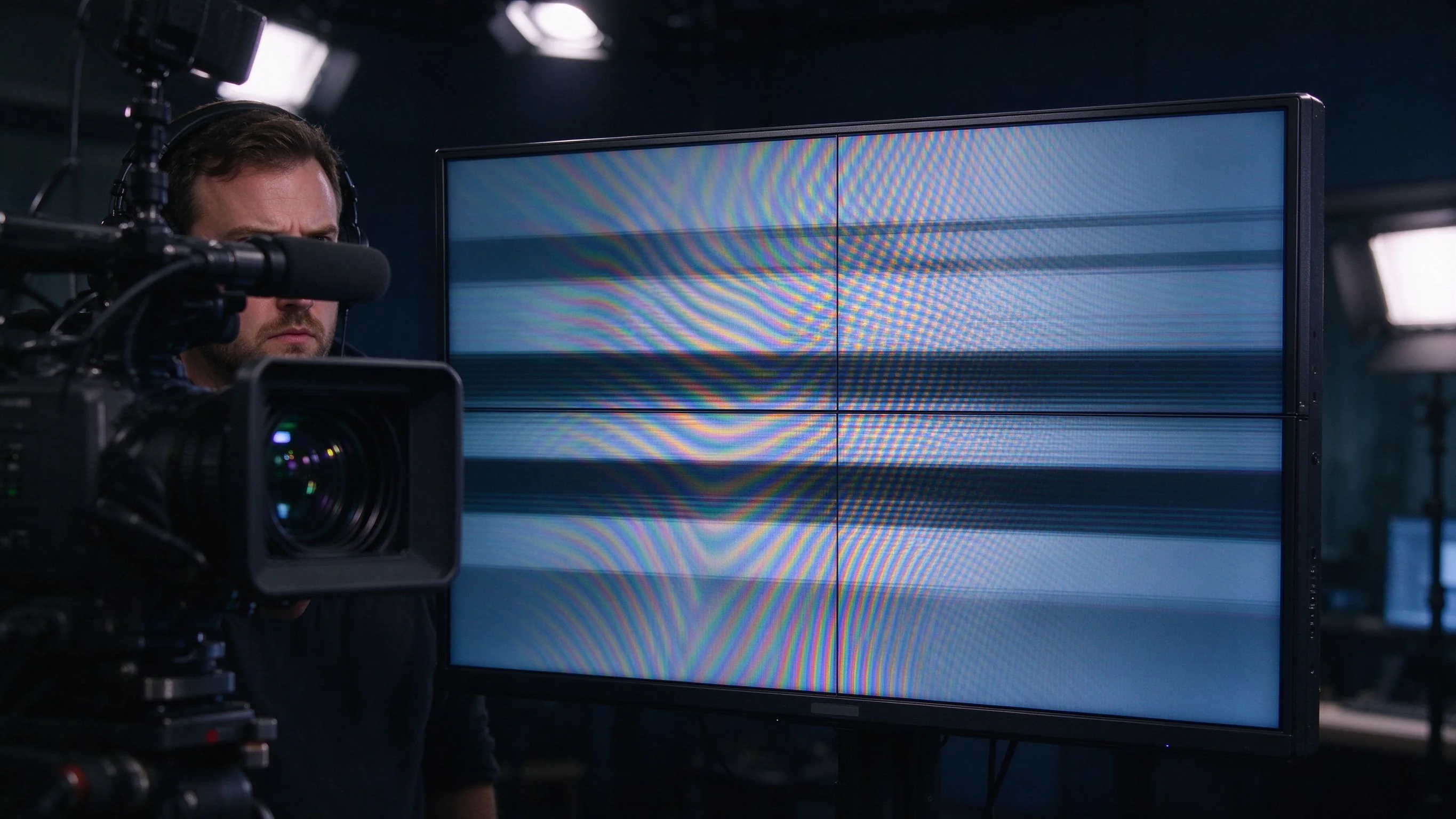
The failure is physics, not a quality judgement. Two mechanisms do most of the damage.
A camera samples the scene line by line or frame by frame, while the panel refreshes on its own fixed timing. When the two rates are close but not identical, the mismatch shows as slow-moving dark bands; when they beat against each other, flicker appears that the naked eye may miss but the camera records ruthlessly.
The panel's pixel grid and the camera sensor's sampling grid are both periodic structures. Overlapped at the wrong angle or spacing, they produce shimmering interference fringes that shift as the camera moves — and small-pitch commercial panels are often the worst offenders on camera.
Live has no post-production fix: what the camera records goes to air, so the specification must be made before the wall is built.
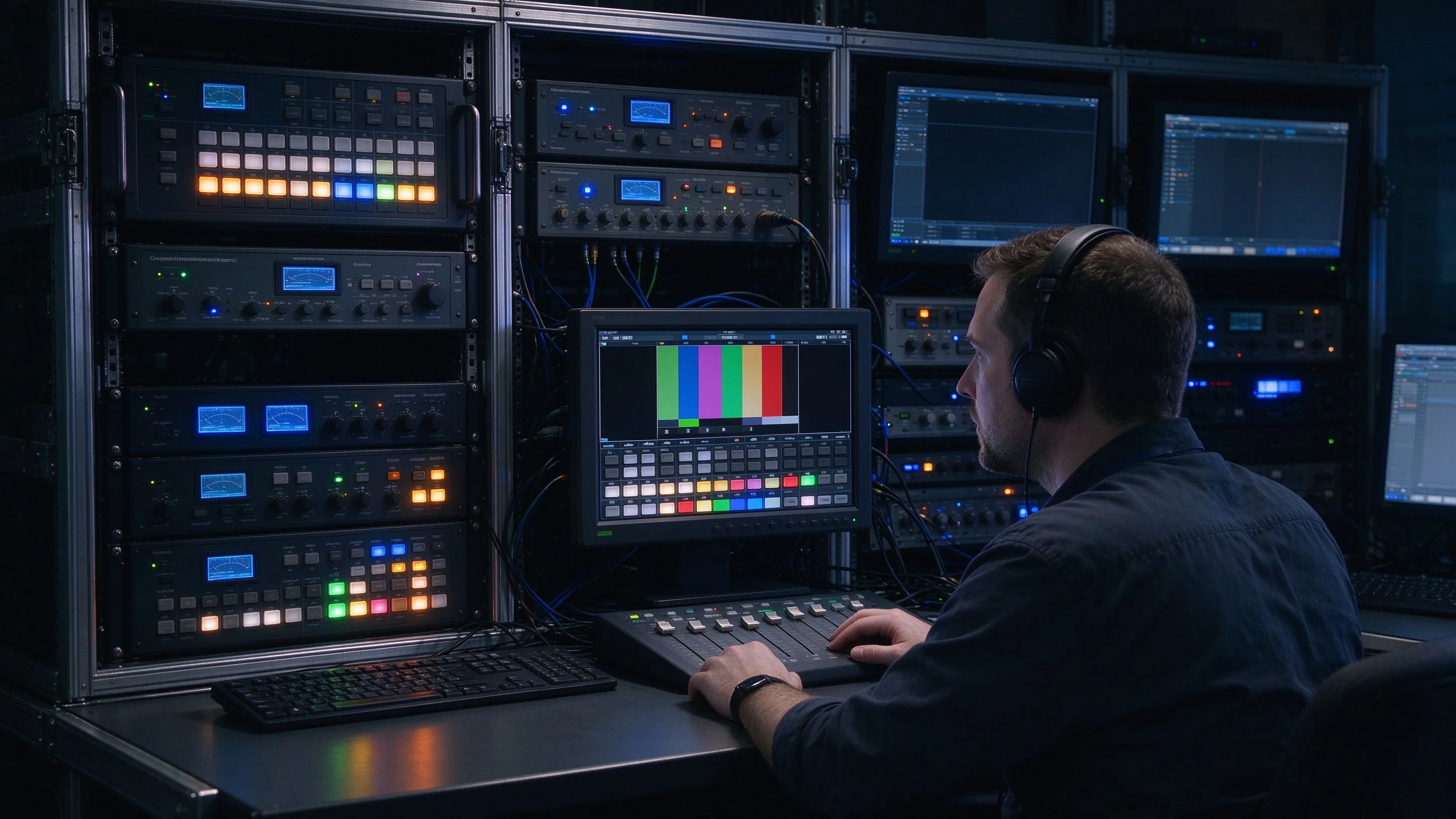
The first procurement filter is not brightness or resolution — it is synchronization. A broadcast-grade wall must lock its refresh behaviour to the production reference.
For most studio work, panels should refresh fast and cleanly, with stable frame timing rather than a rate that drifts against the camera shutter. A 6 ms grey-to-grey response keeps camera pans clean and prevents smearing behind fast-moving graphics.
Where the wall must appear seamlessly in camera, engineers look for an external synchronization reference — a genlock or house-sync signal that locks the display chain to the production's master timing. This is the most common gap between commercial and broadcast-specified walls, and the first question to put to a supplier.
If you are weighing panel technologies rather than vendors, our comparison of Mini-LED versus LCD splicing screens covers the panel-level trade-offs that matter in studio builds.
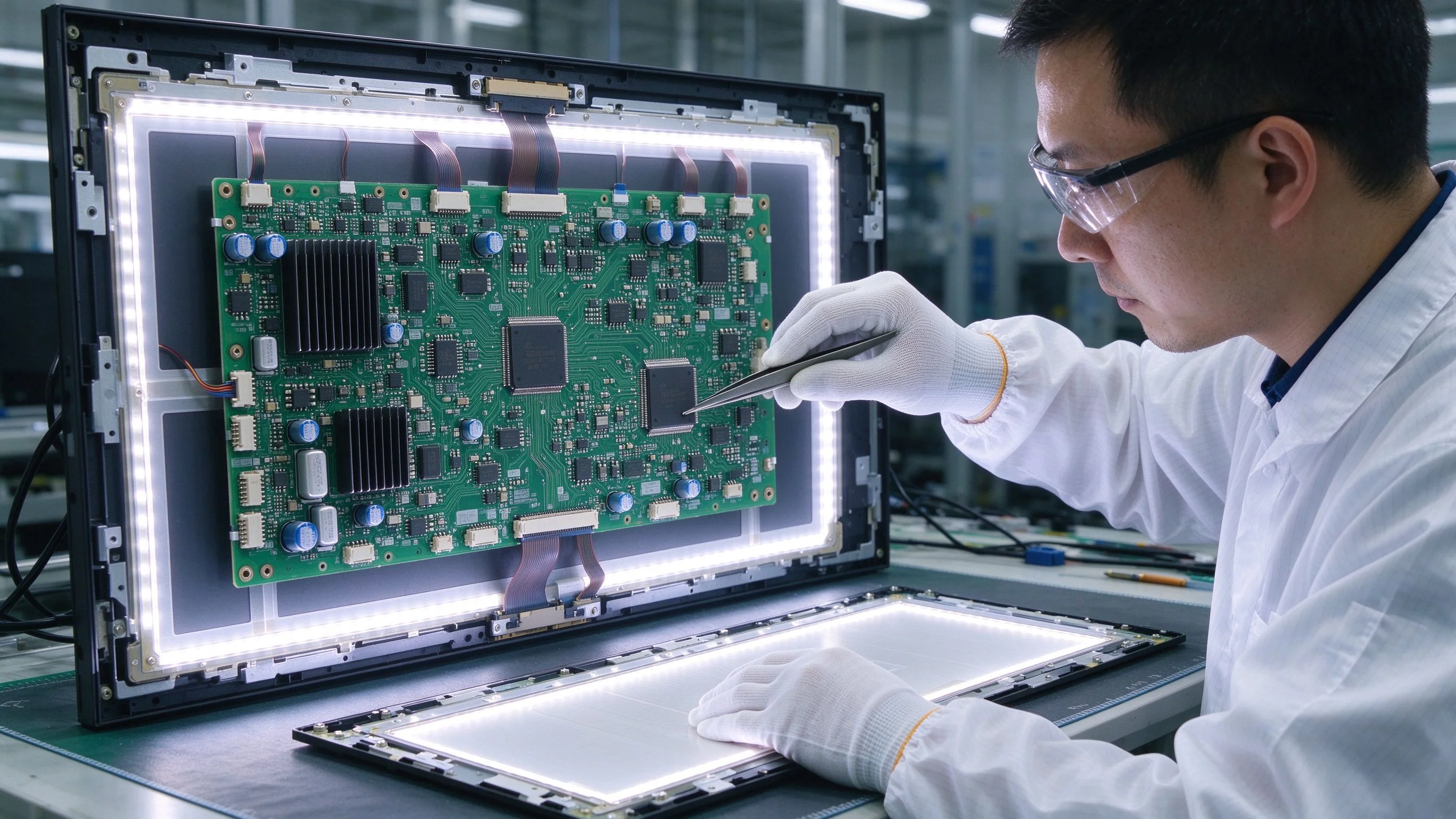
Sync support gets a wall into the building; anti-flicker design keeps it usable in front of cameras. Flicker on an LCD is usually not the liquid crystal itself — it comes from how the panel is driven and how the backlight is modulated.
Panels differ in scan order, frame voltage hold and backlight driving. Well-designed industrial panels minimise luminance dips at the frequencies cameras detect. When a supplier claims "flicker-free", ask: what is the backlight modulation method, what is the scan architecture, and does brightness stay stable across the full refresh cycle?
Request the backlight modulation frequency, panel scan mode, maximum brightness deviation across the refresh cycle, and a camera-visible flicker test at your production's shutter settings. If a vendor cannot describe the drive architecture, treat the claim as unverified.
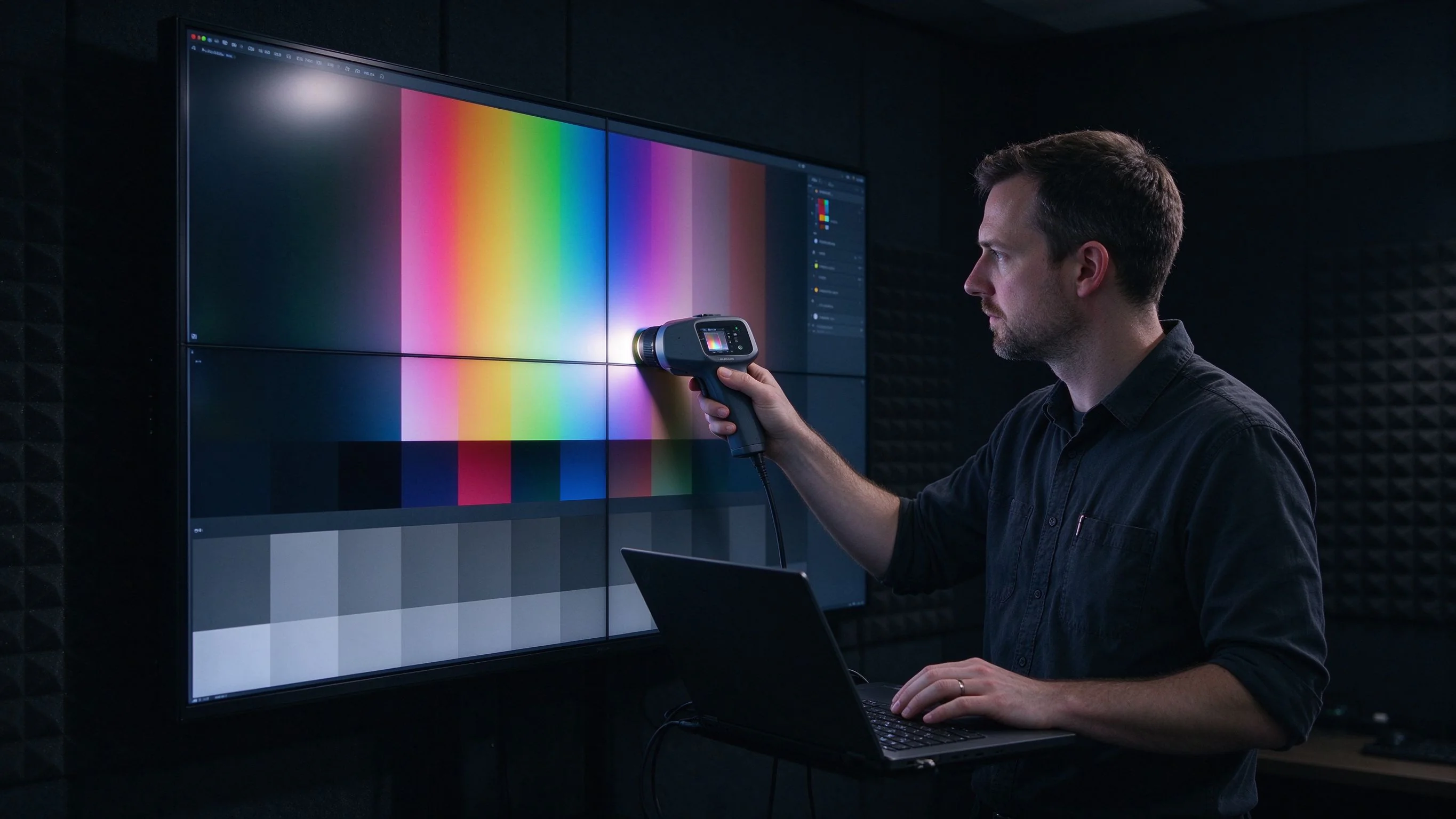
Live broadcast cannot be graded in post: the colour the wall displays is the colour the audience sees. Accuracy and consistency are structural requirements, not preferences.
Consistency across the array matters as much as accuracy on one panel; factory-matched panels from one batch reduce the patchwork effect that is obvious in camera. Our note on why colour calibration matters for broadcast video walls explains the technology and how to manage drift over time.
| 規格 | Qtenboard series (QM-4603 / QM-4905G / QM-5502-LED / QM-6502) |
|---|---|
| Screen diagonal | 46 / 49 / 55 / 65 inch, custom sizes on project request |
| Colour gamut coverage | 97% |
| Response time | 6 ms |
| 對比度 | 4500:1 |
| Panel brightness | 500 cd/m² |
| Viewing angle | 178° horizontal / vertical |
| Splicing gap options | 8 / 3.5 / 1.8 / 1.7 / 0.88 / 0 mm |
| Max input resolution | 1920×1080 (2K) or 3840×2160 (4K) |
| Rated backlight life | 60,000小時 |
| Power consumption | Operating ≤350 W · Standby ≤3 W |
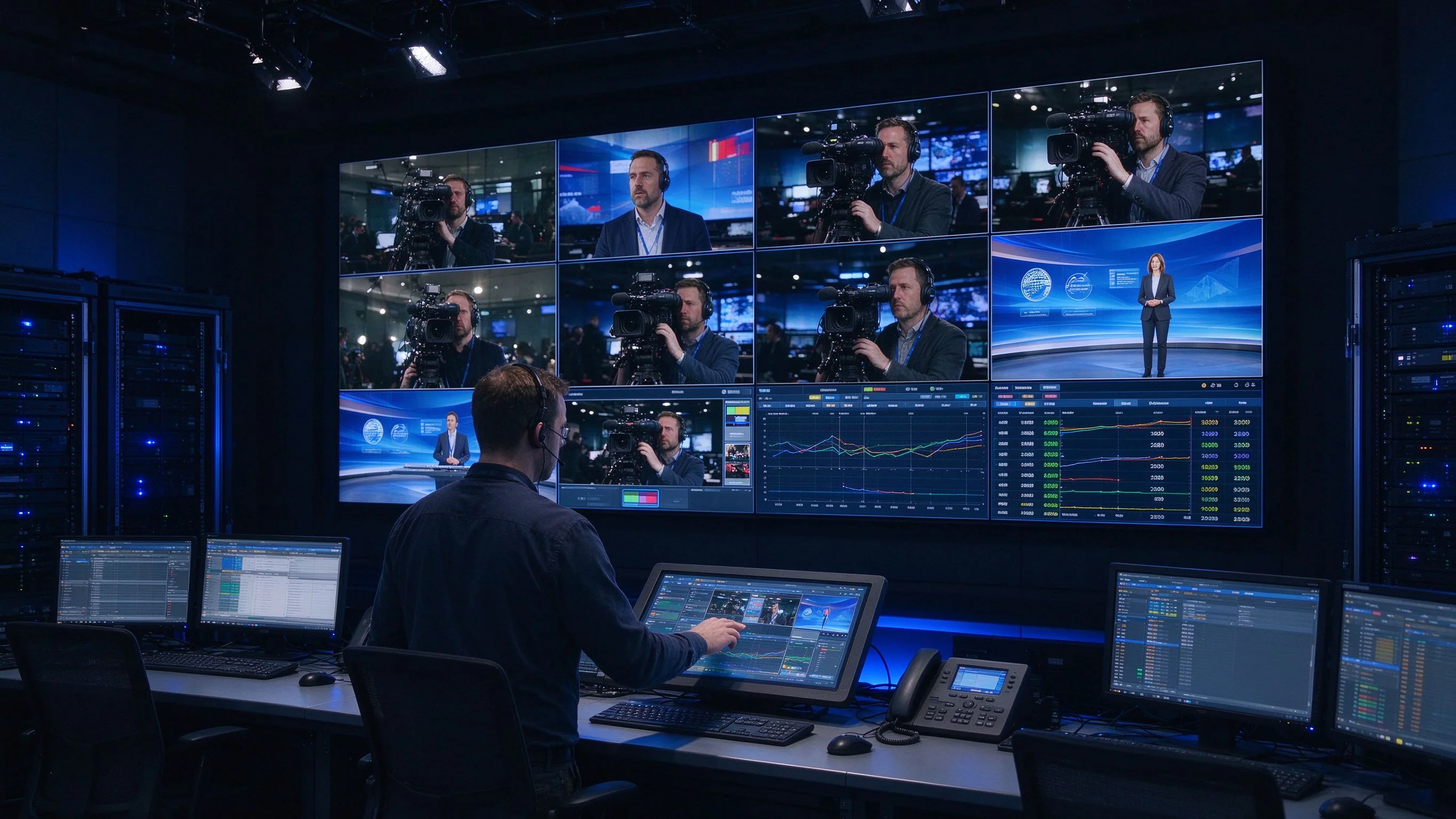
A studio wall is not a single display — it is part of a signal chain. Two properties decide how well it behaves: latency and source handling.
In live production, audio and video are synchronised against the production reference; a wall that adds noticeable display latency pushes the picture out of alignment with the audio feed and other displays. Keep display latency on the RFQ and verify it under real production routing.
A broadcast wall typically receives multiple feeds — camera returns, graphics, data, remote contributions — and must switch between them without glitches. Useful capabilities include multi-signal split-screen display, full-screen unified output, custom mosaic layout and subtitle overlay. The Qtenboard series supports these natively with DVI, HDMI and USB inputs, plus RS232 control with two loop-outs for daisy-chaining panels in one array.
For larger arrays, RS232 daisy-chain control lets one controller address every panel — important when a 3×4, 6×6 or larger wall is reconfigured between shows. If you are moving toward networked distribution, our explainer on AV over IP for multi-site video wall management covers the architecture and bandwidth questions.
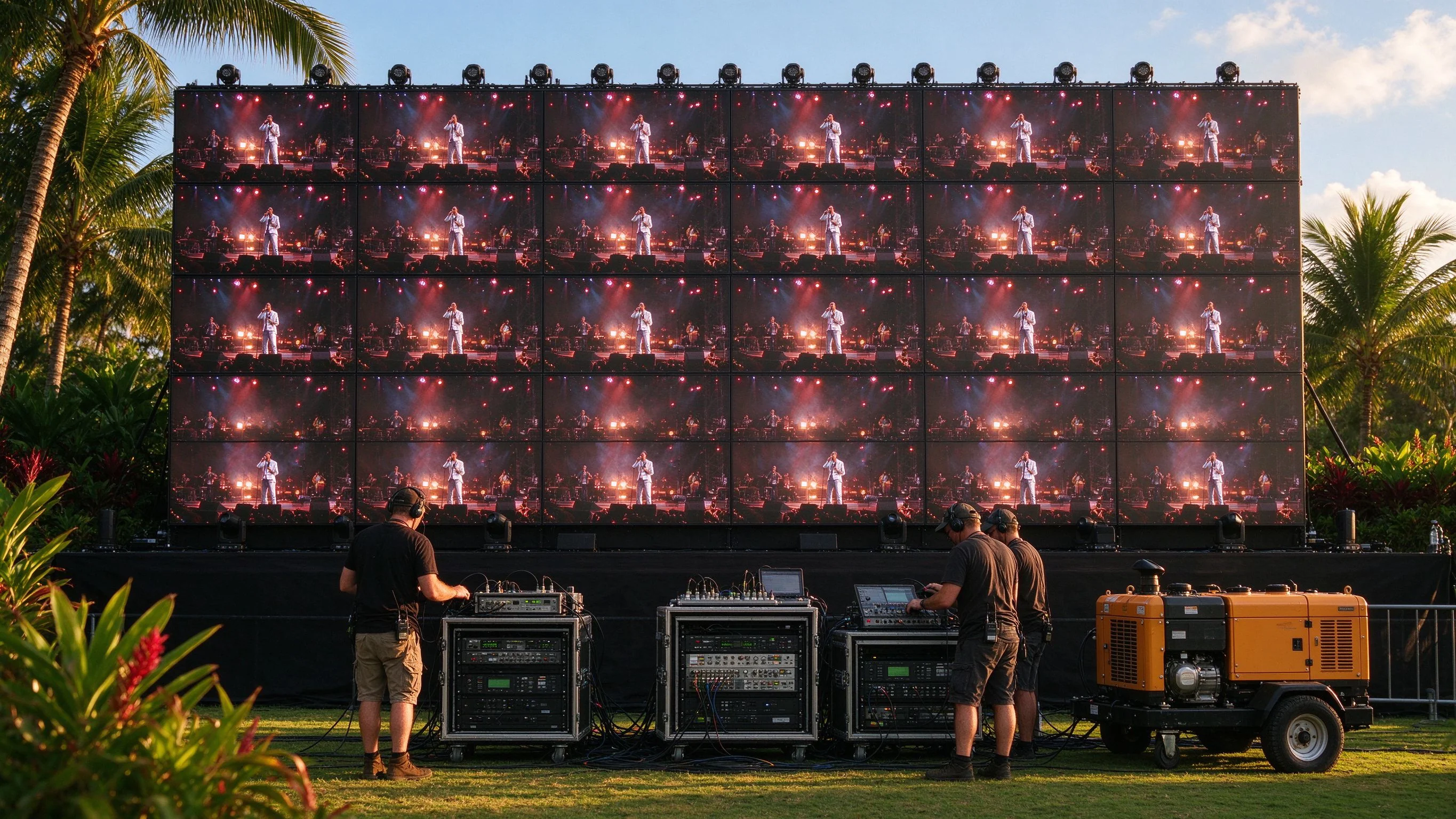
To anchor the requirements in a real decision: a 6×6 LCD video wall — 36 panels — for live coverage and field production in Kenya (client unnamed; typical of the region).
Grid reliability is a recognised operational variable in markets like Kenya. The Energy and Petroleum Regulatory Authority (EPRA) publishes periodic power-sector reporting, and supply interruptions remain a documented factor in production planning. For a wall that must stay available across a production day — including the minutes after an outage — resilience to unstable power and heat is not optional.
Production teams in such deployments typically voice two operational demands: fewer restarts and less maintenance triggered by supply fluctuation, and less on-site colour-correction during commissioning. Those two concerns — power resilience and colour consistency — usually decide the specification.
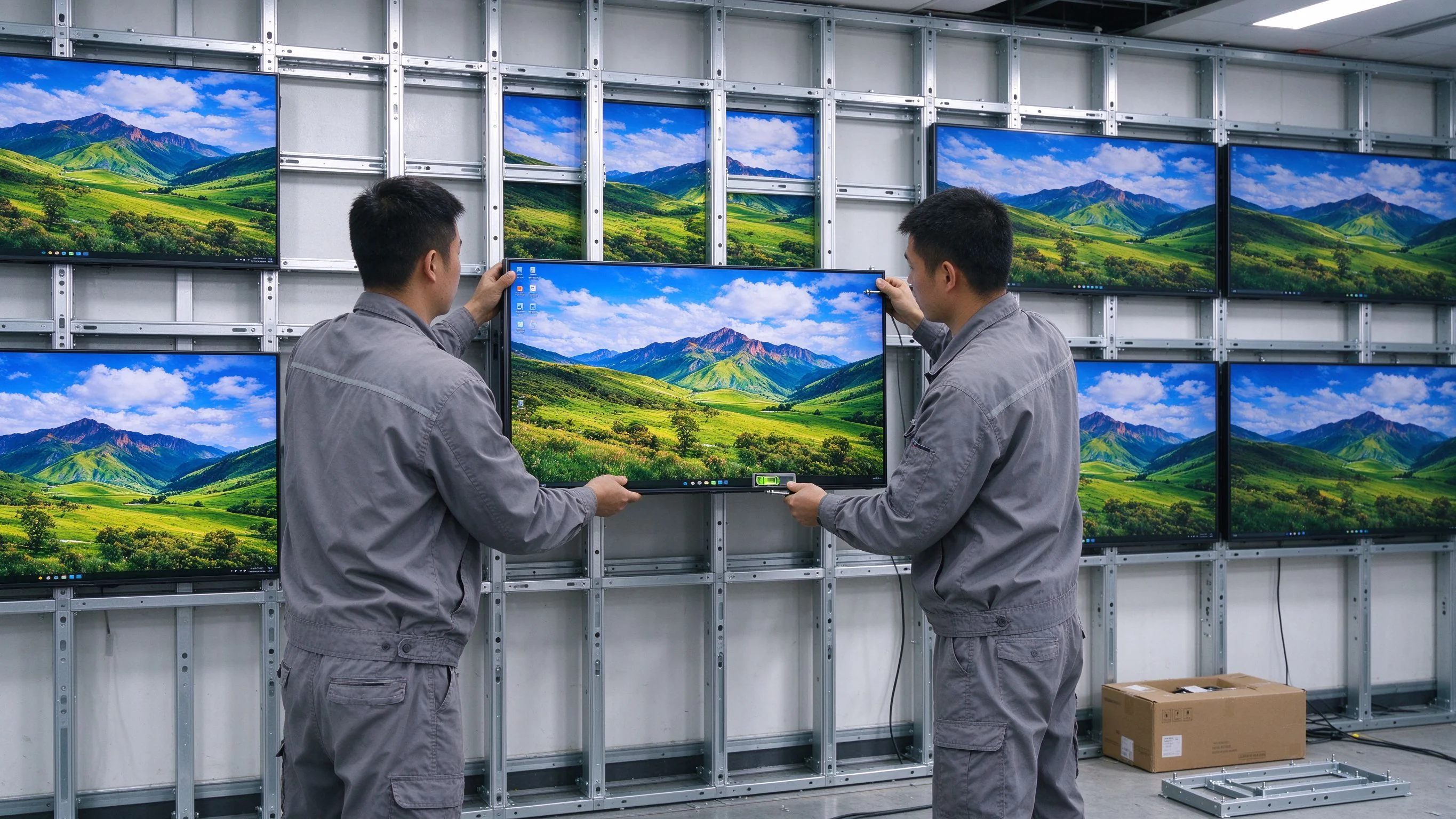
Before you commit, these questions separate a broadcast-ready wall from a commercial wall sold into a broadcast project. Use them to shortlist vendors, then formalise the answers in your RFQ.
Once the answers come back, our LCD Video Wall RFQ template — what to ask your OEM/ODM manufacturer turns them into a structured, comparable quotation request.
There is no single mandatory refresh figure. What matters is stable frame timing that does not beat against the camera shutter, plus a response fast enough to avoid smearing — 6 ms grey-to-grey is a practical reference. For camera-critical walls, ask for an external sync / genlock input and verify flicker at your production's shutter settings.
Sometimes, but rarely cheaply. Flicker and moiré come from the panel's drive architecture and pixel grid — they cannot be fixed with software or a different controller, so retrofitting usually means replacing panels. It is more predictable to specify a broadcast-grade wall from the start.
Two layers: factory panel matching (units from one batch, calibrated to a common reference) and periodic re-calibration as panels age. Specify gamut coverage such as 97% and agree a calibration and drift-management procedure before delivery.
Look for low standby power (≤3 W), modest operating power (≤350 W), a wide operating range (0–50 °C) and a metal enclosure designed anti-static, anti-magnetic and anti-interference. These cut restart frequency, protect against supply transients and suit hot field environments.
Multi-source walls benefit from native split-screen, full-screen and mosaic layouts, plus RS232 daisy-chain control so one operator manages the whole array. Verify latency through the processing chain against your production reference to keep audio and video in sync.
Look for a backlight life in the 60,000-hour class, defined spare-part and remote-diagnostics response times, and a maintenance plan matched to your broadcast calendar. Our maintenance SOP for mission-critical video walls covers a defensible uptime plan.
Choosing a video wall for live production comes down to four decisions: sync and flicker behaviour, colour consistency, signal latency, and resilience to the environment where the wall must run. If a supplier cannot answer those four cleanly, keep shortlisting.
If you are mid-way through a studio or live-production specification, we work with integrators to map your local conditions — power, heat, camera chain, control topology — to a concrete parameter set and RFQ. Start with our RFQ template article and send us your requirements; we will respond with the technical comparison your project needs.

 CHT
 EN
 MAY
 TH
 SIN
 BUR
 VIE
 ID
 FIL
 LAO
 HKM
