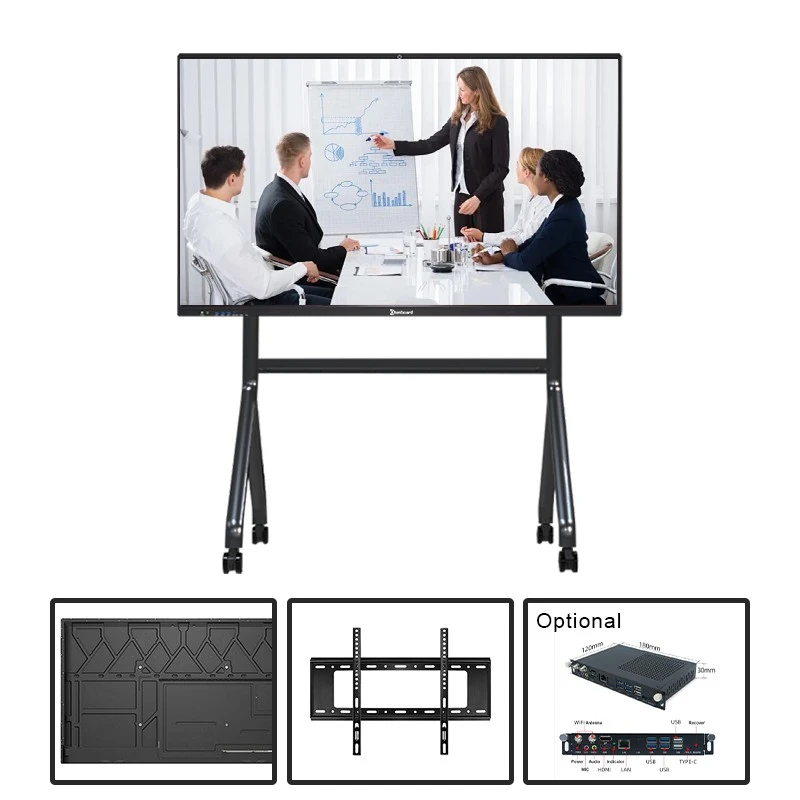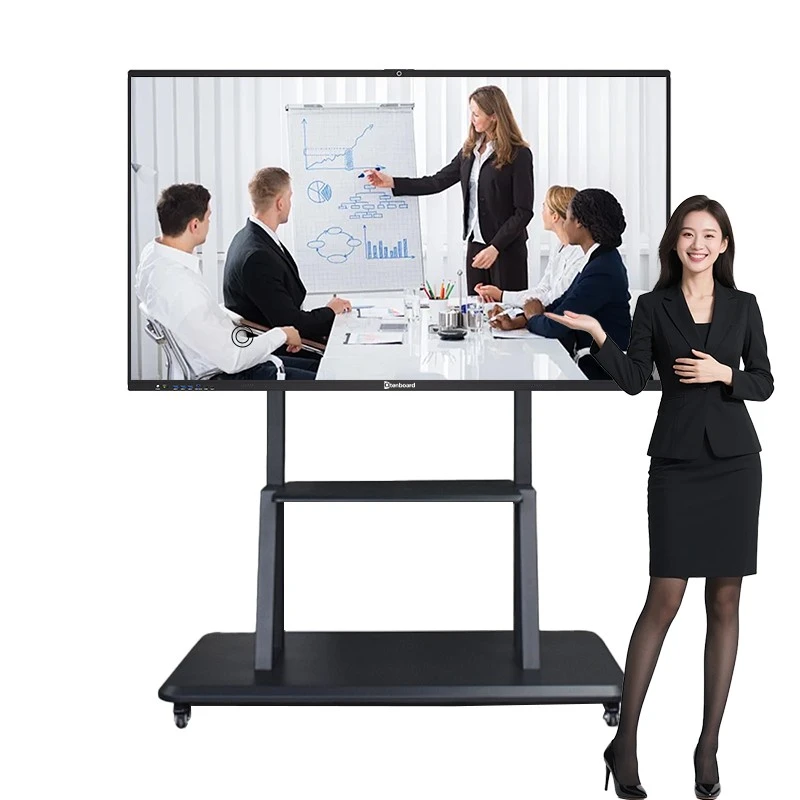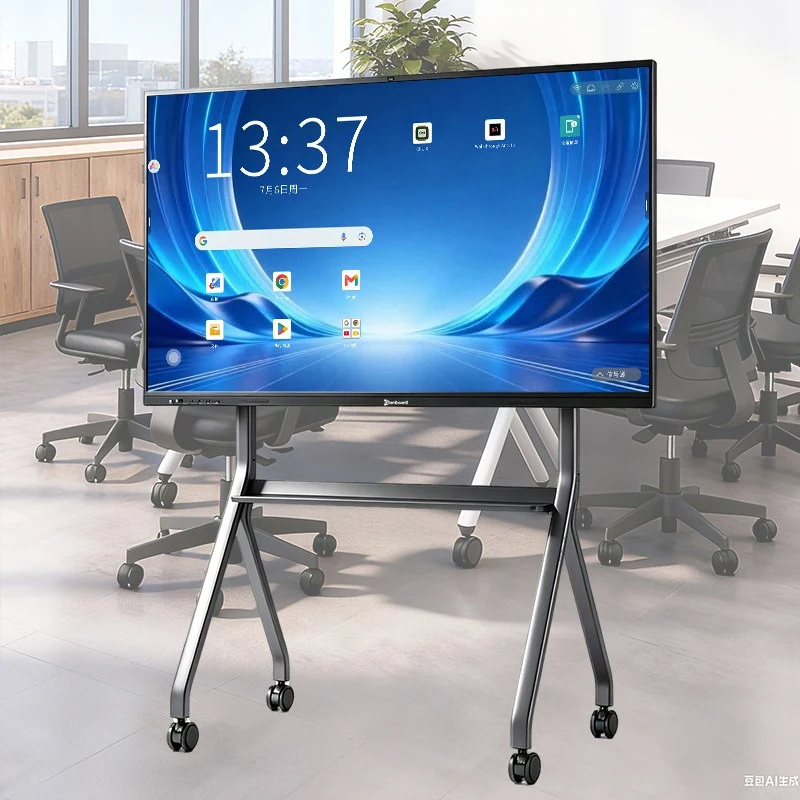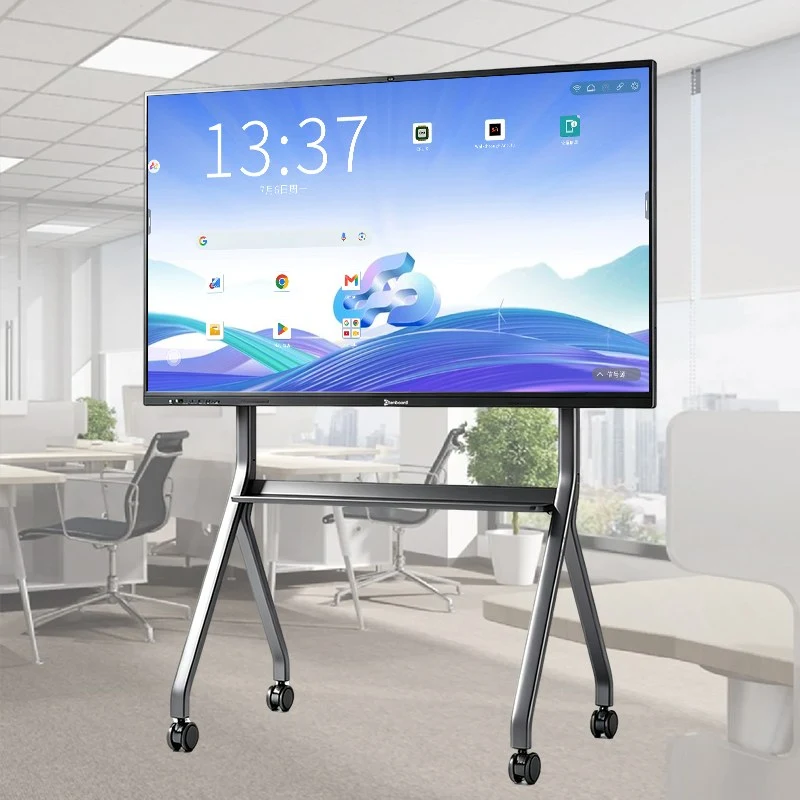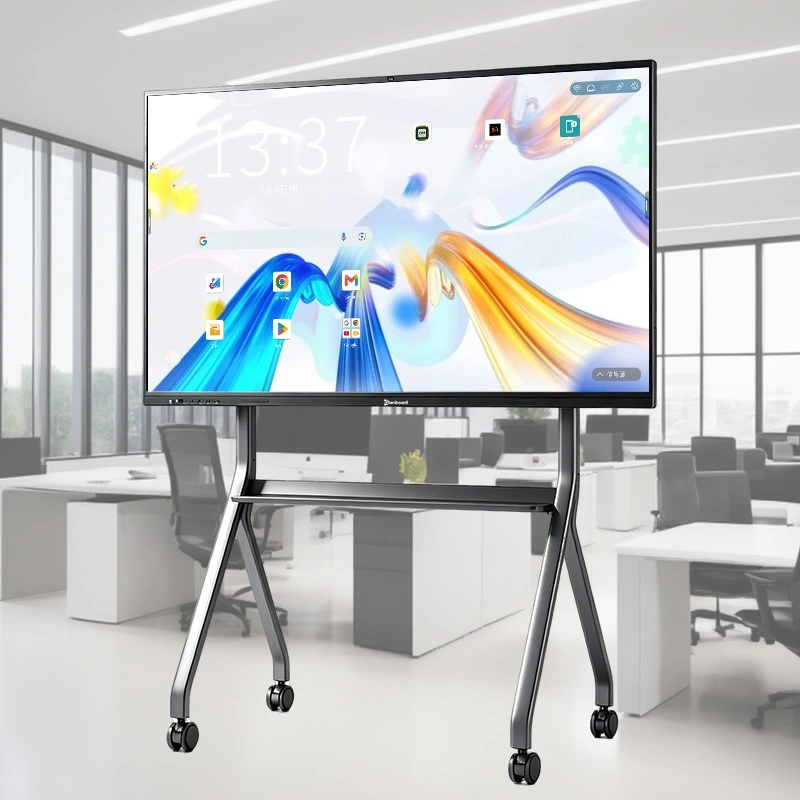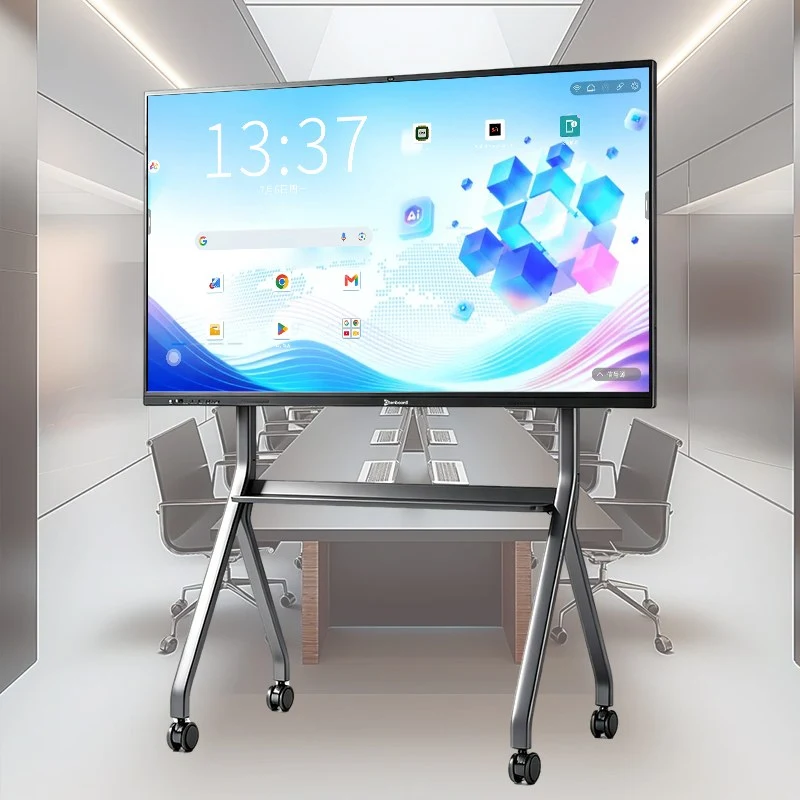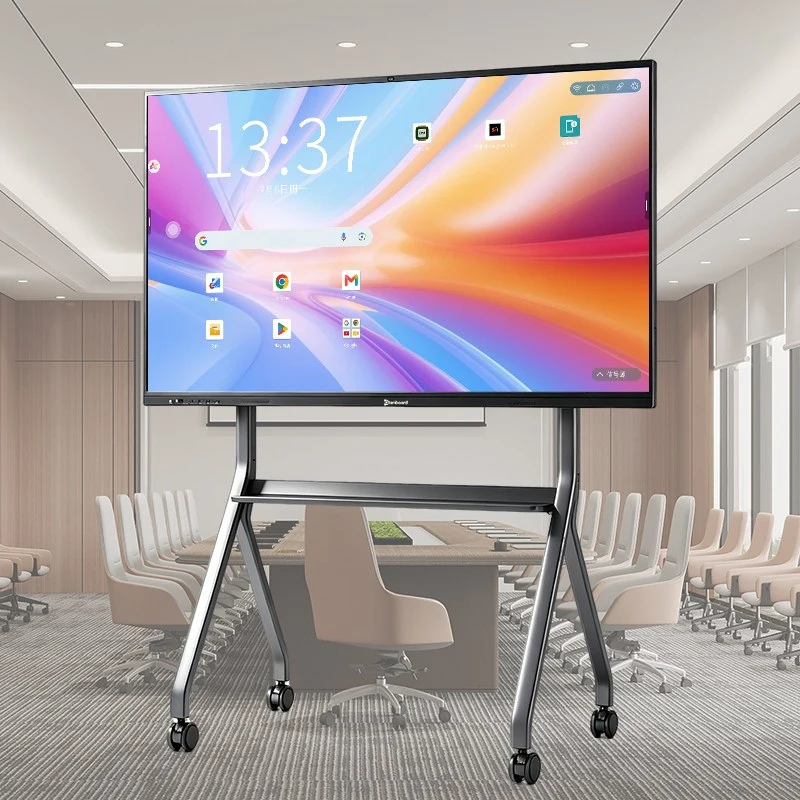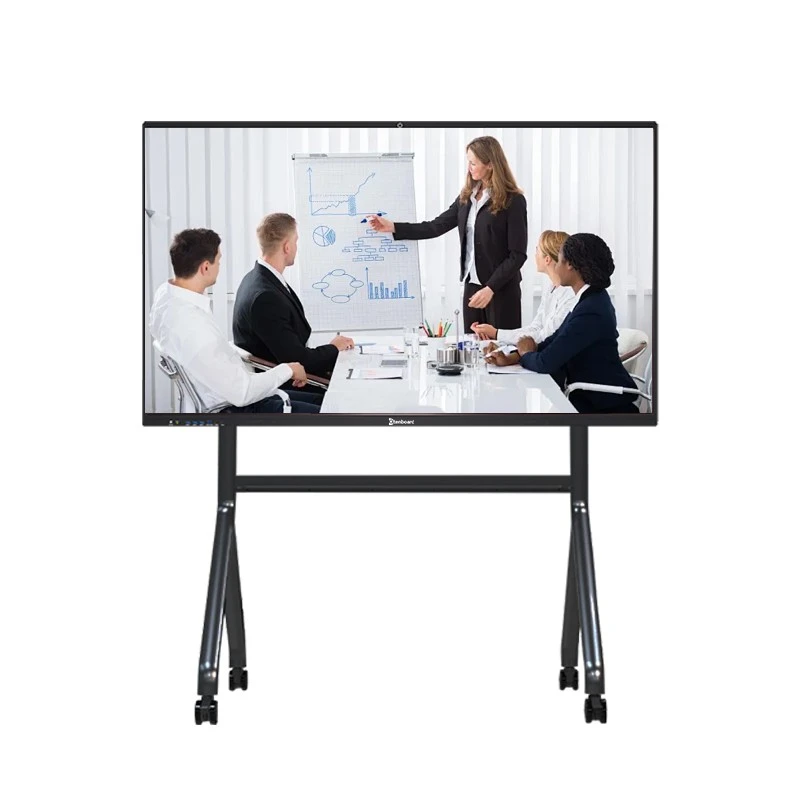
The Qtenboard Interactive Flat Panel is purpose-built for meeting rooms, boardrooms, project discussion spaces, and hybrid conferencing setups.
It's not just a display — it's a complete smart meeting hub that brings together screen sharing, video conferencing, interactive whiteboarding, document annotation, remote device management, and team collaboration in one unit.
Whether it's a daily stand-up, an annual report review, a cross-department project meeting, or a cross-country remote conference, the Qtenboard interactive flat panel helps your team communicate faster, make decisions more efficiently, cut down on paper, and run a smoother hybrid-meeting experience.
Qtenboard interactive flat panels meet international quality and safety standards, holding multiple certifications including CE, FCC, RoHS, and ISO — so they're reliable, compliant, and ready for deployment in corporate meeting environments worldwide.
Backed by two self-owned factories in 深圳 和 廣州, Qtenboard offers full-chain manufacturing — from mainboard R&D to structural design, full assembly, and system customization. The upgraded 330,000平方米 industrial park includes 16 production buildings, automated assembly lines, an aging (stress-test) center, and a reliability lab, so every meeting panel goes through strict process checks before it ships.
Production capacity reaches up to 每天200單位, which means Qtenboard can fulfill large enterprise rollouts, system-integrator project bids, 和 smaller custom orders for regional distributors at the same time. Enterprise-grade service covers every stage — pre-sales consultation, installation support, and after-sales response — so meeting-room project partners anywhere in the world get fast, dependable support.

The pain point: complex charts, dense spreadsheets, and detailed design files often lose clarity on a low-quality display — and discussion stalls while people squint or ask presenters to zoom in.
The Qtenboard interactive flat panel solves this with a 4K UHD (3840×2160) high-brightness, high-contrast display and low-reflection glass, so every chart, line item, and design detail stays sharp and legible under normal meeting-room lighting.
Writing feels just as natural — 20/40/50-point multi-touch, low-latency response, palm rejection, and automatic recognition of finger, pen, and eraser input let multiple participants annotate at once. Markups and discussion outcomes become visible on-screen the moment they happen, instead of getting lost in someone's notebook.
The pain point: hunting for the right cable or adapter wastes the first five minutes of every meeting, and remote participants often end up as a small, muffled voice nobody can see.
One-click wireless screen sharing casts content instantly from Windows, macOS, Android, or iOS devices — no cables, no adapters, no waiting. 4-way split screen lets teams compare multiple sources side by side during multi-team discussions.
For the remote side of the room, optional HD cameras (8MP / 48MP / 4K) and microphone arrays (6/8/12-mic), paired with AI noise reduction, echo cancellation, and automatic gain control, make off-site colleagues feel like they're sitting at the table — all fully compatible with Microsoft Teams, Zoom, and Google Meet.
The pain point: someone always has to stop participating in order to take notes, and by the following week half the room has forgotten who owns which action item. Qtenboard's built-in AI turns that into a background task.
Real-time speech recognition converts spoken discussion into editable text as the meeting happens — nobody has to choose between listening and writing.
Automatically extracts key points, decisions, and action items, generating structured minutes that export straight to PDF or Word — no manual write-up after the meeting ends.
Answers factual questions on the spot — definitions, background data, related figures — so the discussion doesn't stall waiting on someone to look something up.
Condenses long discussions into a quick summary and translates speech or text on the fly, keeping multilingual meeting rooms and every stakeholder aligned.
The pain point: a meeting-room display that only runs its own closed app ecosystem forces IT teams to work around it, and forces employees to switch tools mid-meeting.
The Qtenboard interactive flat panel ships with a built-in Android system for whiteboarding, screen sharing, browsing, and everyday meeting apps out of the box — ready to use with no extra hardware.
For teams that need it, an optional OPS Windows PC module (i5 / i7 / i9) turns the panel into a full standalone Windows PC, plugging directly into your company's existing IT environment and running the professional software your team already uses:
This dual-system setup means one panel adapts to any meeting format — from a quick informal huddle to a formal board presentation — without ever feeling like a compromise.
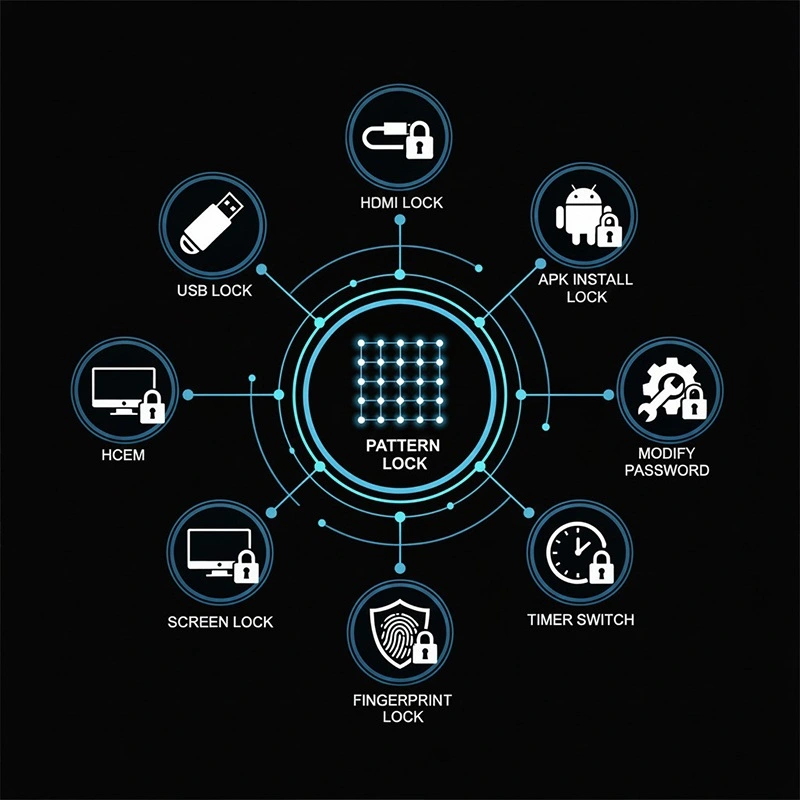
Confidential meeting content stays protected with multiple built-in security layers: USB & HDMI locks, screen lock, pattern lock, APK installation lock, password protection, timer switch, and fingerprint lock — keeping sensitive discussions secure in any meeting environment.
From daily stand-ups to high-stakes board presentations, Qtenboard adapts to the way your team works.
Connect remote teams with 4K video, share detailed project dashboards, and annotate plans in real-time. Decisions are made faster with everyone on the same page.
Unleash creativity with the infinite whiteboard. Multiple team members can sketch, write, and build on ideas together, turning concepts into concrete strategies.
Dual-system allows secure access to sensitive data. Present with confidence, annotate on the fly, and share key takeaways instantly with stakeholders.
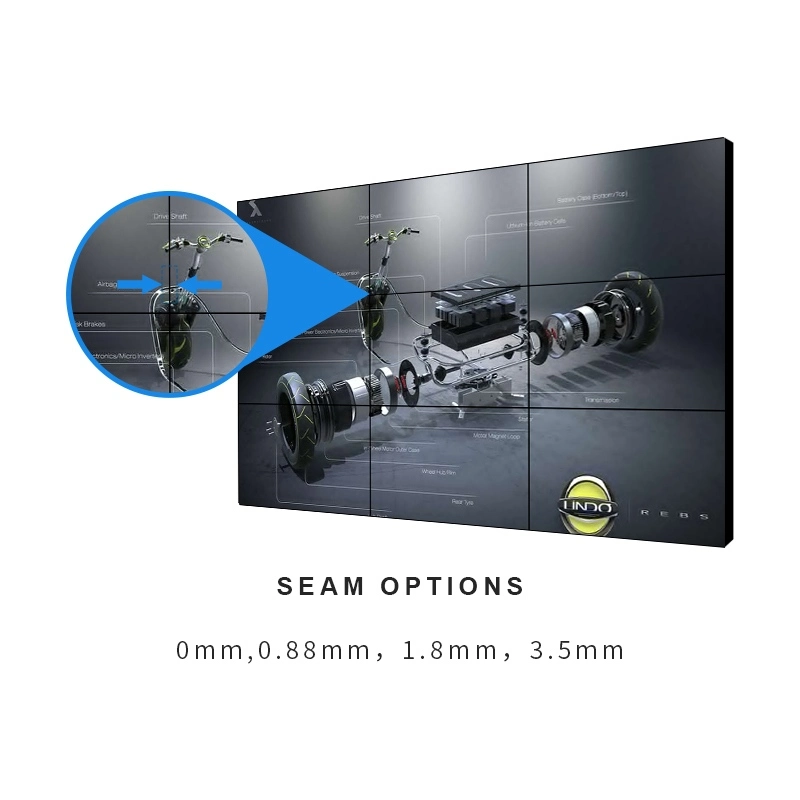
DMS lets IT and facilities teams remotely manage multiple interactive flat panels across multiple meeting rooms, with multi-user access.
| 品牌 | |
|---|---|
| Qtenboard | |
| Size (recommended room size) | |
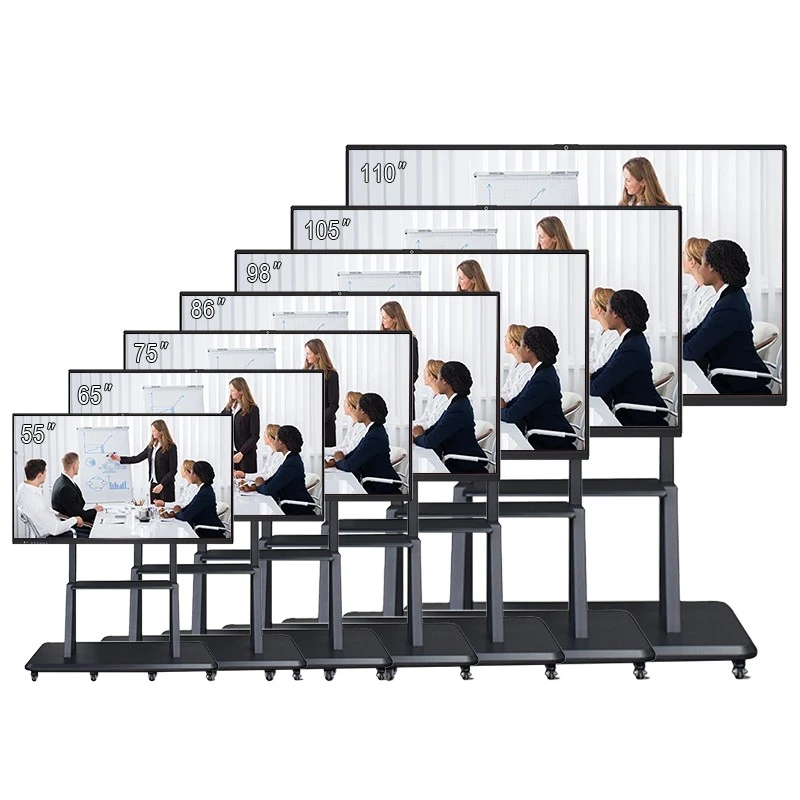
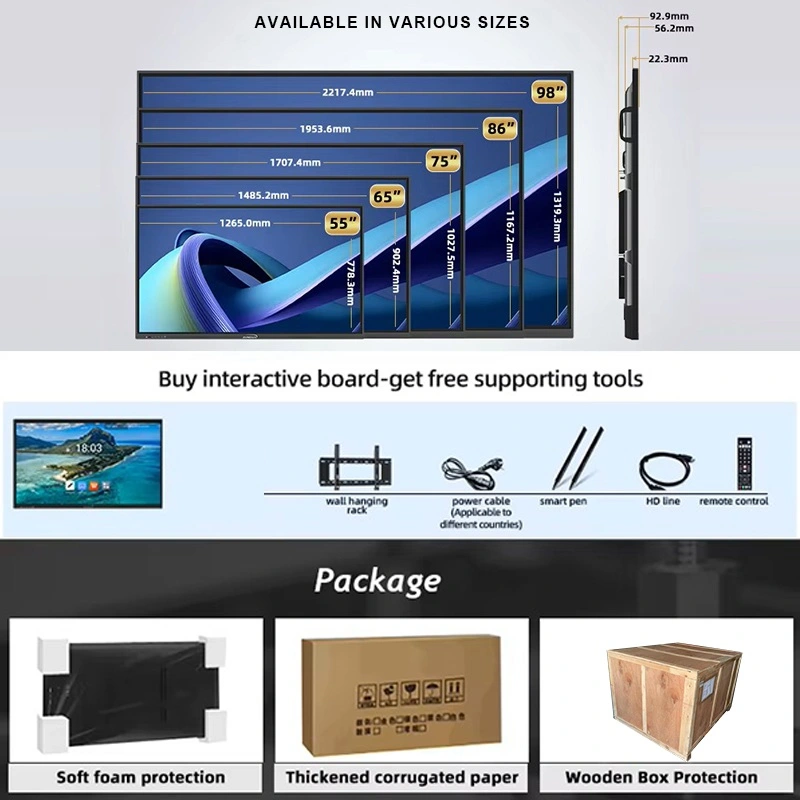
| 55'' / 65'' (small huddle rooms) · 75'' / 86'' (standard meeting rooms) · 98'' / 105'' / 110'' (boardrooms & large conference rooms) | |
| 型號 | |
| QM-55HY / QM-65HY / QM-75HY / QM-86HY / QM-98HY / QM-105HY / QM-110HY | |
| LCD規格 | |
| 分辨率 | 3840×2160, 4K UHD |
| 亮度 | 350cd/m² / 400cd/m² / 450cd/m² |
| 對比度 | 4000:1 (typ.) |
| 顏色深度 | 16.7M (8bit) |
| 視角 | 178 °(H) / 178 °(V) |
| LCD Life | 60,000 hrs (typ.) |
| Android規格 | |
| CPU | 9679 / 3576 / 311D2 / V100 / 3588 |
| Android操作系統 | Android 14.0 |
| RAM ROM | 4+32G / 8+128G / 16+256G (optional) |
| WiFi | 2.4G和5g |
| 藍牙 | 5.2 |
| Access lock | Supported |
| 無線投影 | Supported |
| Touch Screen Specs | |
| 觸摸類型 | 紅外觸摸零間隙粘接 |
| Touch points | 20–50 point |
| 觸摸高度 | 1毫米 |
| Camera & Audio (for video conferencing) | |
| 內置攝像頭和麥克風 | 4800MP + optional 8-array mic |
| 電源 | |
| 揚聲器 | 20W × 2 |
| 備用電源 | ≤0.5W |
| 電源 | AC100V–240V, 50–60Hz |
| Working Environment | |
| 工作溫度 | 0℃ ~ 40℃ |
| 工作濕度 | 20% ~ 85% (no condensation) |
| 儲存溫度 | -10℃ ~ 60℃ |
| 儲存濕度 | 10% ~ 60% (no condensation) |
| Input/Output Interface | |
| Type-b 2.0、type-c、HDMI輸入、HDMI輸出、USB、usb-b、DP、VGA、tf卡、MIC、RJ45輸入、RJ45輸出、RS232輸入 (可選) | |
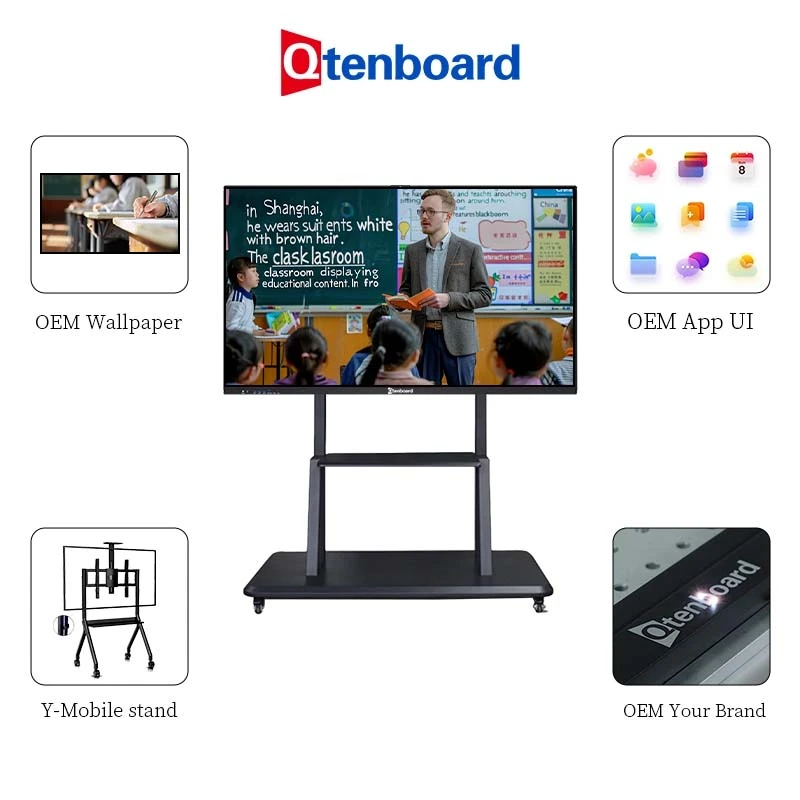
Qtenboard is highly flexible when it comes to customizing the interactive flat panel — especially for global brands, distributors, and system integrators running enterprise meeting-room rollouts:
Centralized multi-room device control · Multi-room meeting linkage · Enterprise conferencing deployments
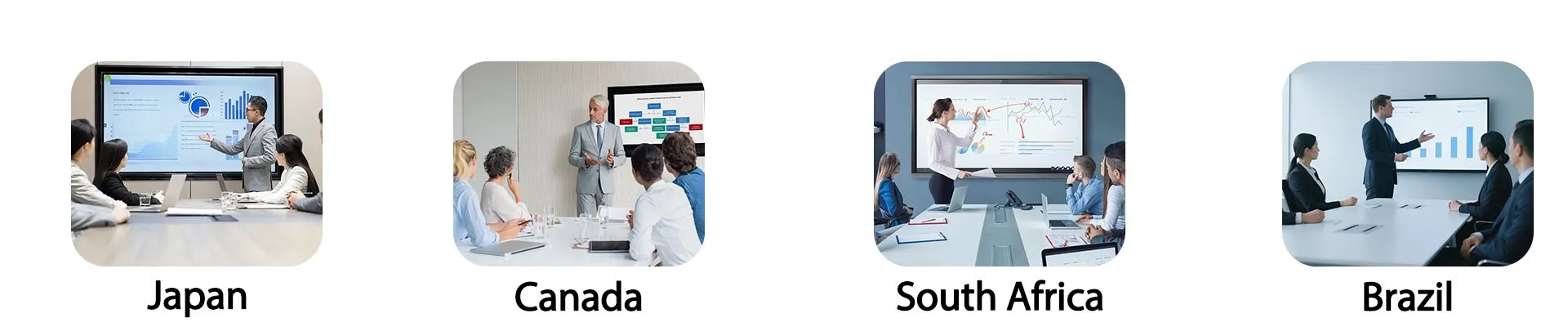
Qtenboard has successfully deployed interactive flat panels in corporate meeting and conference projects across Europe, North America, South America, and South Africa. Qtenboard works closely with local system integrators and corporate partners to deliver end-to-end support — solution design, product supply, installation, and rollout.
Clients consistently point to the stability, reliability, fast after-sales response, and customization turnaround of Qtenboard's interactive flat panels as reasons they keep coming back for follow-on meeting-room projects.
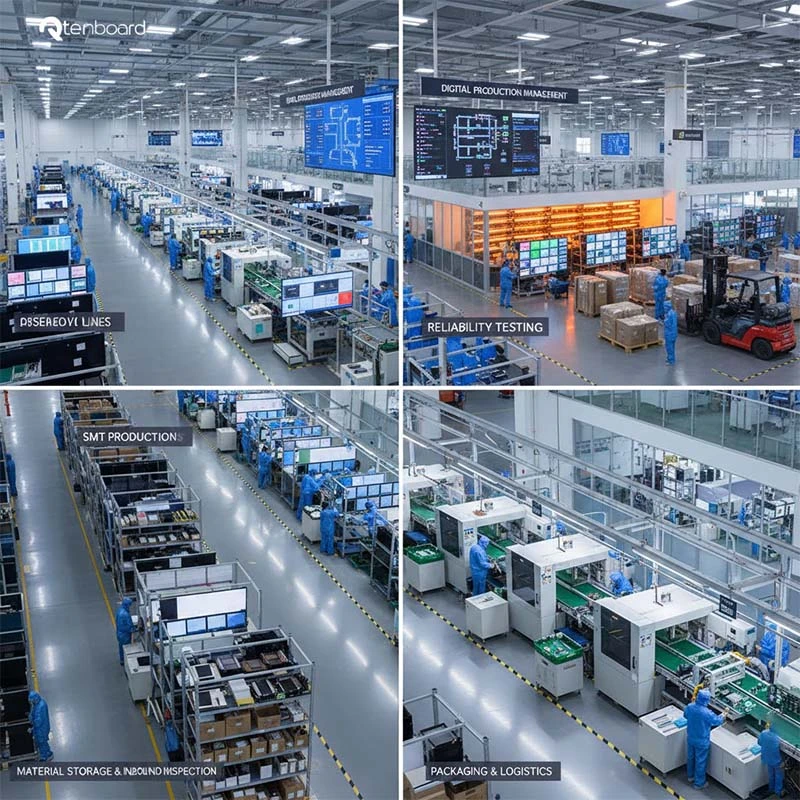
The Qtenboard industrial park covers 330,000 m² across 16 dedicated buildings.
Every panel is tested for structural strength, touch accuracy, speaker acoustics, and long-term reliability through aging tests — ensuring consistent quality even at mass-production volume.
Owning the factory gives Qtenboard 完全控制 over lead times, quality, and cost — a real advantage for large meeting-room rollouts or long-term supply contracts.
對於全球B2B客戶,Qtenboard提供 綜合技術支持系統 for meeting-room deployments:
Our engineering team provides project consultation before deployment, remote monitoring and support during rollout, and ongoing maintenance, replacement, and firmware upgrade services.
With DMS and remote systems, Qtenboard helps meeting-room project partners quickly locate issues, reduce after-sales costs, and improve operational efficiency across every deployed room.
Q1: Is the interactive flat panel compatible with Zoom, Teams, and Google Meet?
Yes — it runs smoothly on both the built-in Android system and the optional Windows OPS module, so your team can use whichever conferencing platform it already relies on.
Q2: Can it display content from multiple devices at the same time?
Yes, it supports up to four-way split screen for side-by-side comparisons; additional layouts can be customized for larger meeting rooms.
Q3: Can meeting content and annotations be saved?
Yes — notes and annotations save with one click and can be shared instantly via email or a local USB drive after the meeting ends.
Q4: 它是否支持企業級安全管理?
Yes, including password locking, permission management, system lock, and remote control — suited to boardrooms handling sensitive discussions.
Q5: How many people can use the panel in one meeting?
Multi-touch support (20/40/50-point depending on size) allows several participants to write, annotate, or interact with the screen simultaneously — well suited to group brainstorming and workshop-style meetings.
Q6: Can multiple meeting rooms be managed and linked together?
Yes — Qtenboard's DMS platform lets IT teams centrally manage, monitor, and push content to interactive flat panels across multiple meeting rooms or office locations from one dashboard.
Q7: Is the panel only for meeting rooms, or can it be used in other settings too?
While this model is optimized for corporate meeting and conference-room use, the same underlying platform is deployed in a range of collaborative settings — including training rooms and classrooms — with configuration adjusted to fit each use case.
 CHT
CHT
 EN
EN  MAY
MAY  TH
TH  BUR
BUR  FIL
FIL  HKM
HKM  ID
ID  LAO
LAO  SIN
SIN  VIE
VIE