A practical guide to remote monitoring, content scheduling, and multi-site control for LCD video wall networks in chain brands and education groups.
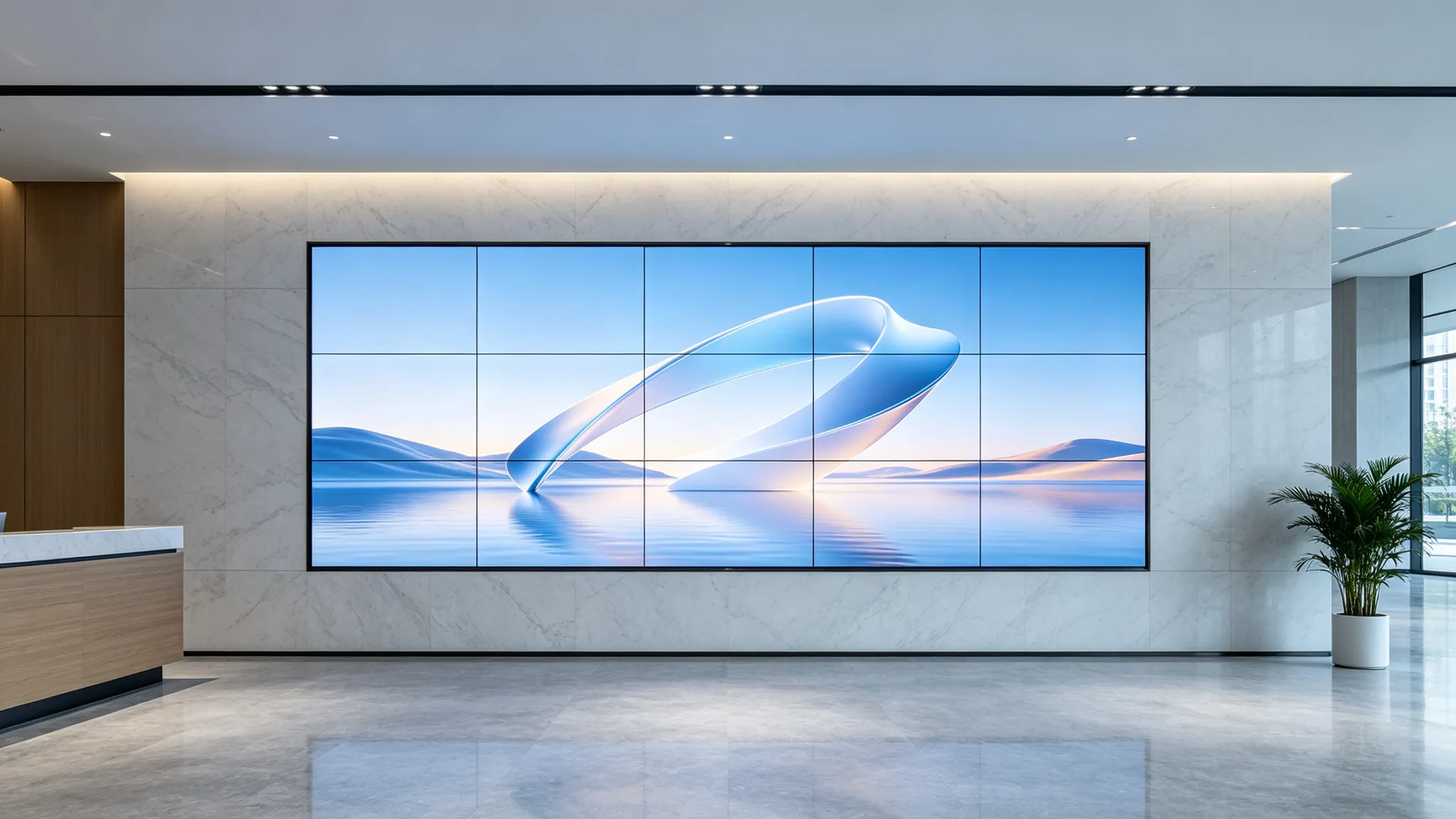
Managing a multi-site LCD video wall network is one of the least talked-about operational costs in retail chains, education groups, and corporate campuses. Field staff drive between locations to restart controllers, check panel status, and swap media by hand. A cloud video wall CMS removes most of that travel: one operator can monitor, schedule, and control every LCD video wall from a single web dashboard. This guide is written for buyers — IT managers, facilities teams, and system integrators — who are evaluating a cloud CMS for LCD video wall networks and want to know what the technology really covers, where it outperforms a local controller, and which hardware questions to ask their manufacturer, including the Qtenboard engineering view on compatibility.
A cloud video wall CMS (content management system) for LCD video wall networks is a hosted software platform that connects video wall controllers to the internet and gives operators a web-based console for content publishing, scheduling, device monitoring, and remote diagnostics. Unlike a media player that only loops a local playlist, a cloud CMS treats every screen as a node in a distributed display network: each panel group reports status, receives content updates, and follows role-based permissions through one central system. For B2B buyers the distinction matters because a cloud CMS changes who does the work — remote operations replace on-site visits — and because it moves content control from a USB stick to a permissioned, auditable workflow.
Not every cloud CMS is built the same. When the network spans more than one building, these are the capabilities that separate a management platform from a fancy media player.
Remote video wall management starts with visibility. A useful cloud CMS should poll every controller and report connection status, current signal source, panel temperature, and whether each screen is receiving content. The engineering reason is straightforward. An LCD video wall panel is specified for an operating temperature of 0–50°C with a rated lifetime around 60,000 hours, but failures still happen at the edges: a fan blocked by dust, an HDMI cable worked loose, a controller that drops offline overnight. Without remote monitoring, a chain brand discovers these issues on the next store visit. With it, the system raises a fault alert and your team opens a remote session before opening hours.
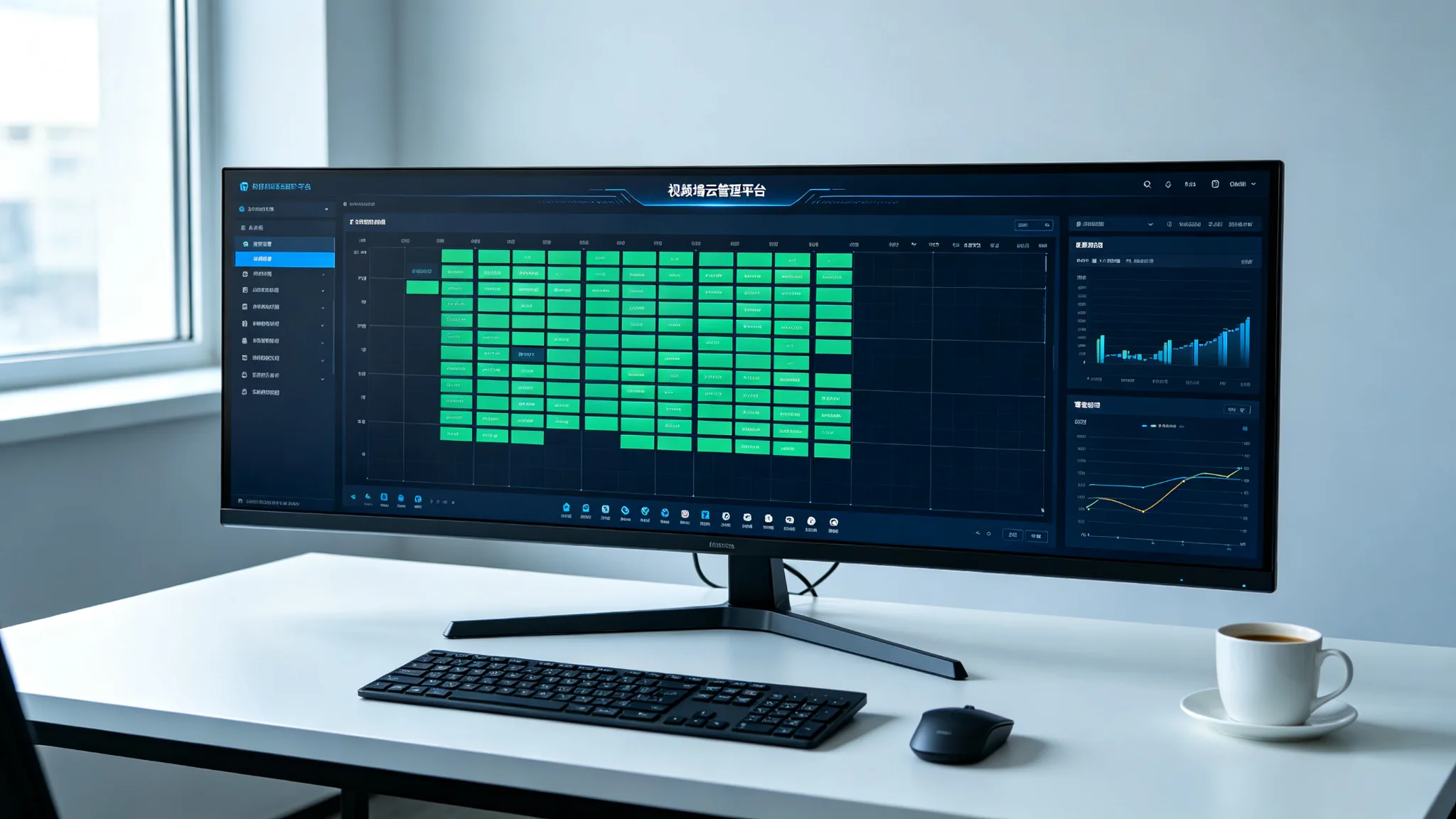
Video wall content scheduling is the everyday function: upload media once, assign it to screens or groups, and let a calendar decide what plays when — dayparting for menus, weekly promotions, or campus event rotations. The tier that separates professional systems is video wall permission management. A regional manager should schedule content for their own stores; a head-office administrator should approve and publish brand-level campaigns; a technician should see diagnostics without touching content. Look for role-based access at both the user level and the site level.
The operational core of a distributed display network is grouping. A multi-site dashboard should let you organize devices by brand, region, store type, or campus building — then apply a schedule, a firmware policy, or an alert rule to the whole group in one action instead of reconfiguring each wall. For chains running dozens of locations, the difference is measured in hours of administrative time per week.
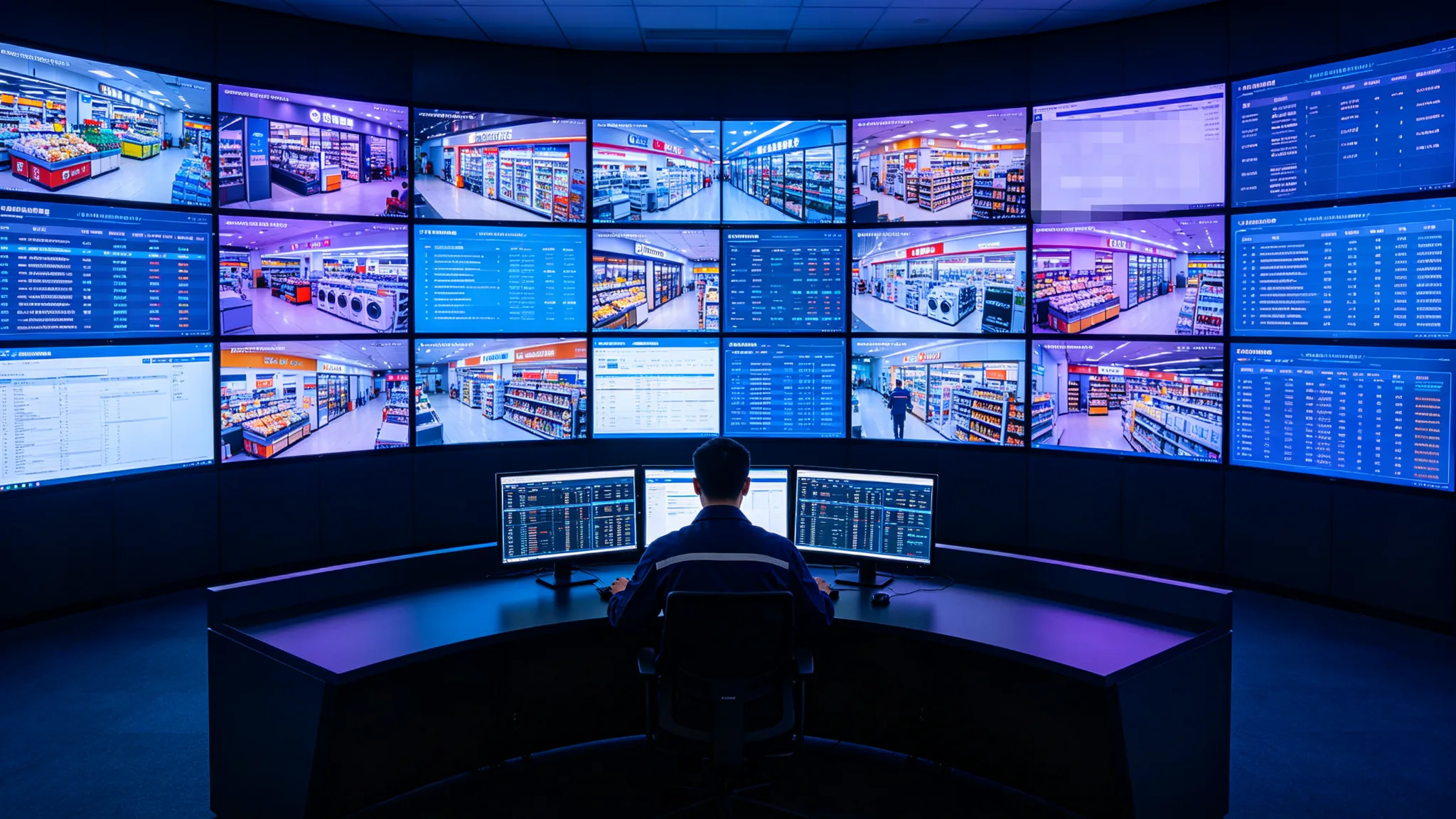
Local controllers remain the right choice in specific situations: a single wall, an air-gapped network, or environments where a low-latency local playlist is the only requirement. The physical design of local control is worth understanding — a typical controller exposes a Control Port of RS232 input ×1 and output ×2 (cascadable), which is exactly what you need to chain panels within one location. What a local controller does not give you is a picture of the other thirty locations. The trade-off is not about which model is "better"; it is about scale.
| အခြေအနေများ | Local Controller | CMS များ |
|---|---|---|
| Management scope | Single wall or one panel cluster | Multi-site LCD video wall networks |
| Content updates | Manual — USB drive or on-site laptop | Scheduled and pushed over the network |
| Fault detection | On-site inspection | Remote monitoring with fault alerts |
| Access control | Device-level only | Role-based user permissions across sites |
| Physical control | RS232 input ×1, output ×2 (cascadable) | Same panel hardware; control shifts to the web console |
| Best fit | Single site, air-gapped network | Chains, campuses, multi-location deployments |
Not every LCD video wall panel is cloud-ready out of the box, and this is where the migration decision is made. Before committing to a cloud CMS, check three hardware areas with your manufacturer or integrator:
For buyers comparing cloud CMS for LCD video wall deployments, these three checks decide whether the software layer can actually reach every screen.
The scenarios below are typical deployment patterns, not named customer case studies — but they are the configurations integrators build most often.
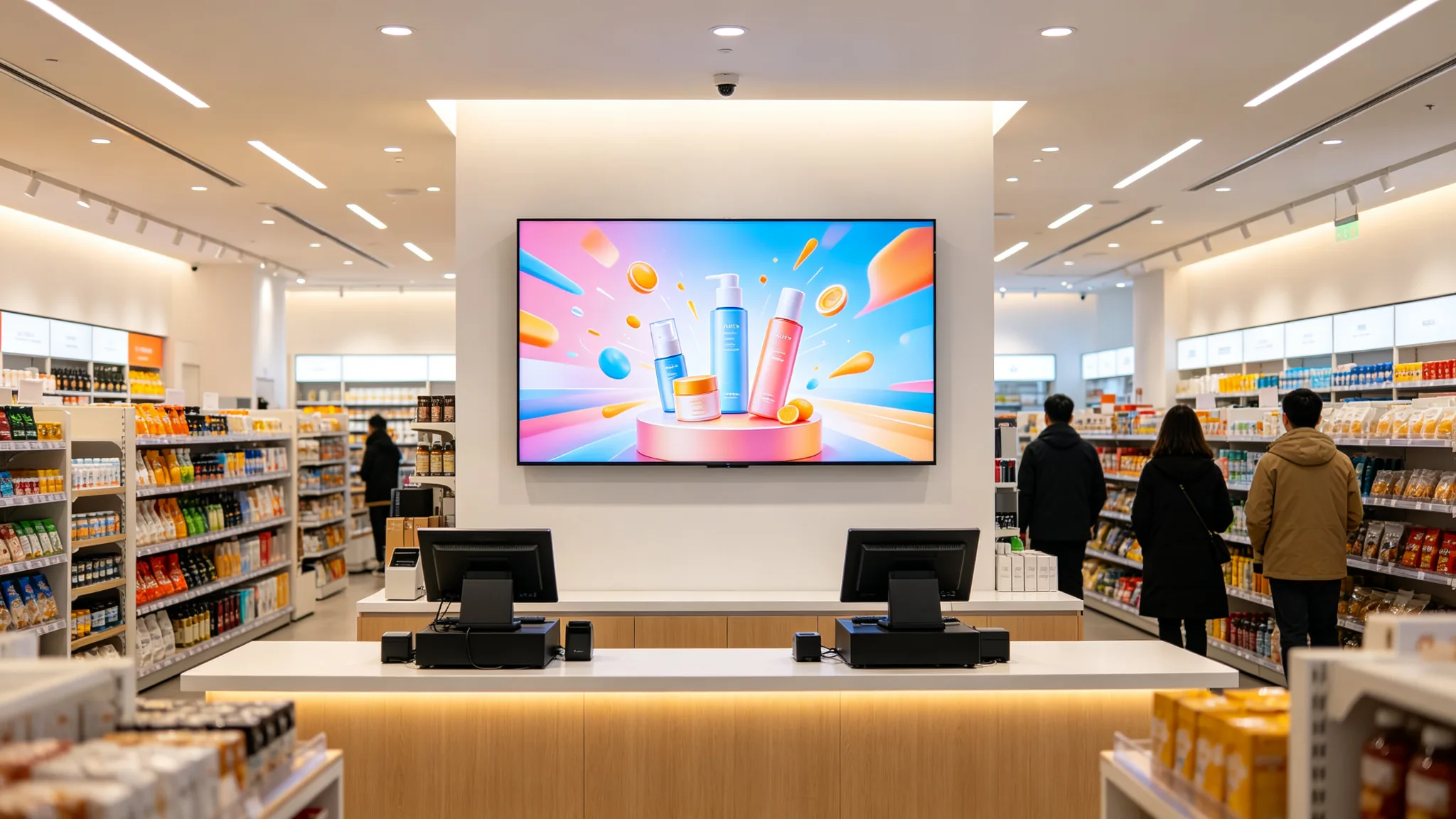
A retail chain with 40 locations runs one cloud CMS dashboard. Each store's LCD video wall pulls that day's promotion playlist at 08:00, a regional manager rotates menu boards from a phone, and the head-office team publishes a brand campaign to 40 walls in a single action.
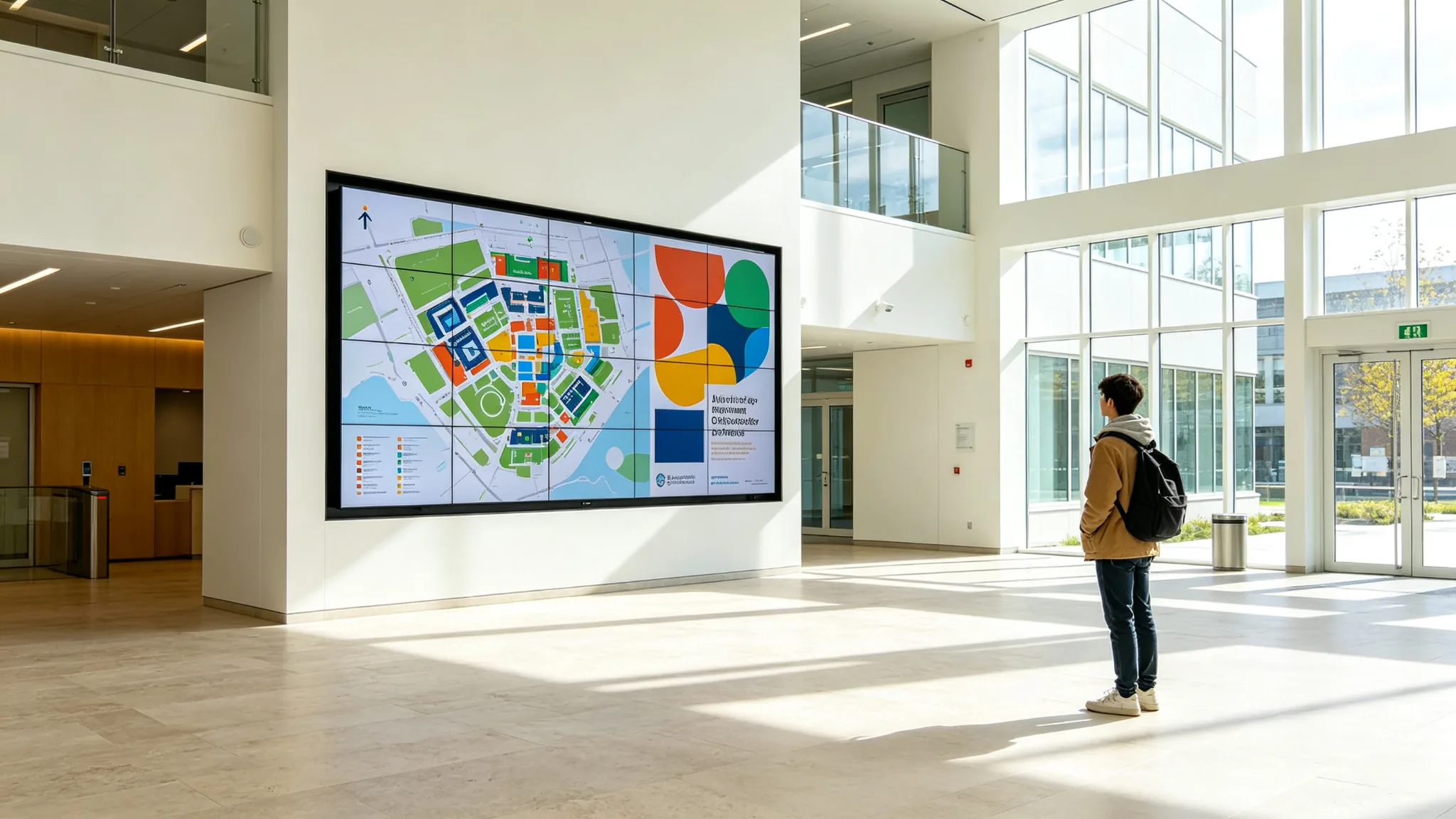
An education group with three campuses applies the same model to wayfinding walls, event screens, and lobby displays. Remote video wall management keeps one facilities team in control of screens spread across buildings and cities. In both patterns the outcome is identical: fewer site visits, faster content refreshes, and one permission model across the entire estate.
Before you sign, put these questions to your manufacturer. The answers separate a real cloud offering from a remote control bolted onto a local player. Qtenboard's engineering team fields these exact questions from integrators every week.
A: Not necessarily. Cloud compatibility depends on the controller and on whether the panel supports third-party control. If your current panels accept mobile, iPad, or remote software control, a cloud CMS can usually manage them; otherwise, plan for a controller upgrade rather than a full panel replacement.
A: A well-designed cloud CMS keeps the last synced schedule playing locally. Remote monitoring and scheduling pause until connectivity returns; the wall itself does not go dark.
A: Look for role-based permissions, per-user audit logs, and encrypted connections. Multi-site video wall permission management should be configurable per site and per user group.
Talk to our engineering team about cloud CMS compatibility for your deployment. Send us your panel model and site count, and we will confirm which Qtenboard LCD video wall configurations support remote management, third-party control, and multi-site scheduling.
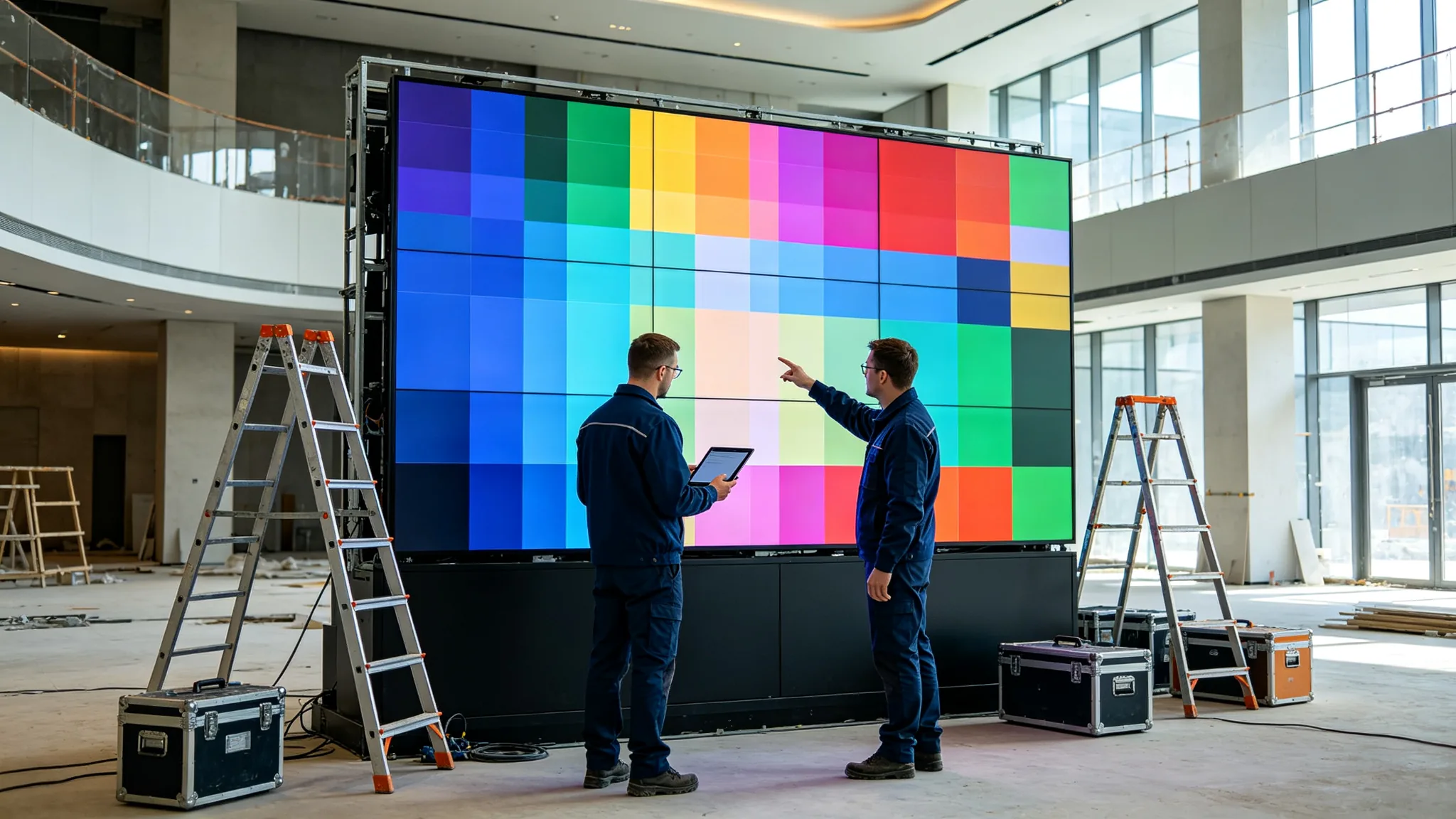
LCD video wall panels, controllers, and engineering support for chain brands, education groups, and system integrators. Remote monitoring, content scheduling, and multi-site control — backed by the team that builds the hardware.
 BUR
BUR
 EN
EN  MAY
MAY  TH
TH  CHT
CHT  FIL
FIL  HKM
HKM  ID
ID  LAO
LAO  SIN
SIN  VIE
VIE