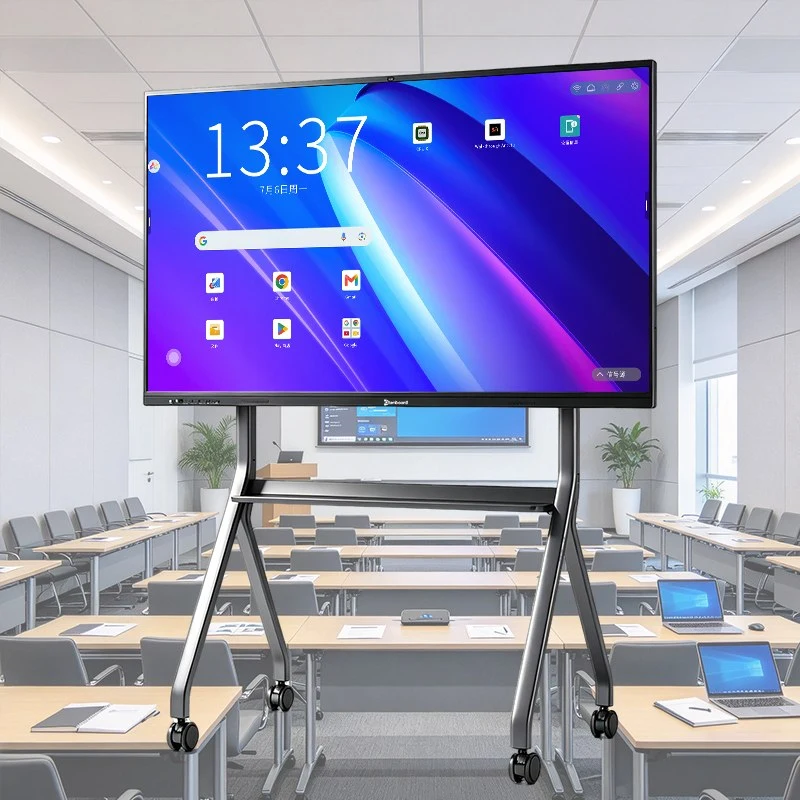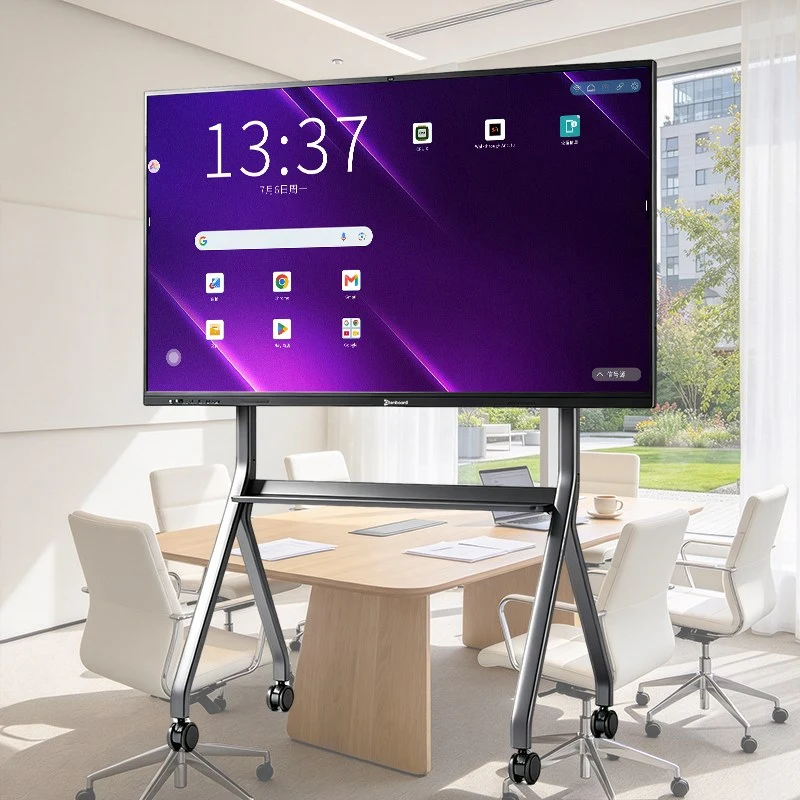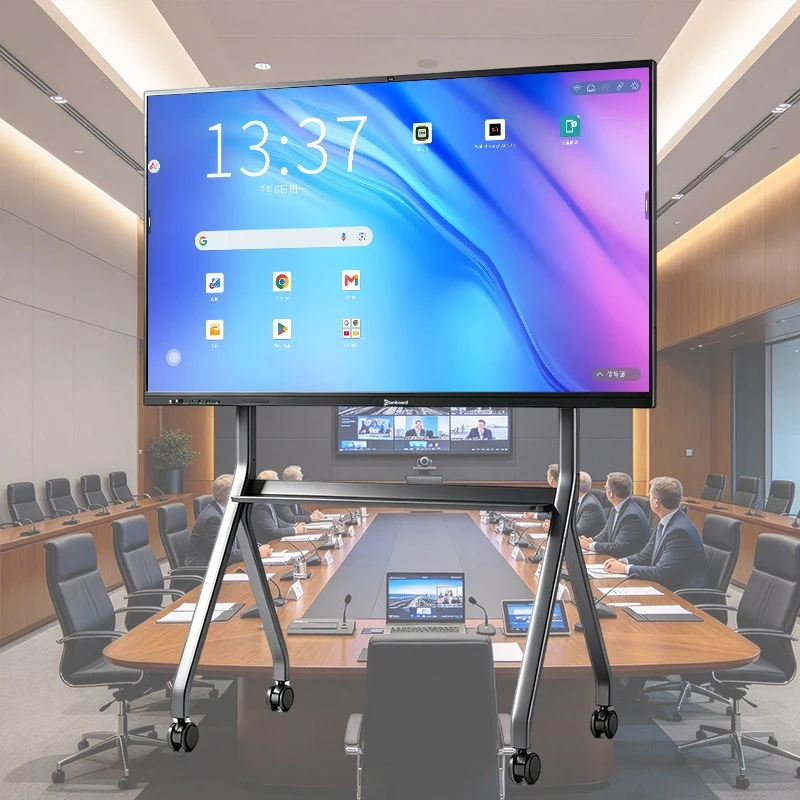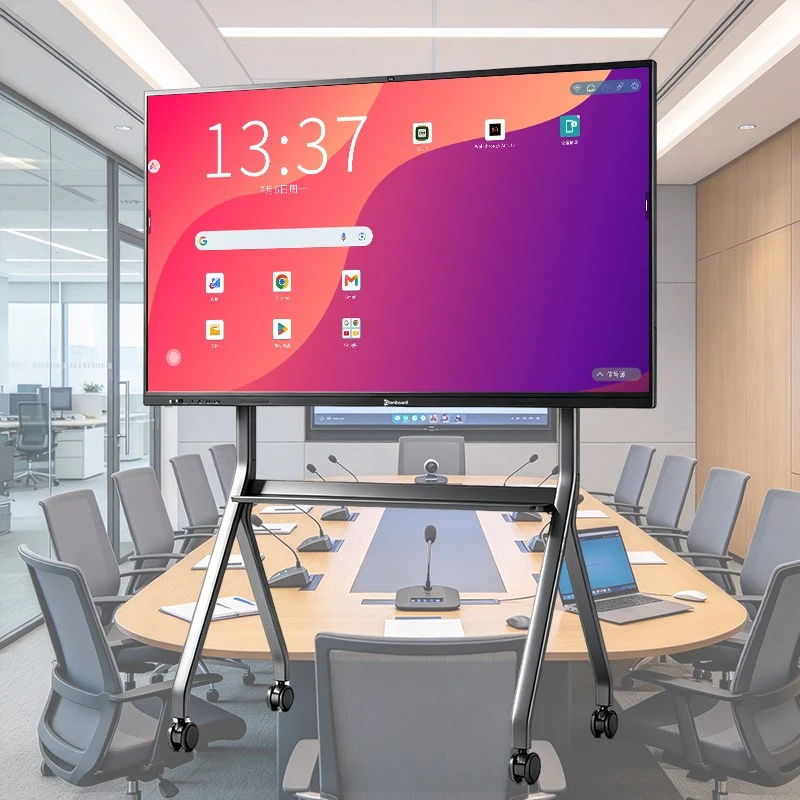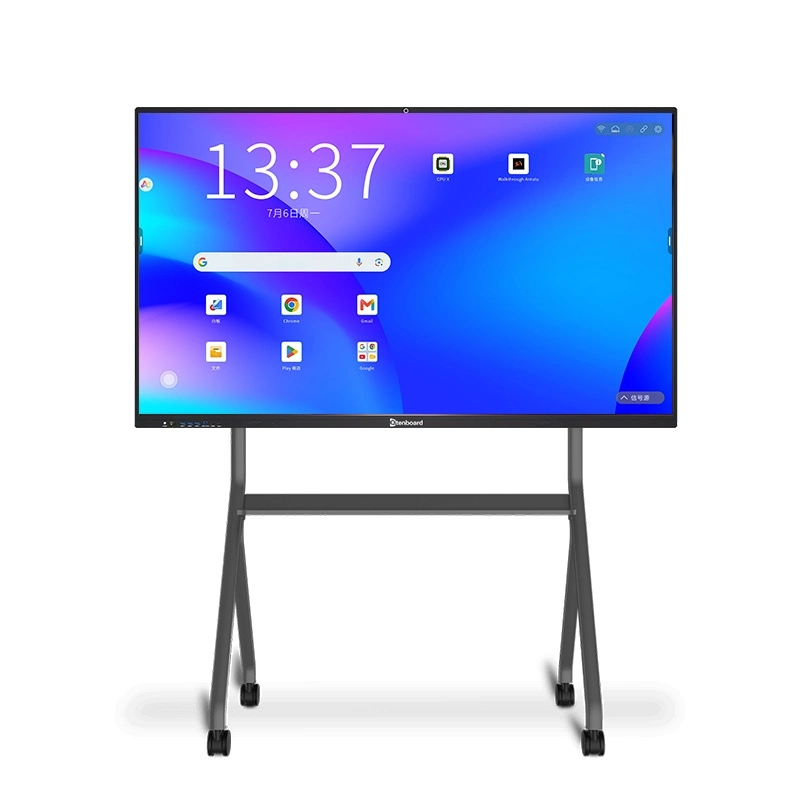
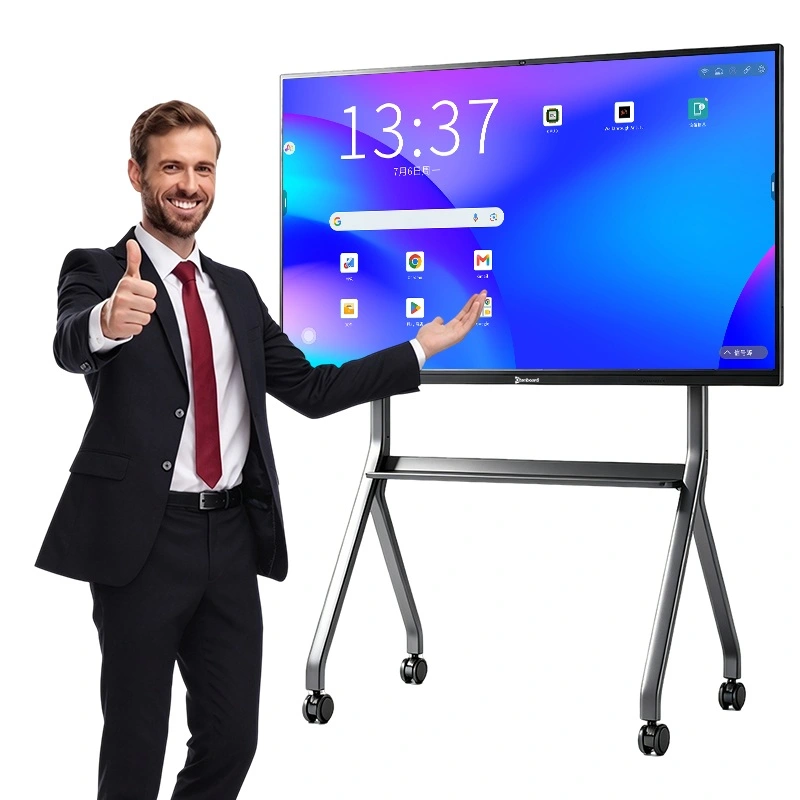
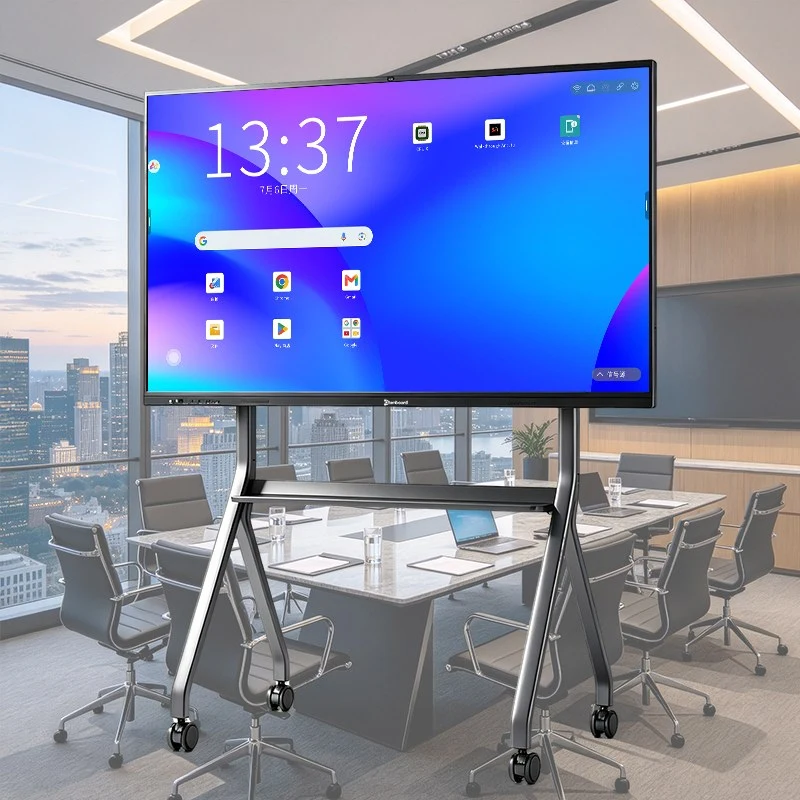
Write the way you always have — then save it, share it and reuse it. Qtenboard's interactive electronic whiteboard gives teachers and presenters a 4K interactive touch board with natural, paper-like writing, instant erase, and notes that can be saved and shared with a QR code. No chalk dust, no marker ink, no cleaning, no lessons lost at the end of the day. See our school interactive whiteboards in 55″ to 110″, with OEM/ODM customization and factory-direct pricing.
 ELECTRONIC WHITEBOARD // 4K TOUCH
WRITE · ERASE · SAVE · SHARE
Many teachers hesitate to give up the chalkboard because it is simple and fast. Qtenboard's electronic smart board keeps that simplicity: pick up a pen and write. What changes is everything after — the content is stored, searchable, shareable and ready for next term. The result is a digital whiteboard for classroom, office and training room that removes the mess and the waste without making teaching harder. New to the technology? Read what a smart board is and how it works.
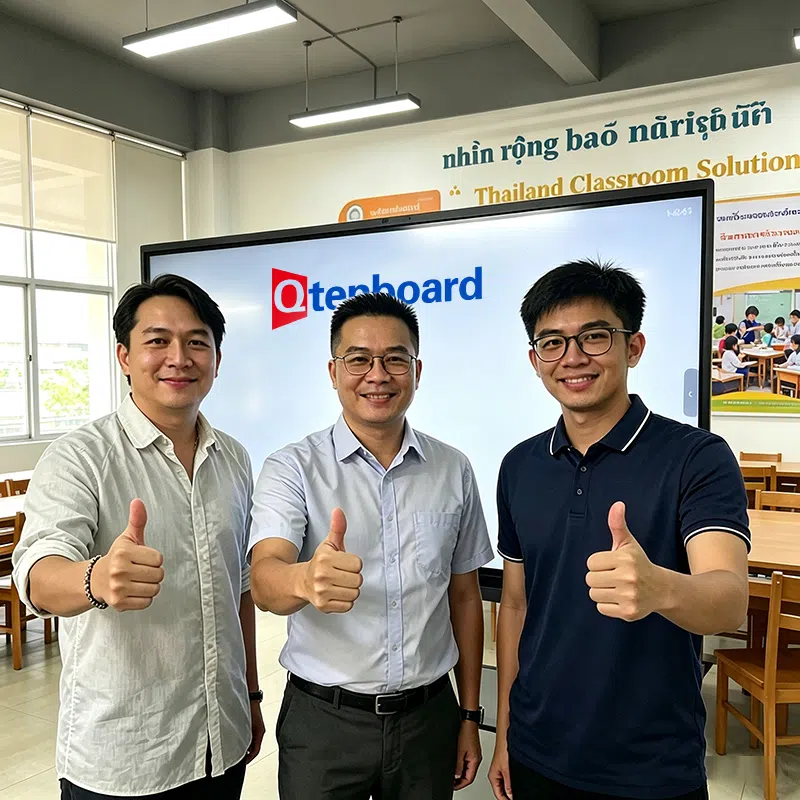
Zero-gap bonding and a 1mm touch height keep the pen tip close to the image for a natural, direct writing feel.
No dust, no markers to dry out and no smudged surface — a cleaner room and no consumables to restock.
Every page can be saved, shared and reopened later, so lessons and meeting notes are never lost.
The interactive whiteboard handles the whole note lifecycle that a chalkboard cannot.
Write and draw with pen or finger. Up to four users can write at once with 40-point touch.
Erase, move and resize content instantly — no wiping, no ghosting.
Keep every page of the lesson or meeting, ready to reopen and build on later.
Students or colleagues scan a secure QR code to save the full notes to their own device.
Handwriting is recognized across 200+ languages and can be converted into clean digital text, with automatic recognition of letters and standard shapes.
Sharp, bright and readable from any seat. Anti-glare technology reduces reflections under classroom lighting — something a glossy marker board cannot offer.
4mm toughened glass with 7-Mohs hardness is built for daily use, impact and scratches in busy classrooms and meeting rooms.
The local whiteboard software runs without internet, so writing and saving never depend on the school network.
Speech-to-text subtitles, discussion summaries, instant Q&A and voice control extend the board beyond what any chalkboard could do.
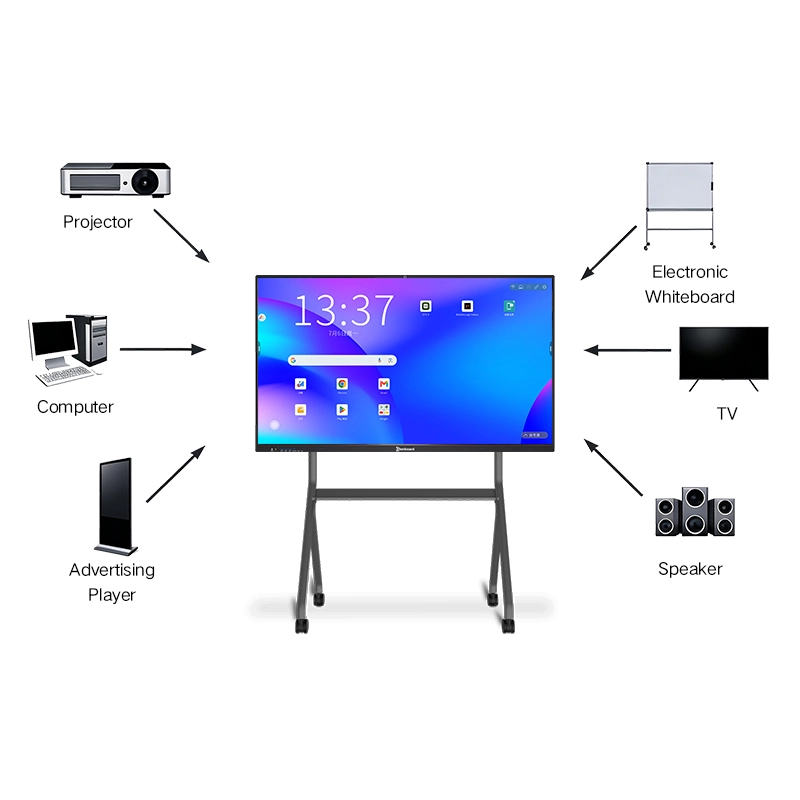
Open the Google Play Store, Google Workspace and Microsoft 365 right on the board, and mix web, video and apps with your handwriting.
Schools can move at their own pace, mixing familiar tools with the new board.
Teachers simply pick up the pen and write. Advanced features can be learned gradually, and we provide teacher training for larger rollouts.
Mount on the wall where the chalkboard was, or move the board between rooms with a mobile stand. Browse other interactive whiteboard accessories.
Need Windows-based teaching software? Add an embedded OPS computer and run your existing programs.
Reference model QM-75HY. Available in 55″ to 110″ — see the size guide to choose the right size for your room.
| အကန့် | သတ်မှတ်ချက်အသစ် |
|---|---|
| ပြသပါ | 4K UHD (3840 × 2160), anti-glare, 178° viewing angle |
| တက်ခွက် | Infrared, 40-point, zero-gap bonding |
| Touch Height | ၁ mirm |
| Surface | 4mm toughened glass, 7-Mohs hardness |
| လုပ်ဆောင်ချက်စနစ်များ | Android 16.0 · Google EDLA Certified |
| RAM + ROM | 4+32G / 8+128G / 16+256G (optional) |
| အသံဖိုင် | 20W × 2 (2.1 configuration) |
| Wireless | WiFi 2.4G & 5G, Bluetooth 5.2, wireless projection |
| ခေါ်ဝေါ် | AC 100V–240V, 50–60Hz, standby ≤ 0.5W |
| အစီအစဉ် တစ် ခု | DMS remote fleet management |
Replace the chalkboard in K-12 classrooms with a board that saves every lesson. See interactive whiteboards for school.
Large 98″ and 110″ panels keep handwritten derivations visible to the back row.
Save and send workshop notes to every participant without photographing the board.
Flexible manufacturing modes for distributors and system integrators.
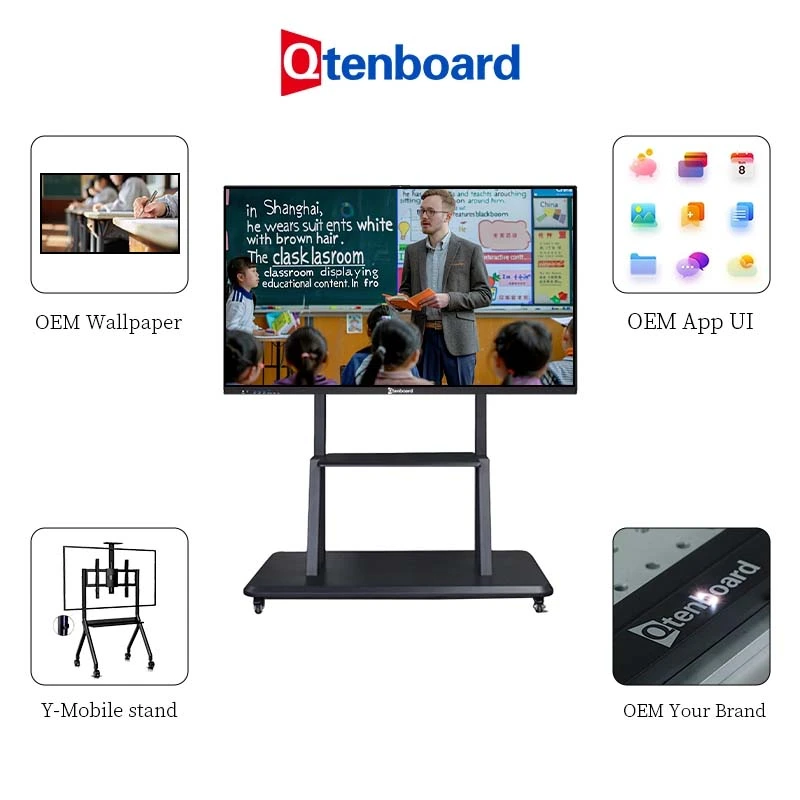
UI, boot logo, wallpaper, startup animation, packaging, language pack and pre-installed apps.

Launch your own line of electronic whiteboards, from white-label to full ODM.

Local education software, permission management and integrations for school and government projects.


Two self-owned factories, a 330,000 sqm industrial park with 16 production buildings, automated assembly, dust-free bonding workshops and a professional aging laboratory. Every board undergoes structural strength, touch accuracy, acoustic and reliability tests, with a daily capacity of around 200 units. Read our complete guide to interactive whiteboards or see successful cases.
Remote system upgrades, technical documentation and installation guidance.
On-site or remote teacher and staff training for new rollouts.
Engineer team for pre-deployment consultation, maintenance and firmware upgrades.
DMS remote management to locate issues quickly and cut after-sales cost.
24/7 online availability for fast after-sales response.
Samples can typically be dispatched within 3 working days by sea, land or air.
It is a digital replacement for the chalkboard or marker board: a 4K touch display with a built-in computer where you write with a pen or finger, then erase, save and share your notes. It is also called an electronic smart board, interactive touch board or smart board interactive whiteboard.
The panel uses infrared touch with zero-gap bonding and a 1mm touch height, which keeps the pen close to the image for a direct, natural writing feel. Handwriting is recognized across 200+ languages.
Yes. Pages can be saved and reopened, and students or colleagues can scan a secure QR code to save the full notes to their own device.
No. You write with touch or pen and erase digitally, so there is no chalk dust, no ink and no consumables to replace.
Yes. The local whiteboard software works offline, so writing and saving are not affected by network problems.
The panel uses 4mm toughened glass with 7-Mohs hardness, designed for daily use, impact and scratches.
75″ and 86″ suit most standard classrooms, 55″–65″ fit small rooms and 98″–110″ suit lecture halls. Our interactive whiteboard size guide explains room area, viewing distance and mounting height.
Yes. Brand, UI, boot logo, packaging and pre-installed apps can be customized, including a free OEM boot logo. Our education solutions page shows typical project setups.
Price depends on panel size, chipset and memory, accessories, quantity and customization level. Contact our sales team for a factory-direct quote, or read more in our interactive whiteboard FAQ.
Tell us how many chalkboards or marker boards you want to replace, the room sizes and any customization. We will reply with a tailored factory-direct quote and lead time. Compare models in our school interactive whiteboard range.

 BUR
 EN
 MAY
 TH
 CHT
 SIN
 VIE
 ID
 FIL
 LAO
 HKM