Meetings are where decisions happen — and where working time quietly disappears. Before the meeting, someone assembles the agenda and the room. During the meeting, someone scribbles notes while others re-explain what was already said. After the meeting, the same person types up minutes, chases missing action items, and emails a recap that half the attendees never read. Multiply that by every recurring meeting in your organization, and the cost stops being an annoyance. It becomes a measurable drain on productivity.
The scale of the problem is well documented. According to the Microsoft Work Trend Index (2023), 62% of professionals say meetings lack a clear agenda or purpose, and 68% say they do not have enough focused time during the workday. Atlassian research has put the toll of unproductive meetings at roughly 31 hours per knowledge worker per month — time that is spent, but not invested.
The AI meeting whiteboard is the answer that hardware and software vendors have been converging on for the past two years. It is an interactive display with a built-in AI meeting engine: real-time transcription, automatic minutes, action-item extraction, content summaries, and smart collaboration — all running on the panel itself, without a laptop, dongle, or separate subscription service.
This article explains what an AI meeting whiteboard actually does, quantifies the time it saves, walks through a real QTNEBOARD deployment in Southeast Asia from August 2026, and gives you the checklist that buyers work through just before they place an order.
62%
of professionals say meetings lack a clear agenda or purpose (Microsoft Work Trend Index, 2023)
31 hrs
per month spent by the average knowledge worker in unproductive meetings (Atlassian)
30–60 min
of manual note-taking and minutes typing after a typical 60-minute meeting
What Is an AI Meeting Whiteboard?
An AI meeting whiteboard is an interactive flat panel that combines a large touch display with a built-in AI meeting engine. Unlike a traditional interactive whiteboard, which is essentially a touch screen for presenting and annotating, an AI meeting whiteboard listens, transcribes, structures, and distributes the outcome of the meeting on its own.
It also differs from software-only meeting assistants. A cloud notetaker depends on every participant bringing a laptop, a meeting host enabling a recording, and a separate tool for the board itself. An AI meeting whiteboard is the room's hardware: the camera, microphone array, speakers, and AI engine are already installed, so any meeting that happens in the room is captured — whether participants bring devices or not.
Hardware That Brings the AI Into the Room
QTNEBOARD's AI meeting whiteboard series combines a 4K UHD display from 55" to 110", infrared multi-touch with zero-gap bonding, a built-in 48MP camera, an optional 6/8/12-microphone array with up to 10 meters of pickup, and 20W×2 stereo speakers — running Android 14, with an optional Windows OPS module for enterprise software. The AI engine runs on the panel, so transcription, minutes, and summaries work even when the room is offline.
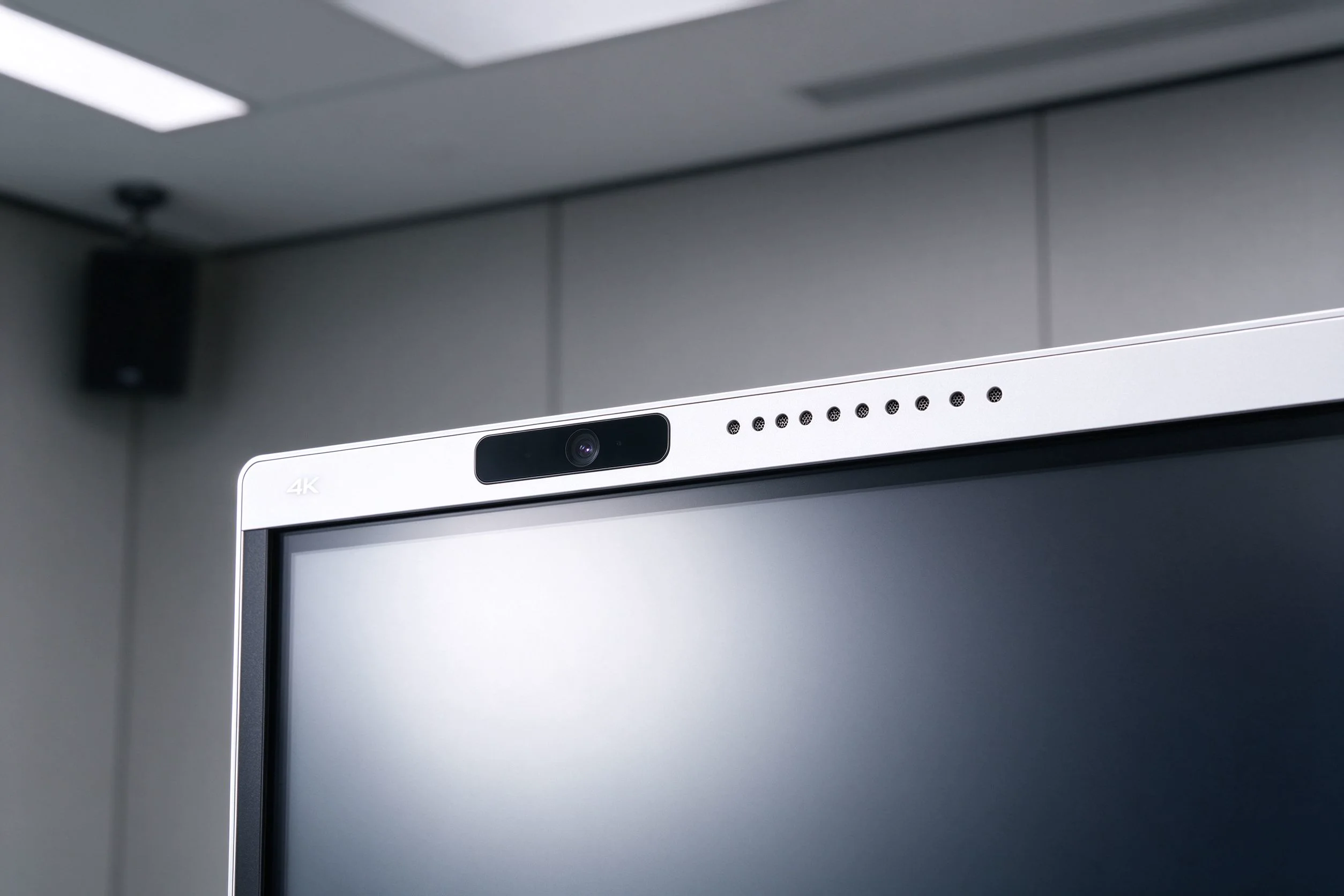
Built-in 48MP camera and optional 12-mic array with up to 10 m pickup on the QTNEBOARD AI meeting whiteboard
| Specification | QTNEBOARD AI Meeting Whiteboard Series |
|---|
| Display sizes | 55" / 65" / 75" / 86" / 98" / 105" / 110" |
| Resolution | 3840×2160 (4K UHD) |
| Brightness | 350 / 400 / 450 cd/m² |
| Contrast ratio | 4000:1 (typ.) |
| Viewing angle | 178° H / 178° V |
| Panel lifespan | 60,000 hrs (typ.) |
| Touch | 20–50 point multi-touch, infrared + zero-gap bonding |
| CPU options | 9679 / 3576 / 311D2 / V100 / 3588 |
| Operating system | Android 14.0 (optional Windows OPS i5 / i7) |
| RAM + storage | 4+32G / 8+128G / 16+256G |
| Camera | Built-in 48MP + optional 8MP / 4K |
| Microphone | Optional 6 / 8 / 12-mic array, up to 10 m pickup |
| Speakers | 20W × 2 |
| Wireless | Wi-Fi 2.4G & 5G / Bluetooth 5.2 |
| Ports | HDMI In/Out, USB, Type-C, DP, VGA, RJ45, RS232, TF card |
| Standby power | ≤ 0.5W |
| Power supply | AC 100–240V, 50–60Hz |
| Certifications | CE · FCC · RoHS · ISO |
Core AI Capabilities That Save Time
The value of an AI meeting whiteboard is not the hardware spec sheet. It is the six capabilities below, and what each one removes from your team's weekly workload.
Real-Time Transcription in Every Language
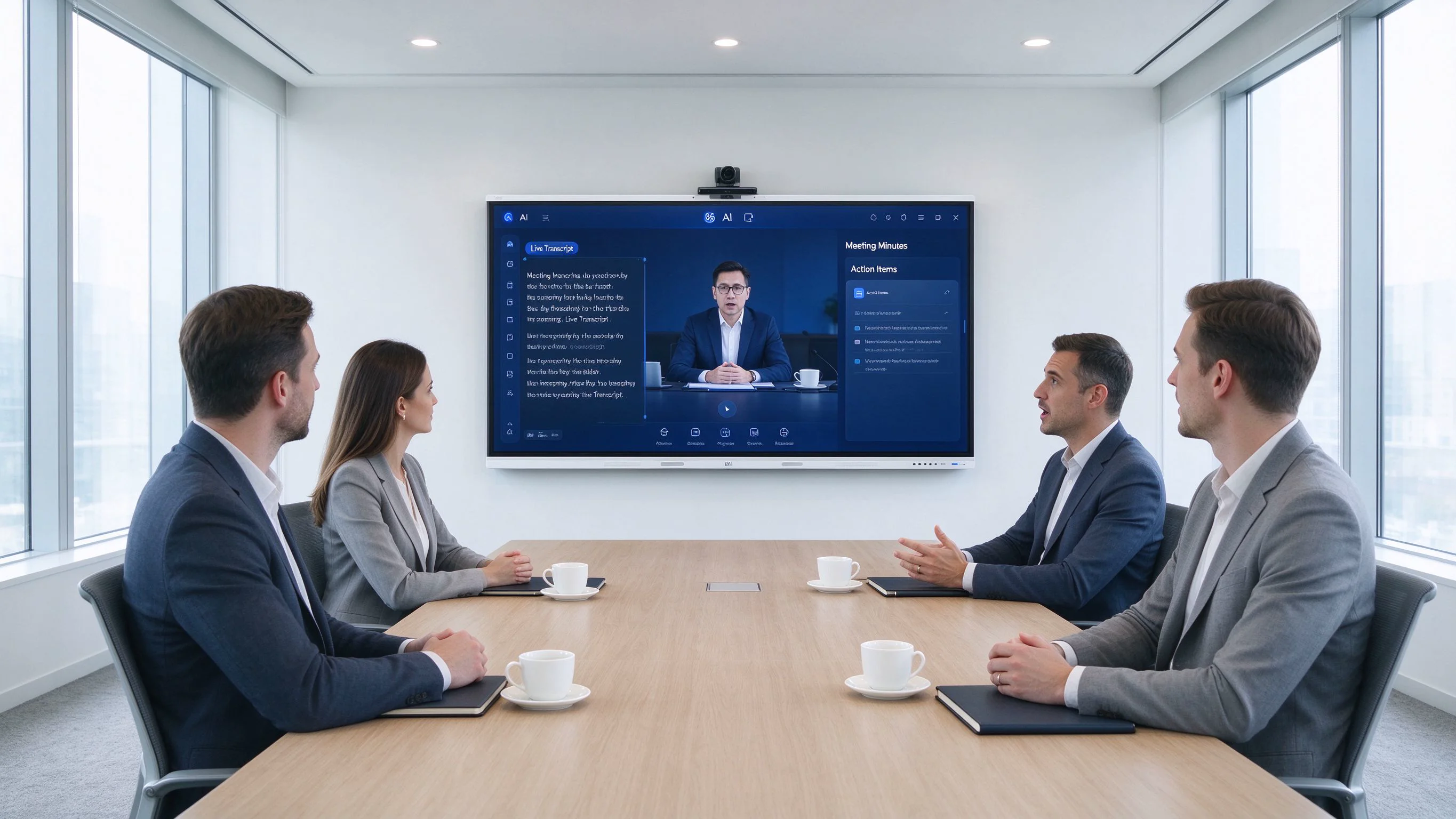
The built-in speech engine transcribes the meeting in real time and labels each speaker, so the transcript reads as a structured record of who said what — not an anonymous wall of text. QTNEBOARD's transcription supports all languages, which matters in any organization where English is not the only language spoken, and where accents vary from room to room. With the optional 12-mic array, the panel picks up voices up to 10 meters away, which covers a standard boardroom without clipping or requiring participants to lean toward a microphone.
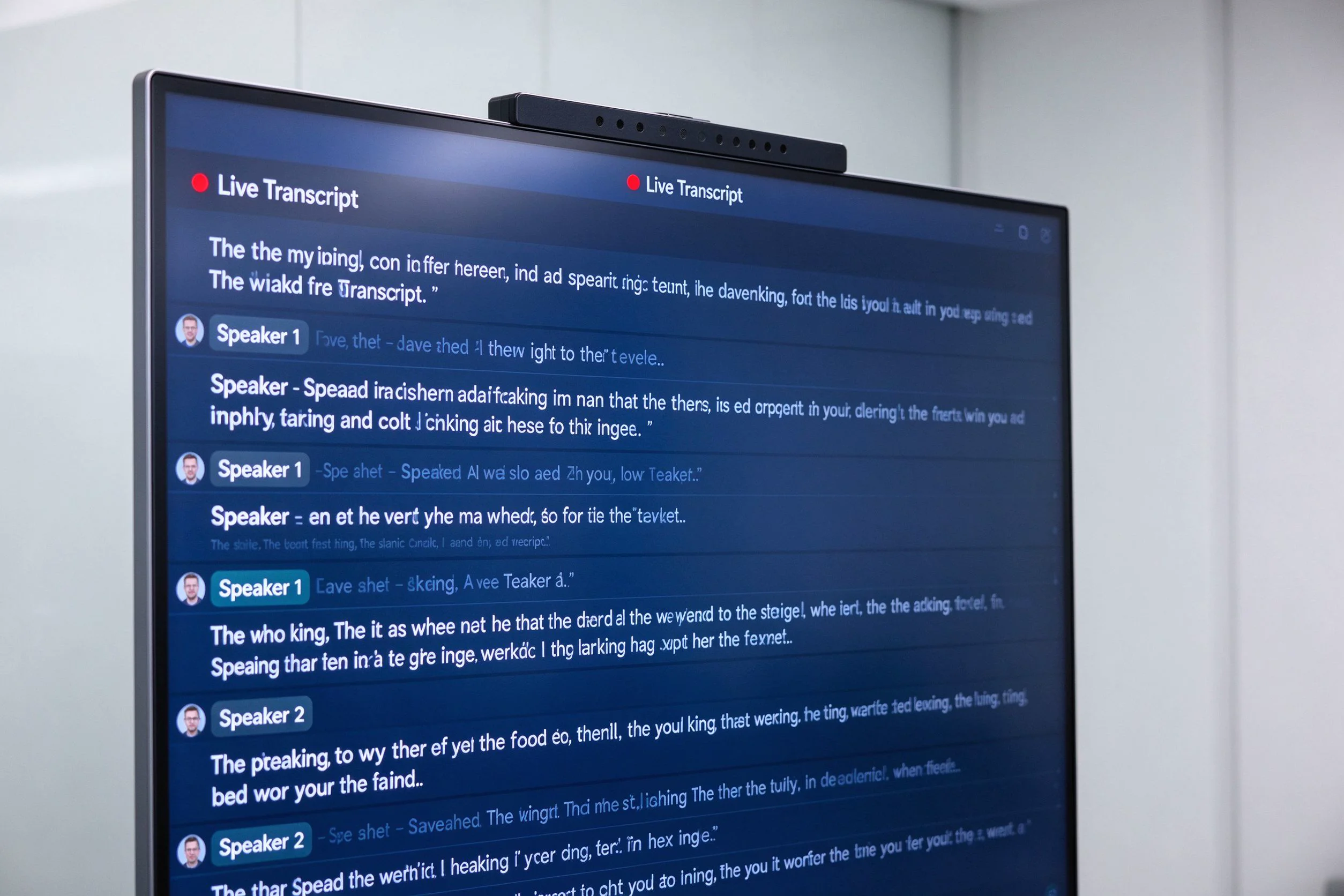
Live, speaker-labeled transcription running directly on the QTNEBOARD AI meeting whiteboard
Auto-Generated Meeting Minutes
When the meeting ends, the panel produces structured minutes automatically: decisions made, action items agreed, owners assigned, and due dates captured. Nobody types them afterward. Minutes export to email, Word, PDF, Notion, and CRM in a few taps, so the record reaches the people who need it before they have left the building.
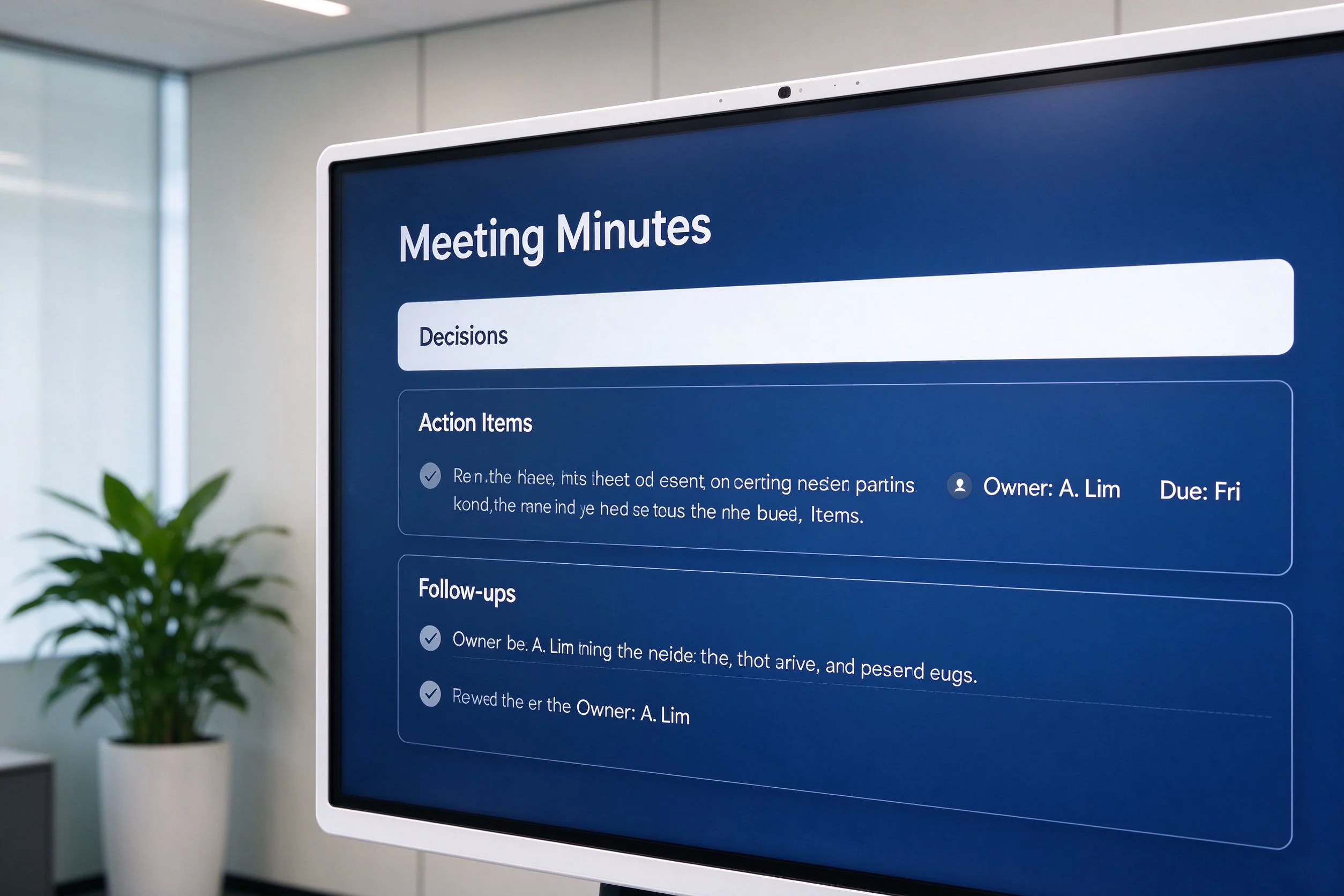
Auto-generated minutes with decisions, action items, owners, and due dates
Action Items That Don't Get Lost
"We'll follow up on that" is the most expensive sentence in business — because it rarely becomes a tracked task. The AI engine extracts commitments from the conversation, names the owner, and attaches a deadline, so the follow-up leaves the meeting room as a concrete, assignable item instead of a vague intention.
One-Click Summaries and Recap Emails
For every meeting, the panel generates a short summary of key takeaways. Sending it to attendees and absent colleagues is one action. That single capability ends the classic "can you brief me on what I missed?" thread after every meeting.
Whiteboard Content, Digitized
Everything written on the board — diagrams, flowcharts, planning sketches — is recognized and converted to clean digital text and shapes. The content is saved with the minutes, instead of being erased when the room is cleaned. Anyone who missed the meeting can reconstruct the thinking from the board itself, not just the words.
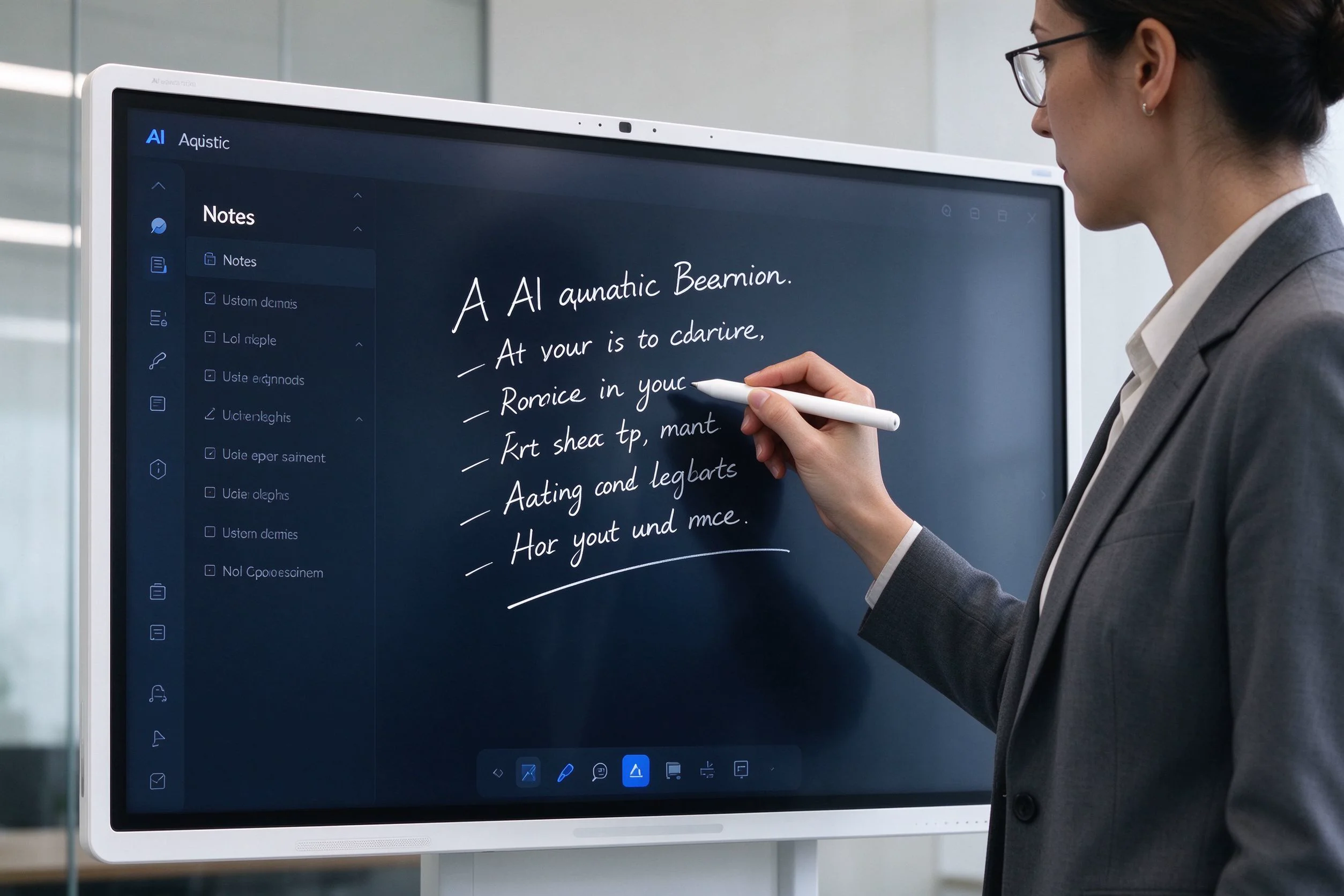
Handwriting on the board is digitized and saved with the meeting record
Collaboration Across Rooms and Time Zones
The panel is natively compatible with Microsoft Teams, Zoom, and Google Meet, and syncs with Outlook and Google Calendar. Remote participants appear on the same display, and both sides can annotate the shared whiteboard in real time. The hybrid meeting stops being a "two screens and a laptop" improvisation and becomes the same experience for people in the room and people joining from anywhere.
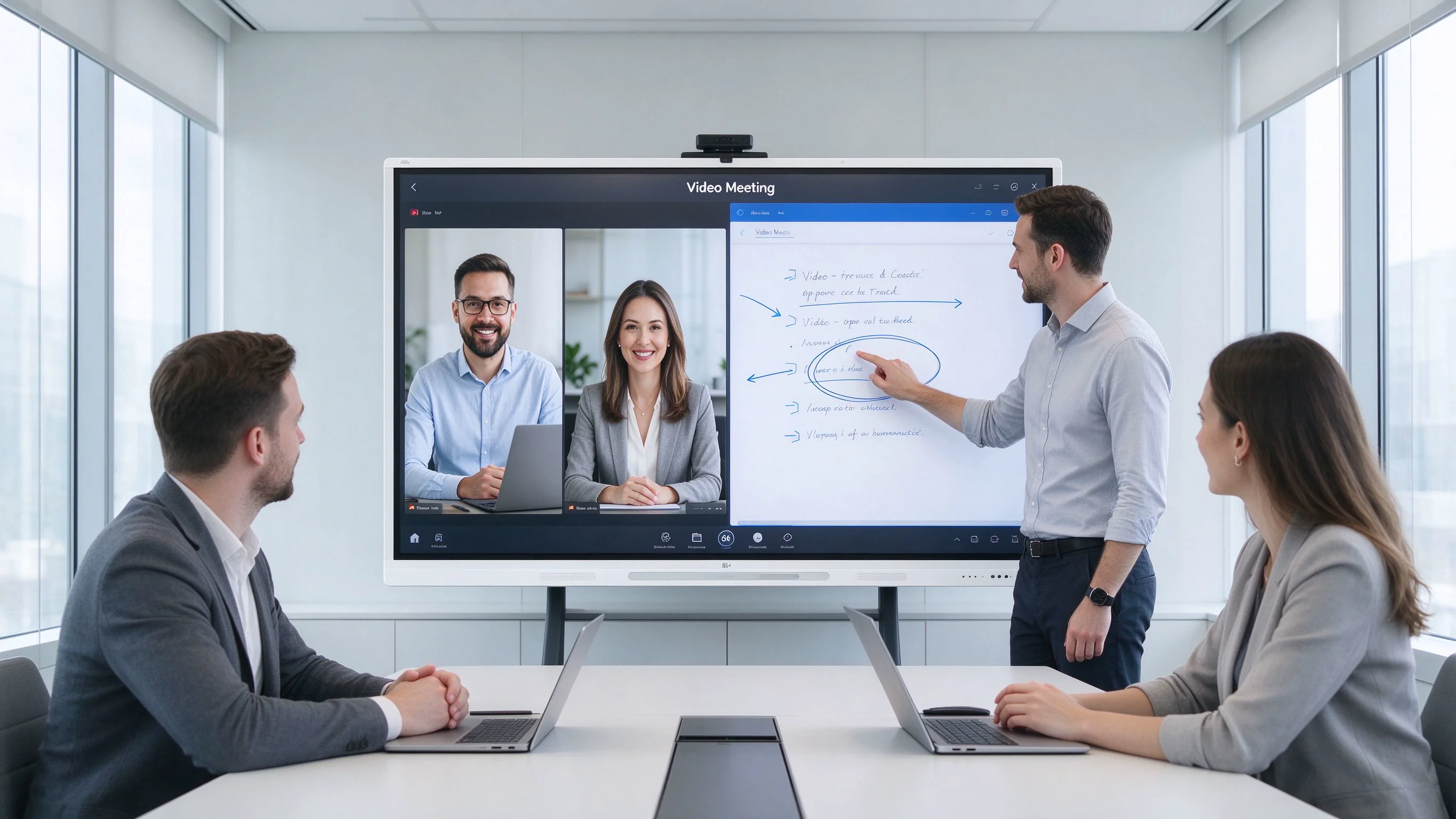
Hybrid meetings with remote participants and real-time annotation on one display
How Much Time Does It Actually Save?
The clearest way to see the difference is to compare the same weekly meeting with and without an AI meeting whiteboard:
| Stage | Without AI meeting whiteboard | With QTNEBOARD AI meeting whiteboard |
|---|
| Before | Someone assembles the agenda manually; the room setup (camera, dongle, conferencing) takes 5–10 minutes of fiddling | Calendar-synced meeting starts on the panel; agenda is already on screen |
| During | One attendee takes notes and misses part of the discussion; hybrid participants strain to follow | Live transcription and speaker labels run automatically; the board is captured as it is written |
| After | 30–60 minutes of typing minutes; action items chased across email threads; recap sent days later | Structured minutes and action items are ready at the close of the meeting; one tap sends the recap |
To estimate the return for your own team, use a simple formula: minutes saved per meeting × number of recurring meetings per week × average hourly cost of attendees. For a team of six whose manager previously spent 45 minutes per meeting on notes and follow-ups, even three meetings a week recover more than two working hours per week — before counting the meetings that now start on time and the follow-ups that no longer fall through.
Field evidence. The August 2026 Southeast Asia deployment in the next section confirms the pattern in a real organization: minutes ready before people leave the room, no assigned note-taker, and action items that actually get done.
A Real Deployment: Malaysia, August 2026
The best way to evaluate a product is a deployment that already happened. In August 2026, QTNEBOARD completed a 12-unit deployment for a Kuala Lumpur-based education group that operates six campuses across Malaysia.
Case Study: Kuala Lumpur education group, 6 campuses
Deployment12 units: 4× 86" for the HQ boardroom and training hall, 8× 75" for campus meeting rooms and review rooms
Configuration12-mic array + built-in 48MP camera, Android 14, pre-installed meeting apps, QTNEBOARD OEM branding
TimelineInquiry → two remote demo sessions → 10-day sample evaluation → PO; units delivered in one week and installed on-site over two days
BeforeStaff typed minutes manually after every meeting (30–60 minutes each); action items were forgotten between departments; hybrid parent and cross-campus meetings left remote attendees out; board sketches were erased and lost
Feedback"Minutes are ready before people leave the room." "We no longer assign someone to take notes." English, Mandarin, and Bahasa Malaysia transcription covered the group's multilingual meetings; recorded sessions are now reused for teacher training
OutcomeFollow-up time per meeting cut from roughly 45 minutes to zero; decisions and owners are visible on screen at close; cross-campus sessions run with the same experience for in-room and remote participants
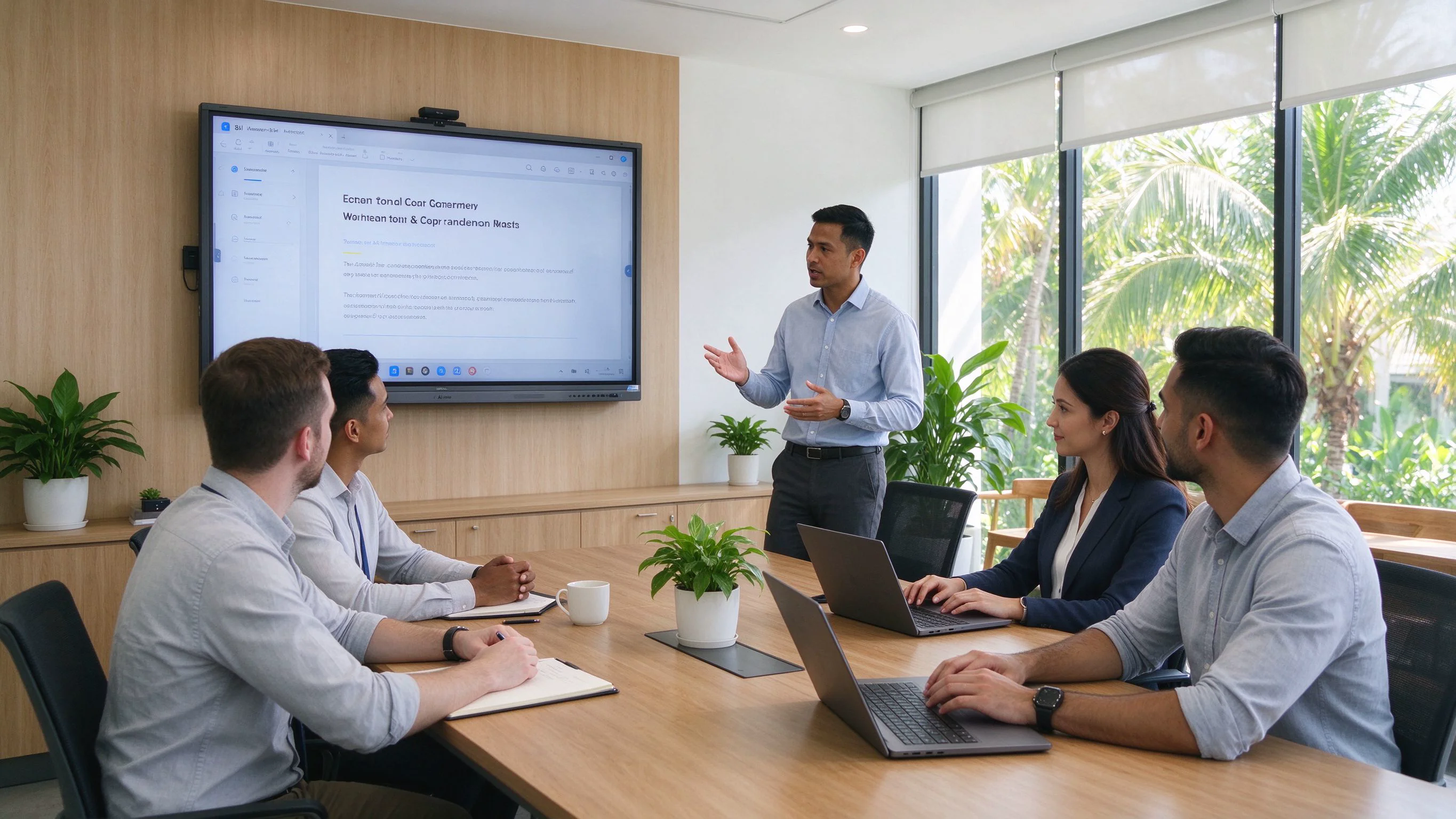
86" QTNEBOARD AI meeting whiteboard installed at a Southeast Asia corporate site
The pattern from this deployment is consistent with every enterprise rollout QTNEBOARD has supported: the organizations that save the most are not the ones with the fanciest meeting rooms — they are the ones where meeting output (decisions, owners, deadlines, content) is treated as a deliverable. The AI meeting whiteboard simply makes that deliverable automatic.
What to Evaluate Before You Buy
Buyers who are about to place an order should work through five checks. They separate a real AI meeting whiteboard from a touch screen with marketing labels.
- AI is a product, not a feature list. Verify which capabilities are real: transcription language coverage, microphone pickup versus room size, structured minutes, speaker labels, and offline operation. Ask for a live demo in your own room acoustics.
- Privacy and compliance. Confirm where meeting data is stored, whether processing can run offline and on-device, and whether the vendor meets the regulations that apply to you — QTNEBOARD panels are GDPR-compliant and aligned with Malaysia's PDPA, and support offline mode for sensitive meetings.
- Integration with your stack. The panel should join Microsoft Teams, Zoom, and Google Meet natively, sync with Outlook and Google Calendar, and export minutes to email, Word, PDF, Notion, and CRM — without a dongle or a workaround.
- Total cost of ownership. Check whether AI features require a subscription. QTNEBOARD includes AI as a perpetual license — no recurring fee — with a one-year warranty and a standard one-week delivery. For resellers and integrators, OEM/ODM customization, branding, and pre-installed software are supported.
- Ask for proof. Request reference deployments, a sample unit, and remote or on-site support terms before signing. A vendor that can show you a running installation is a vendor that stands behind the product.
FAQ: Questions Buyers Ask Before Ordering
Do I need a separate subscription for the AI features?
No. AI transcription, minutes, and summaries are included with the panel as a perpetual license. There is no recurring subscription for the AI engine.
Does it work with Zoom, Microsoft Teams, and Google Meet?
Yes. The panel is natively compatible with all three, and QTNEBOARD can pre-install your preferred meeting applications before delivery. Outlook and Google Calendar integration is built in.
Which languages does the transcription support?
All languages. The engine handles accented English, Mandarin, Bahasa Malaysia, and other languages spoken across your team, with speaker labels for who said what.
How far can the microphones pick up?
With the optional 12-mic array, pickup reaches up to 10 meters. QTNEBOARD helps you choose the 6, 8, or 12-mic configuration based on your room size.
Where is our meeting data stored? Is there an offline mode?
Processing can run on-device, and the panel supports offline mode for meetings where connectivity is unavailable or confidential. Export and cloud sync options are GDPR-compliant and aligned with Malaysia's PDPA.
Can it replace our current TV + video bar setup?
Yes. The panel combines the 4K display, 48MP camera, microphone array, speakers, and AI engine in one unit, so there is no separate dongle or conferencing bar to configure per room.
What can we export from a meeting?
The full transcript, structured minutes, action items, and a one-click summary. Exports go to email, Word, PDF, Notion, and CRM, and the calendar sync keeps everything attached to the right meeting.
Can it tell who said what?
Yes. Speaker diarization labels each speaker throughout the live transcript and the final minutes, so accountability is clear without anyone managing the recording.
What happens to what is written on the whiteboard?
Handwriting and sketches are recognized, digitized, and saved with the meeting record — nothing is lost when the board is erased, and the content is shareable to everyone who needs it.
What about warranty, delivery, and customization?
QTNEBOARD offers a one-year warranty and a standard one-week delivery. OEM/ODM customization, custom branding, and pre-installed software are supported for resellers, integrators, and enterprise programs.
The Bottom Line
An AI meeting whiteboard does not just digitize a meeting — it closes the loop that manual meetings leave open: the transcript is complete, the minutes are structured, the action items have owners, and the content survives the room. In 2026, that is not a luxury feature. It is the difference between a meeting that costs time and a meeting that produces a deliverable.
Evaluate QTNEBOARD for your next room
Request a live demo, a sample unit, or a volume quote for your meeting rooms, training halls, or campuses. QTNEBOARD's team works with enterprise buyers, resellers, and integrators — including OEM/ODM programs with custom branding and pre-installed software.
Talk to the QTNEBOARD team

 EN
 MAY
 TH
 CHT
 SIN
 BUR
 VIE
 ID
 FIL
 LAO
 HKM
