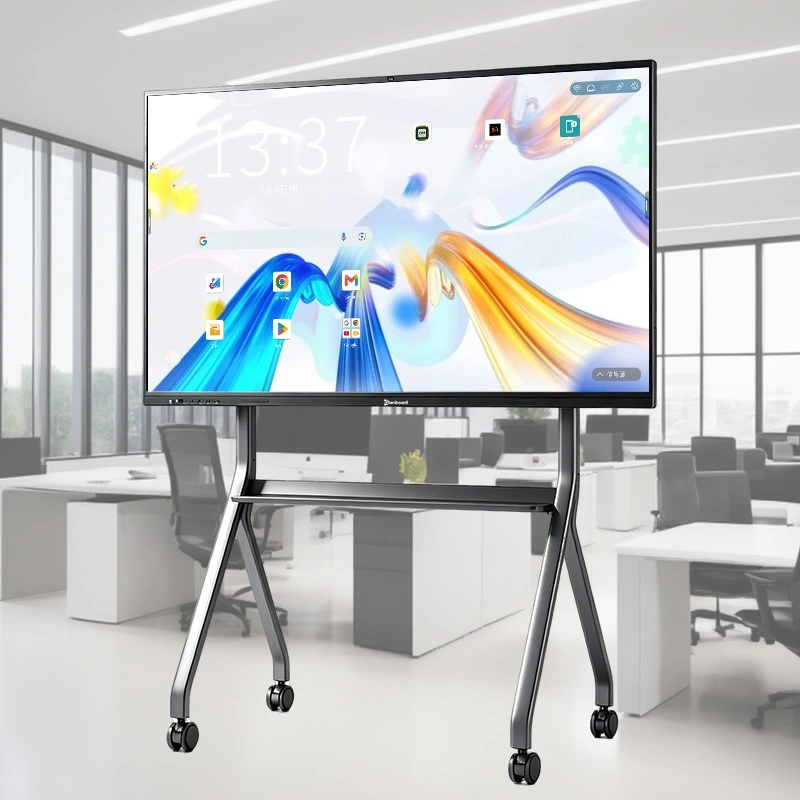
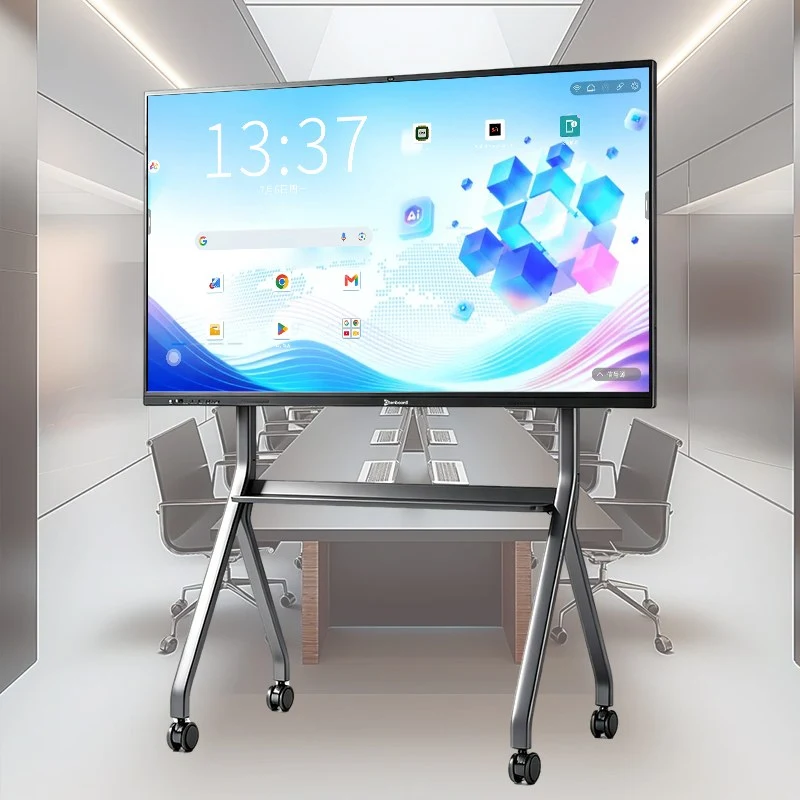
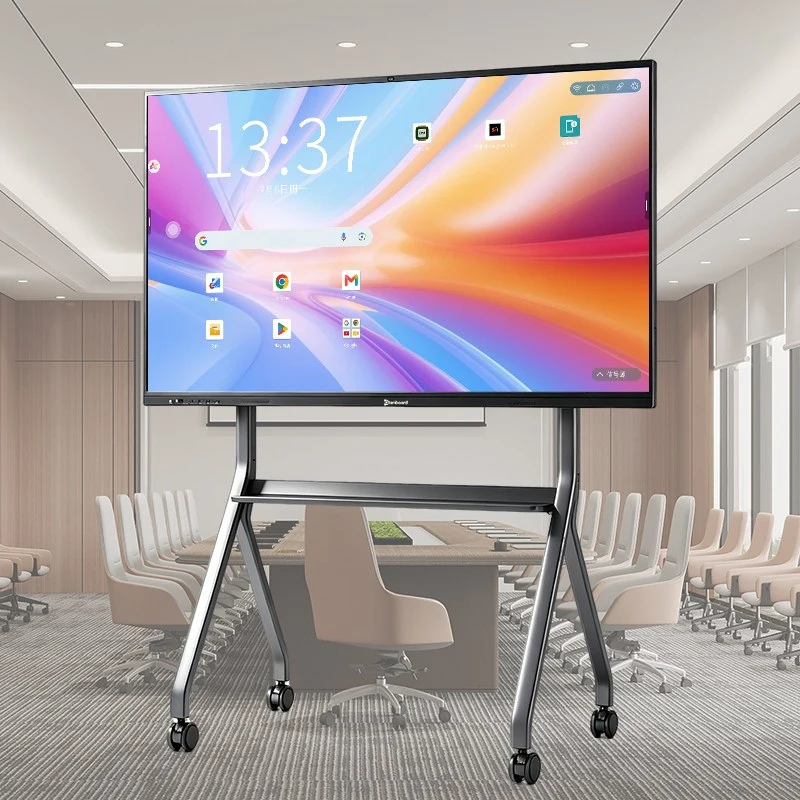
Interactive Flat Panel Manufacturer Overview
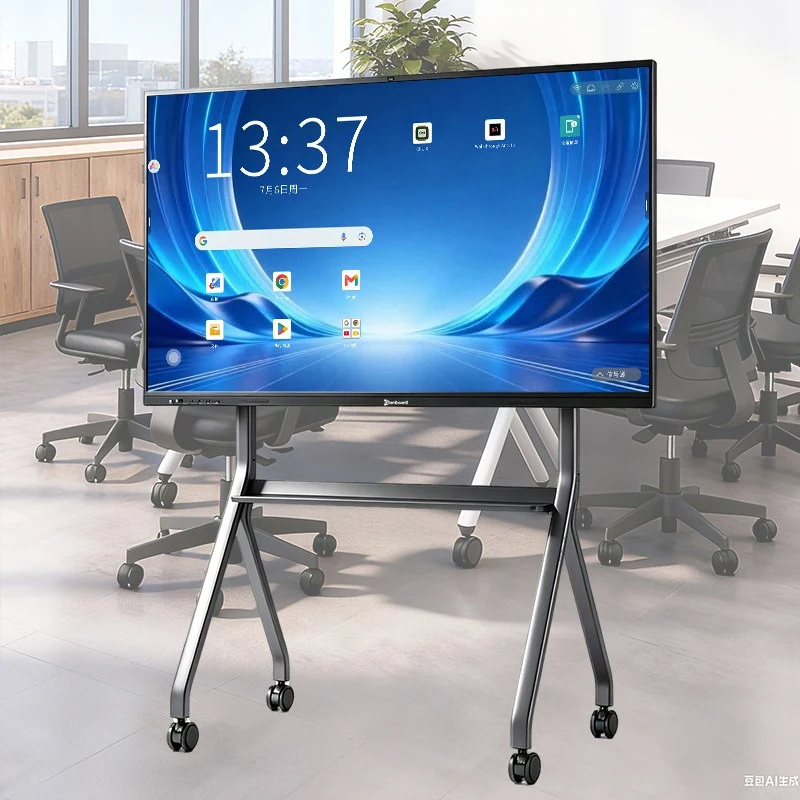
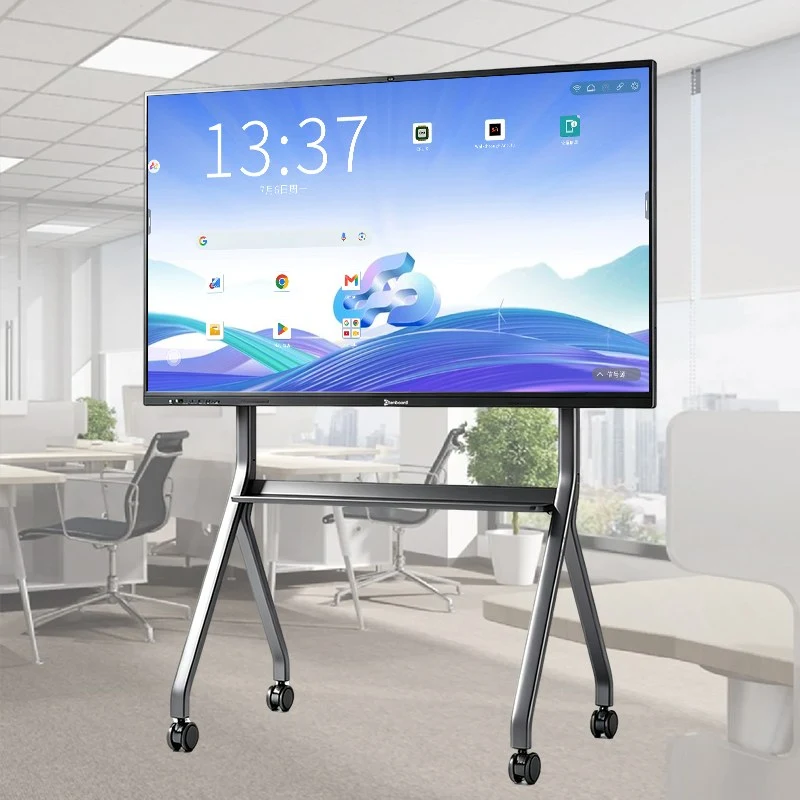
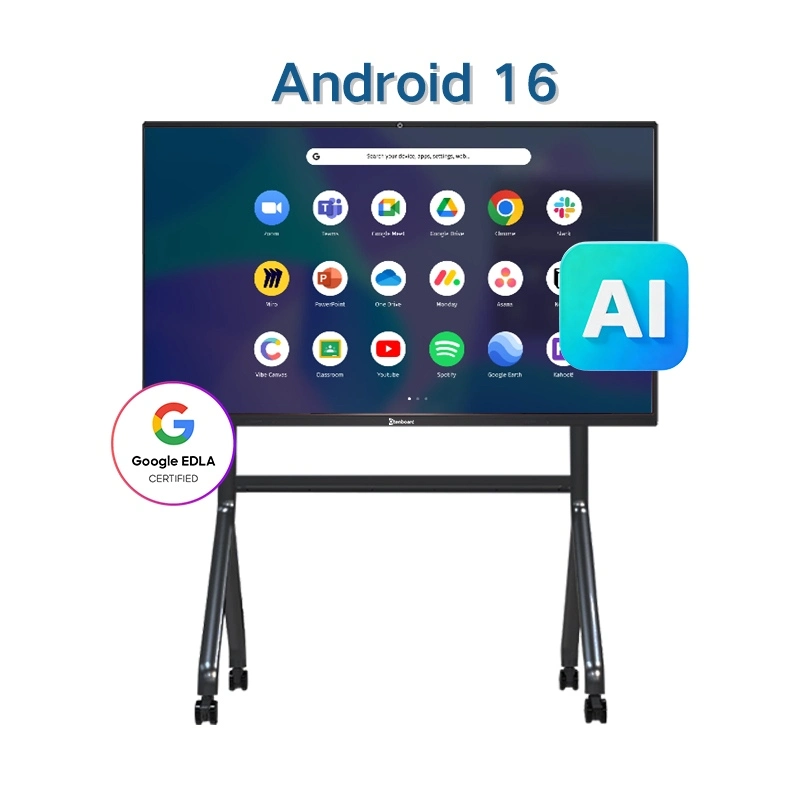
Qtenboard's Android 16 interactive flat panel is built for schools and classrooms that need reliable daily performance. As a leading interactive flat panel manufacturer, we combine the latest Android 16 system with 20-50 point infrared touch, 4K UHD display, and full OEM/ODM support — helping distributors and system integrators source a dependable interactive whiteboard solution at competitive IFP panel price levels. We also supply interactive flat panels for business and office meeting rooms, so whether your project is education or corporate, our team can match the right configuration. Contact us for a tailored quote based on your project scale.
Why Choose Qtenboard as Your Interactive Flat Panel Manufacturer
- Full-chain Manufacturing: Leveraging two self-owned factories in Shenzhen and Guangzhou, covering mainboard R&D, structural design, full assembly, and system customization
- Strong Production Capacity: 330,000 sqm industrial park with 16 production buildings, automated assembly lines, daily capacity of 200 units, capable of meeting large-brand long-term orders, big project bids, and small-batch custom orders simultaneously
- Enterprise-grade Service: Provides pre-sales, implementation, and after-sales support across all stages, ensuring global partners get quick support and build long-term, stable collaboration
Learn more about Qtenboard and our full range of interactive flat panel solutions.
Interactive Flat Panel Product Highlights
AI Functions of Qtenboard Interactive Flat Panel

- Speech to Text: Fast and accurate real-time speech recognition, converting spoken content into editable text for easier documentation during lectures, meetings, and presentations
- Meeting Minutes Automation: Automatically extracts key points, decisions, and action items, generating structured meeting minutes exportable in PDF or Word format
- AI Q&A Assistant: Provides instant answers during teaching or meetings, offering definitions, explanations, and related knowledge in real time
- Smart Assistant: Summarizes content, translates speech or text, and provides insights, supporting multilingual environments and voice control
Core Features of Android 16 Interactive Flat Panel
- 20–50 Point Infrared Touch: Supports multi-touch gestures for collaborative classroom activities
- Android 16 / Windows i5-i7: Runs smoothly with rich app support
- Anti-Mistouch Function: Palm and wrist detection prevents accidental touches in classrooms
- OEM Brand Customization: Customizable UI, logo, wallpaper, packaging, and pre-installed apps
DMS Remote Management System
- Remotely manage multiple conference terminal devices
- Create multiple user roles for collaborative management
- Enable/disable accounts and manage permissions
- Graphical visualization of device statistics
- Simple operational workflow
- Remote monitoring of storage, network, power-on info
- Send alerts and messages to device operators
- Remote control: shutdown, reboot, scheduled power
- Send commands, report device info, view history
- Real-time monitoring, app installation, app control, content distribution
Interactive Flat Panel Technical Specifications & Price Factors
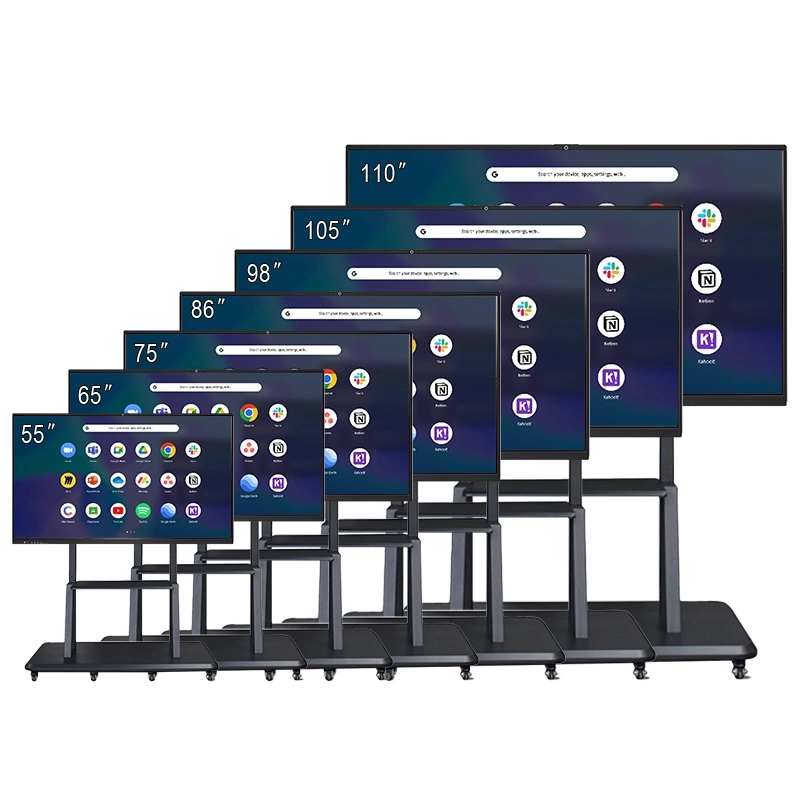
Interactive flat panel price is mainly determined by screen size, chipset, RAM+ROM configuration, touch points, and order quantity/OEM customization level. The specifications below cover our standard 55"–110" range; see other interactive flat panel sizes and configurations for additional options, or contact us for a detailed quote based on your exact requirements.
| Brand |
| Qtenboard |
| Size |
| 55'' / 65'' / 75'' / 86'' / 98'' / 105'' / 110'' |
| Model |
| QM-55HY / QM-65HY / QM-75HY / QM-86HY / QM-98HY / QM-105HY / QM-110HY |
| LCD Specifications |
| Resolution |
3840*2160 4K resolution |
| Brightness |
350cd/m² / 400cd/m² / 450cd/m² |
| Contrast Ratio |
4000:1 (typ.) |
| Color Depth |
16.7M(8bit) |
| Visual Angle |
178°(H) / 178°(V) |
| LCD life |
60,000 hrs (typ.) |
| Android Specifications |
| CPU |
9679 / 3576 / 311D2 / V100 / 3588 |
| Android OS |
Android 16.0 |
| RAM+ROM |
4+32G / 8+128G / 16+256G (Optional) |
| WIFI |
2.4G & 5G |
| Bluetooth |
5.2 |
| Child lock |
support |
| Wireless projection |
support |
| Touch screen Specs |
| Touch type |
Infrared touch + zero gap bonding |
| Touch point |
20-50 point |
| Touch height |
1mm |
| Camera |
| Built-in camera and mic |
4800MP+Optional (8 Array Mic) |
| Power |
| Speaker |
20W*2 |
| Standby power |
≤0.5W |
| Power supply |
AC100V-240V,50-60 Hz |
| Working environment |
| Working temperature |
0℃ ~40℃ |
| Working humidity |
20% ~85%( no condensation) |
| Storage temperature |
-10℃ ~ 60℃ |
| Storage humidity |
10% ~60%( no condensation) |
| Input/output interface |
| Type-B 2.0, Type-C, HDMI in, HDMI out, USB, USB-B, DP, VGA, TF Card, MIC, RJ45 in, RJ45 out, RS232 in (optional) |
Interactive Flat Panel Accessories
Accessories for Interactive Flat Panel for Classroom
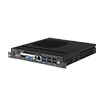
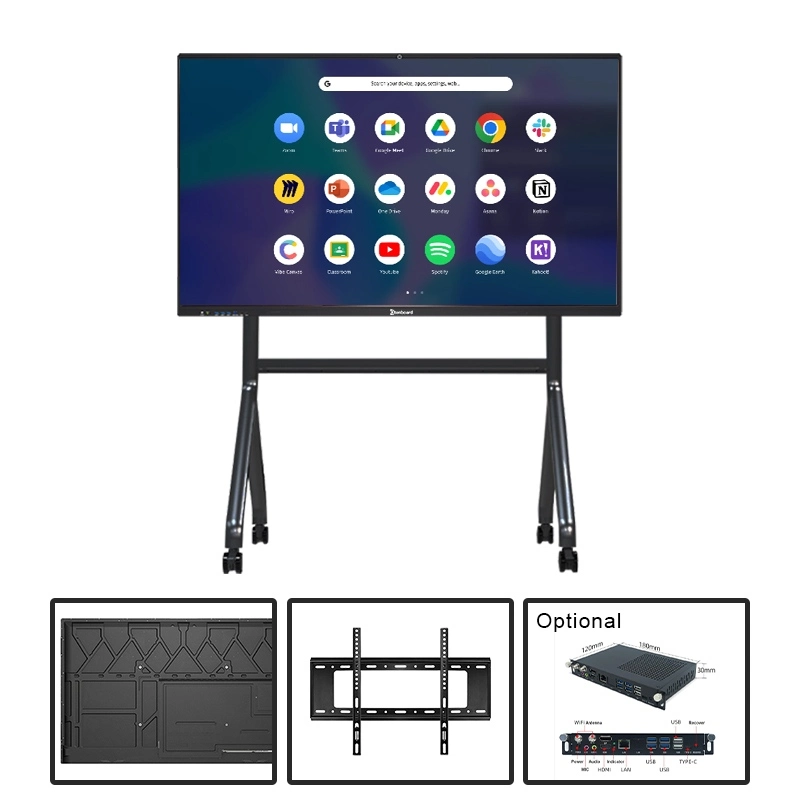
OPS
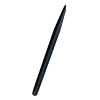
Magnetic Pen
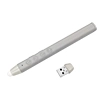
Smart Pen
Nano
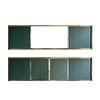
Push Pull
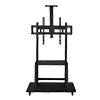
Bracket 1
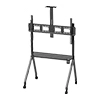
Bracket 2
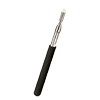
Pointer
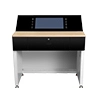
Intelligent Table
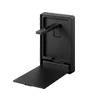
Document Camera
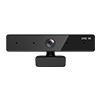
External Camera
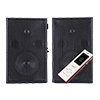
Sound
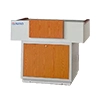
Platform
Various accessories are available, including OPS, Magnetic Pen, Smart Pen, Nano, Push Pull Board, Brackets, Pointer, Intelligent Table, Document Camera, Screen Projector, External Camera, Sound System, and Platform.
Interactive Flat Panel OEM/ODM Customization Service
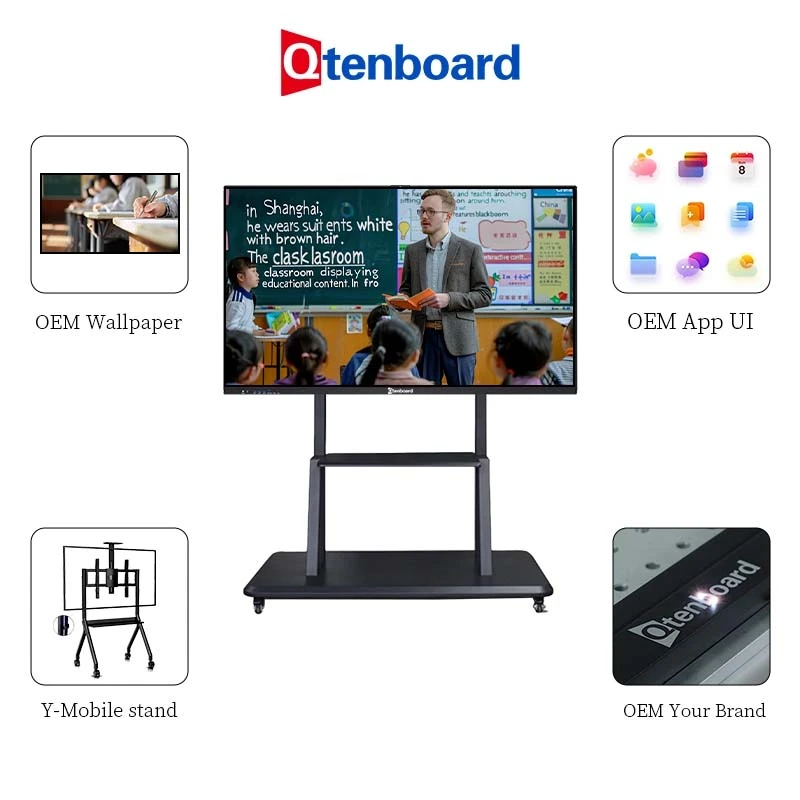
- Appearance Customization: UI interface, brand logo, packaging, language system, wallpaper, startup animation, pre-installed apps, etc.
- Flexible Modes: Supports white-label (no brand), full OEM, structural ODM, and CKD/SKD disassembly export modes, helping local partners assemble locally, reduce import tax, and improve project competitiveness
- Secondary Development: Strong R&D team supports software secondary development, allowing for local education software, privacy protection solutions, system permission management, perfectly adapting to government/school project requirements
We provide interactive flat panel OEM/ODM services for global distributors and system integrators. See our educational solutions and customization options for more details, or contact us to discuss your project requirements.
Interactive Flat Panel for School Project Cases
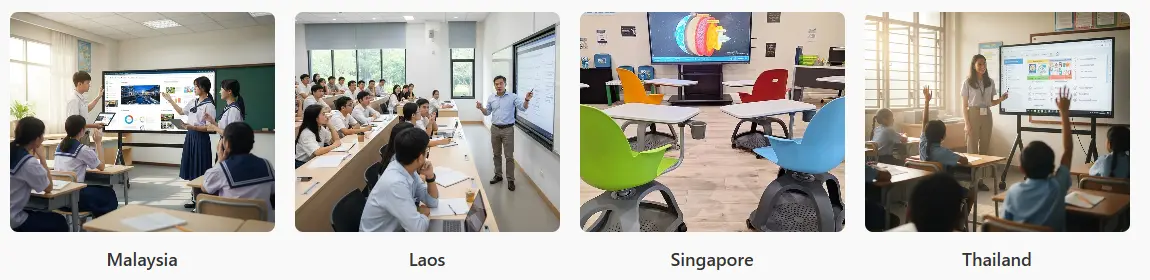
Successfully deployed worldwide, including Southeast Asia, Middle East, Europe & America, Africa, etc. Partners closely with local system integrators to provide end-to-end support: solution design, product supply, installation, and launch. Customers consistently report stable, reliable products with fast after-sales response and efficient customization, building a good reputation in the global education market. For more on our classroom-specific solutions, see interactive whiteboard for school; for corporate and meeting room deployments, see interactive flat panel for business.
Interactive Flat Panel Factory & Manufacturing Capacity
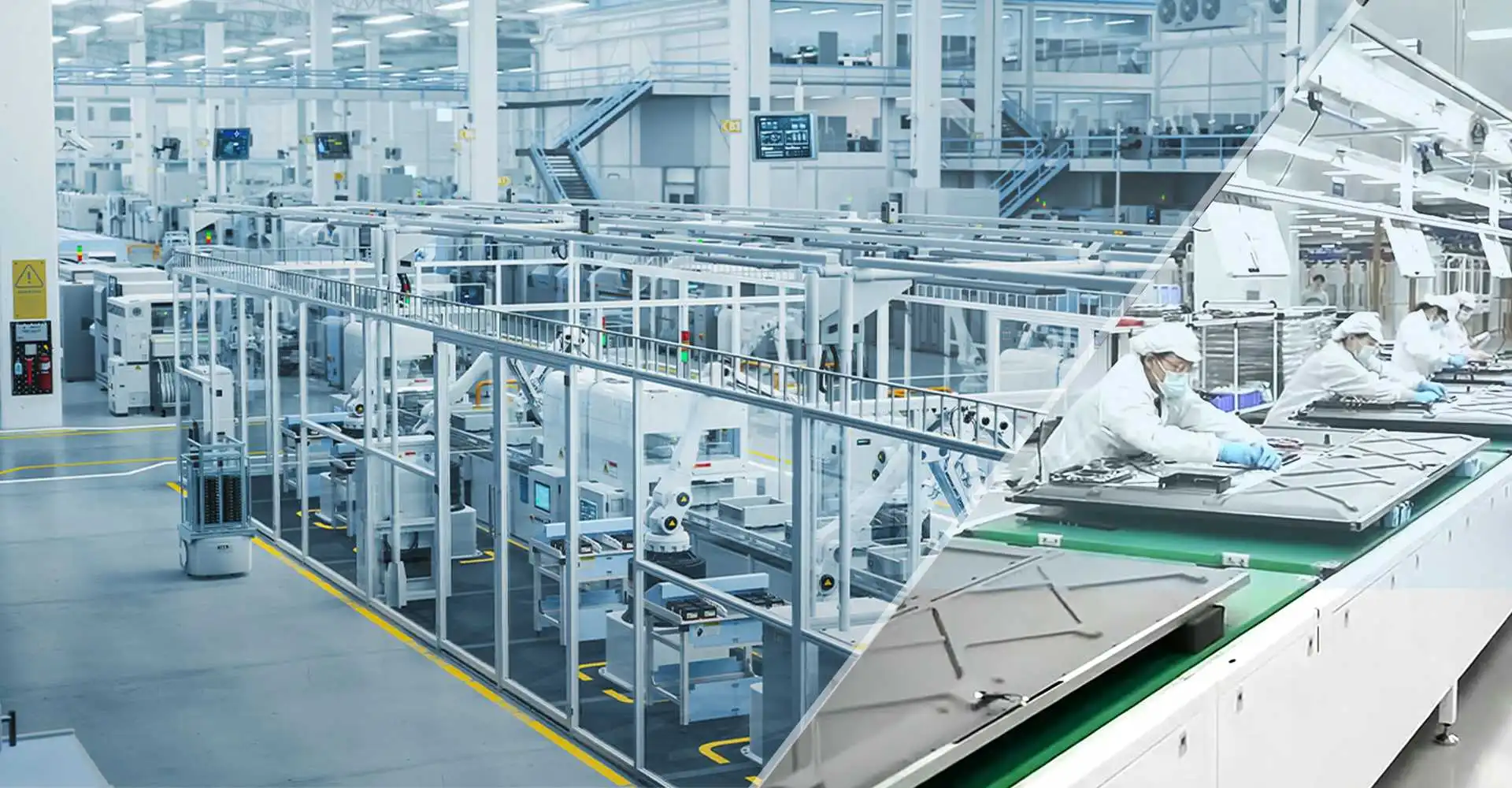
As a leading interactive flat panel factory in China, Qtenboard maintains full control over production quality, lead times, and cost:
- 330,000 sqm industrial park with 16 dedicated buildings
- Modern SMT production lines
- Fully automated assembly lines
- Dust-free bonding workshops
- Professional aging (stress test) laboratory
- Every panel undergoes structural strength, touch accuracy, speaker acoustics, and reliability aging tests to meet international quality standards
- Own factory ensures full control over lead times, quality, and cost, giving partners a competitive edge
Interactive Flat Panel Technical Support & After-Sales Service
Comprehensive technical support system for global B2B customers:
- Remote system upgrades
- Technical documentation
- Installation guidance
- On-site/remote training
- Local assistance when needed
- Engineer team provides pre-deployment consultation, remote monitoring and support during rollout, and ongoing maintenance, replacement, and firmware upgrade services
- With DMS and remote systems, helps partners rapidly locate issues, reduce after-sales costs, and improve operational efficiency across channels
Interactive Flat Panel FAQ
Q1: What is the daily production capacity of Qtenboard? Can it support mass customization?
The daily production capacity of Qtenboard is approximately 200 pieces. If it's a large-scale order, we will directly activate all three production lines across China and support mass customization.
Q2: Does Qtenboard support white-labeling and customized UI/systems?
Yes, it supports white-labeling and customization (brand, UI, wallpaper, packaging, etc.).
Q3: What international certifications does Qtenboard have? Are there strict tests before shipment?
Qtenboard has CE, RoHS, COO, CCC, ISO9001, etc. Each product undergoes strict tests before leaving the factory.
Q4: How long does it usually take from placing an order to shipping? Which logistics methods are supported?
We need to know your specific requirements and quantity. Generally, a sample order can be dispatched within 3 working days. We support shipping by sea, land, and air.
Q5: Does Qtenboard provide remote system upgrades and equipment management? How long is the after-sales response time?
Yes, we do. Qtenboard provides remote system upgrades and equipment management. We are available 24/7 online.
Q6: What factors affect the interactive flat panel (IFP) price?
IFP panel price depends on screen size, chipset (9679/3576/3588 etc.), RAM+ROM configuration, touch points, and order quantity/OEM customization level.
Contact our sales team with your specifications for a detailed quote.
Q7: What's the difference between Android 16 and earlier smart board systems?
Our Android 16 smart board offers improved system performance, better app compatibility, and enhanced AI features. It's the latest system across our interactive flat panel lineup — our team can advise on chipset options to match your school project requirements.

 EN
EN
 MAY
MAY  TH
TH  CHT
CHT  BUR
BUR  FIL
FIL  HKM
HKM  ID
ID  LAO
LAO  SIN
SIN  VIE
VIE